SafeHome.org may receive compensation from some providers listed on this page. Learn More
We may receive compensation from some providers listed on this page. Learn More
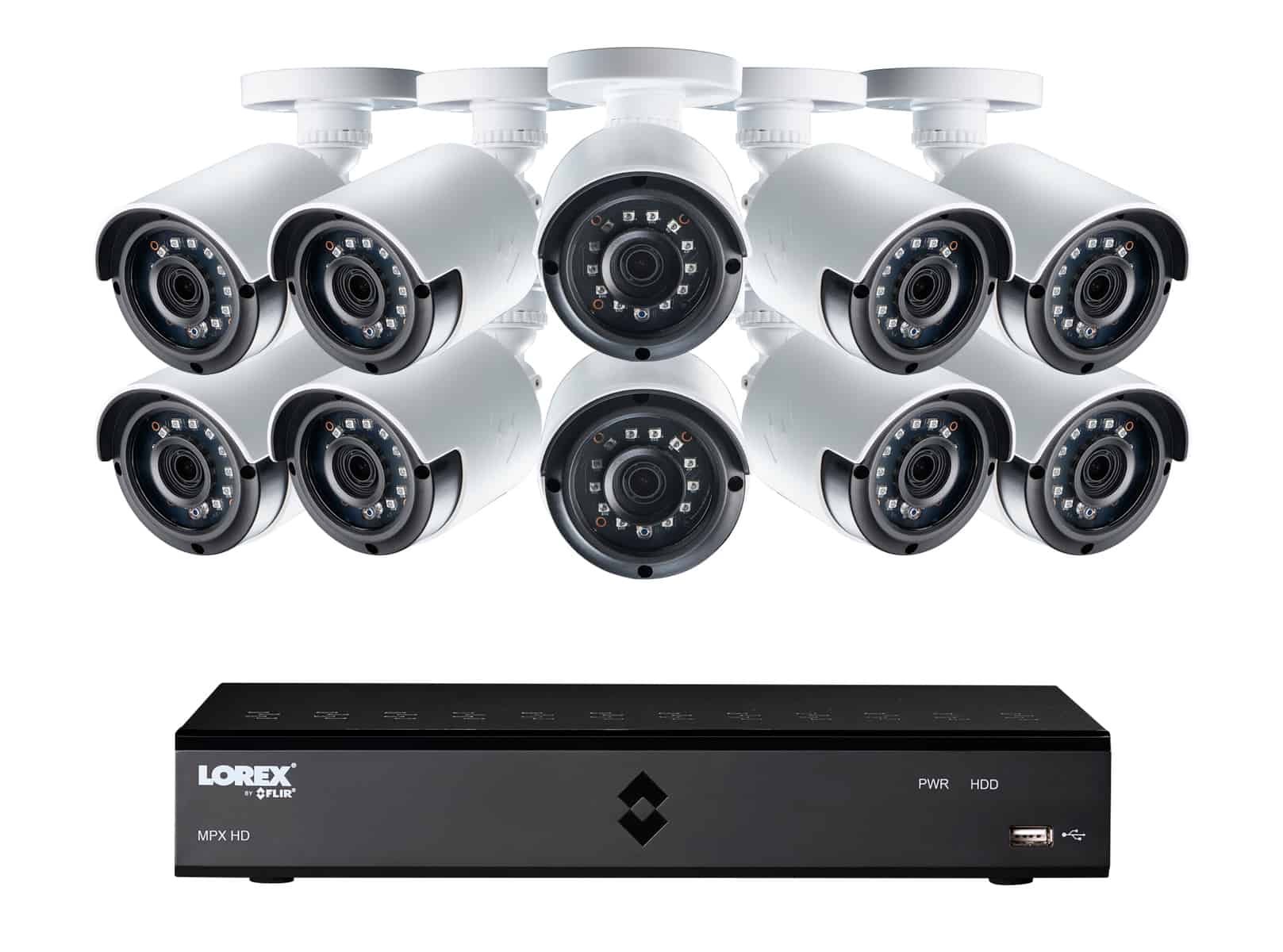
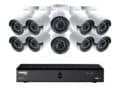
Lorex puts all of their effort into their security cameras and security camera systems. They don’t offer any other products, but that expertise shows. Their hardwired analog cameras offer free local storage, advanced intruder deterrence features, and up to 4K resolution.
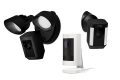
Ring’s hardwired camera selection includes everything from a basic $60 indoor camera to a premium floodlight camera with 2K resolution and radar motion detection. As an Amazon-owned company, all of their cameras support a top-notch integration with Alexa smart devices.
ADT is the biggest and oldest name in home security. Now that they’re partnered with Google Nest, their cameras feature cutting edge facial recognition. Plus, they run frequent deals that include those cameras for free with a video monitoring subscription.
Editor’s Note: Wired security cameras provide excellent protection. However, we recommend getting an entire wired home security system to make sure your home is fully secure from burglars and thieves.
Looking for a wired home security camera? You’ve come to the right place. We've tested dozens of wired cameras and compiled a complete list of the best wired cameras on the market, as well as useful information on whether or not they’ll suit your home security needs.
The world of wired cameras can be a little tricky. So before we get to the list, let’s talk about what Wired actually means in the home security industry.
Did You Know? Studies consistently show that visible security cameras serve as an effective crime deterrent both at your immediate property and within your neighborhood .1
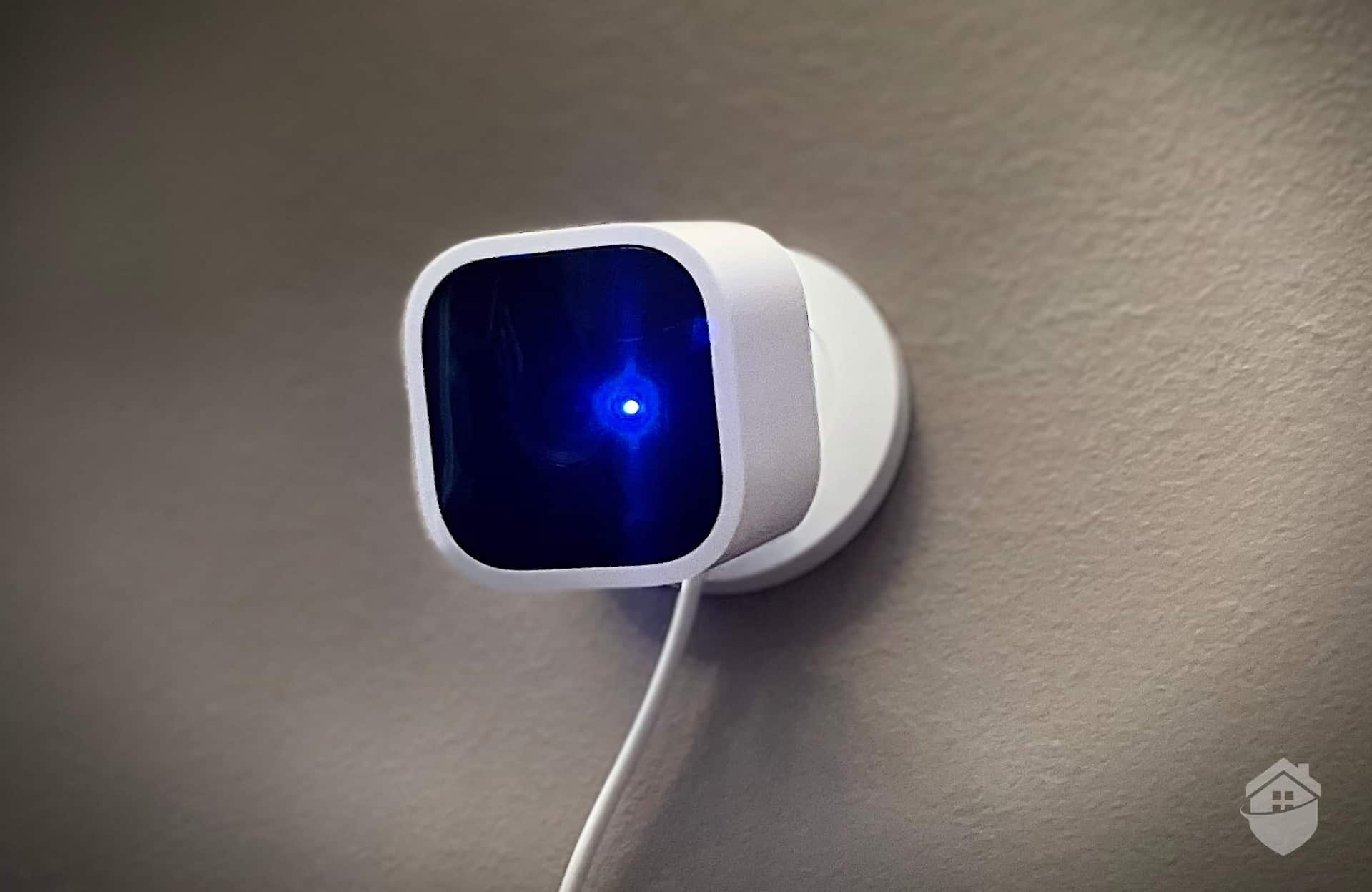
‘Wired’ doesn’t always mean the same thing across the security industry. Some cameras use cords for power, some for communication, and some for both. Every camera needs power, which can come from a wall outlet, batteries, or even solar panels. They also need a way to send footage to your phone or security hub. That connection can be wireless (via Wi-Fi) or wired (via Ethernet).
In most cases, wireless simply means no communication cords. Those cameras often still plug into an outlet for power, whereas wire-free cameras run on batteries or solar power. When we refer to wired cameras, we’re talking about devices that use cables to transmit data, regardless of how they’re powered.
Wired cameras are trickier to install. You’ll need to turn off your electricity and then connect a few wires for power, or position it near an outlet so you can plug it in. Then, there’s also connecting it to a central hub or local recording device, which usually involves more wires.
That said, after installing wired cameras in our test homes, we found the extra effort pays off big time. You get rock-solid reliability that wireless just can't match. You're not going to lose your signal, for instance, just because your Wi-Fi goes out. If you can handle the wiring and you’re looking for reliability, wired cameras can be just the thing.
| System |
Lorex
|
Ring
|
ADT
|
Google Nest
|
Arlo
|
Swann
|
|---|---|---|---|---|---|---|
| Ranking |
1st
|
2nd
|
3rd
|
4th
|
5th
|
6th
|
| SecureScore™ | 9.2 | 9.2 | 9.3 | 8.5 | 8.2 | 6.7 |
| Installation Type | Professional or DIY | Professional or DIY | Professional or DIY | DIY | Professional or DIY | Professional or DIY |
| Power Source | Wired, battery, or POE | Wired, battery, or POE | Wired or battery | Wired | Wired, battery, or POE | Wired, battery, or POE |
| Review | Lorex Review | Ring Review | ADT Review | Google Nest Review | Arlo Review | Swann Review |
Lorex offers more wired security cameras than any other companies we researched. 2K resolution, 4K resolution, bullet cameras, turret cameras, dome cameras, PoE cameras – you name it, Lorex has it. Lorex is strictly devoted to cameras, so they have technologically advanced devices. Plus, with local storage options for every model, you can save a ton of money on monthly fees.
It’s actually pretty easy to get overwhelmed by Lorex’s many camera models. If you’re lost scrolling through product pages, let us recommend the Nocturnal series. These cameras are both durable and packed with features, which makes them perfect for protecting outdoor areas around your home. What kinds of features are we talking about?
| Camera Features | Model LNB9282B | Model LNE9383 |
|---|---|---|
| Body Type | Bullet | Dome |
| Night Vision Range | 150 Feet | 164 Feet |
| Smart Detections | Yes | Yes |
| Person Counting | Yes | Yes |
| Heat Mapping | Yes | Yes |
| Lens | Motorized Varifocal | Motorized Varifocal |
| Resolution | 4K | 4K |
| Audio | No | Listen-In |
| Power Source | PoE | PoE |
| Vandal Resistant | Yes | No |
| Price | $249.99 | $299.99 |
We set up two Nocturnal cameras – one to keep an eye on the front of the house, and another to keep an eye on the backyard. 4K resolution, eight times optical zoom, and night vision up to 150 feet meant two cameras were enough for the job. Nothing wrong with saving money. And we still saw it all, including a family of possums trotting through our front yard one night at two am.
We’re a little obsessive, so we set our cameras to record continuously, a nice bonus feature of Lorex cameras. Don’t worry, though – we didn’t have to review all that footage. Lorex cameras also include motion sensors, and the system can use motion to tag footage. That made it simple to go back and skim through recordings. Turns out, we had enough possum clips to create our own Instagram channel.
Pro Tip: Lorex recently released the Nocturnal 4 Security Camera Systems. They feature multi-channel NVRs that can handle both 16 and 32 channels. If you’re really serious about your security, these systems offer some of the best cameras in the industry.
Let’s be honest – Lorex’s Nocturnal cameras aren’t exactly budget-friendly. Individual cameras now start around $299, and even bundling four will run you about $1,200. Lorex runs quite a few sales throughout the year, though, so you can often get these cameras for much less than retail. Right now the company is running a clearance sale on older model cameras, and it offers a Deal of the Day every day.
While $299 is steep for a single camera, Lorex offers plenty of budget-friendly options too. The Fusion line, for instance, is less than $150 a camera. This line features wired and wireless cameras, too. That way, you can use the wired cameras outside, where wireless models might be prone to interferenc,e and set the wireless devices up inside.
Get even more information about more Lorex models in our complete review of Lorex cameras.

| Connectivity | Wi-Fi, Ethernet, or PoE |
|---|---|
| Power | Wired, battery, or PoE |
| Field of View | Up to 180° |
| Resolution | Up to 4K |
| Storage | Free local, optional cloud |
| Smart Platform Compatibility | Alexa and Google Home |
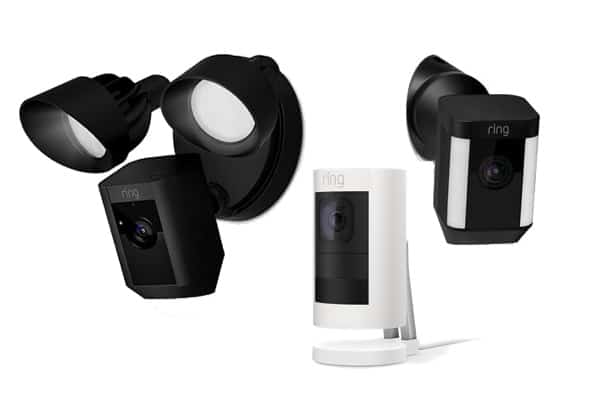
Like Lorex, Ring began life as a camera company – well, a doorbell camera company. Now, Ring offers several lines of cameras and a complete security system. Most of their cameras are offered in a wired version including the classic Stick Up Cam, the Pan-Tilt Indoor Cam, the Spotlight Cam, and the Floodlight Cam. We particularly like Ring’s installation process which is easy even for their wired cameras.
Ring doesn’t offer quite the selection of Lorex, but you can find some specialized devices, and there are enough Ring indoor/outdoor wired cameras to ensure you find the one you need. We picked up one of Ring’s Floodlight Cams, which can illuminate an entire yard. That worked wonders when it came to scattering the family of possums that like to forage in our backyard.
Ring doesn’t offer a large range of cameras, but all cameras include 1080p HD resolution or higher. Wide angle lenses and two-way audio are also standard features.
All of Ring’s cameras include at least 1080p HD resolution, wide-angle lenses, and two-way audio. They also run on powerful software. The moment our devices noticed movement, they sent us instant alerts through the Ring app. Then, we had the option to pull up live footage no matter where we were.
The best part? Ring’s high-tech equipment is more affordable than ever. While the Floodlight Cam Pro runs $279, you can find dependable wired cameras starting at just $49.99.
For cloud storage, Ring’s Basic plan starts at $4.99 per month per camera with 180 days of video history. If you have multiple cameras, grab the Standard plan for $9.99 per month. It covers unlimited cameras at one location. You can find out about all these options in our Ring Cam review.
| Connectivity | Wi-fi, ethernet |
|---|---|
| Power | Wired, battery, PoE |
| Field of View | Up to 140° |
| Resolution | Up to 4K |
| Storage | Cloud |
| Smart Platform Compatibility | Alexa and Google Home |
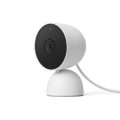
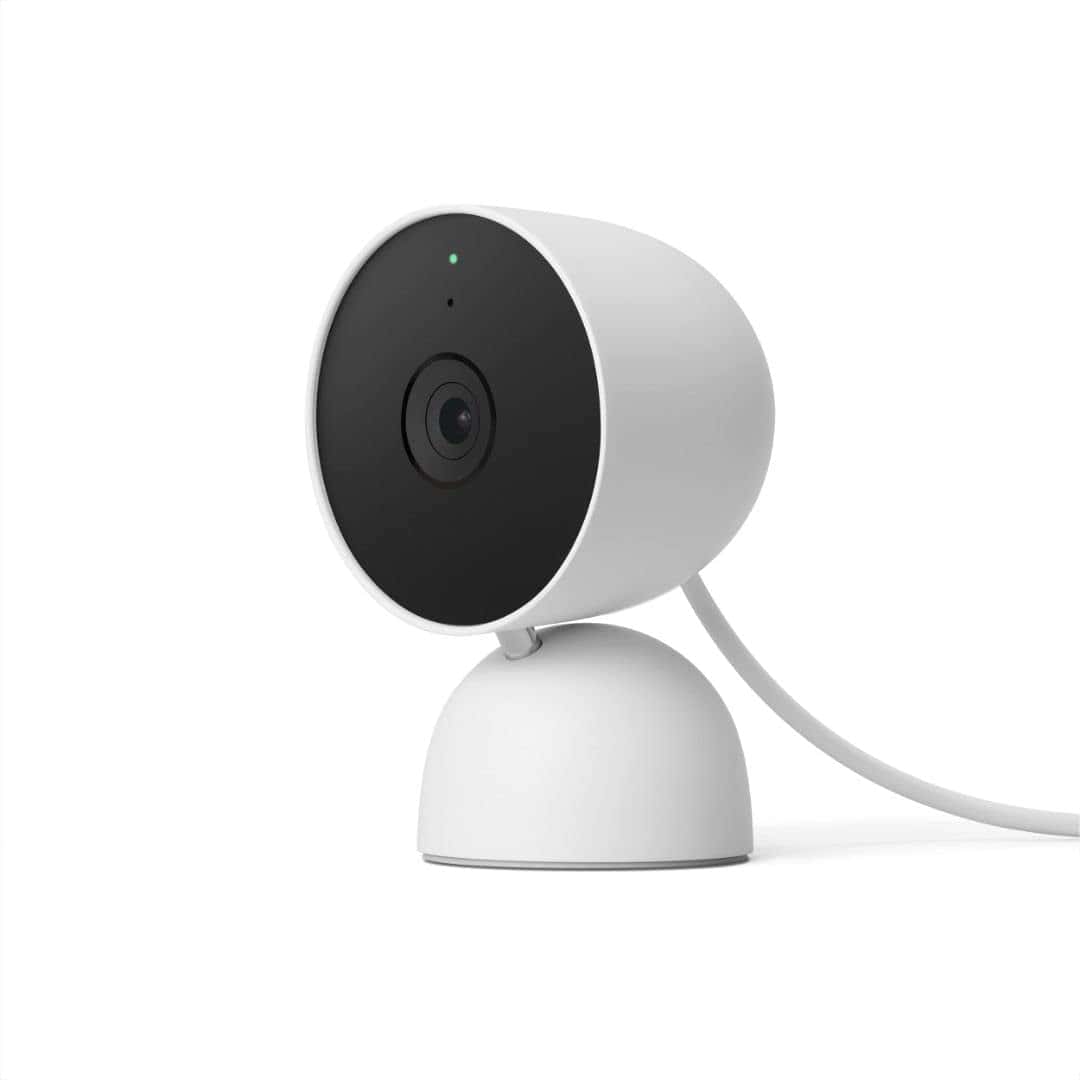
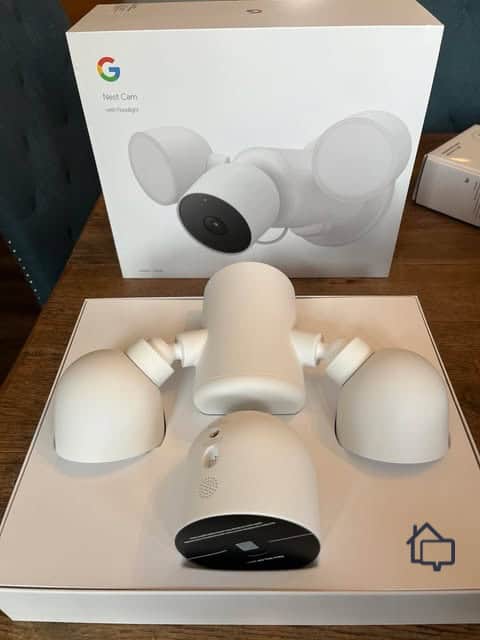
Google Nest offers smart security cameras. We’re talking about pet detection and facial recognition capabilities. Pretty smart of ADT to partner up with them. Adding Google cameras to ADT’s powerful professional monitoring is a great combination. Note that Nest only manufactures two wired models – an indoor camera and an outdoor camera with floodlight. We’ll take quality over quantity any day of the week, though.
ADT was already an industry leader when it decided to partner with Google Nest. Thanks to that partnership, you won’t find more feature-rich cameras anywhere else. But what makes these cameras special is the way ADT puts its features to use.
One of our favorites is the way ADT uses the camera’s facial recognition to power its Trusted Neighbor feature. It allows you to set rules around when specific people are automatically let into your home. For instance, we set it to automatically let our dog walk in every Thursday from 10:30 a.m. to 11:15 a.m. We also made a rule that lets our neighbor in if there’s an active alarm so they can get our dog out to safety, if needed.
Pro Tip: If you’re looking to cut the cord, ADT is now offering Google cameras on top of their standard offerings. You can read more about them in our review of the Nest Cam.
While high-tech features are nice, the best part about these cameras is that they come as part of an entire ADT home security system. While you can’t buy a Google Nest Cam through ADT as a standalone product, which means a higher final bill, ADT’s systems regularly top our list of the best home security systems. That’s because all of their equipment and services are just as hardy, reliable and feature-rich as those Google Nest Cams.
Be sure to check out our latest ADT pricing page to learn more about these systems and the costs associated.
| Equipment Cost | Packages starting at $349 |
|---|---|
| Monitoring Options | Professional or DIY |
| Monitoring Cost | Starting at $24.99 per month |
| Contract Length | Monthly |
| Installation Options | Professional or DIY |
| Smart Platform Integration | Alexa and Google Home |
Same cameras, different setup. While we like the Nest Cams as part of an ADT system, they work great as standalone devices as well. As we note in our full Google Nest Cam review, these are some of the only cameras out there with built-in facial recognition software. They can’t identify a stranger at your door, but they’d be able to tell you if the person is someone they’ve seen in your home before. They can even tell you who the person is, after you train their facial recognition software, of course.
We found both of Nest’s wired cameras to be packed with tons of features. They can tell the difference between people and other types of moving objects, for instance. That’s a good thing since the wind sometimes blows the trees outside our apartment hard enough to fool other security systems. Fewer false alerts made us pay more attention when real alerts came through.
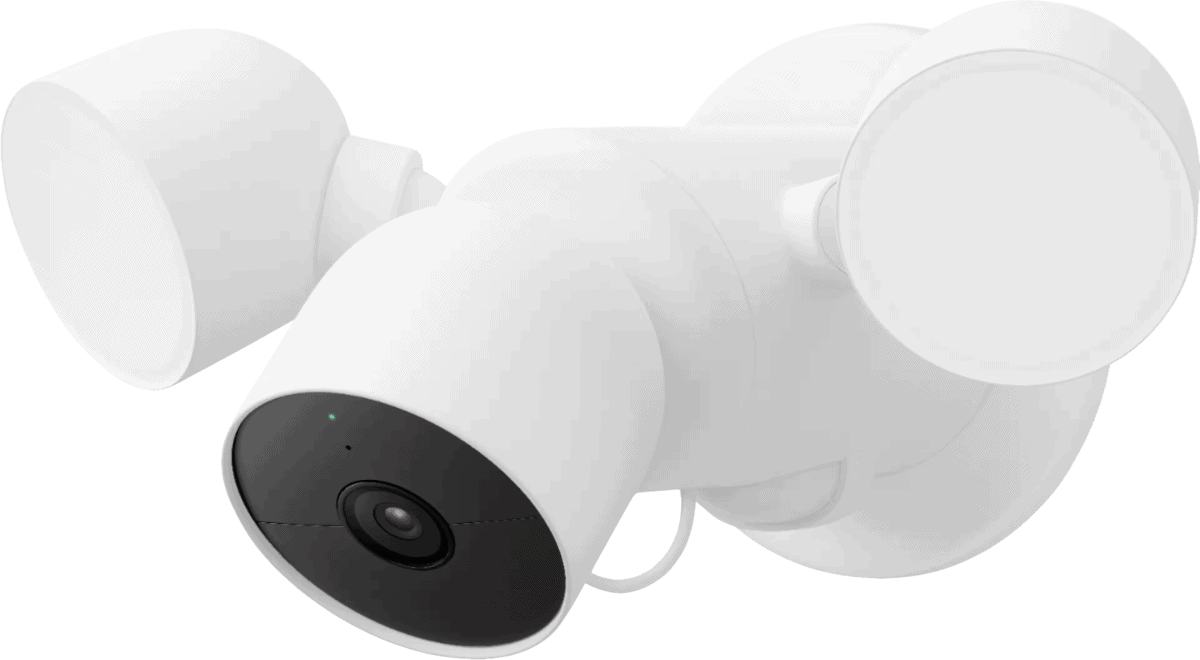
We were particularly excited by the Floodlight Cam’s custom lighting routines. We set ours to stay off in the early hours of the evening when we were still up. We still got alerts any time the camera picked up questionable motion, but we made sure not to wake our neighbors. Once we went to bed, we set it to blast a powerful light at anyone who wandered onto our property. We figure our neighbors would appreciate that kind of heads-up as well.
On top of package and vehicle detection, Google’s cameras also support facial recognition. It tells you who the camera sees instead of just that it sees a person. We were even alerted when a new mailman delivered our Amazon order. Just note that advanced features require at least the $10 per month Google Home Premium Standard subscription.
The main drawback to the Nest Cam Floodlight? It costs $279.99, which puts it at a premium price point. That’s $100 more than Ring’s Floodlight Cam Plus, though the Nest version does pack in more AI features. If that’s outside of your budget, there’s also a budget-friendly $99.99 wired indoor camera and a new $149.99 wired outdoor camera.
| Connectivity | Wi-fi |
|---|---|
| Power | Wired |
| Field of View | Up to 130° |
| Resolution | 1080p/2K |
| Storage | Cloud |
| Smart Platform Compatibility | Alexa and Google Home |
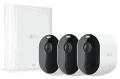
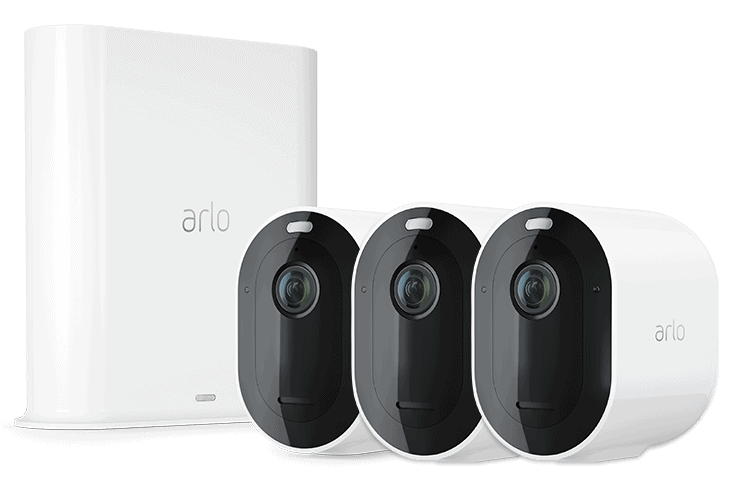
Arlo built its name on wire-free, battery-powered cameras, but it still offers three wired cameras. The Essential Indoor is a dedicated indoor model that only comes in a wired version. They also offer a Wired Floodlight camera. And one of the nice things about Arlo is you get a choice – purchase any camera a la carte or add them to a complete Arlo system with sensors and detectors for total home security.
Arlo’s wired indoor camera now only comes in its 2K version. Thankfully, they brought down the price to $39.99, which is the same price as the old 1080p model. That’s what we call a win-win.
As for the Wired Floodlight camera that we tested, it’s only offered with 2K resolution. And that makes sense for an outdoor camera as we find the extra clarity comes in handy when trying to identify people from afar. It also has a 160-degree field of view, which allowed it to clearly capture our entire front yard and driveway.
As for operation, everything works through the Arlo app. You control whether the system is armed, you get instant alerts anytime the camera detects movement, and you can even pull up live footage on your mobile device. Add video storage and you can hang on to important clips. 30 days of storage for one camera starts at $7.99 per month while unlimited cameras cost $17.99 per month.
| Connectivity | Wi-fi, Ethernet |
|---|---|
| Power | Wired, battery, PoE |
| Field of View | Up to 180° |
| Resolution | Up to 2160p |
| Storage | Cloud |
| Smart Platform Compatibility | Alexa and Google Home |
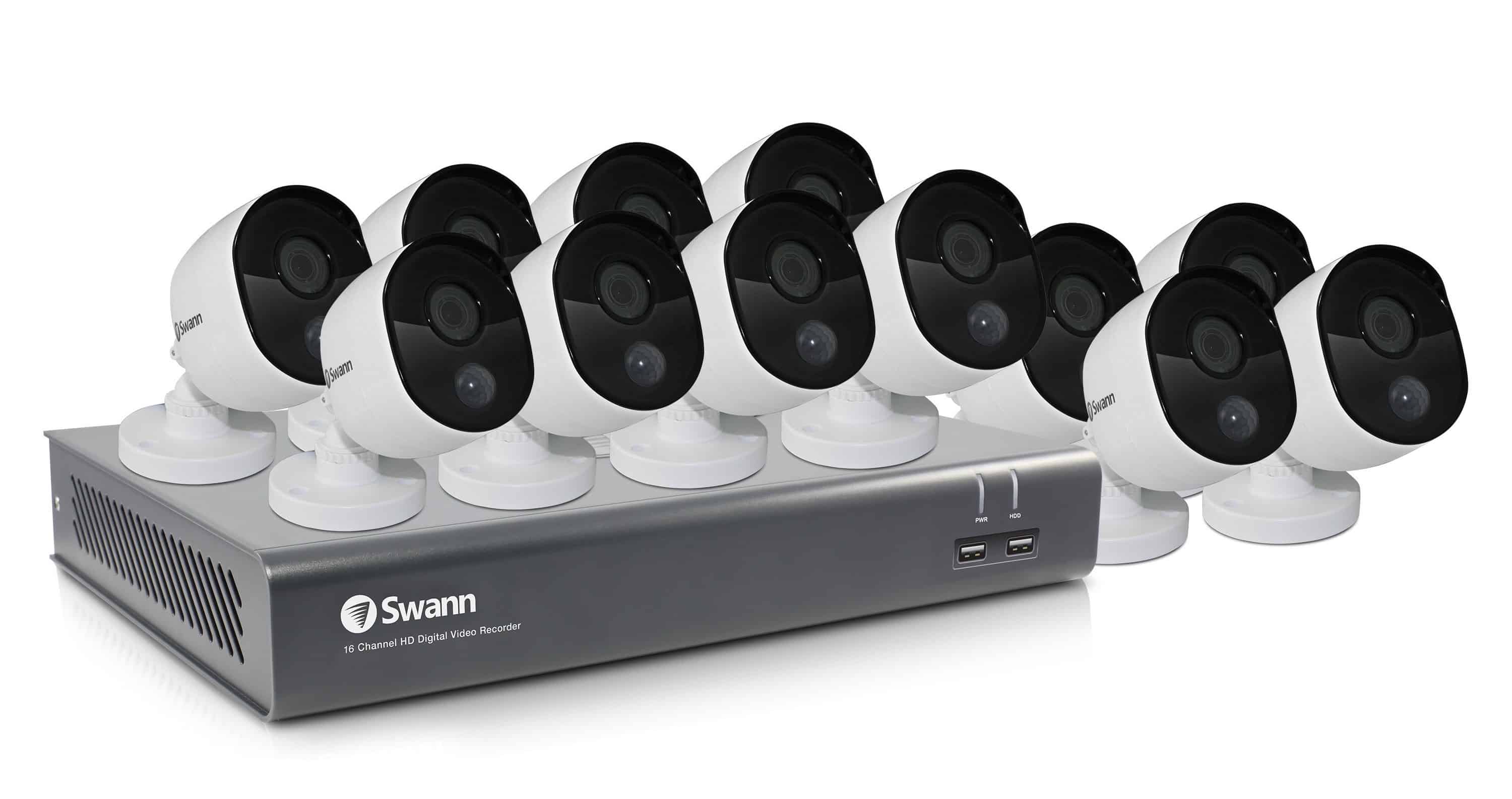
Swann, like Lorex, offers some top-tier wired models available in dozens of varieties. Whether you’re in the market for bullet cameras, floodlight cameras, or thermal sensing cameras, Swann has them. You can choose from a wide range of features as well, such as dimmable motion lighting, color night vision, and heat detection. Plus, with local storage options, you can store recordings without paying monthly fees.
We typically sing the praises of professional monitoring, but there’s no denying that Swann’s self-monitored systems offer everything you could possibly need to take care of your own home security. Of course, you get real-time alerts and access to live footage. In addition, though, every camera comes attached to an NVR unit which means you have access to unlimited recordings, and you never have to pay a dime for cloud storage. Record 24 hours a day if you like, something you can’t do with most cameras, and footage is always available on site. Plus, each NVR can handle up to sixteen different feeds, so you can be sure to capture every corner of your property.
In terms of selection, Swann continues to innovate with their latest MaxRanger series featuring extended wireless range up to 650 feet. Of course, they still offer everything from their $49.99 spotlight cameras to their 4K floodlight models at $199.99. Compared to the competition, they all offer great value. We went with a single Master Series 4K Dome Camera. Its swivel let us capture everything in our small apartment.
Security cameras wired for power are simply cameras that use an AC power adapter that is plugged into an electrical power outlet. They draw power from the outlet, but most can transmit footage to a recorder or to the cloud wirelessly, often using Wi-Fi. They are easy to install because you don't need to run wires throughout your house; you just need to find an installation spot close to an electrical outlet with good Wi-Fi coverage.
Sometimes, however, security cameras wired for power will also need wires to transmit footage. These types of wired cameras need two wires — one for power and an Ethernet cable for connectivity. Because of that, they are harder to install, but the use of an Ethernet cable allows for more reliable connectivity than Wi-Fi.
There is one more method of powering a security camera that offers the best of both worlds: a single-wire installation with the reliability of a wired Ethernet connection. We call them security cameras wired for internet connectivity.
Pro Tip: If these cameras aren’t the perfect fit, read our guide to the Best Home Security Cameras of 2025 to find a better match.
Security cameras wired for internet connectivity are a little easier to use. This is because security cameras that are wired for internet connectivity only use one Ethernet cable, versus the other option which uses an AC adapter and a cable cord. Internet connectivity that is used to power a security system is called a POE or Power Over the Ethernet-enabled system. To set up a POE camera, you simply connect an Ethernet cable from your camera to a POE switch or POE-enabled router. That single cable provides both power and data transmission, eliminating the need for separate power outlets near each camera.
It’s a lot to take in, we know. To help you process all of this, let’s take a look at some of the most popular hardwired cameras from the manufacturers we listed above.
| Security Camera | Resolution | Best Feature | Price |
|---|---|---|---|
| Lorex Nocturnal Bullet Cam | 4K | Real-Time 4K Recording | $169.99 |
| Ring Floodlight Cam Wired Pro | K | 3D Motion Detection | $229.99 |
| ADT Cam | 1080p | Security Integration | Unavailable Standalone |
| Google Nest Indoor Cam | 1080p | Facial Recognition | $99.99 |
| Arlo Essential Indoor | 1080p | Automatic Privacy Shield | $39.99 |
| Swann Bullet IP Cam | 4K | Thermal Imaging | $129.99 |
Finally, before we dig into the features to look for in a hardwired camera system, just want you to know that you can get back to the basics in our Ultimate Guide to Home Security Cameras. Just make sure you also take into consideration that there are some cameras out there you want to avoid. There’s a lot to take in when considering which security cam is right for you. So why not simplify your search?
After testing dozens of wired cameras, we've identified the must-have features that separate the best from the rest. Here's what to look for:
We can confidently say wired security cameras remain the gold standard for home protection. While installation is more involved than wireless options, the benefits, including stable connectivity and long-term performance, make the extra effort worthwhile.
Lorex is our top choice, with its range of feature-packed outdoor cameras. We also recommend Ring’s Alexa-compatible models and ADT’s fully monitored systems. Nest, Arlo, and Swann are great alternatives if you have specific requirements. Once you have the right system in place, your wired cameras will provide the peace of mind you need for your property.
Journal of Development Economics. (2025). Keeping an eye on the villain: Assessing the impact of surveillance cameras on crime. https://www.sciencedirect.com/science/article/abs/pii/S0304387825001087