SafeHome.org may receive compensation from some providers listed on this page. Learn More
We may receive compensation from some providers listed on this page. Learn More
SafeHome.org may receive compensation from some providers listed on this page. Learn More
We may receive compensation from some providers listed on this page. Learn More
Defender offers professional-grade protections for the everyday consumer
 Updated July 31, 2026
copied!
Updated July 31, 2026
copied!

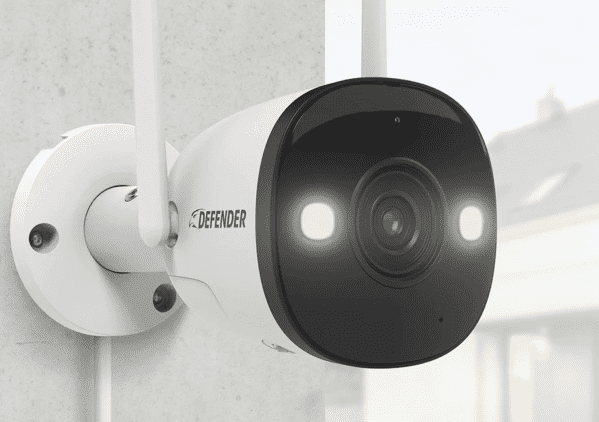
Editor’s Note: Defender is a security camera company – that means it’ll only protect your home with cameras. If you want door sensors or any type of professional monitoring, we highly recommend reading our roundup of the top home security systems.
If you’re looking to protect your business or property like the pros, you may expect to pay through the nose.
Building out a network of professional-grade security equipment isn’t cheap. If you’re looking for wall-to-wall coverage with advanced features such as high-resolution recording, color night vision, smart human detection, and real-time alerts, you can easily pay thousands of dollars.
For those of us looking for a high-end solution without breaking the bank, there’s Defender. This Canadian security company is seeking to bridge the gap between the consumer and the professional, and they’ve been pretty successful in doing so.
Pro Tip: Don’t worry if you’re unsure how to evaluate your camera needs. We put together this handy guide to shopping for security cams.
Defender definitely cuts some corners to keep its prices low, but I never felt it was lacking. It’s more of a “we’ll give you exactly what you need and nothing you don’t” type of brand.
Let’s take a quick look at Defender’s pros and cons.
Defender’s ethos is solidly rooted in its origin. In 1999, the company’s founder, a guy named Raj, owned a retail electronics store in Niagara Falls, Canada. One night he locked up, and the next morning hundreds of thousands of dollars worth of inventory was stolen from his warehouse. Gone.
Pro Tip: Don’t think it could happen to you? Think again. According to the FBI, there were nearly 650,000 burglaries in 2025 — roughly one every 45 seconds.1
When he reached out to local security providers, he found that an entry-level professional system would have to be installed by their technicians and it would cost over $10,000.
He used that frustration to found Defender, a provider of professional-grade equipment at consumer-level costs. He specifically wanted individuals to be able to install and operate the systems themselves without blowing their retirement savings.
Now that you know about Defender, let’s take a closer look at its equipment.
At first glance, Defender’s product offerings are a little confusing. When you arrive at the company’s website, you’ll see a ton of packages and bundles to choose from. It’s easy to get overwhelmed. After you get your bearings, though, you’ll find that Defender offers three cameras: the Sentinel, the Guard, and the Phoenix.
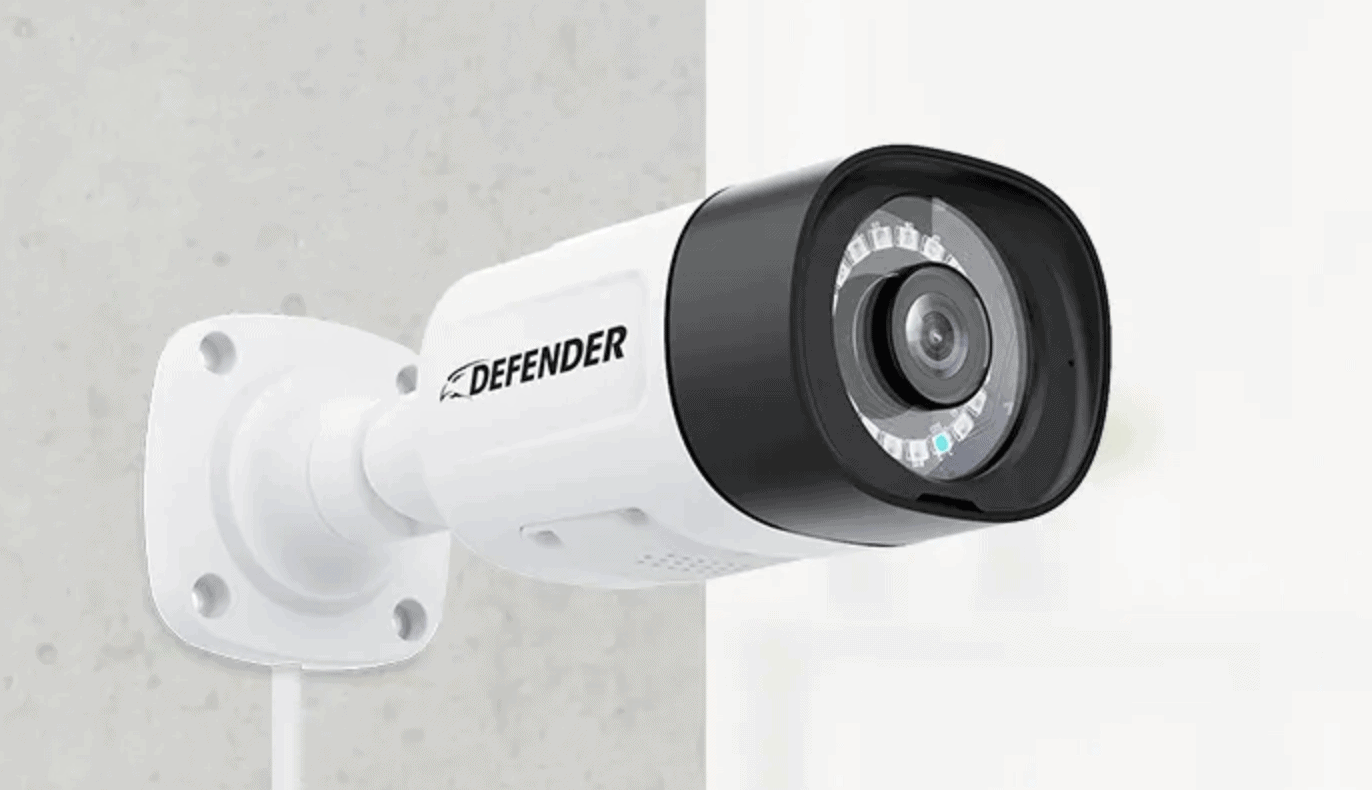
Defender Sentinel 4K
Defender’s flagship product, the Sentinel, comes in two flavors: NVR and DVR. The distinction doesn’t change the cameras’ functionality, just how they record. Without getting too bogged down in the details, a DVR (digital video recorder) processes data at the camera, while an NVR (network video recorder) encodes and processes data at the camera before transmitting it to the recorder. There’s not really any performance difference between the two; it just depends on your current setup and your needs.2
Pro Tip: DVR and NVR are both “traditional” security camera recording protocols. Your footage is stored locally, meaning it’s always in your control and you’ll never have to pay a subscription or storage fee to access it. They’re a little more expensive on the front end, but you could save money in the long run — especially if you’re running multiple cameras.
Both versions of the Sentinel offer a long list of features, including:
Let’s talk about the 4K resolution. The current industry standard is 1080p, which has 1920 x 1080 pixels. By contrast, a 4K camera has 3840 x 2160 pixels.3 In plain English: If 1080p is a poster, 4K is a billboard.
Packages start at $429 for four cameras and a DVR recording station. If you go with NVR, pricing is comparable, but varies by bundle. Either way, if you’re looking for the best Defender has to offer, the Sentinel is it.
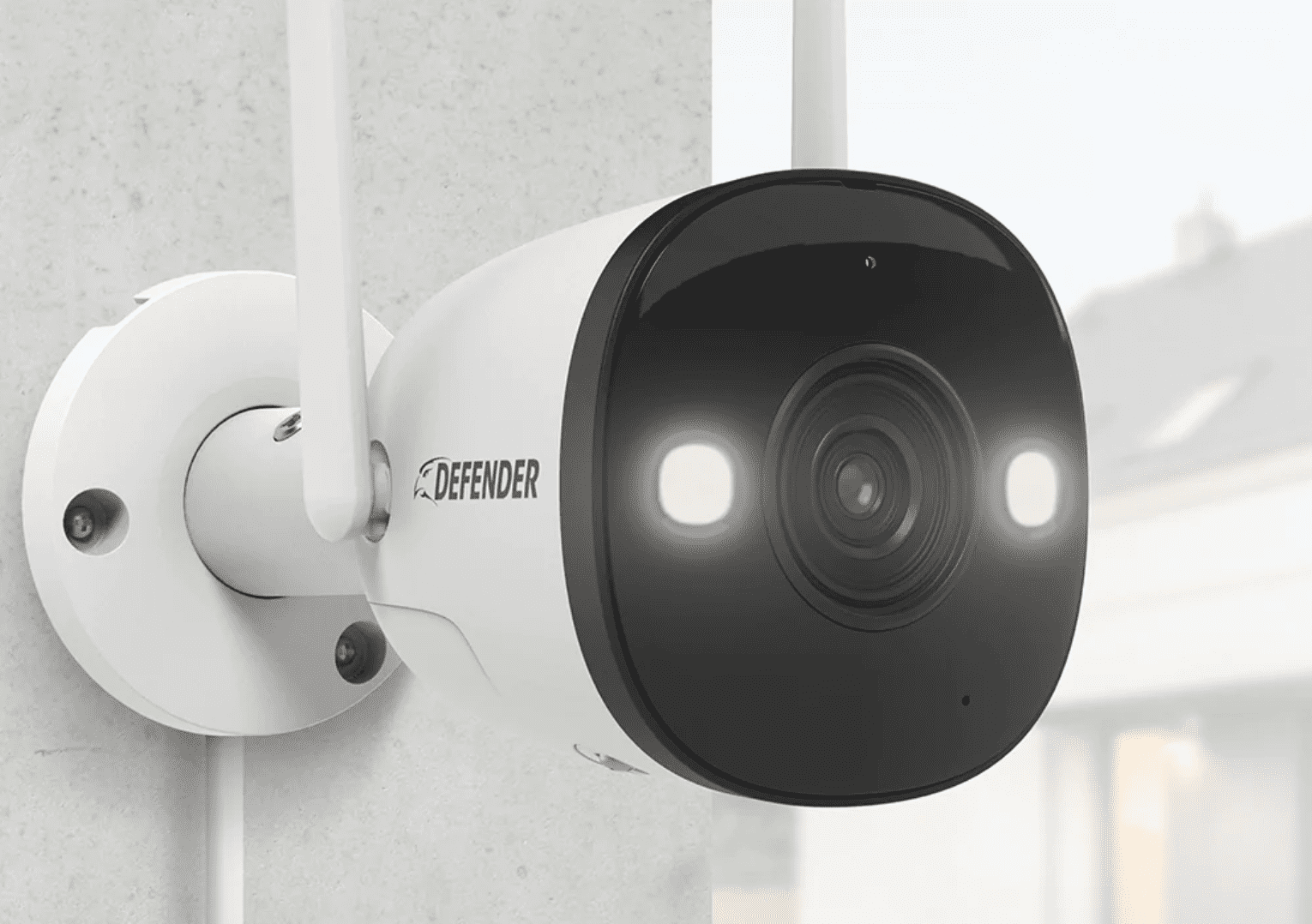
Defender Guard 2K Pro
A slight step down from the Sentinel, the Guard is still a formidable camera for folks looking for something a little less intense. There are two versions of the guard: the standard and the pro.
| Camera | Guard 2K Wi-Fi | Guard Pro 2K Wi-Fi |
|---|---|---|
| Video resolution | 2K | 2K |
| Audio recording | Yes | Yes |
| Two-way talk | No | Yes |
| Motion detection | Yes | Yes |
| Human detection | No | Yes |
| Spotlight | No | Yes |
| Siren | No | Yes |
| Night vision | Black and white | Color |
| Storage | 18 hours | 36 hours |
| Price | From $40 | From $126 |
Both iterations of the Guard are solid, and they’ll likely be all the protection you need depending on how you use them.
That brings us to the final camera Defender offers — and this one is pretty interesting.
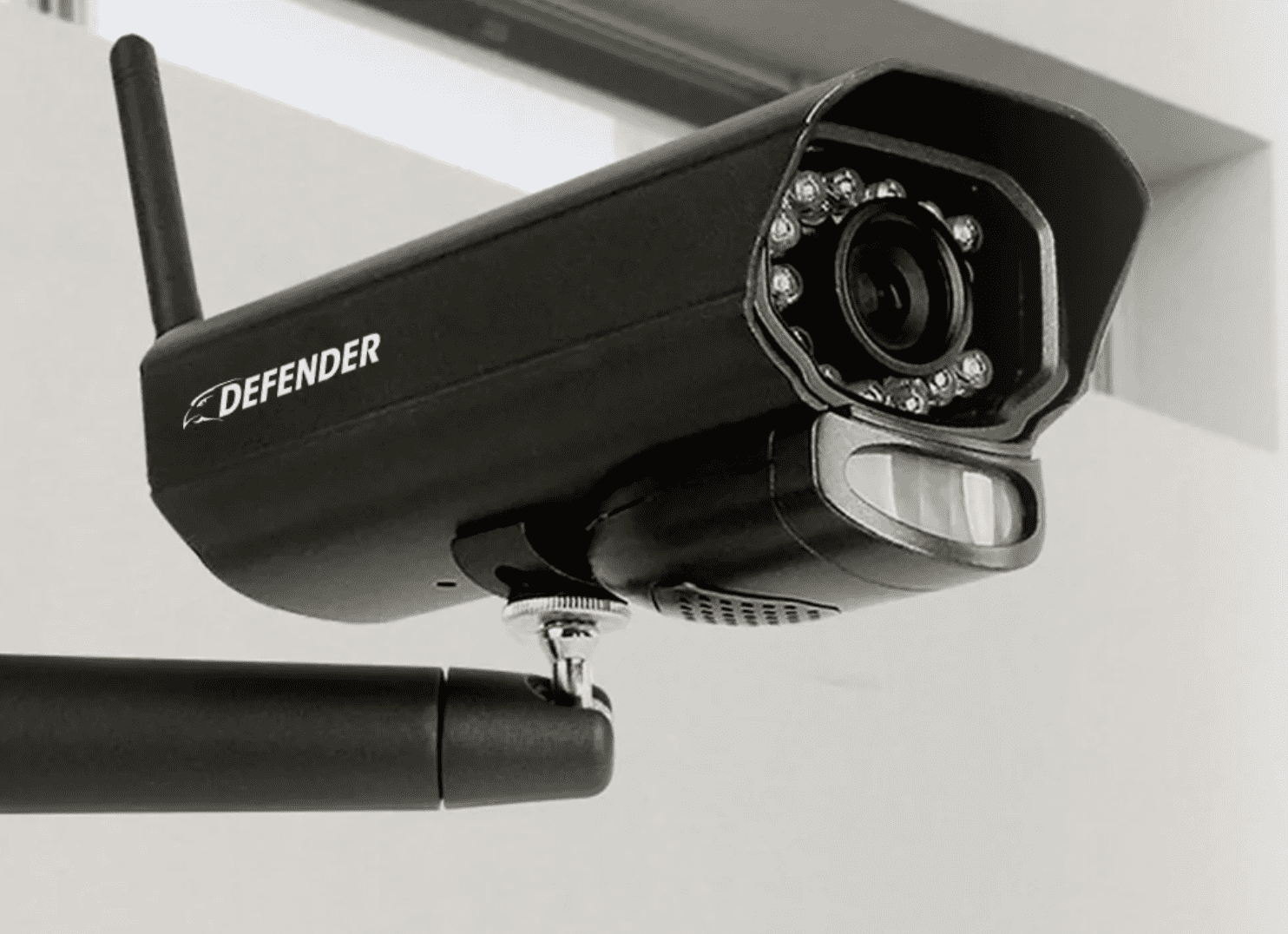
Defender Phoenix Non-WiFi
As the name makes obvious, the Phoenix does not require any type of internet to operate. We’re talking old school here. If you’re worried about your system going down if your ISP experiences an outage, the Phoenix is a great option.
Pro Tip: If you’re worried about outages, you may want to consider bolstering your security camera network with some battery-powered equipment. Defender doesn’t offer any, so consider reading our review of Ring. It’s one of the most versatile manufacturers in the industry.
Old school, however, means old school. It offers no advanced features to speak of, except for two-way talk functionality. Its resolution is a meager 640 x 480, so if you’re looking to capture fine detail, you’re not going to find it here.
The ability to run without an internet connection has its appeal. It’s particularly beneficial for rural homes and remote commercial locations like scrap yards or marinas where reliable connectivity isn’t guaranteed. In the right use case, the Phoenix holds its own. Two-camera packages start at around $285, a relatively low price for a camera that doesn’t need an internet connection.
Now that you’re familiar with each Defender camera, let’s talk about the company’s family of products.
Here’s what I like about Defender:
What Defender gets right, it really gets right. We need to look at the flip side of the coin though. Now for the not so good.
Defender hits it out of the park in some cases, but in others it kind of strikes out. Here’s what I didn’t like so much:
We’ve covered the individual cameras, and I’ve given you a 30,000-foot view of what I think about the equipment. Let’s get down to one of the most important considerations of any security system: the cost.
One of the really great things about Defender’s cameras is how affordable they are.
| Camera | Sentinel DVR | Guard | Guard Pro | Phoenix |
|---|---|---|---|---|
| Starter kit | $549 (4 cameras) | $40 (1 camera) | $126 (1 camera) | $285 (2 cameras) |
| Intermediate kit | $635 (6 cameras) | $70 (2 pack) | $228 (2 pack) | $399 (3 cameras) |
| Large kit | $1,535 (16 cameras) | — | $415 (4 pack) | $493 (4 cameras) |
As you can see, all are pretty reasonable. It’s not as affordable as, say, Yi, but Defender is definitely on the budget-friendly side of the spectrum. If you couldn’t tell from the chart, you start to realize serious savings when you purchase multiple camera kits.
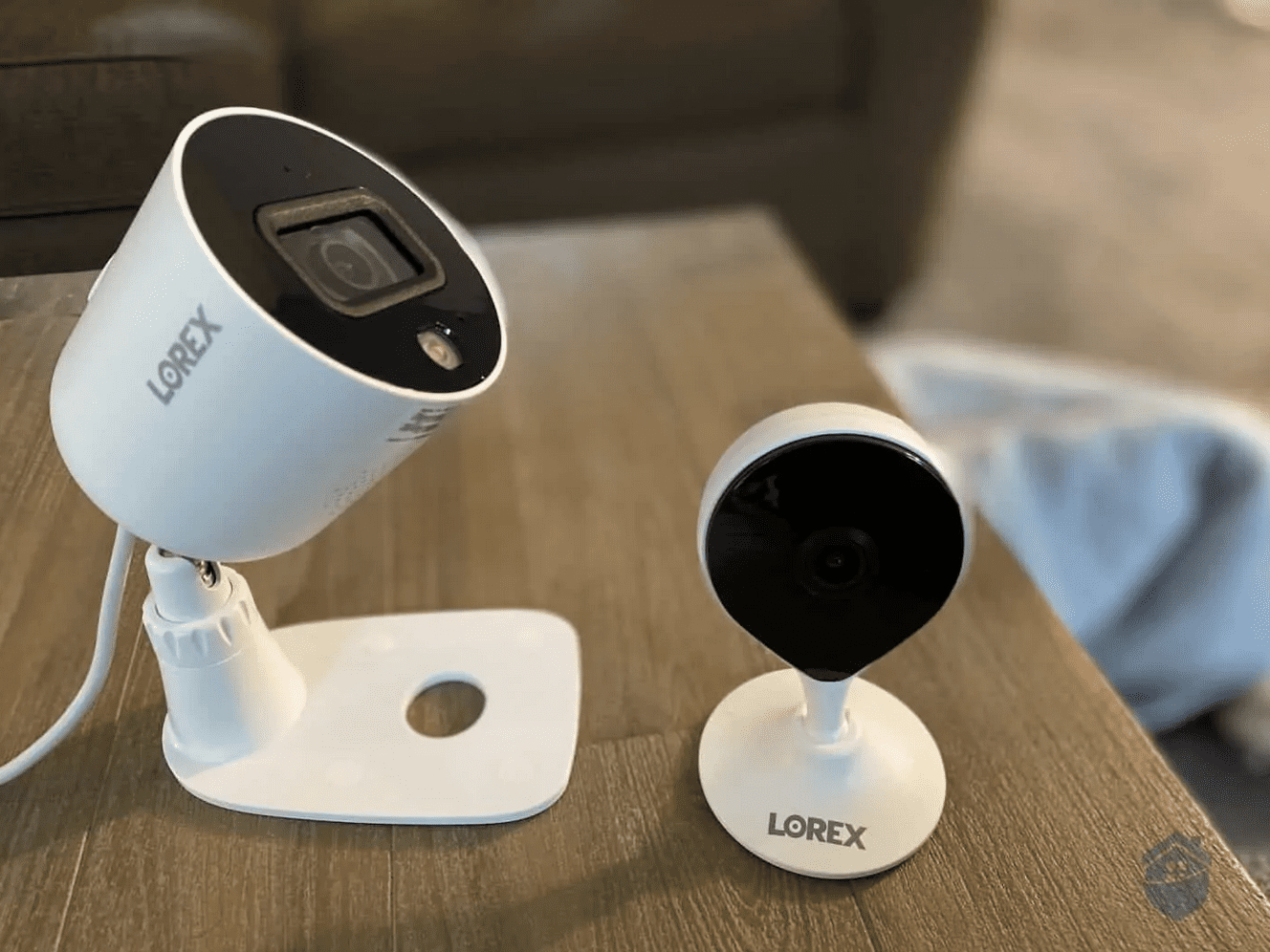
This is where Defender really shines. If you’re looking for multiple cameras, it’s tough to beat these prices. I can’t think of another provider that offers 16 cameras for less than a grand. Maybe Lorex on a good day? Lorex tends to offer tons of sales, but it’s hard to pinpoint exactly when it’s going to offer deals on the bundle you’re looking for.
Another smart way to save with Defender is to keep an eye on its sale section. We’ve been tracking Defender for a while, and it seems like there’s nearly always a bundle or accessory on discount. Black Friday is when Defender has historically offered its biggest sales. It makes their already affordable cameras even more accessible.
Pro Tip: If you’re looking for other ways to save, check out the “Open Box” section on Defender’s website. These are gently used pieces of equipment you can secure for deep discounts.
That’s about all there is to know about Defender. We’ve covered its costs, equipment, features, and pros and cons. All that’s left is to bring it all home.
For a company born out of a need to provide professional solutions at budget prices, Defender gets a lot right. Its feature list is nothing to sneeze at, its equipment is solid, and its prices are easy to swallow. There’s not a lot to point a finger at.
That said, I’m a little hesitant to give it my full recommendation based on the scores of negative reviews I’ve encountered and some of the technical limitations of its equipment. If you’re looking to protect your home or business without breaking the bank, however, you could do a lot worse than Defender.
Not convinced Defender is right for you? Check out our roundup of the best security cameras of 2026. You’re sure to find something that’ll fit your needs and budget.
As far as affordable security cameras go, Defender does a lot right. Some models leave something to be desired in terms of reliability and features, but there’s not much wrong for the price point.
Defender cameras aren’t cheap, but they certainly aren’t expensive. By bundling cameras together in kits, you can save even more.
The Sentinel and Guard models offer 4K and 2K resolution respectively, while the Phoenix model’s resolution is below industry standards.
Most Defender cameras have two-way talk functionality, except for the Guard 2K.
Yes, the flagship model, the Sentinel, is powered over Ethernet.
Federal Bureau of Investigation. (2026). Crime Data Explorer. https://cde.ucr.cjis.gov/LATEST/webapp/#/pages/explorer/crime/property-crime
Verkada. (2022). DVR vs. NVR: Overview of Pros, Cons, and Differences.
https://info.verkada.com/compare/dvr-vs-nvr/
Best Buy. (2022). What's the Difference Between 1080p, Full HD & 4K?
https://www.bestbuy.com/discover-learn/whats-the-difference-between-1080p-full-hd-4k/pcmcat1650917375500