SafeHome.org may receive compensation from some providers listed on this page. Learn More
We may receive compensation from some providers listed on this page. Learn More
SafeHome.org may receive compensation from some providers listed on this page. Learn More
We may receive compensation from some providers listed on this page. Learn More
Smart, compact cameras that look great and won’t break the bank.
 Updated June 15, 2026
copied!
Updated June 15, 2026
copied!

Editor’s Note: Yi cameras are quite cheap, but we still recommend investing in an affordable home security system instead. Plus, big brands like SimpliSafe will give you freebies and major discounts with new plans. That way, you can still save and get the best security possible.
YI Technology Inc. is relatively new to the home security industry, but don’t let that fool you — this brand punches well above its weight class.
Since its founding in Shanghai, China, YI1 has gone on to produce a wide range of low-cost indoor and outdoor security cameras. In 2018, YI created the sub-brand Kami, a line of smart home products characterized by clean, friendly design and with a heavy emphasis on usability. Now, Kami has taken center stage with a more robust suite, with YI still offered as a lower-cost, practical alternative.
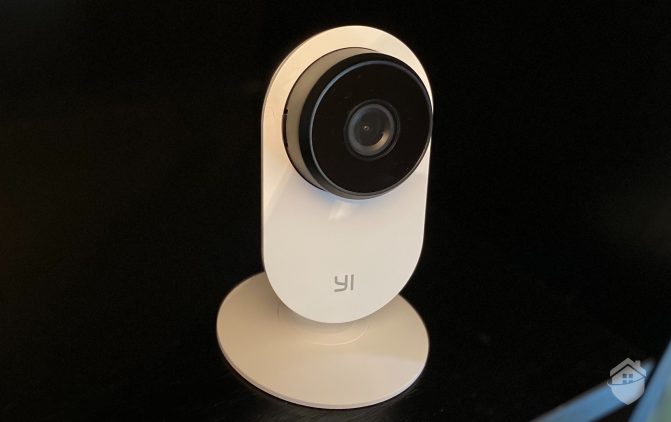
We reviewed YI cameras hands-on recently, paying special attention to the YI Home 3, YI’s inexpensive, flexible indoor camera. Today, we’re taking a closer look into the brand as a whole, assessing equipment pricing, packages, and monitoring plans to help you narrow down your selection.
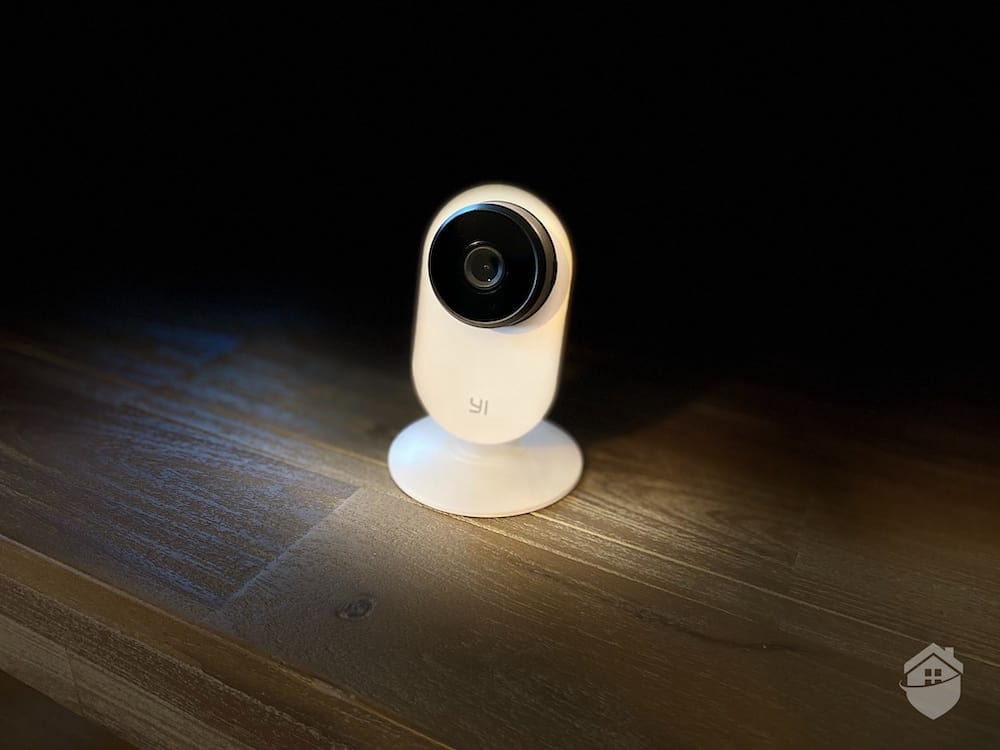
YI Indoor Camera
To get you started, here are some key YI features to note:
YI Technology continues to release cameras under both the YI and Kami brands, keeping prices accessible for budget-conscious shoppers. Entry-level options like the YI 2K Home Security Camera start at $24.99, while higher-end picks like the Kami Wireless Outdoor Bullet Security Camera costs $99.99.
The brand also offers KamiBaby, a smart baby monitor loaded with features like crying detection and temperature monitoring. If you’re in the market for an action cam or dash cams,2 YI covers that ground too — with options starting around $50 for a standard dash cam.
But in terms of the brand’s security cameras – some of which you’ll find as components of the Cove security system we tested – YI and Kami cams are some of the least expensive cameras out there.
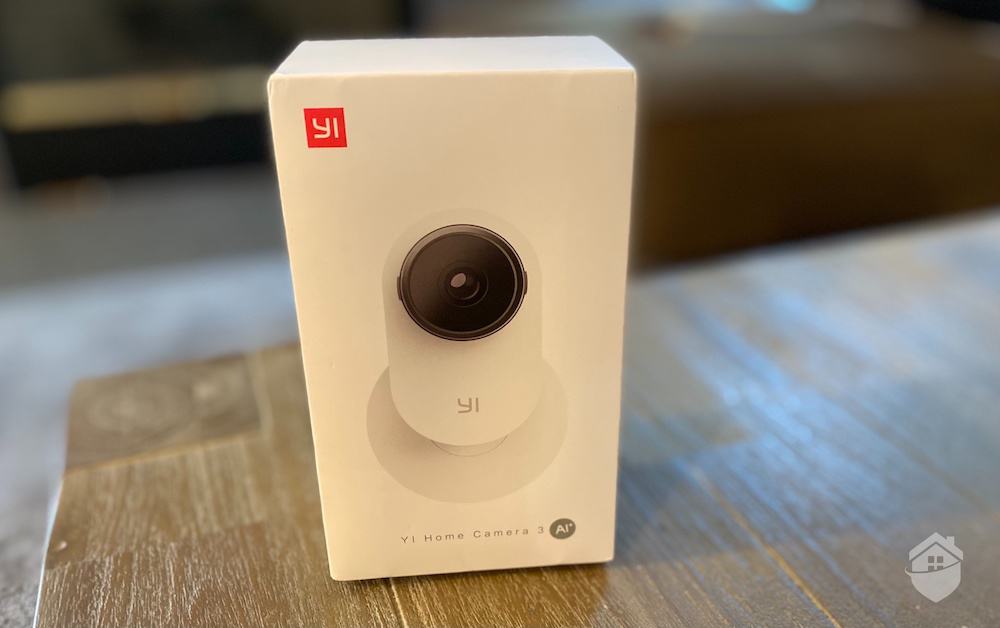
YI Camera Packaging
YI’s slim, snazzy Home 3 camera is ready to use pretty much right out of the box. There’s nothing bulky or cumbersome about YI equipment, and that runs through all of their other cameras, too. These devices are decidedly youthful, with the type of product design3 you’d expect to find if, say, Apple were to release their own security camera.
Design-wise, YI Home 3 is somewhat unique – we wouldn’t call it a teardrop, per se, but to us, it does slightly resemble the stylish Google Nest cameras we reviewed in build and style. But that happens to be the only similarity between the pricier Nest Cams and YI cameras; in terms of features and tech, the two couldn’t be more different.
We’re partial to the sleek look and feel of this budget-friendly YI camera. We also appreciate how easy it is to set up. The magnetic mounting plate on the bottom of the camera’s base is a genuinely convenient touch for quick wall mounting.
But to be completely clear: The camera is not rich in features. You won’t get top-of-the-industry 4K video; you won’t get pan and tilt or automatic tracking; and you won’t be able to install this camera outside. YI Home 3 is a simple, barebones camera, and it does the job it’s meant to do – protecting you and your property from danger.4
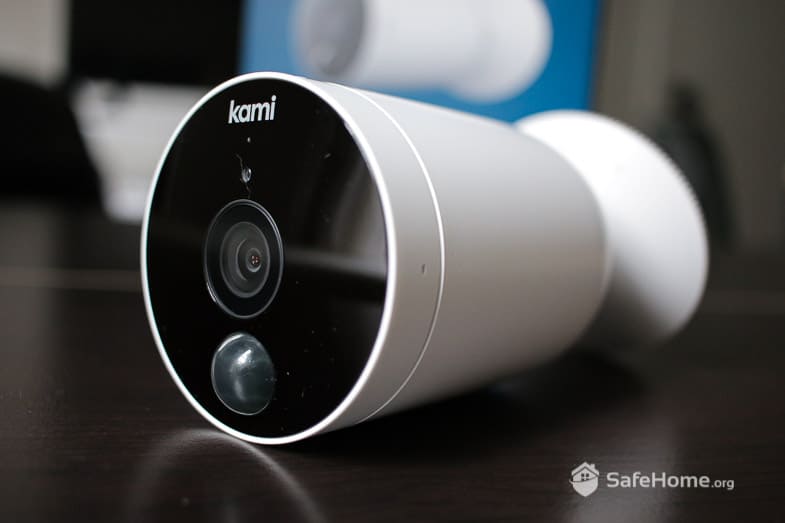
Kami outdoor camera with AI
Kami’s newest outdoor camera goes truly wireless with included rechargeable batteries and requires no base station or hub. Like its YI Home 3 sibling, this one is easy to install, and you can store your camera video history internally through a micro SD card.
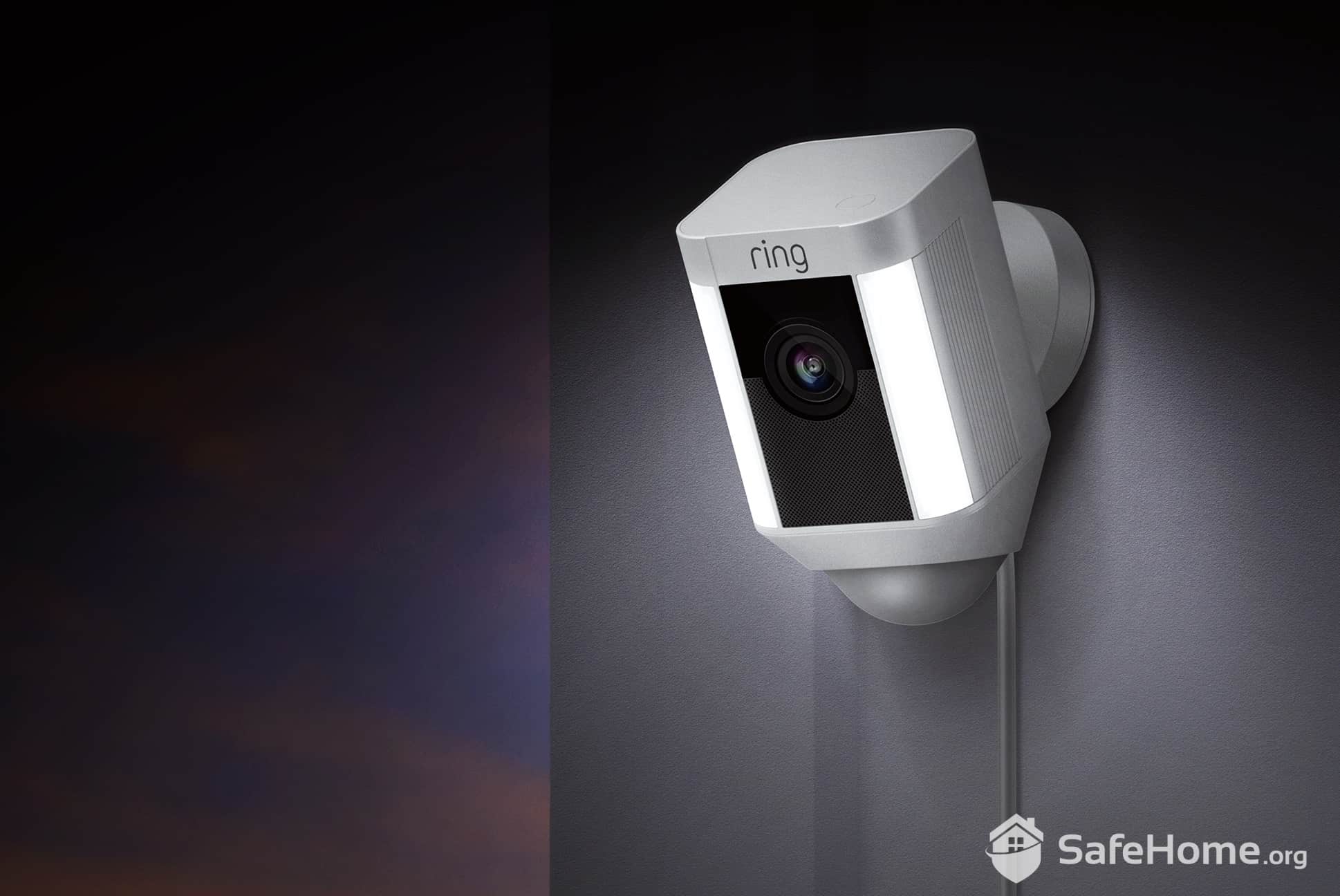
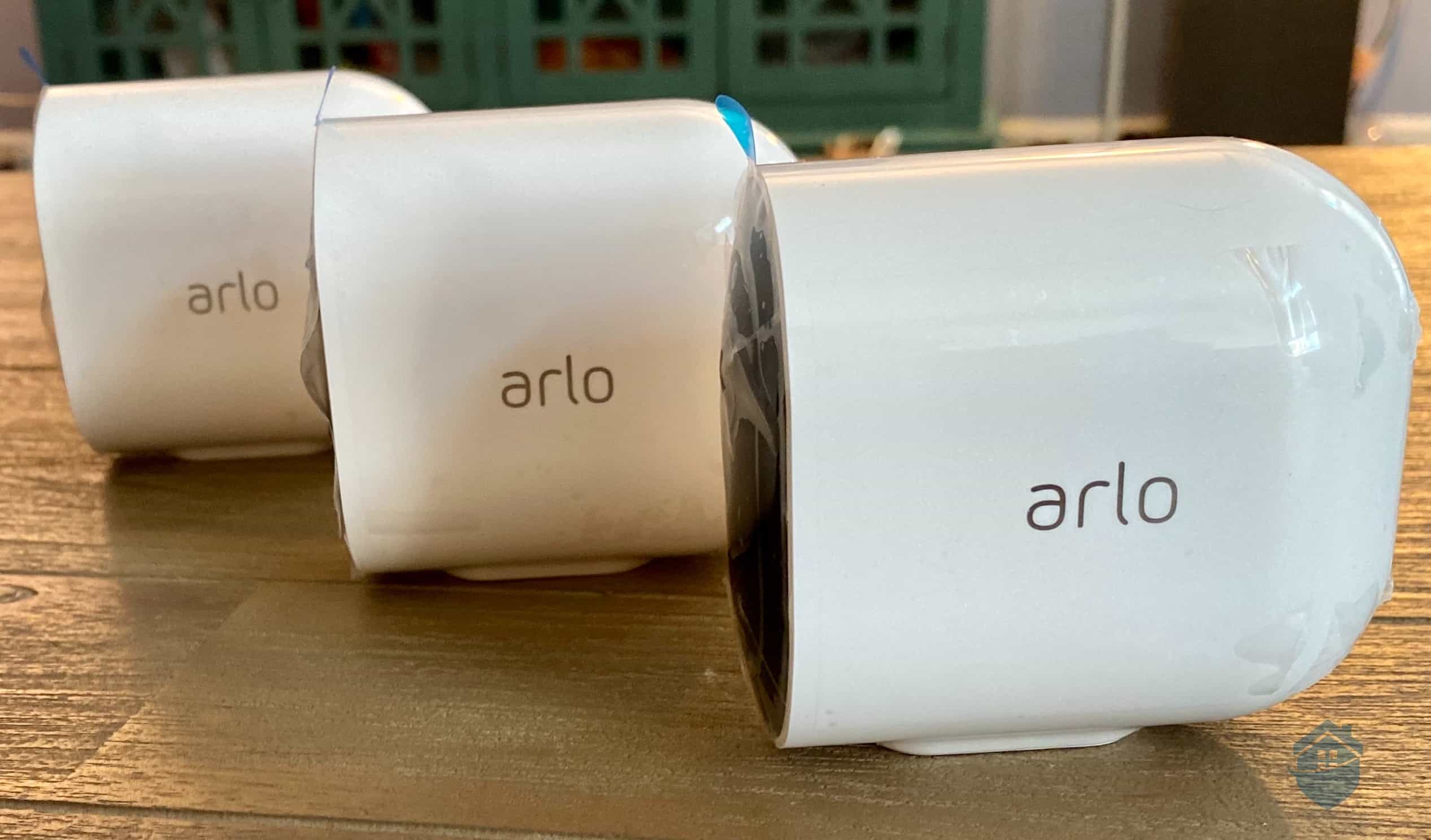
Overall, Kami Outdoor held its own during testing. Its value particularly impressed us considering that outdoor cameras in this category typically run $100 and up. For comparison, Arlo’s flagship Pro 6th Gen costs $124.99, and prices climb quickly from there. There’s much more on Arlo camera pricing here, if you’re interested.
For the price, Kami Outdoor won’t dazzle you with a long feature list — that’s true of YI’s lineup across the board. But if you need a functional, wire-free outdoor camera with durable polycarbonate housing that blends naturally into your home’s exterior, this one earns its keep.
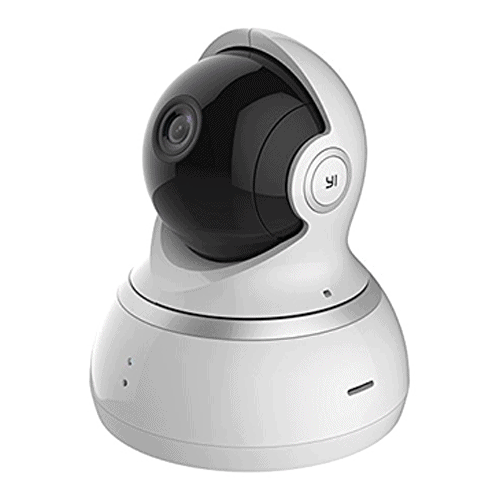
YI Dome Camera 1080p
We rely on pan-and-tilt cameras in indoor spaces to provide a valuable security solution: a camera that can see all of the activity going on in a particular room, therefore reducing the number of cameras you’d need for your entire house.
With pan-and-tilt functionality, YI’s Dome Camera X gives us another sensible option for indoor coverage. This one gave us high-quality HD video with a 360-degree field of view, and as a major bonus, it also automatically tracks motion by panning over any activity the camera captures, and sends us an alert with insightful, up-to-the-minute details.
FYI: You’ll get a much richer experience with a pan-and-tilt camera that includes automatic tracking than, say, a camera with remote pan-and-tilt, like the D-Link camera we tested for a hands-on review recently. While the $99 D-Link indoor camera worked just fine, that one involved a little more tinkering than we were hoping for. Just something to consider.
| YI Camera | Features | Cost |
|---|---|---|
| YI Home Camera 3 | Wi-Fi, Plug-in, 1080p, Human Detection, Two-Way Talk | $25.99 |
| YI 1080p Home Camera AI+ | Plug-in, 1080p, Motion Detection, Two-Way Talk | $22.49 |
| YI Dome Camera 1080p | Plug-in, 1080p, 360° Motion Tracking | $39.99 |
| YI Outdoor Security Camera | Plug-in, 1080p, Motion Detection | $39.99 |
| YI Dome Camera X | Plug-in, 1080p, motion tracking | $34.99 |
| Kami Doorbell Camera | Smart facial recognition, A.I. person detection, weatherproof | $99 |
| Kami Indoor Camera | 1080p HD resolution, 340-degree rotation, 95-degree tilt | $49.99 |
| Kami Outdoor Camera | 1080p HD resolution, Starlight night vision | $59.99 |
| Kami Wireless Outdoor Bullet Camera | Rechargeable battery, 1080p HD resolution, PIR motion sensor | $99.99 |
Video storage is always an important pricing consideration when choosing security cameras. After all, once you install security cameras in your home, you’re going to want to store the video you’re getting, aren’t you?
Most brands these days offer their own cloud storage service with a range of monthly or annual plans — it’s convenient and easy to set up. With YI and Kami cameras, that’s not your only option. They include a micro SD card slot for local storage. This allows you to record footage without a monthly subscription. Over the years, that can add up to substantial savings.
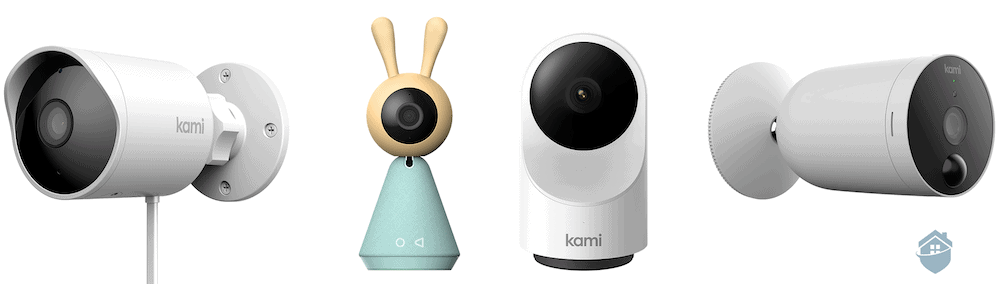
Kami Camera Lineup
But if neither of those options is ideal for you, we have good news: There’s a free option, where the camera can store 6-second clips of motion and immediately send the clip in an alert to your smartphone.
That kind of flexibility is becoming a real selling point in the home security camera space. Having a free tier alongside local and cloud storage options is genuinely impressive — especially at these price points. There is one catch, though: The free option does mean you’ll get ads popping up in your YI app. Not a huge deal, but honestly, most of us are already drowning in ads as it is.
Choosing cloud storage with YI does have its advantages. Namely, we learned you can monitor up to three cameras at once for only $2.49 per month. For context, that’s a dollar less per month than the cost of a standard cloud storage plan from Reolink; while you do get more space with most Reolink plans, YI still presents a viable option for a decent amount of monthly storage without a huge financial commitment.
| Free | Basic | Premium | Pro | |
|---|---|---|---|---|
| Video History | 1 day | 7 days | 14 days | 30 days |
| Number of Cameras | Up to 3 | Up to 3 | Up to 5 | Up to 10 |
| Monthly Price | Free | $2.49 | $4.99 | $9.99 |
| Yearly Price | Free | $24.99 | $49.99 | $99.99 |
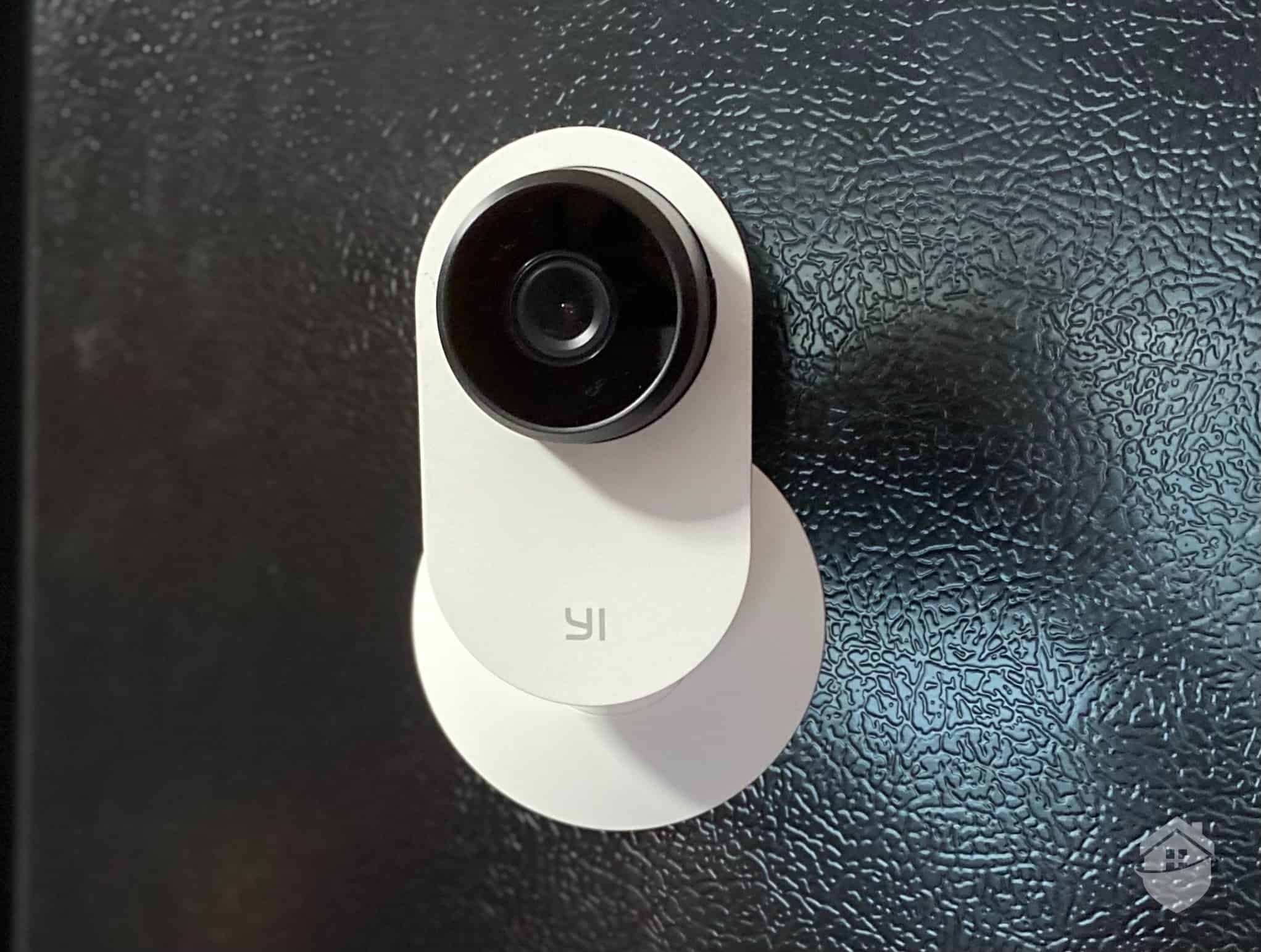
YI Camera – Mounted to the Fridge
Beyond the upfront and monthly costs of buying camera equipment, we also looked at how YI cameras perform day to day, how long the equipment lasts, and what kind of technology they use.
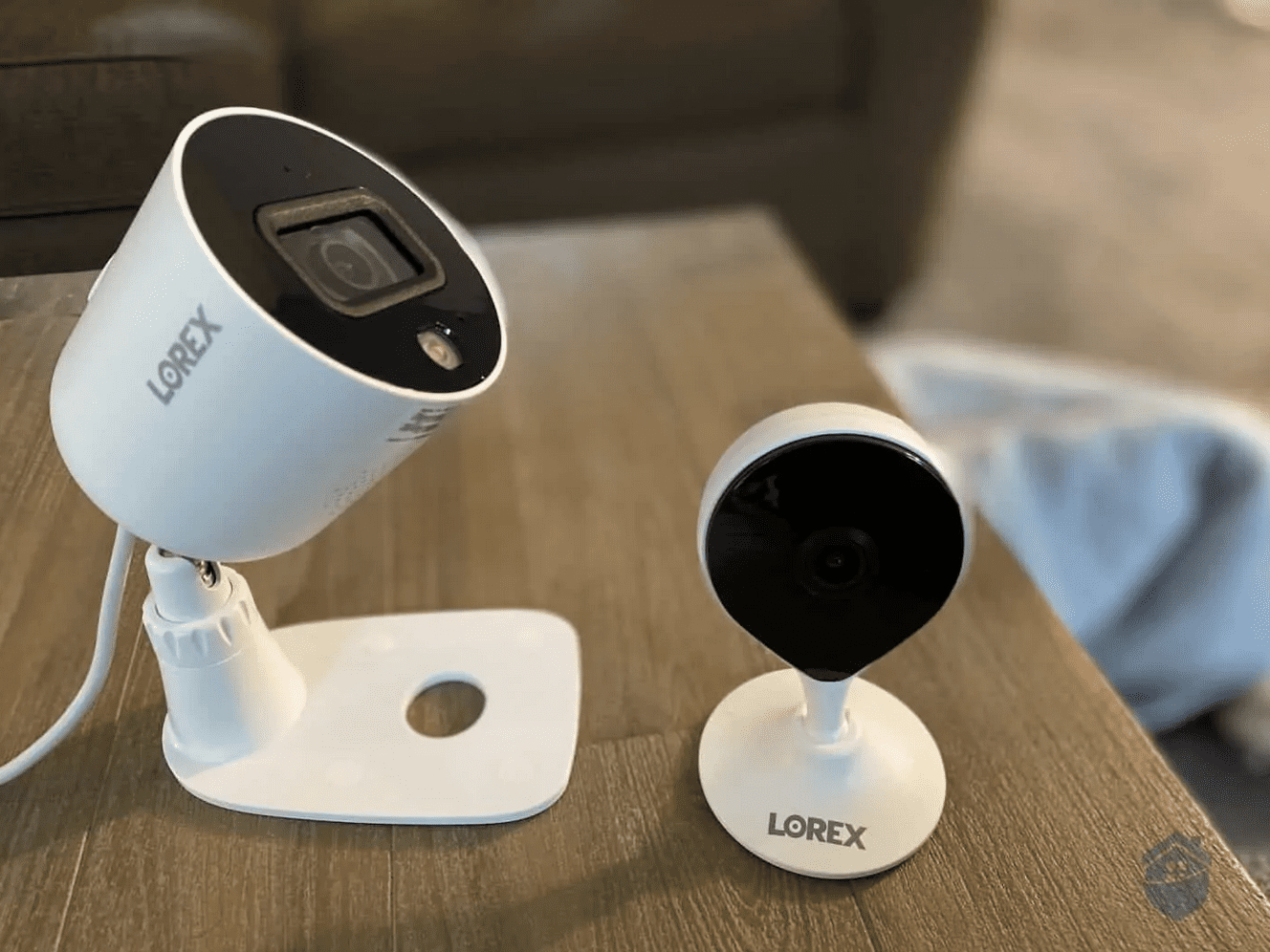
The YI 3 camera, for example, is flexible when it comes to placement, but it’s pretty static as far as maneuverability. In other words, it doesn’t have a ball socket attaching the camera to its mounting hardware like you’d typically see in a Lorex camera, so you can’t swivel the lens around to find different angles. You can only move the camera vertically, which will probably limit where you can place it.
Pro Tip: Want to learn more about Lorex’s latest equipment and prices? Visit our full Lorex pricing guide to get the full rundown.
But in other cases, you might end up loving your YI Home 3 simply because there’s so little work to do to get it up and running, and forget all about the static lens. We are talking about personal preference here, after all.

Customized Mobile Alerts |
Being able to customize your alerts is one of the cornerstones of any good security camera. With YI, you can set several different customizations through the YI Home mobile app. You can adjust motion sensitivity to avoid ‘nuisance alerts’, schedule alerts to only be delivered at certain times of the day, and add or remove sound alerts. |

1080p Video Resolution |
All YI cameras deliver up to 1080p HD video resolution, the undisputed industry standard for high definition. In our tests, we enjoyed sharp, clear-as-day images and video in 1080p with our YI camera, day and night. We did experience a few seconds of slightly grainy SD (standard definition) recording when our Wi-Fi slowed down, which is normal and to be expected. |

Wireless DIY Equipment |
YI cameras are wireless, meaning no hardwiring is required for installation. That said, most models still need to be plugged into a nearby power outlet to operate — the Kami Wireless Outdoor being the notable exception. Keep that in mind when planning camera placement, and make sure you're not straying too far from an accessible outlet. |

Low-Cost Storage |
You can store your video history in three different ways with YI: through the camera’s micro SD card port; through a monthly YI Cloud Service; or as 6-second clips through the free (basic) monitoring plan. In all cases, using YI cameras every day isn’t going to cost you a lot. |

Smart Motion Detection |
YI has a bit more work to do in the smart motion detection area, but under ideal conditions, the cameras should be able to distinguish humans from other motion using an A.I. algorithm. While this didn’t work 100% for us, we still received timely notifications when motion was captured. |

Night Vision |
YI Home 3 does not have infrared night vision, so we had some trouble making out objects and activity at night. That said, we prefer night vision cameras with some type of backlighting or spotlight, and Kami’s wire-free outdoor camera combines those two features brilliantly. So if you need strong night vision, there are definitely options for you here with YI and Kami cams. |
YI regularly runs promotions, and the best savings tend to pop up around Black Friday, the holiday season, and Amazon Prime Day. You’ll find similar savings on Kami products as well. Check the Kami website and Amazon listings directly for the most current markdowns, since deals rotate frequently. All that said, we do not recommend pushing off your home’s security for a potential deal later down the road.
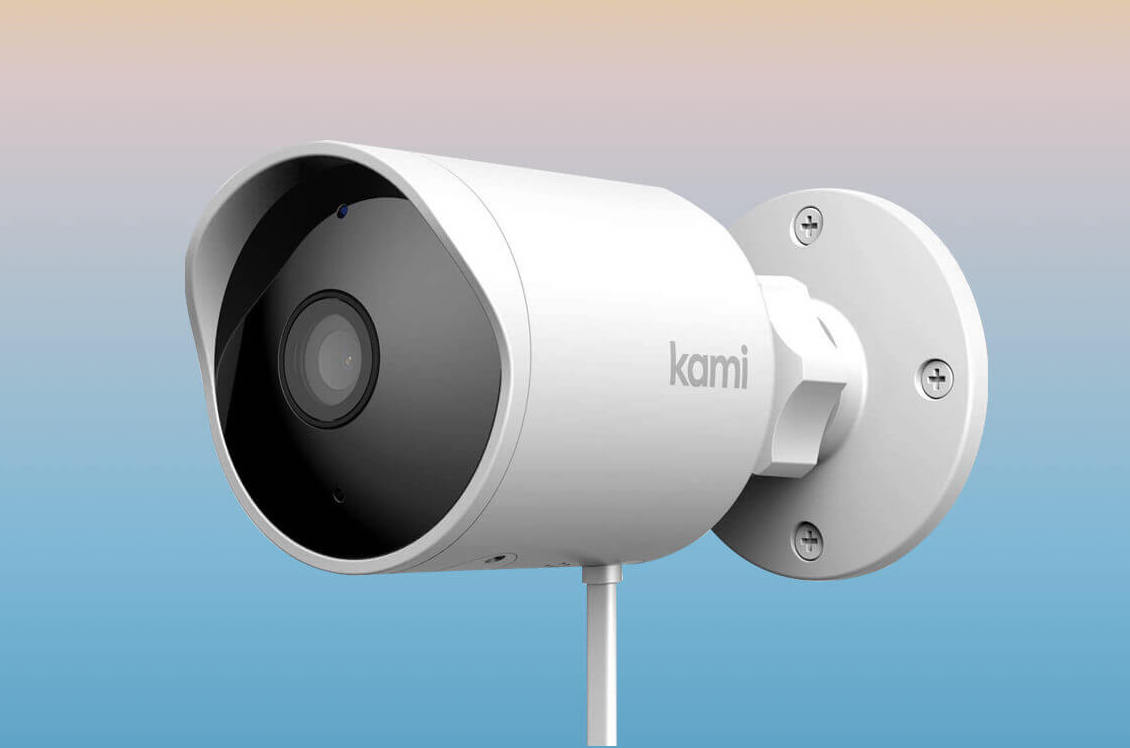
Kami Outdoor Camera
And, whether you’re on the hunt for seasonal deals or year-round ways to save, YI has us covered when it comes to equipment bundles. As this is a common way to save money on buying multiple cameras at once, we always take a look at how cost-effective bundling would be for individual brands.
Bundling lets you build out your security setup without overpaying for features you don’t need. Multi-camera packs paired with a YI Cloud subscription can offer real value compared to buying cameras individually. They’re also much lighter on the wallet than comparable bundles from other brands. For reference, a 3-pack of Swann Wi-Fi cameras will run you about $400, and that, too, doesn’t include a hub. (Get a deeper look at Swann camera costs here.)
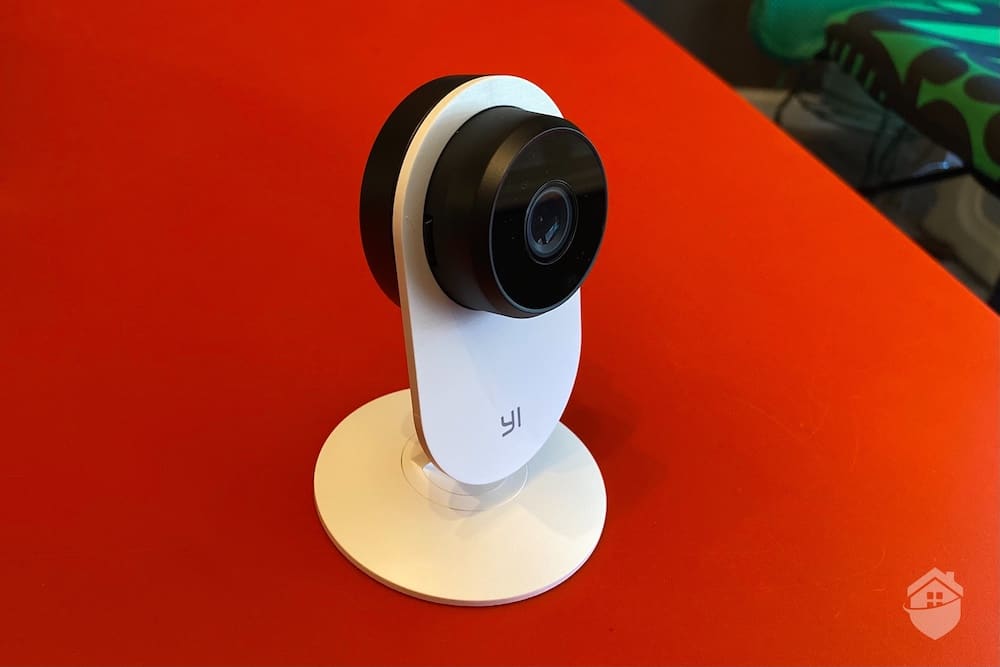
YI Camera
You’ll get a neat little set of features in a YI camera, and you might even get some compliments from houseguests on your design taste. YI and Kami cameras are made to look good anywhere you put them, and our experiences with the cameras bear this out.
But where you’ll be pleased with the look and style of a YI camera, you might find its technology isn’t quite on par with other security cameras in this market – even its low-priced peers. An example is Zmodo’s indoor camera, which happens to bear an uncanny resemblance to YI’s Home 3. At almost exactly the same price as YI, Zmodo performs many of the same functions and also includes that neat magnetic base that snaps to metal surfaces, which we find kind of entertaining.
FYI: Learn more about Zmodo in our Zmodo camera prices and plans guide.
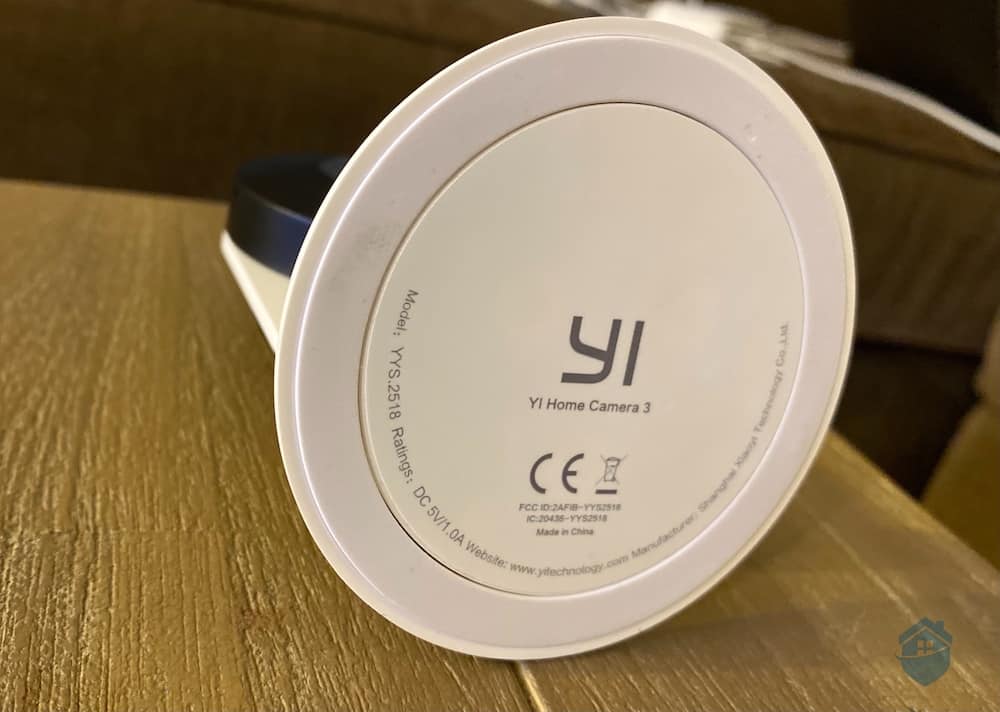
Magnetic Base on the YI Camera
But the biggest difference? YI-branded cameras don’t work with any smart home ecosystems, so you won’t be able to connect your camera to an Alexa or Google Assistant device. YI’s sister brand, Kami, has an upgraded app that lets their cameras run with Alexa, Google Assistant, and IFTTT smart home ecosystems, so if you want smart home integration like the majority of security cameras out there, it might be best to upgrade to a Kami cam.
Pro Tip: YI and Kami’s pan-and-tilt cameras offer great options. But we also encourage you to check out our review of Amcrest, a robust line of cameras that includes several inexpensive pan-and-tilt models.
For now, here are the facts: YI and Kami present some really solid options for adding more cameras to your home, especially for folks who are looking to do so cheaply. For more cost-cutting ideas, have a look at cheapest security cameras in the business.
Yes. YI’s technology is meant to differentiate between humans and other objects in a camera’s view. This feature gave us some trouble in our initial tests, but most of the time we were notified when a person was in our vicinity.
Under certain weather conditions, YI Home indoor cameras can be used outdoors, but it’s risky; these cameras are not IP-rated for weatherproofing like their outdoor counterparts. YI Home 3 might work great under temperate climates with no precipitation, but you’ll be opening these cameras up to damage if you leave them out in the rain.
Experiences vary from user to user with some people reporting difficulties reaching support when issues arise. That’s largely because YI Technology primarily relies on email-based support rather than phone support. If you run into a problem, your best bet is to reach out via email or check the YI Help Center for troubleshooting resources.
Yes. You can buy multiple cameras and a corresponding cloud storage plan as a package and save some money. Bundling isn’t offered in every camera brand, but we’re glad to see it with YI, as it helps budget-conscious buyers save on upfront costs.
From installation to everyday use, YI cameras are designed to be user-friendly. We see this in the intuitive (but pretty barebones) YI app as well as the equipment itself.
PR Newswire. (2019, June 6). YI Technology Makes the Jump Towards Smart Features. Business Insider/Market Insider.
https://markets.businessinsider.com/news/stocks/yi-technology-makes-the-jump-towards-smart-features-1028259554
Bhajaj, K. (2018, April 3). Should You Invest in an Action Camera? Economic Times/India Times.
https://economictimes.indiatimes.com/wealth/spend/should-you-invest-in-an-action-camera/articleshow/63947954.cms
Luenendonk, M. (2018, Feb. 17). The Apple Product Design. Cleverism.
https://www.cleverism.com/apple-product-design/
La Vigne, N. (2013, April 23). How surveillance cameras can help prevent and solve crime. Urban Institute.
https://www.urban.org/urban-wire/how-surveillance-cameras-can-help-prevent-and-solve-crime
Molla, R. (2019, December 18). Amazon, Apple, and Google are working together so that your smart home works better. Vox.com.
https://www.vox.com/recode/2019/12/18/21028232/amazon-apple-google-connectivity-standard-project-connected-home