SafeHome.org may receive compensation from some providers listed on this page. Learn More
We may receive compensation from some providers listed on this page. Learn More
Best Overall Value
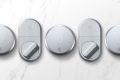
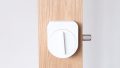
Affordable and easy to use, August takes our number one spot for the best smart lock on the market today.
Best Touchscreen
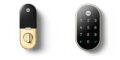
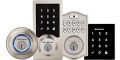
Smart home-centric and feature-packed, Yale takes our number two spot.
Easiest Install
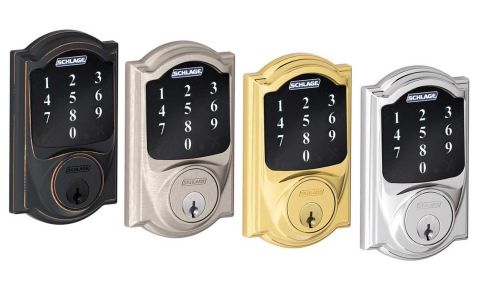
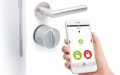
Reliability is the name of the game with Schlage, which gets our vote for best equipment.
Best Overall Value
Bottom Line: With plenty of third-party smart home integrations and robust security features, August is the smart and affordable way to secure your home’s entryway.
Best Touchscreen
Bottom Line: Yale has a reputation for making high-quality smart locks with a modern touch. Their products aren’t cheap, but features like touchscreen controls make it worth it.
Easiest Install
Bottom Line: Few names in the lock industry carry as much weight as Schlage — and they haven't let that reputation make them complacent. Their locks integrate with thousands of smart home devices through Z-Wave and Zigbee support, and there's even an Airbnb integration for rental property owners.
Your front door is crucial to your home security. More than 30 percent of burglars don’t bother to jimmy windows or sneak in through the garage. They just walk right in the front door. That’s why we recommend a smart lock to ensure you never leave your front door unlocked again.
However, we do not recommend any old smart lock. We tested dozens of smart locks on our front door to find the eight we’re going to recommend here. Our favorite was the August smart lock for its wide smart home integrations. We also like Yale and Schlage, as well as a few others we’ll highlight.
| System |
August
|
Yale
|
Schlage
|
Kwikset
|
Sesame
|
Danalock
|
ULTRALOQ
|
igloohome
|
|---|---|---|---|---|---|---|---|---|
| Ranking |
1st
|
2nd
|
3rd
|
4th
|
5th
|
6th
|
7th
|
8th
|
| SecureScore™ | 9.4 | 9.1 | 9.0 | 8.5 | 8.4 | 7.9 | 7.7 | 7.4 |
| Starting Price | $229.99 | $179.99 | $149.00 | $69.99 | $39.00 | $318.75 | $99.99 | $134.99 |
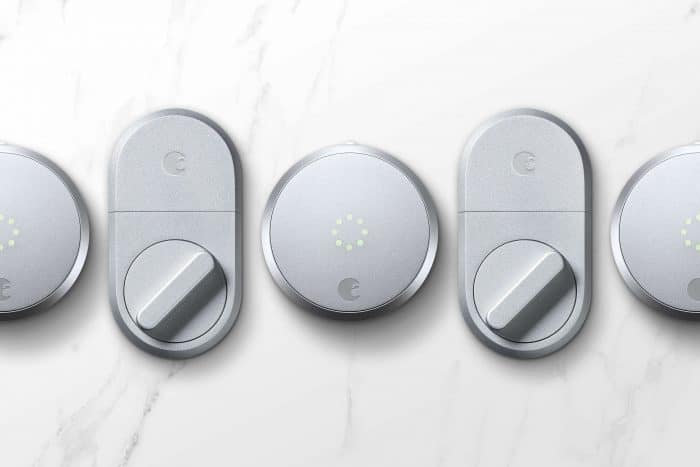
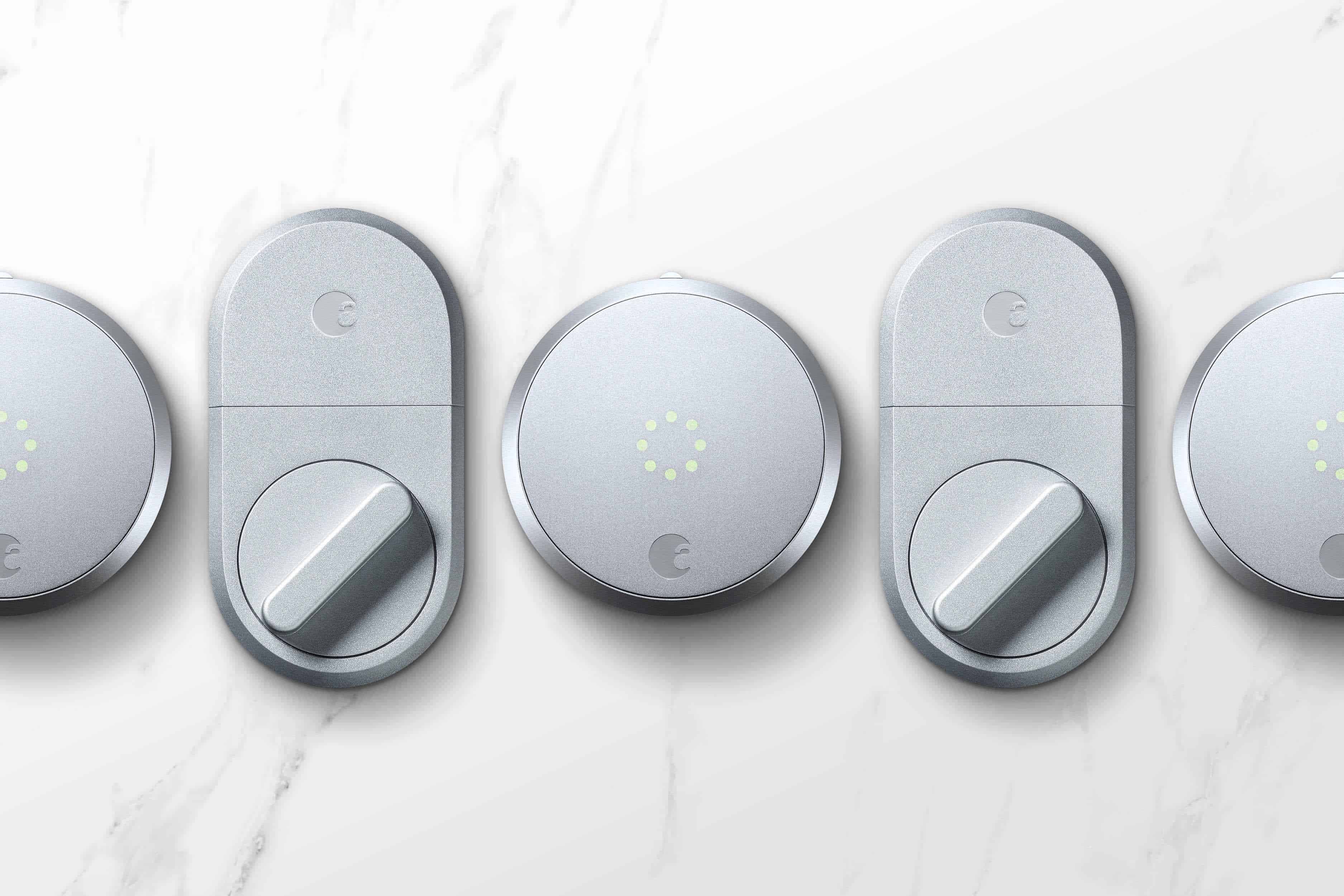
August may not have the century-long lock history of Schlage or Yale, but the company was built around smart locks from day one — and that focus shows. Yale even partnered with them on a lock. August locks support Alexa, Google Home, and thousands of other smart devices, with voice control and features like DoorSense, which alerts you if your door is left open or unlocked.
Burglars can target smart locks though hacking, which is why August uses bank-level 128-bit AES encryption on all models.1 The app is also end-to-end encrypted, protecting your passcodes from interception.
August’s lineup isn’t as sprawling as Schlage’s, but that streamlined selection actually makes it easier to choose the right lock. Every model is feature-rich, and several are compatible with Apple Watch. After hands-on testing of multiple August locks, we can confidently say they hold up just as well as high-quality traditional locks — with a lot more convenience built in.
| Smart Lock | Features | Price |
|---|---|---|
| WiFi Smart Lock |
|
$199.99 |
| Yale Approach™ Lock with Wi-Fi + Keypad Touch |
|
$229.99 |
| Smart Lock + Connect |
|
$199.99 |
| Smart Lock + Connect + Keypad |
|
$249.99 |
Even with all the high-tech features, August builds their smart locks with the same toughness as top quality analog locks. We also like their color options which makes it easy to find a lock that fits your home’s aesthetic. Plus, they’re easy to install. It only took us about five minutes to install ours.
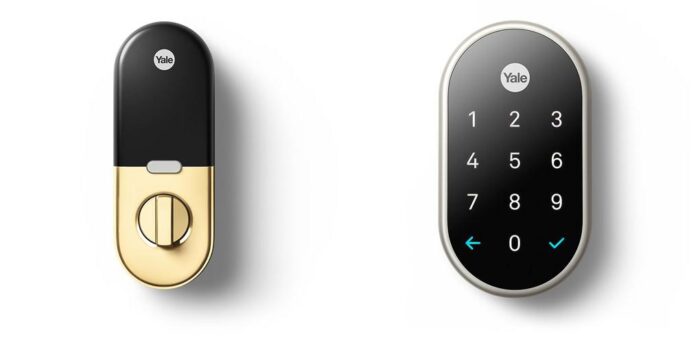
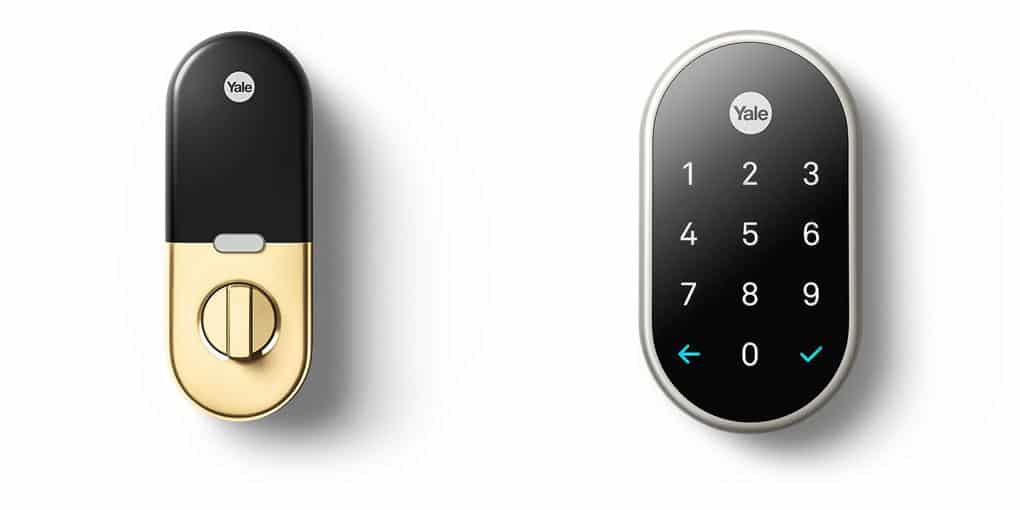
There’s no doubt that Yale offers some of the most durable and reliable locks in the industry. It’s kept them in business for over 150 years. They’ve kept up with the times, too, as their new touchscreen smart locks show. We could even use our Apple Key to unlock our Yale smart lock. Despite all the technology, durability and reliability remain at the core of all their locks.
Some of the best home security providers in the industry use Yale. ADT smart locks, for example, are from Yale. So are Vivint’s smart locks. It helps that Yale integrates easily with Alexa and Google Home, so security system providers use this to create convenient and useful automations that don’t only make life easier, but more secure as well.
We also found Yale locks easy to use and stylish. Their touch screen models are responsive. They also come packed with high-tech capabilities. With our Yale Code Keypad Lock, for example, we were able to generate unique keycodes for each member of the family. That alone eliminated the need to hide keys in the yard. It also let us track lock and unlock activity logs.
Yale locks typically cost $130 to $300.
>> Learn More: Important Safety Rules to Teach Your Children
There aren’t many companies in the lock industry with a better reputation than Schlage. That hasn’t stopped them from keeping up with the times. Their locks integrate with thousands of smart home devices thanks to their Z-Wave support. There’s even an integration with Airbnb if you own a rental property.
All Schlage locks can withstand virtually any type of abuse. For all that toughness, they’re still surprisingly stylish which is great since it’ll be right on your front door. Schlage offers a wide range of models you can customize to fit your home with a choice of colors and finishes.
On the smart side, Schlage locks are packed with useful technology. With Alexa and Google Home integration, we could lock our door on the way out using just our voice — no need to put the coffee down. Forget to lock up? The Schlage Home app sends an alert so you can handle it remotely from your phone.
Schlage’s flagship product, the Encode Plus, even tracked who was entering our home based on individual passcodes. And despite the high-end features, most Schlage smart locks are priced between $200 and $350 — a solid value for what you’re getting.
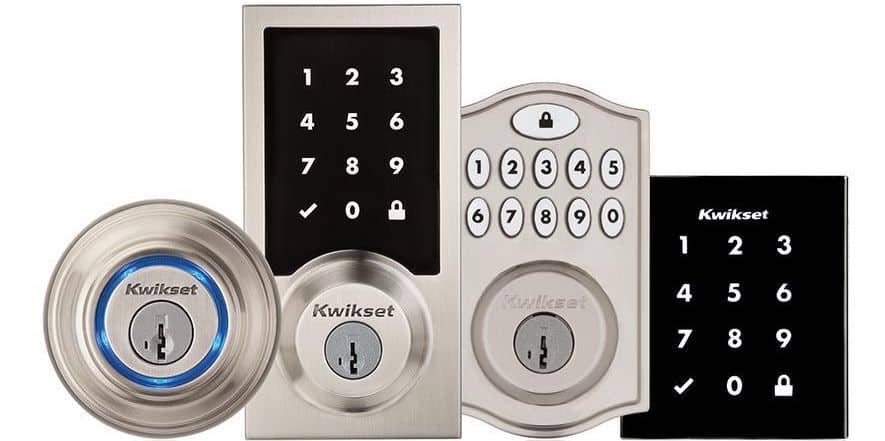
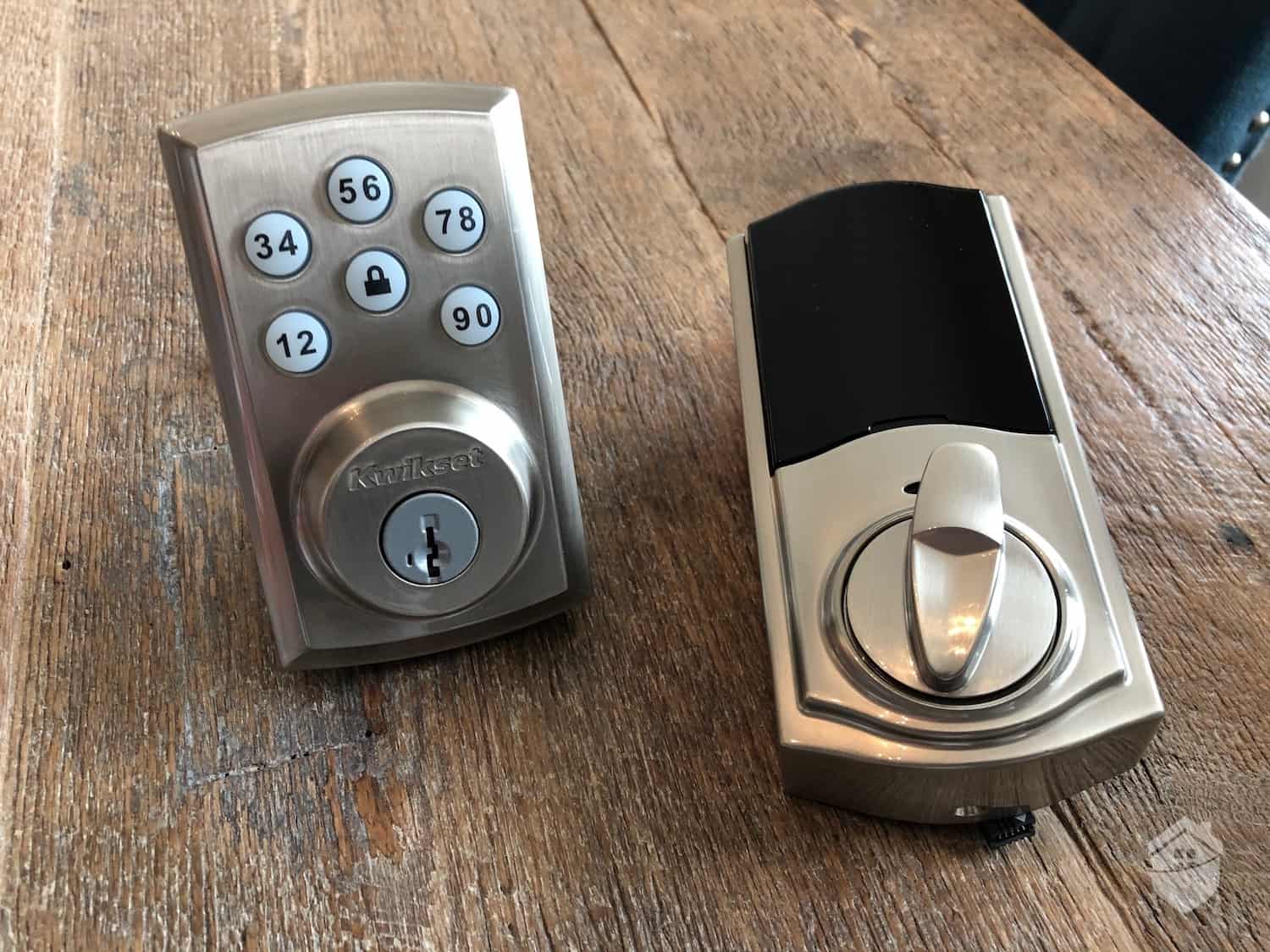
Kwikset's most popular selling point is practically baked into the name — fast, easy installation. That extends to their smart lock lineup as well. But don't mistake quick setup for a lack of durability. Kwikset backs their products with a limited lifetime warranty against mechanical defects, and their intrusion detection feature will send you an alert the moment your lock detects any sign of tampering.
Kwikset doesn’t offer as many smart lock models as Schlage, but it offers a wider range of features:
Plus, Kwikset doesn’t just work with Alexa and Google. It’s also compatible with SmartThings, Samsung, Apple HomeKit, ZigBee, and Z-Wave, depending on the model. Many models even support Matter, a connectivity standard for smart home products that improves compatibility between manufacturers.
We ordered a lock from Kwikset’s Halo Touch series, which offers biometric scanning. In simple terms, we didn’t need a key to get in, just our thumbprint. It could learn the fingerprints of up to 50 users with customizable access schedules for each user. We set a schedule for the pool cleaner, granting them access every Thursday at 10:30 a.m.
You can also set Auto-Lock times — your front door locks automatically at a time you choose, which is a lifesaver if you’re someone who’s constantly second-guessing whether they locked up. Kwikset locks also make it easy to track who’s coming and going through unique user codes. Prices start at around $170.
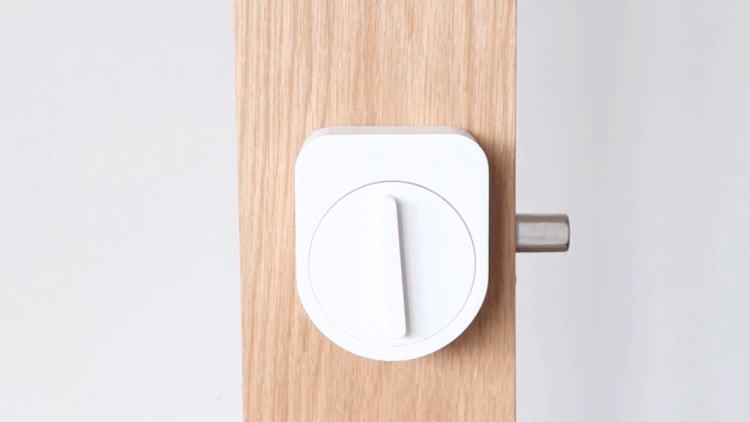
Sesame has been in the smart lock game since 2015, and their core concept hasn't changed: a lock that fits right over your existing deadbolt so you're not tearing apart your door to install it. What has changed is how capable that lock has gotten. The current lineup starts at around $30, and now comes loaded with expanded smart integrations. Sesame has since added touchscreen and biometric add-ons — all at prices that are surprisingly easy to stomach.
Not ready to go full-on smart home yet? We get it. Outfitting your whole home with smart devices is expensive. But smart locks are a great way to start, as they’re still effective and useful as standalone devices. Sesame locks make it easy to start there by turning your existing lock into a smart lock. That also makes them more affordable.
Sesame doesn’t require you to rip out your existing deadbolt — it clamps right on top of it. And you still get the full smart lock experience: support for up to 99 guest keys, instant notifications whenever a key is used, and solid integration with major smart home platforms. We even unlocked ours by tapping an iPhone against it, which never gets old. There are also facial recognition and touchscreen add-ons if you want to expand your authentication options even further.
Since Sesame hasn’t been around nearly as long as Yale or Schlage, we spent some time assessing its stability as a company. After all, the last thing you want after buying a smart lock is for it to go out of business and discontinue the mobile app. That’d turn it into a regular lock that looks fancy. We found little to worry about, though, as Sesame is owned by Candy Shop, Inc., which has been in business for over a decade now.
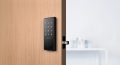
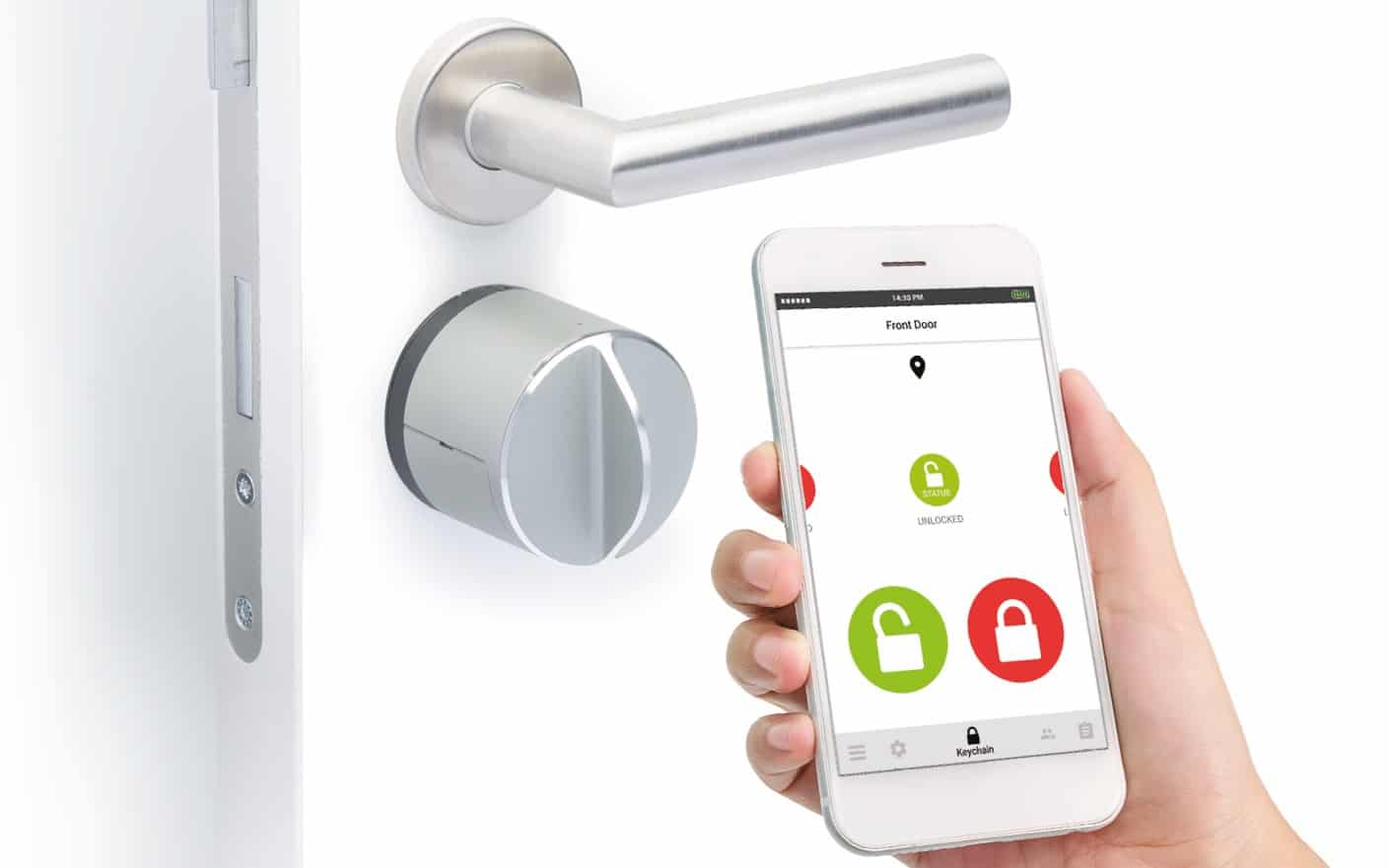
The Danalock was created by a Danish father-son team, and it shows with its sleek, modern design. More importantly, it uses AES-256 encryption, the same standard used by the CIA and U.S. military.2 Plus, it supports permanent and temporary passcodes, making it a good option for Airbnbs.
We’re pretty smitten with the Danalock. It’s got a simple, sleek design with a futuristic keypad that’s built tough enough to withstand Danish winters. That means it still worked when it got down to below zero degrees Fahrenheit at our New York home. There’s also an internal lever for physical access in case the smart components fail. Plus, it can store up to 20 passcodes, enough to cover all our friends and family.
Danalock offers four versions. One for Bluetooth, one for Apple Homekit, one for Bluetooth and Z-Wave, and one for Bluetooth and Zigbee. We prefer the Z-Wave or Zigbee integrations as those protocols each support over 4,000 smart devices. They also work with almost any smart home voice assistant.
The Danalock’s unique twist-assist function allows for easy opening. Just turn the lock a few degrees and the motor takes over. You can also go full-on remote entry and let the motor do all the work for you. That’s perfect for older homeowners who may have trouble getting a traditional deadbolt open. It also comes in handy when walking up to the door with too many grocery bags in your hands.
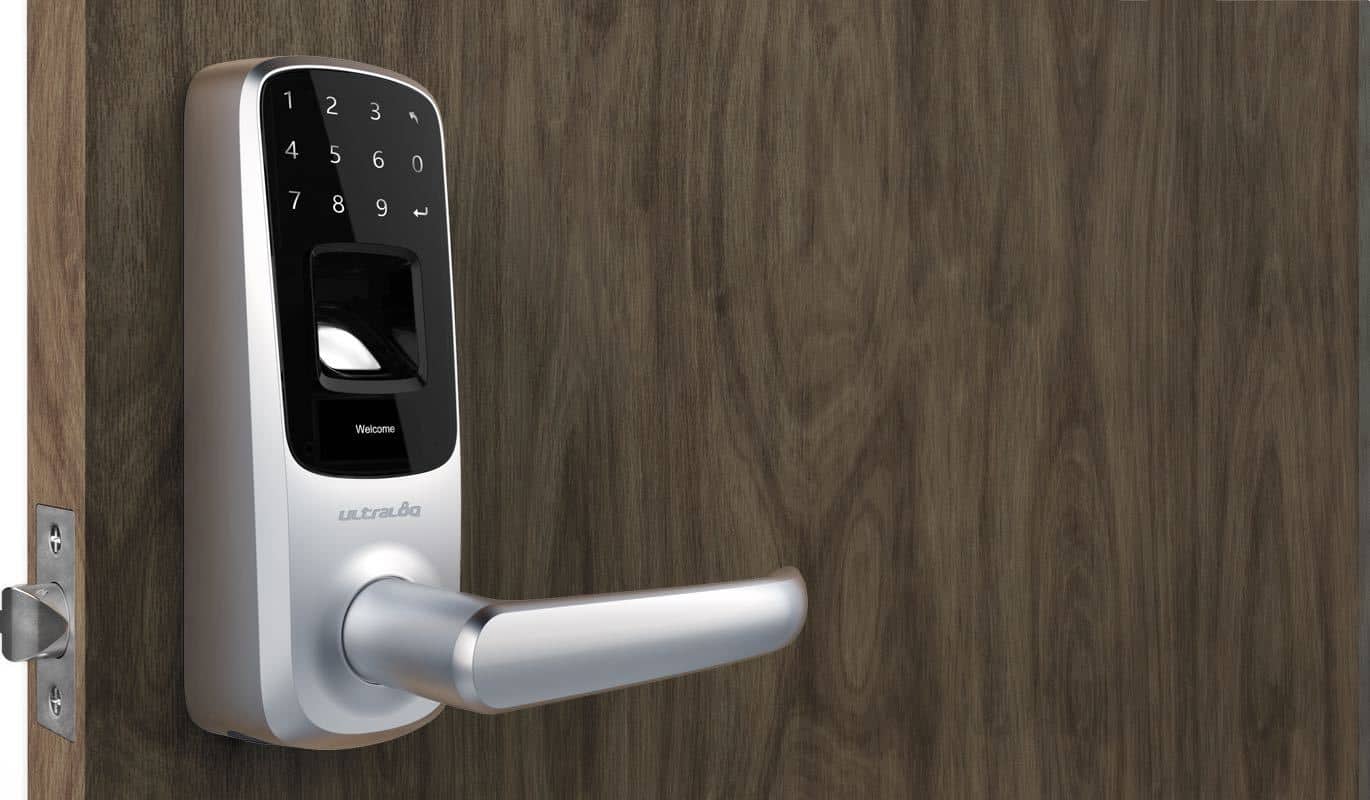
ULTRALOQ smart locks give you a surprisingly broad menu of ways to get through your front door — fingerprint scans, passcodes, Apple Wallet keys, NFC card access, and voice commands. Most models still include a traditional key as a failsafe, which is a nice touch. The processors are fast, so you're not standing on your porch waiting for the lock to think things over.
ULTRALOQ locks were the first in the industry to offer fingerprint scanning. Needless to say, they’re now really good at it boasting a 99.8 percent accuracy rate. Even with that impressive accuracy, ULTRALOQ takes less than a second to scan a fingerprint. We’re used to waiting a few seconds for most smart locks. They can also store up to 95 fingerprints.
While we didn’t max out our fingerprint storage, we used their one-time-passcode feature for sharing temporary access more than we thought. It came in handy when our sink clogged and we needed to give our plumber access to our house while we were at work.
These advanced capabilities come at a premium price, with locks starting at around $199.99 for the ULTRALOQ Bolt Fingerprint. Higher-tier configurations run up to $299.99, which typically bundle in a door lever for a more complete entry solution.
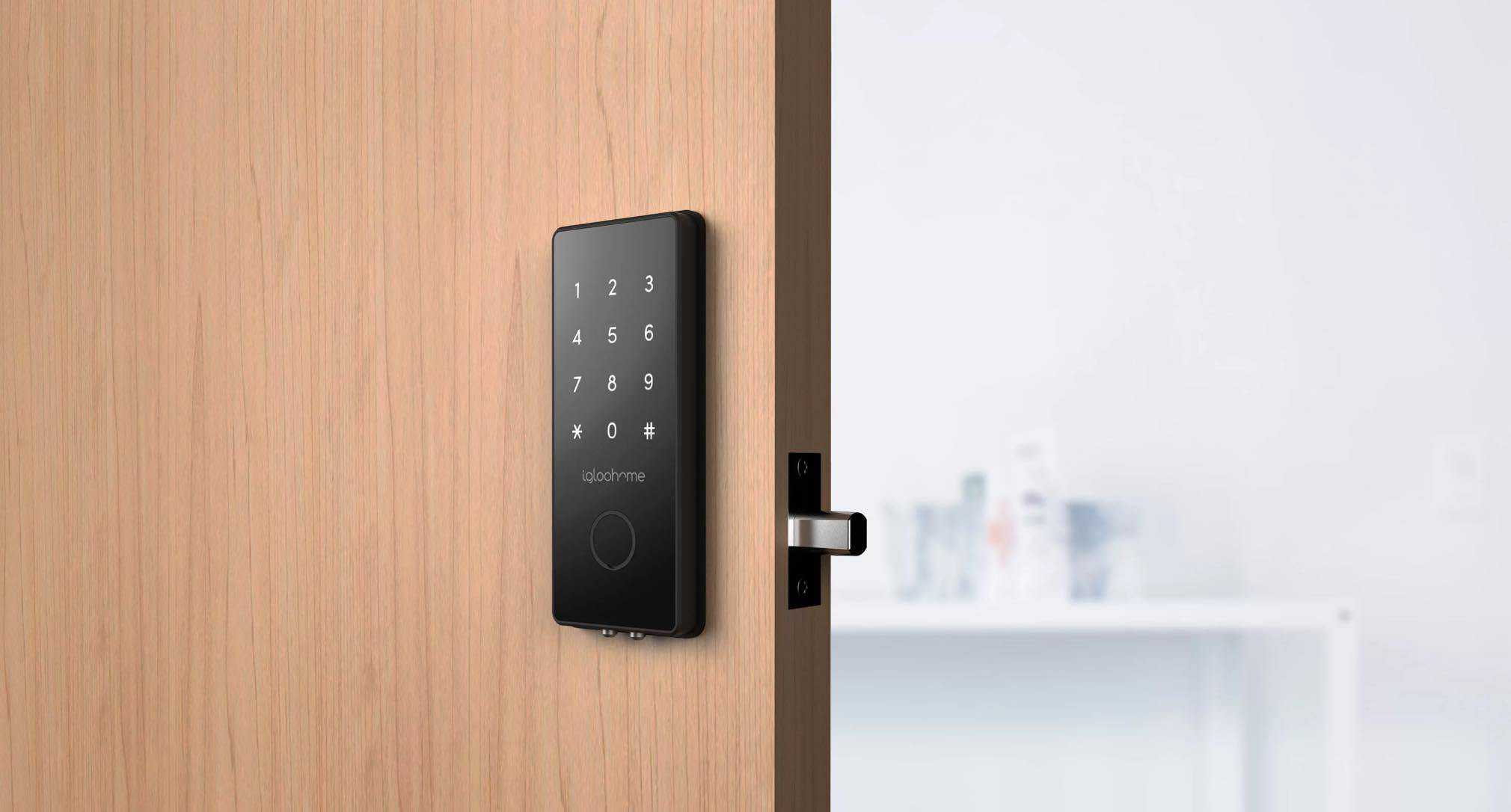
Igloohome offers more than just deadbolts. They make all kinds of locks smart from padlocks to keyboxes. Of course, they offer deadbolts, too. This flexibility makes them great for Airbnb owners as you can use the padlocks to block off private areas of your home, and the keybox or deadbolt for entry. Then, you can manage it all in one intuitive mobile app.
We don’t happen to have an Airbnb to rent out, but we still found Igloohome’s deadbolt useful. It features a sleek design that fits the aesthetic of our modern home. There’s also a fingerprint scanner, keypad, and physical key backup. The app made it easy to create, change, or delete codes, too. That’s how we gave our neighbor who walks our dog access to our home. If we decide she’s not working out, we can always delete the code.
We also bought one of Igloohome’s military-grade padlocks and installed it on our gym locker. Sure, our sweaty socks don’t need military-grade protection. That said, having a smart lock on our locker was convenient. When our racquetball partner wanted to borrow our racquet for a pickup game, we were able to give him access to our locker without leaving the comfort of our La-Z-Boy.
Premium security doesn’t come cheap, and Igloohome is no different. That military-grade padlock runs over $175, and our smart deadbolt came in at around $200. To us, Igloohome’s advanced features make them worth the price. For instance, every lock comes with a built-in alarm that sounds if someone tries to pry it off your door. They also include emergency power options through a 9V battery backup.
Sure, you can go ahead and pick any smart lock from this list and your front door will be safer with easier access control. However, to pick the best smart lock for you, you’ll need to figure out which features are most important for your needs.
Different features are going to matter more for you than they do for us. For instance, if you don't have a Google Home device, you won't care about that integration. Of course, there are still some features that everyone should look for. Here's a rundown of the most common ones people prioritize:
Those common features will point you in the right direction. Narrowing down the specific features you and your family actually need — and what fits your budget — takes a little more thought. Let's dig into exactly how to do that next.
Finding smart locks that fit your budget and have the right features for your particular situation is no easy task. We aim to make it easier by hand-testing locks and giving you our honest opinions. Since everyone’s situation is unique, you’ll still need to make some decisions on your own.
Here are some questions you can ask yourself that will help narrow down your choices and find the smart lock to fit your needs.
Once you answer those four questions, you’ll have a good idea of the features you need and type of lock you can afford.
Before picking out a smart lock for your apartment or condo, we always recommend asking your landlord for permission to install a smart lock. You’d be surprised by what they put in the fine print in rental agreements, so it’s best to cover your bases and get their buy-in to avoid any trouble. This is especially true for smart locks that don’t work with your existing key.
Once you get your landlord's agreement, focus on smart locks that are easy to install and program — ideally ones that don't require swapping out any existing hardware. Even better if the lock works with the same key as your current deadbolt. That keeps things simple and landlord-friendly when it's time to move out.
Any smart lock that mounts on the inside of your door over your existing hardware — like the August Wi-Fi Smart Lock — lets you keep using the same key without any changes to the exterior. Some manufacturers also offer locks that can be re-keyed to match your existing key. Kwikset, for example, has a built-in SmartKey rekeying system, and many other smart locks on the market support traditional key compatibility as well.
Put simply, August, Yale, and Schlage make the best smart locks on the market. They offer the highest level of security with the most advanced features. Plus, their prices are reasonable. They’re not the cheapest on the market, but they offer the best value.
That said, no single product is the right fit for everyone. Kwikset, Sesame, Danalock, ULTRALOQ, and Igloohome all bring something to the table that you won't always find from August, Yale, or Schlage. The best smart lock for you really comes down to your specific needs, your setup, and how you plan to use it day to day.

Most smart locks feature fingerprint scanners with an accuracy rate of at least 99 percent. However, we always recommend choosing a smart lock with alternative access methods just in case.
While traditional deadbolts can offer the same level of security as a smart lock, that’s only if you never forget to lock them. We find smart locks safer since many of them offer auto-locking features or send reminders if you forget to lock your door.
It is technically possible for a smart lock to be hacked, but quality smart locks include advanced cybersecurity measures to prevent it. In most cases, picking a physical lock is easier than hacking a smart lock.
Installation time depends on the type of smart lock you buy. Most retrofit smart locks can be installed in under 15 minutes. For a complete replacement of your existing lock, expect to spend about 30 minutes.
All high-quality smart locks come with emergency access options in case your battery dies. Most of them let you use a physical key to still unlock your door with some supporting emergency power through an external battery.
Treasury Direct. (2025). 128 Bit Browser Encryption.
https://www.treasurydirect.gov/indiv/help/128-bit/
Cybersecurity & Infrastructure Security Agency. (2024). Transition to Advanced Encryption Standard (AES).
https://www.cisa.gov/sites/default/files/2024-05/23_0918_fpic_AES-Transition-WhitePaper_Final_508C_24_0513.pdf