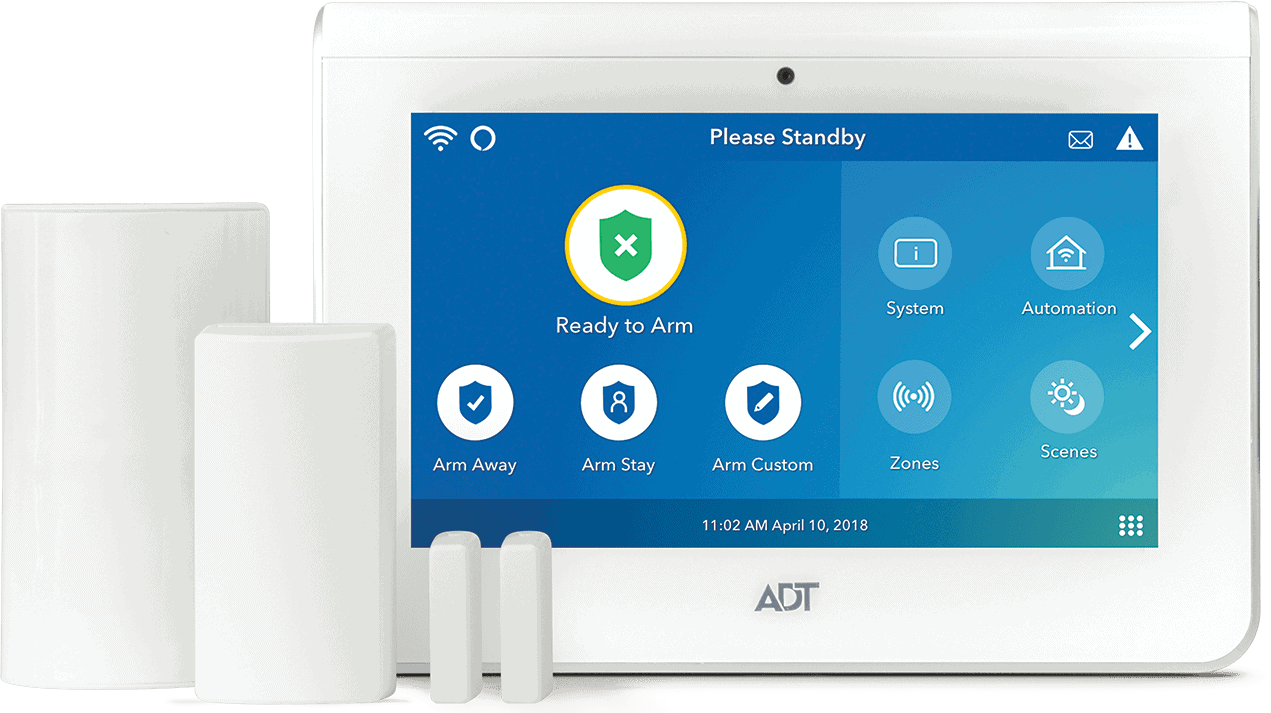

Not sure which ADT smart door lock to choose? ADT sells two models on its website: the Yale Assure Lock 2 Touch and the Yale Assure Lock. However, you can also connect any Z-Wave-compatible device. This means you can use smart locks from Kwikset, Schlage, and August.
You could also choose to install one from our smart lock guide, but you’ll miss out on the benefits of integrating with an ADT security system. In this guide, we’ll take you through the ADT-compatible smart door locks and tell you all about the features they unlock once you connect them to your security system. Let’s begin.
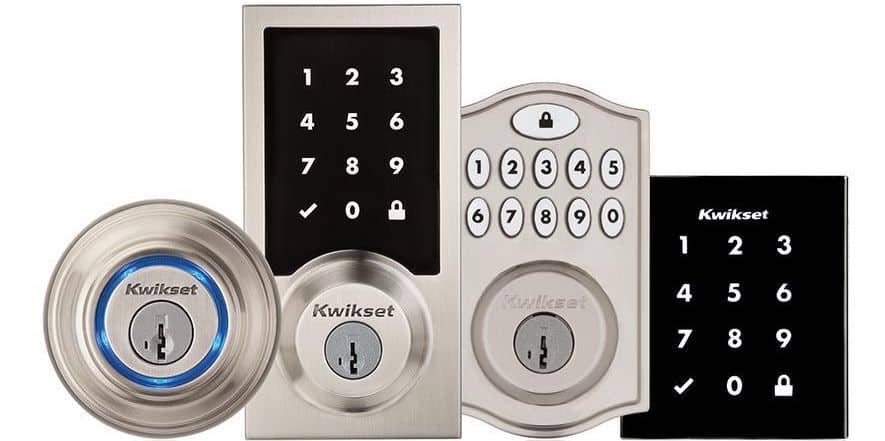
Some examples of the Kwikset smart locks that are compatible with ADT systems
What Is a Smart Lock?
A smart lock is simply a door lock that is connected to the internet. Its benefit is that you can control it via an app on your smartphone. If you want a neighbor to bring in your packages while you’re on vacation or a friend to check on your pet, you don’t have to hide a key under a potted plant to let them in. Just tap the app to unlock the door, and they’re in.
Another benefit of connected smart locks is that you can set up automation. If you’re like us and forget to lock the door when you’re in a rush, you can set a schedule for the door lock at specific times. You can even use it to send alerts when the kids get home from school. We find the real benefits come when you integrate it with a security system like ADT.
>> Keep Reading: ADT Home Security Review 2026
Are Smart Locks Safe?
Since they're connected to the internet, smart locks can be hackable, but there are several measures built into smart locks to thwart hacking attempts. For example, most smart locks use 128-bit AES encryption. This is the same technology online stores use to protect customer payment information.
Z-Wave technology is also considered safer than Wi-Fi or Bluetooth because it uses a proprietary protocol that allows for strong encryption. Smart locks also use bump guards to prevent someone from unlocking them with a bump key, a device commonly used by criminals to open traditional pin tumbler locks.
FYI: ADT uses two-factor authentication. This means if a new device attempts to log in to your account, you’ll get a verification code to authorize or deny access.
What Smart Locks Work With ADT?
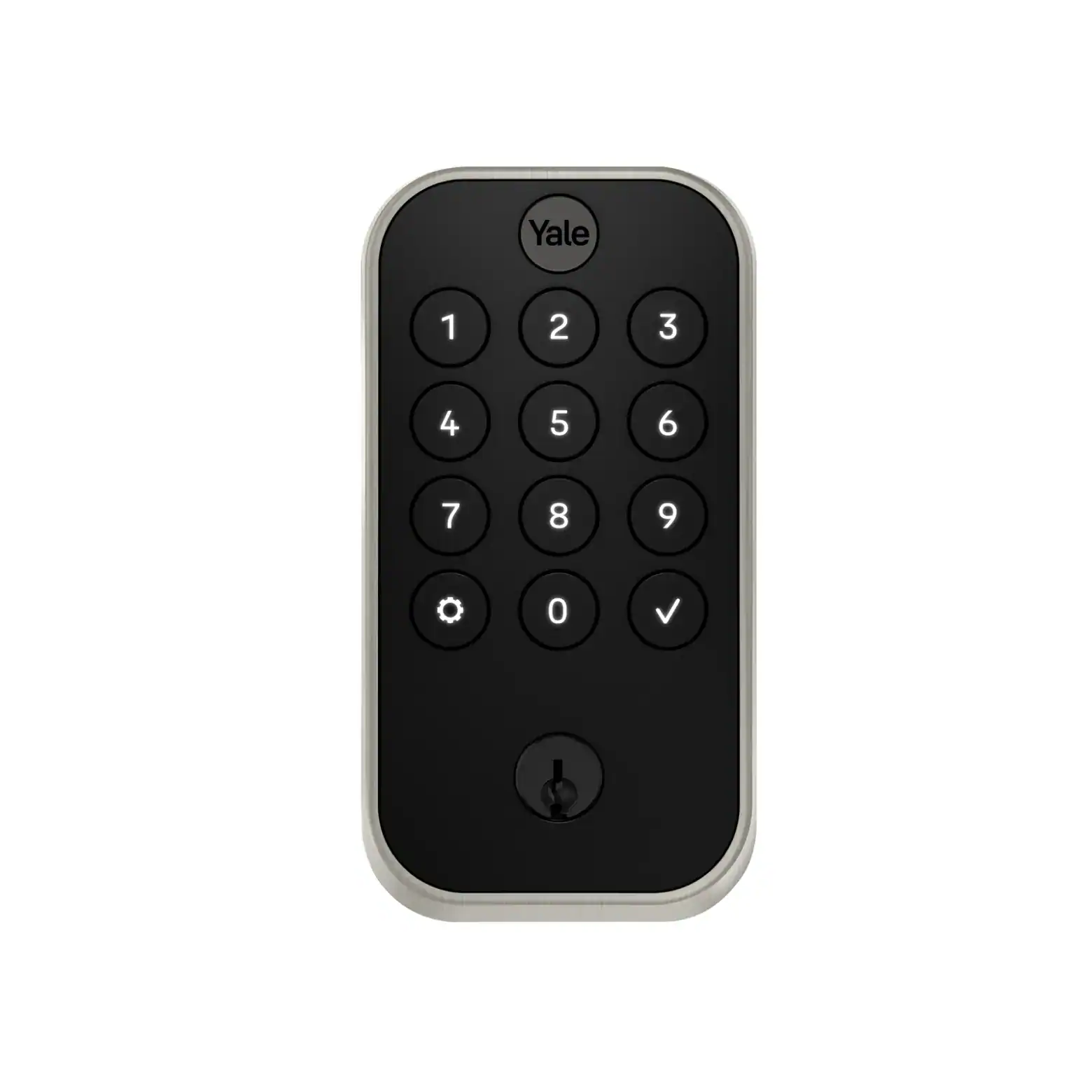
The Yale Smart Lock, which is available for purchase with ADT security packages.
Only Z-Wave-compatible smart locks can connect to ADT security systems. While that opens up a lot of options, we recommend choosing the models available on ADT’s website. We’ve found them easier to install and integrate with our ADT system. They are the ones that work best with ADT’s security systems:
| Smart Lock Model | Installation Type | Price |
|---|---|---|
| Yale Assure Smart Lock 2 Touch | Professional/DIY (available from ADT) | $299.99 |
| Yale Assure Lock | Professional/DIY (available from ADT) | $209.99 |
| Kwikset SmartCode | DIY | Starting from $160 |
| Schlage Camelot Sense | DIY | Starting from $110 |
| August Smart Lock Pro | DIY | Starting from $280 |
The Yale Assure Smart Lock 2 Touch and Yale Assure Lock are both available directly from ADT, and the company offers them to both ADT Pro Install and ADT Blu customers. That means you can have them installed alongside your security system (if you opt for ADT Pro Install) or DIY the installation (if you go with ADT Blu). Smart locks can be a handful to install, so we recommend ADT Pro Install.
>> Check Out: The Best Professionally Installed Home Security Systems
ADT Home Security Plans With Smart Locks
To get the full benefit of integrating a smart lock with a home security system, you’ll need to subscribe to one of ADT’s monitoring plans. Prices for these plans start at $49.99 per month with ADT Pro Install; $34.99 with ADT Blu. While ADT Blu is more affordable, we again recommend ADT Pro Install because of Trusted Neighbor.
Trusted Neighbor is an ADT feature that makes use of the facial recognition on its doorbell cameras and smart lock integration to automate letting trusted people inside your home. Let’s say you’re out on vacation and need a neighbor to bring your mail inside. Instead of manually controlling the lock or leaving keys under the sink, you can designate them a “trusted person” and have the smart lock unlock when they’re seen by the doorbell. This kind of automation isn’t just for convenience, in our opinion; it also enhances home security.
Pro Tip: We suggest setting up event-based access for Trusted Neighbor. You can provide access to your contacts when the smoke alarm is triggered or the glass break sensor detects a break. Your contacts can check on your home or help pets get out of the house.
How to Set Up a Smart Lock With ADT
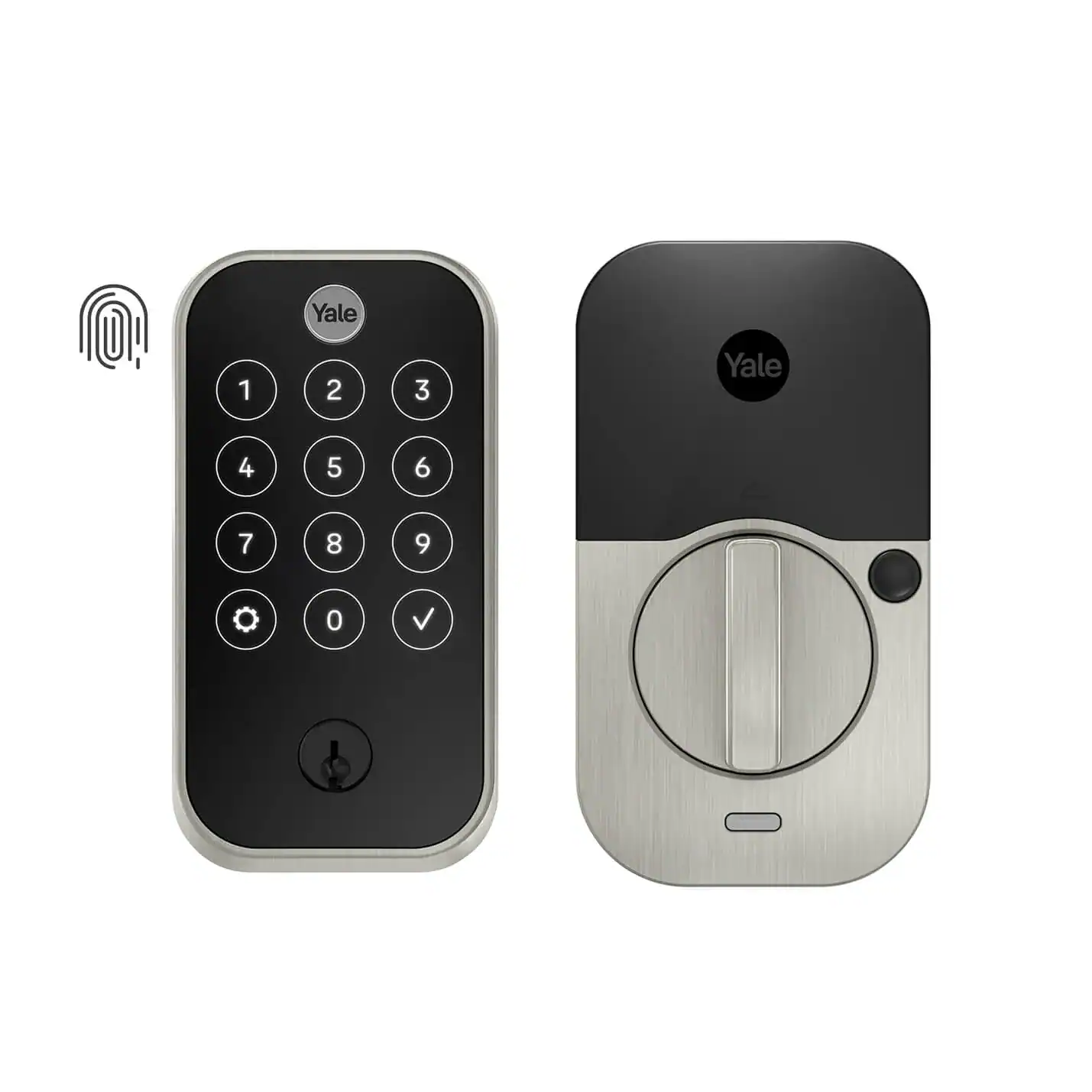
The Yale Assure Lock 2 Touch can unlock with fingerprints or the ADT+ app.
We were surprised by how quickly we were able to set up an ADT smart lock. If you choose an ADT Blu system, you can follow the instructions that come with the smart lock. Once it’s in place, follow these steps to connect it to the system:
- Open the ADT+ app and select the three dots in the upper right corner.
- Select “Devices” and hit the plus symbol.
- Choose “Add a Smart Home Device.”
- Pick “Locks.”
The ADT Hub will go into inclusion mode and you’ll be instructed to follow the manufacturer’s instructions to sync the device. The hub will beep once it’s connected and the app will take you to a screen so you can give your smart lock a name.
Of course, we recommend ADT Pro Install, and going through professional installation with ADT is actually hassle-free. We scheduled an appointment after we finalized our system, and the ADT technician arrived on time. He then installed our full ADT system (10-piece security system) in under two hours. Before leaving, he did a quick inspection to check that everything is working, and even helped us set up Trusted Neighbor. You don’t get that kind of help from DIY installation.
FYI: While the front door is still the main entry point for burglars, other common targets include back doors and access points to garages or basements.1 We recommend installing smart locks on these doorways so you can get notifications if someone tries to break in.
The Benefits of Integrating Smart Locks With ADT Systems
You could choose a non-Z-Wave-compatible smart lock, but you’ll miss out on a lot of the benefits of connecting these devices to an ADT system. Here are some of the perks:
- Remote Access: You can lock and unlock your doors from anywhere via the ADT+ mobile app.
- Instant Alerts: ADT sends notifications to your phone when doors are unlocked and when family members enter or exit your home.
- Shared Access: It’s easy to give temporary or permanent access to friends, family members, neighbors, or helpers by sharing entry codes in the ADT+ app.
- Remote Monitoring: You can get status updates on your door and a history of who has entered or exited your home.
- Device Integration: ADT smart locks combine with other ADT equipment, like security cameras, to offer advanced security and automation features.
With 95 percent of all home invasions involving forceful entry, like picking a lock, smart door locks make it harder for criminals to break in.2 If they do manage to get inside, they’re up against the best professionally monitored home security systems on the market.
Smart Locks and Home Automation
ADT sells more home automation products than any other security company. That’s why we rank them among the best home automation security systems. The perks of ADT smart locks go beyond the convenience of keyless entry. Here are some of the other advantages:
- Voice Control: ADT works with Alexa and Google Assistant, so you can arm your alarm and control your smart locks with a simple voice command.
- Schedule Routines: Using the ADT+ app, you can create a series of events that trigger automatically. For example, you can set up an automation that locks the door, turns off the lights, and lowers the thermostat once you leave the house.
- Custom Alerts: If an alarm is triggered, you can set up an automation that locks the doors, flashes the smart lights, and rings a siren to scare off intruders.
- Emergency Automations: If there is a fire or if someone needs medical assistance, you can create an automation to unlock the smart lock for easier access to emergency personnel.
The number of smart security products in households is growing. Smart locks are now in 22 percent of homes and video doorbells are installed in a third of U.S. homes.3 Some of the reasons include easy smartphone app access and routine-based automations that make life easier.
>> Keep Reading: ADT Home Automation Compatibility and Integrations
ADT Smart Lock Recap
We think smart locks play an integral role in home security. However, to get the most from these devices, we recommend connecting them to a home security system so they can work with your other devices like smoke alarms, security cameras, and motion detectors.
We’ve rated ADT as the best home security system over multiple years for several reasons. The professional monitoring is the best in the industry. The Nest Cams are reliable and offer advanced features like facial recognition. You also get access to home automation routines that add extra layers of security and convenience. Plus, it doesn’t take much effort to connect a smart lock to an ADT security system, making it well worth the setup.
FAQs
- What smart locks work with ADT?
Smart locks using Z-Wave technology are compatible with ADT security systems. These locks can be added to the ADT+ app to use features like remote access and automated routines.
- How do you add a smart lock to ADT?
You can add a smart lock via the ADT+ app. Open the app and select the three dots in the upper right corner. Go to “Devices” and hit the plus symbol. Choose “Add a Smart Home Device and pick “Locks.” Follow the manufacturer’s instructions to complete the process.
- Do smart locks void insurance?
Smart locks don’t typically void insurance, as long as the device meets the requirements of your provider. We recommend checking with your insurance company.
- How much does it cost to have a smart lock installed?
ADT offers professional installation starting at $100. This starting price covers your entire security system, including cameras, motion sensors, and smart locks. The total cost will depend on the complexity of the installation and the number of devices in your system.
- Can I add my own devices to ADT?
ADT is compatible with most Z-Wave products, including thermostats and smart light bulbs. We recommend confirming with ADT to see if your product can integrate with the security system.