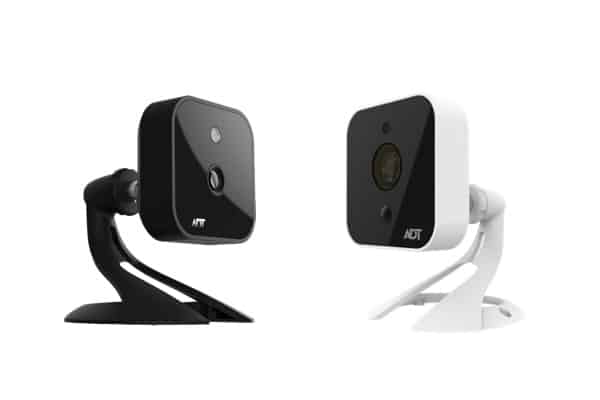
ADT’s camera lineup might surprise you if you’re expecting traditional ADT-branded hardware. The home security giant has partnered with Google Nest, one of the best home security camera companies, and now offers all of their cameras. This brings Google’s smart camera technology to ADT’s 150-year history in security monitoring — creating one of the best security systems available.
We spent weeks testing ADT with all four Google Nest cameras available. Integrating these Google products with an ADT system adds unique features and industry-leading professional monitoring to the cameras. However, are they worth the price, and do these smart cameras meet the demands of serious home security?
A look at the Google Nest Cam, ADT’s security camera
PROS
Professional monitoring with video verification
All cameras feature people, pet, vehicle and package detection
Weather-resistant outdoor options available
Works with Google Assistant ecosystem
Cameras work as standalone devices
CONS
ADT Blu doesn’t support Google Nest Cams
Higher monthly fees than some competitors
Most affordable outdoor camera starts at $179.99
Limited camera model selection
Pricing and Plans
ADT’s pricing sits at the premium end of the industry, and that goes for their smart cameras too. Thankfully, ADT does not upcharge compared to buying these cameras directly from Google. That doesn’t mean you can expect Ring’s pricing with a $49.99 indoor camera, but Google Nest’s prices are competitive given their capabilities. Here’s an overview of the price and installation options for each model:
Security Camera Model
Price
Installation Options
Google Nest Cam Indoor (wired, 3rd gen)
$99.99
DIY or Professional
Google Nest Cam Outdoor (wired, 2nd gen)
$149.99
DIY or Professional
Google Nest Cam (outdoor or indoor, battery)
$179.99
DIY or Professional
Google Nest Cam with floodlight
$279.99
Professional Recommended
Subscription Costs
We always recommend professional monitoring, especially when it comes from ADT. It adds an extra fee, but they offer the most reliable monitoring service in the industry with six redundant monitoring centers spread across North America.
ADT monitoring isn’t cheap, with pricing starting at $49.99 a month. We think it’s worth it, though. For comparison, similar plans from Vivint and Frontpoint cost at least $49.99 per month and neither offers as many capabilities. Plus, it unlocks ADT’s full home automation capabilities in the ADT+ app which rivals Vivint. Check out our ADT vs. Vivint comparison to see them head-to-head.
Of course, there are more affordable options like SimpliSafe and Ring that offer similar monitoring for $32.99 or $19.99, respectively, although with fewer smart features. We discuss why we think ADT still provides great value, despite the higher price point, in our SimpliSafe vs. ADT comparison.
Heads Up: ADT professional monitoring starts at $49.99 per month. When you call ADT to discuss your security system needs, they’ll let you know the final amount based on equipment and features.
Our Experience with Each Google Nest Cam Offered by ADT
In the past, you could only buy certain Google Nest Cams from ADT and they were marked up compared to buying them directly from Google. That changed recently, so now they offer the complete lineup of Google Nest Cams at the exact same price as buying direct from Google. Here’s an overview of the Google Nest Cams offered by ADT:
Feature
Google Nest Cam Indoor (wired, 3rd gen)
Google Nest Cam Outdoor (wired, 2nd gen)
Google Nest Cam (outdoor or indoor, battery)
Google Nest Cam with floodlight
Resolution
2K
2K
1080p
1080p
Field of View
152 degrees
152 degrees
130 degrees
130 degrees
Power Source
Plug-in
Plug-in
Battery or plug-in
Hardwired
Built-in Lighting
No
No
No
Yes
Now let’s dig into the details of each camera starting with the dedicated indoor model.
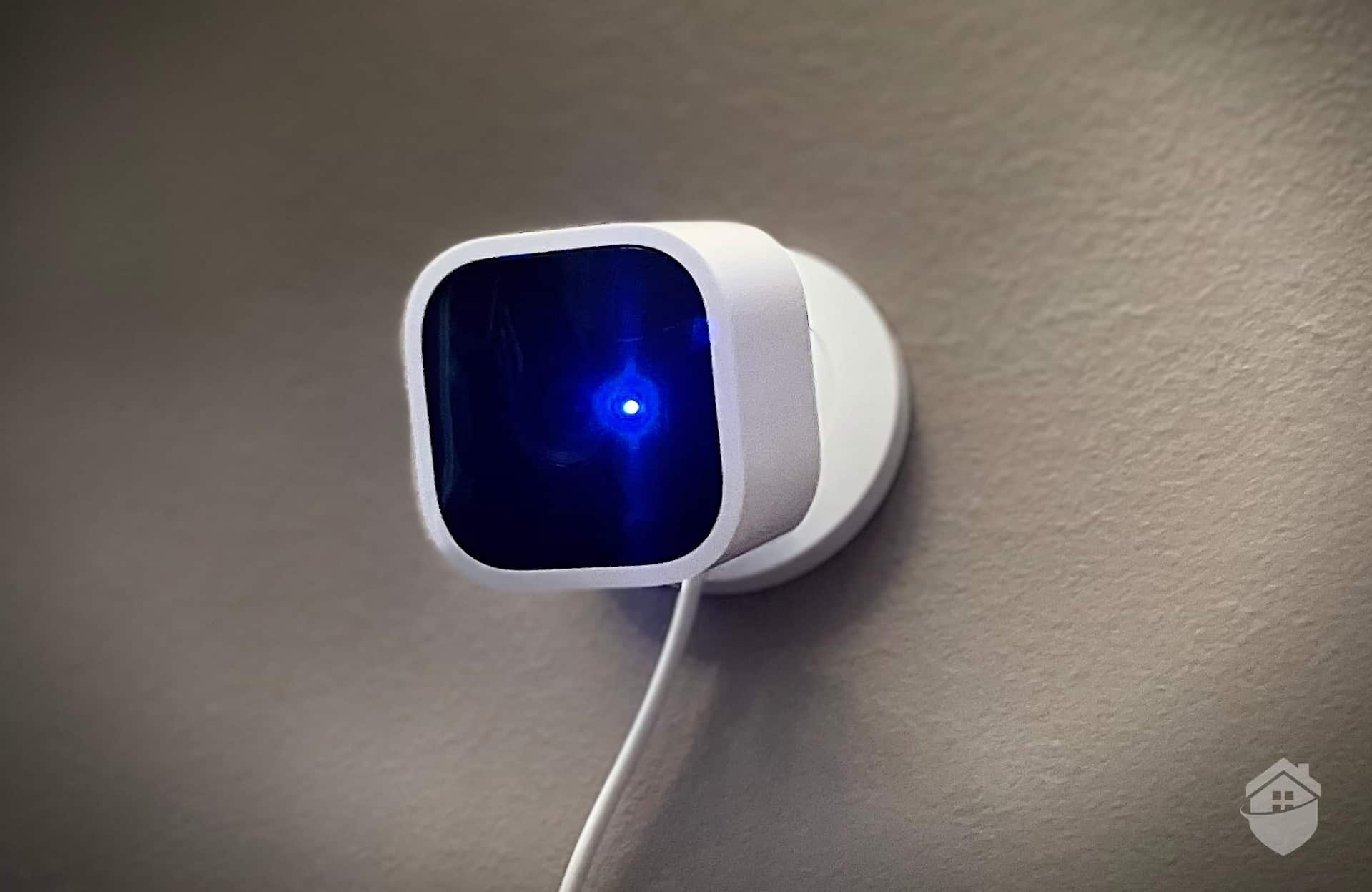
The indoor wired model is ADT’s entry point into the Nest ecosystem at $99.99, and it’s probably the camera most people will start with. It’s compact enough to blend into most rooms without screaming “security camera,” though it’s not exactly invisible either. The design resembles a small white speaker with a lens that looks surprisingly modern on a shelf or mounted on a wall.
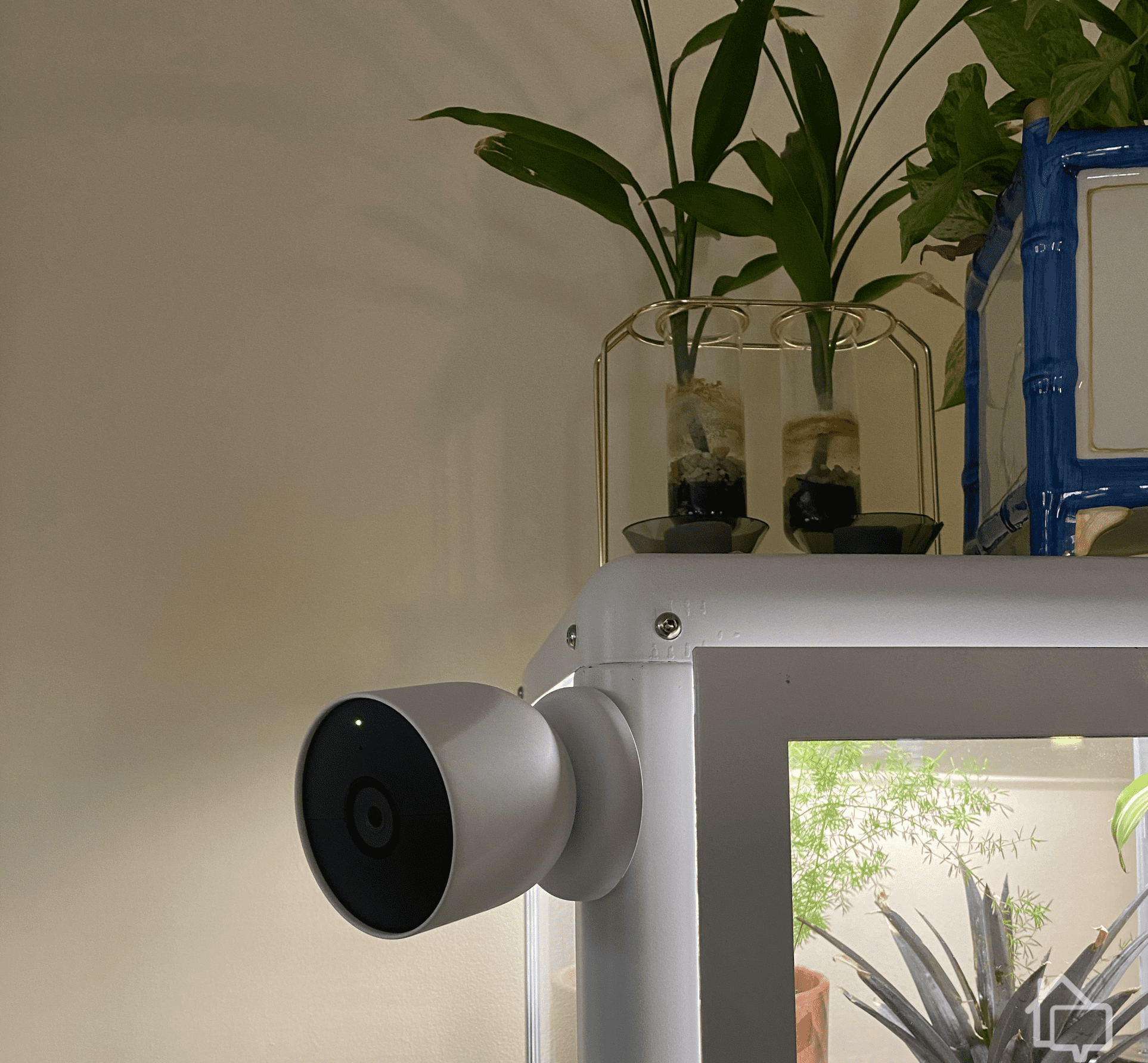
Mounting our Google Nest Cam Indoor (wired) on a small greenhouse cabinet meant the cable was completely hidden.
Generally, we prefer battery-powered indoor cameras for their flexibility. However, while testing this model, we actually appreciated the continuous power supply. It eliminated the battery anxiety we normally feel. Plus, the 10-foot power cable was long enough that it could be placed anywhere. The ADT technician chose the best place to put it for maximum coverage.
Video quality impressed us consistently. The 2K HDR feed delivered clear images even in challenging lighting conditions, and the 152-degree field of view captured most standard rooms without blind spots. Night vision performed well up to about 20 feet, using invisible infrared LEDs that won’t disturb sleeping family members or pets.
Similar to the video quality, we were also surprised with the quality of the two-way talk. Its built-in speaker and microphone are surprisingly clear. We found it perfect for telling everyone when dinner was ready.
Pro Tip: Indoor cameras are best placed at least seven feet high to maximize the field of view and reduce the chances of tampering or obstruction.
Google Nest Cam Outdoor (wired, 2nd gen)
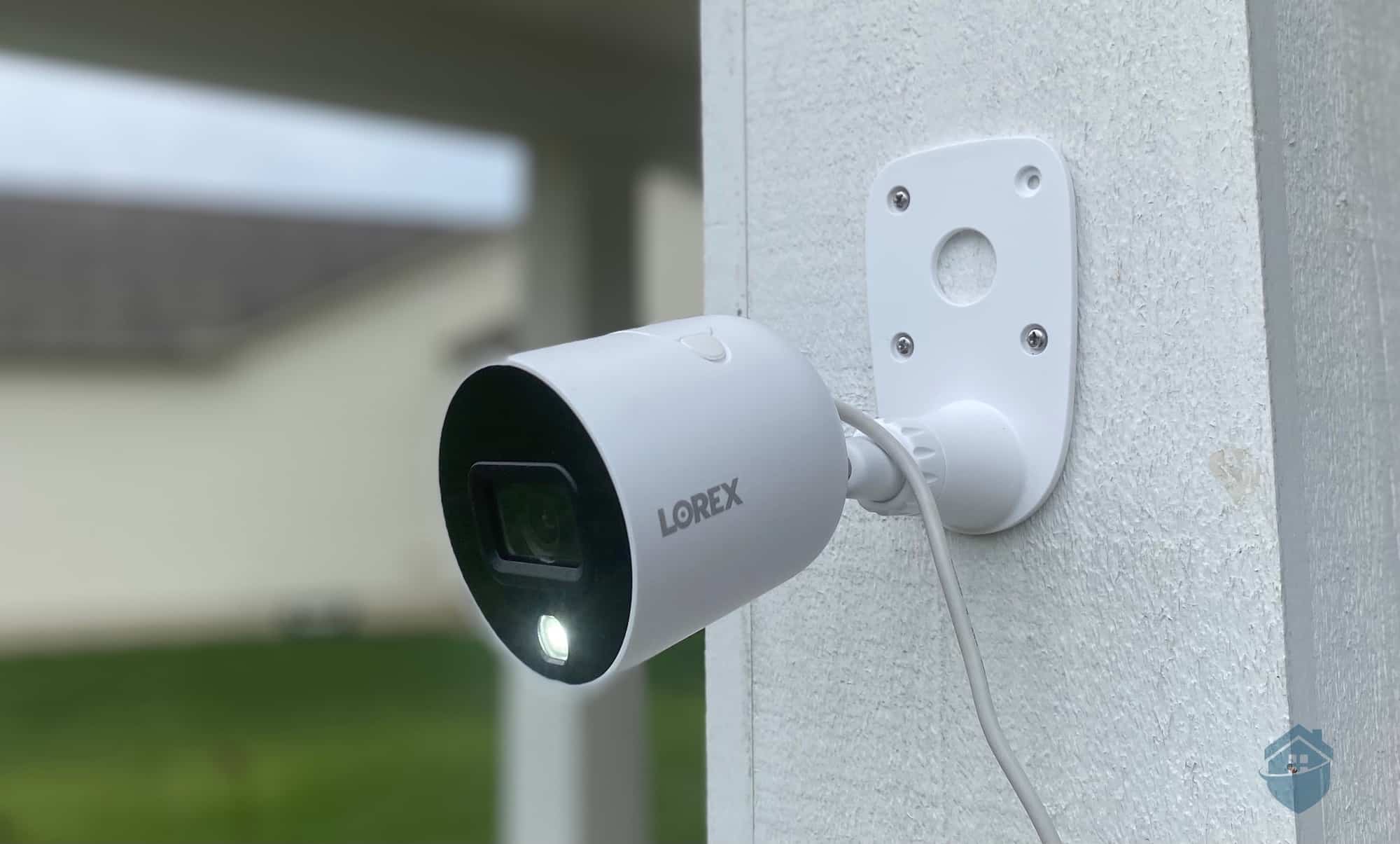
Going up in price to $149.99, you can get essentially the same camera as the Indoor model, except it’s IP65 rated for outdoor use. That means it can handle rain, snow, and dust without issue. We tested this camera through several rainstorms and one unexpected snowfall in early spring. It performed flawlessly throughout, with no fogging or water intrusion visible. The robustness of this camera is one reason ADT’s one of the best outdoor security systems.
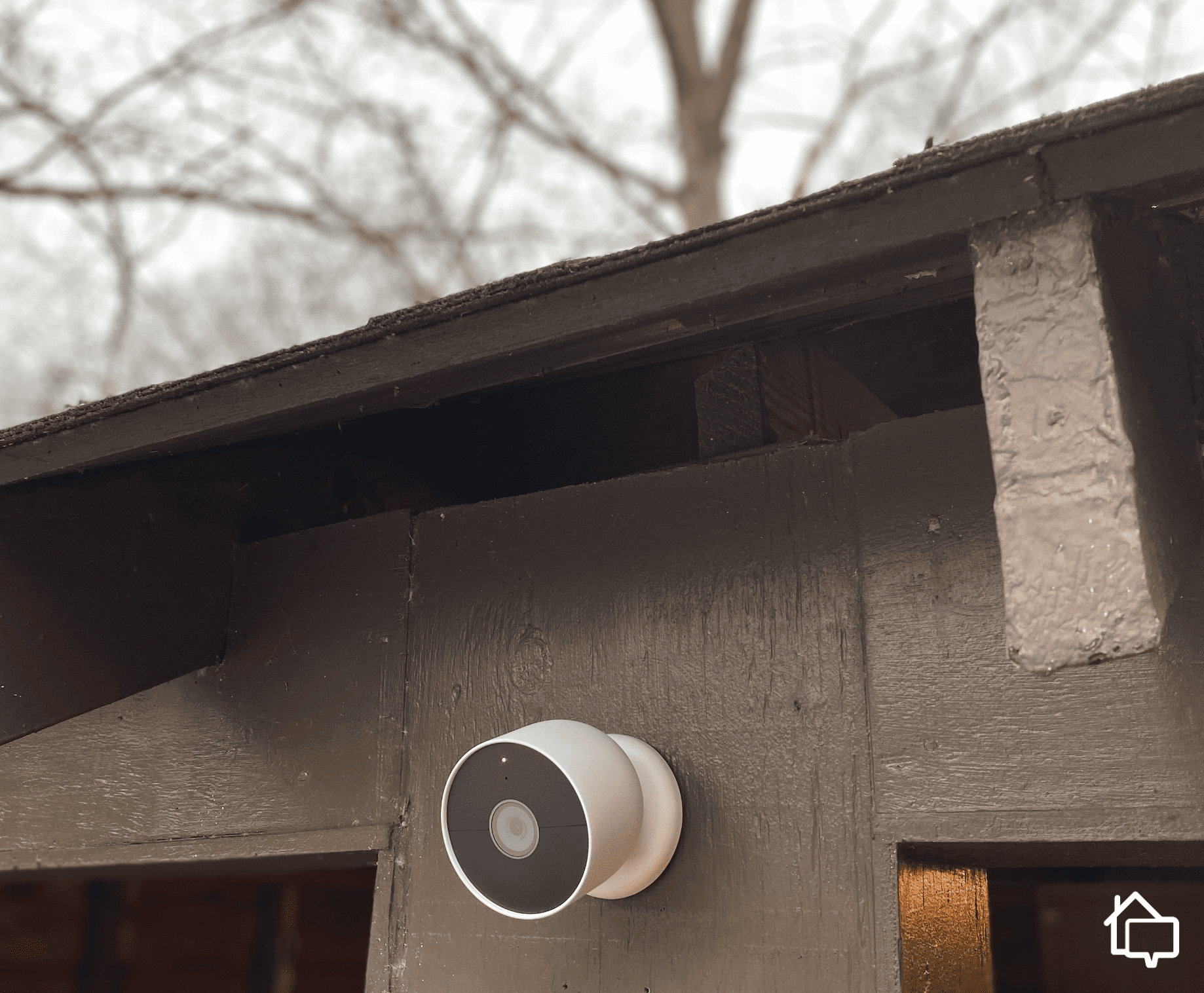
Installation requires routing the 18-foot weatherproof cable to a protected outlet. Our ADT technician mounted ours under an eave overlooking the driveway, which took them about 45 minutes including drilling and cable management. The included mounting hardware is solid, and the magnetic mounting plate allows for precise angle adjustments.
One standout feature is the camera’s ability to distinguish between people, animals, and vehicles — without a subscription. This actually goes for all Google Nest cameras. Most competitors require a cloud storage subscription to unlock this capability. Google still locks their facial recognition capabilities behind a subscription, though.
The outdoor cam’s night vision extends to about 25 feet with good clarity, adequate for most front yards and driveways. We found the 152-degree field of view worked well for monitoring entry points, though corners and wraparound porches might require multiple cameras for complete coverage.
Expert Insight: Based on our experience, mounting an outdoor camera eight to ten feet high provides the optimal balance between accurate facial recognition and broad coverage. For more tips like this, check out our guide to security camera placement.
Google Nest Cam (outdoor or indoor, battery)
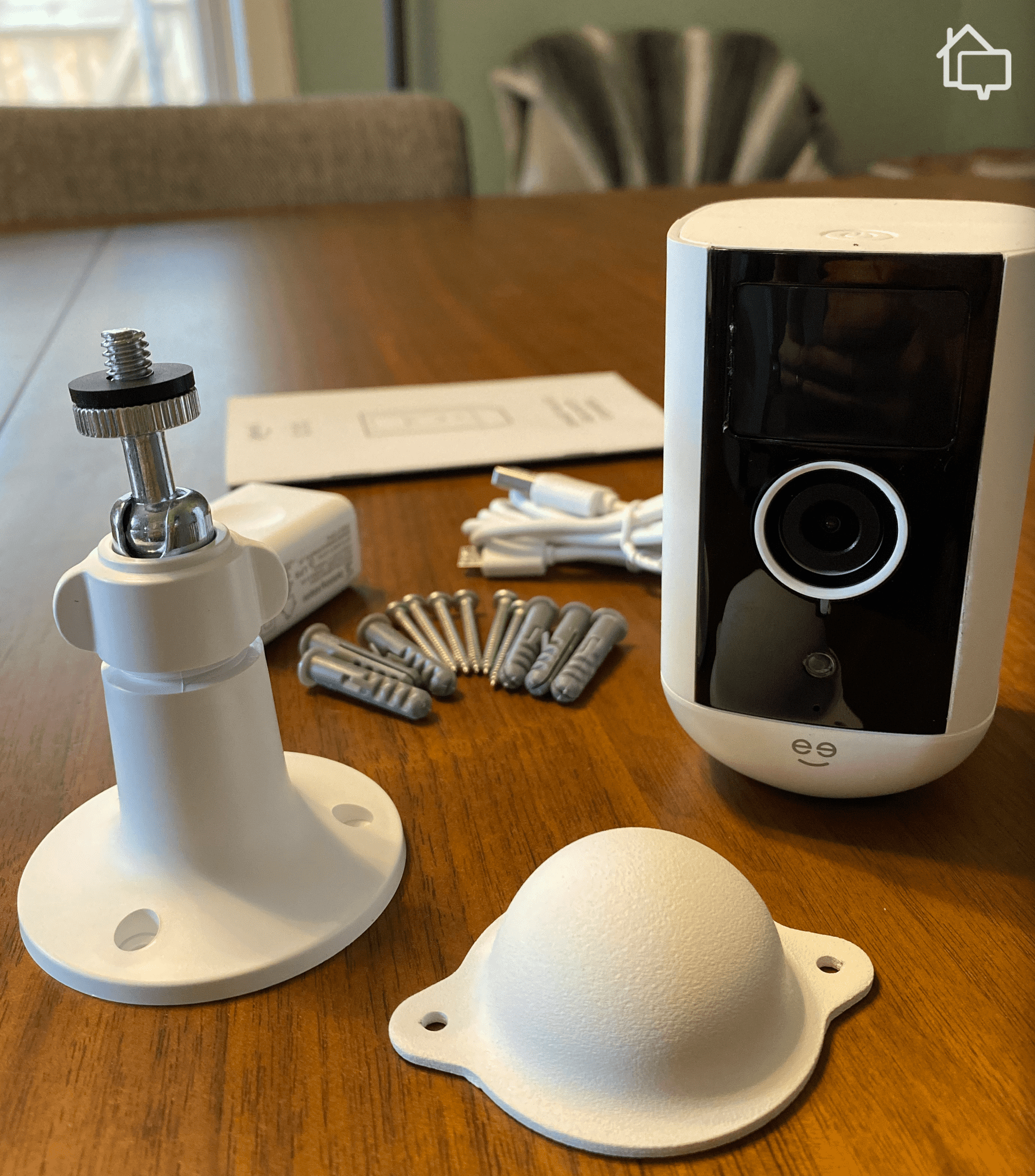
At $179.99, the battery-powered Nest Cam costs more than both wired versions, but it offers installation flexibility that we feel justifies the premium. That flexibility allowed us to use this camera inside as a pet monitor, outside watching the backyard gate, and temporarily at a side entrance during a renovation project. It also put ADT on our list of the best battery-powered security cameras.
The rechargeable battery lasted about three months on average depending on activity levels and temperature. Once winter rolled around, the cold weather reduced the battery life of our camera to about six weeks. However, it’s easy to charge with the magnetic charging cable. Just bring the camera inside and plug it in for a few hours.
Battery operation comes with trade-offs. To conserve power, the camera can’t record continuously even with a Google Home Premium Advanced subscription, unless it’s plugged in. It can still record event-based clips when it detects motion or sound. We generally prefer event-based recording anyways, since 24/7 footage takes too long to go through.
Compared to the outdoor wired model, the Google Nest Cam (outdoor or indoor, battery) isn’t quite as robust. It only received an IP54 weatherproof rating, which is why we recommend installing it under an eave. That’ll keep it protected even during big rainstorms. The magnetic mount also makes it easy to take inside during more tumultuous weather.
Security Advice: Purchase a second battery to swap in when recharging, eliminating gaps in your security coverage during the charging period.
Google Nest Cam with floodlight
For $279.99, you can get the flagship model in ADT’s Google Nest lineup of cameras. Our ADT technician needed to hardwire this one to our electrical system for it to function, so it took a little longer to set up.
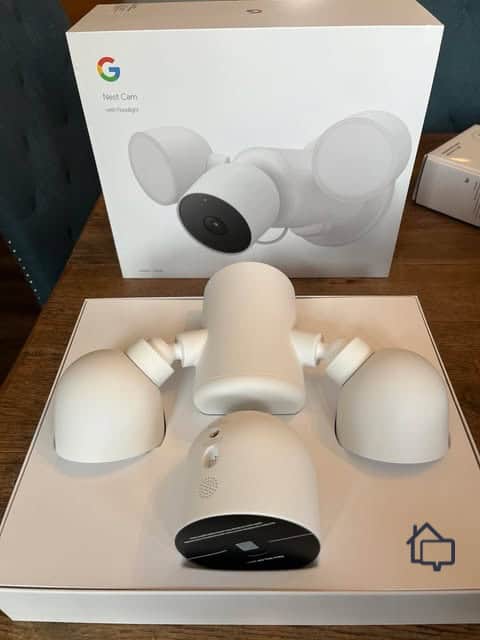
The Nest Cam with Floodlight has two independently aimable LED floodlights that provide 2,400 lumens of bright white light. It can fully illuminate a large backyard or driveway with ease. During testing, the lights activated reliably when motion was detected. We used the sensitivity adjustments to fine-tune what triggered the lights, reducing activations from passing cars while still catching people approaching the house.
The Google Nest Cam with floodlight requires hardwiring to your electrical system, which ADT’s professional installation service handles.
The camera itself matches the specs of the battery-powered Google Nest Cam with 1080p HDR video and a 130-degree field of view. The ADT technician recommended mounting the device 10 to 12 feet high for optimal coverage. It can make facial recognition slightly less accurate, though. That’s why we find the Google Nest Doorbell complements this camera well.
One nifty feature is the ability to activate the floodlights manually through the app. We used it for everything from helping guests find their way to the door to lighting up the yard when taking out the trash. The lights can also operate on a schedule independent of motion detection. We got this capability while testing the Ring Floodlight Camera as well.
Battery backup isn’t included, so power outages disable both the lights and camera. This is worth considering if you live in areas with unreliable electricity, as those vulnerable periods eliminate your surveillance and deterrent lighting simultaneously.
Security Facts: Published studies consistently find that security cameras can act as an effective deterrent if they’re visible.1 The Google Nest Cam with floodlight takes full advantage of this fact by making it clear that your home is protected.
Video Quality and Performance
Overall, we were pleased with the video quality and performance of all four Google Nest cameras offered by ADT. They record in 1080p or 2K resolution, which meets or exceeds industry standards. However, 4K cameras are becoming more common, with Ring’s new lineup including several 4K options as we discuss in our Ring vs. Google Nest comparison. Each Nest Cam also supports HDR which balances dark and bright areas in a video, limiting the impacts of glare and shadows.
Frame rates stay consistent at 30 frames per second, providing smooth video without the choppiness that plagues some budget cameras. During our testing, we experienced minimal lag when accessing live feeds over both Wi-Fi and cellular data. Typically, it only took two seconds to connect, which meets expectations for cloud-connected cameras.
Night vision deserves specific mention because it outperformed our expectations. While only the Nest Cam with floodlight supports color night vision, we find the black-and-white footage from the other cameras’ infrared LEDs is surprisingly clear. We tested this extensively by monitoring our driveway after dark, and could clearly identify people, read clothing details, and distinguish between different vehicles.
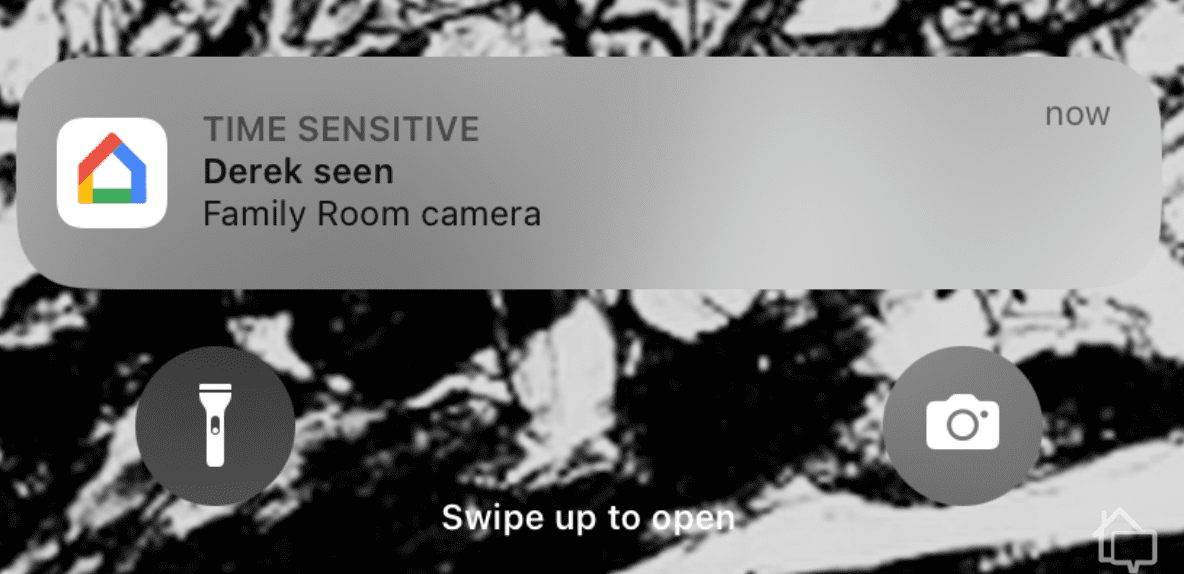
Once our Google Nest Cams learned a face, our alerts became smarter and told us who the camera saw.
Here’s where ADT’s Nest cameras separate themselves from basic security cameras. The AI-powered detection can distinguish between people, animals, vehicles, and general motion without any subscription. During three weeks of testing the accuracy of this AI detection, we found it identified people approximately 95 percent of the time, vehicles around 90 percent, and animals about 85 percent with few false positives.
ADT professional monitoring leverages facial recognition for added security. After a week of training, our test camera reliably distinguished between residents and visitors, sending different notification types accordingly. In clear conditions it showed how facial recognition software averages over a 99 percent accuracy rate. That said, obstructions like sunglasses or winter hats can cause issues.2
The Familiar Face feature in all of your Google Nest Cams also powers ADT’s Trusted Neighbor feature. With it, you can automate your home’s security based on who your cameras see. For instance, our dog walker comes by every Thursday at noon, so we set our ADT system to disarm when it saw her at our door. If you have an ADT-compatible smart lock, it can unlock that as well.
Did You Know? On top of recognizing someone’s face, ADT’s Trusted Neighbor also sends their device a push notification. This ensures the security of your home as the Trusted Neighbor needs to confirm it’s them at your house before your system will disarm.
Installation and Setup
If you’re buying Nest Cams without an ADT security system, setup difficulty varies across the four models. The battery-powered camera wins for simplicity — download the Google Home app, scan the QR code on the camera, and follow the prompts. Total time from box to operational: about eight minutes. The indoor wired model is nearly as easy, with the only additional step being plugging it in.
The outdoor wired camera requires moderate DIY skills. You’ll need a drill, screwdriver, and some patience for cable routing. The weatherproof cable needs protection from damage, so we used cable clips to secure it along the eave and into the attic space before dropping to an interior outlet. Plan for 30 to 60 minutes depending on your mounting location and cable path complexity.
The floodlight camera demands professional installation unless you’re comfortable working with household electrical wiring. Beyond the electrical connections, the unit is heavy (about 3.5 pounds), requiring secure mounting into solid wood or masonry rather than just siding. Thankfully, ADT offers one of the best professionally installed security systems, so if you go with them, you’ll know it’s installed securely and correctly.
The ADT technician set up our base station first, so they could connect all of our Google Nest Cams to the ADT system and app.
Internet Requirements
Wi-Fi requirements are standard but important: all cameras need at least two Mbps upload speed per camera. If you have both a 5 GHz and 2.4 GHz Wi-Fi band, we recommend connecting indoor cameras to the 5 GHz band and outdoor cameras to the 2.4 GHz band. That’s because 2.4 GHz bands offer farther coverage and are better at transmitting through walls.3
ADT Professional Monitoring Integration
This is where ADT’s partnership with Nest becomes meaningful. While you can buy these same cameras directly from Google, purchasing through ADT enables integration with professional monitoring services that add a human response layer to the automated alerts.
When there’s an alert on your ADT system, ADT’s monitoring centers immediately spring into action. They notify you of the alert via their SMART Monitoring text-based protocol, asking you to mark the alert as a real emergency or a false alarm. Then, they check a video clip from your Google Nest Cams at the time of the alarm to see if they can identify an emergency. If they do, they immediately dispatch emergency services to your house. This feature is called video verification.
FYI: ADT offers the most reliable monitoring service in the industry with six redundant monitoring centers across North America. That means regardless of what local disasters are happening at any one monitoring center, you’ll always stay protected.
Final Thoughts: Should You Add Google Nest Cameras to Your ADT System?
ADT’s Google Nest camera lineup delivers reliable hardware with strong AI features backed by optional professional monitoring. The cameras themselves perform well, with excellent video quality, intelligent detection, and user-friendly apps that make daily interaction straightforward.
Pairing these already intelligent cameras with an ADT security system makes them even smarter. ADT’s Trusted Neighbor expands on Google Nest’s facial recognition, allowing you to automate access control for your home. They also integrate into ADT’s industry-best monitoring services powering their video verification. Overall, we find the Google Nest Cams provide a meaningful upgrade to ADT’s already impressive security system.
Our Methodology
To put together this guide, our home security testing team spent over a month putting each Google Nest Cam through its paces alongside a complete ADT security system. That way, we could see how these cameras work with ADT as opposed to in isolation.
There were a few meaningful differences we noted when using Google Nest Cams alongside ADT. For instance, the cameras added video verification to ADT’s professional monitoring and ADT expanded Google’s facial recognition feature with Trusted Neighbor. These are the types of integrations we look for to assess how well third-party products work with the respective security system. It shows how both providers took the time to, not just make the components work together, but build off each other.
Finally, we put together a full rubric for grading each camera for consistent results across tests. Each camera was assessed based on its video quality, smart features, installation process, integration into ADT’s monitoring service, and overall user experience. That’s how we consistently provide our hands-on experience without bias, so you can trust our results.
Yes, ADT Nest cameras require a professional monitoring plan, which starts at $49.99 per month. This unlocks the same features included in a Google Home Premium subscription and adds additional benefits like Trusted Neighbor.
While no internet-connected device is completely immune to hacking, Nest cameras use encryption and require two-factor authentication for enhanced security. Enabling all security features and keeping firmware updated minimizes vulnerability significantly.
Battery life ranges all the way from 1.5 months to seven months. It varies drastically based on the activity levels of the camera and the temperature. Cold weather and frequent alerts drain the battery quickest.
Nest cameras have limited Alexa integration — you can view camera feeds on Echo Show devices but can’t control settings or receive notifications through Alexa. Full functionality requires Google Assistant and the Google Home ecosystem.
Yes, the ADT+ app supports viewing up to four camera feeds simultaneously in a grid layout. This multi-camera view works on smartphones, tablets, and Nest Hub displays for convenient monitoring.
Google provides a one-year limited warranty covering manufacturing defects on all Nest cameras. ADT’s warranty terms match Google’s standard coverage when purchasing through ADT. They also offer an optional extended warranty through ADT’s Quality Service Plan.
As a home security expert and Managing Editor for SafeHome.org, Rob Gabriele has written and edited over 1,000 articles related to home security. His expertise is in smart home protection with thousands of hours of testing and research under his belt. Formerly a reporter and producer for the USAToday network, Rob has been a writer and editor for over 10 years. He holds a Master’s of Science with an emphasis on writing from the University of Montana, and he currently lives in Indianapolis, IN.
 Updated May 29, 2026
copied!
Updated May 29, 2026
copied!