



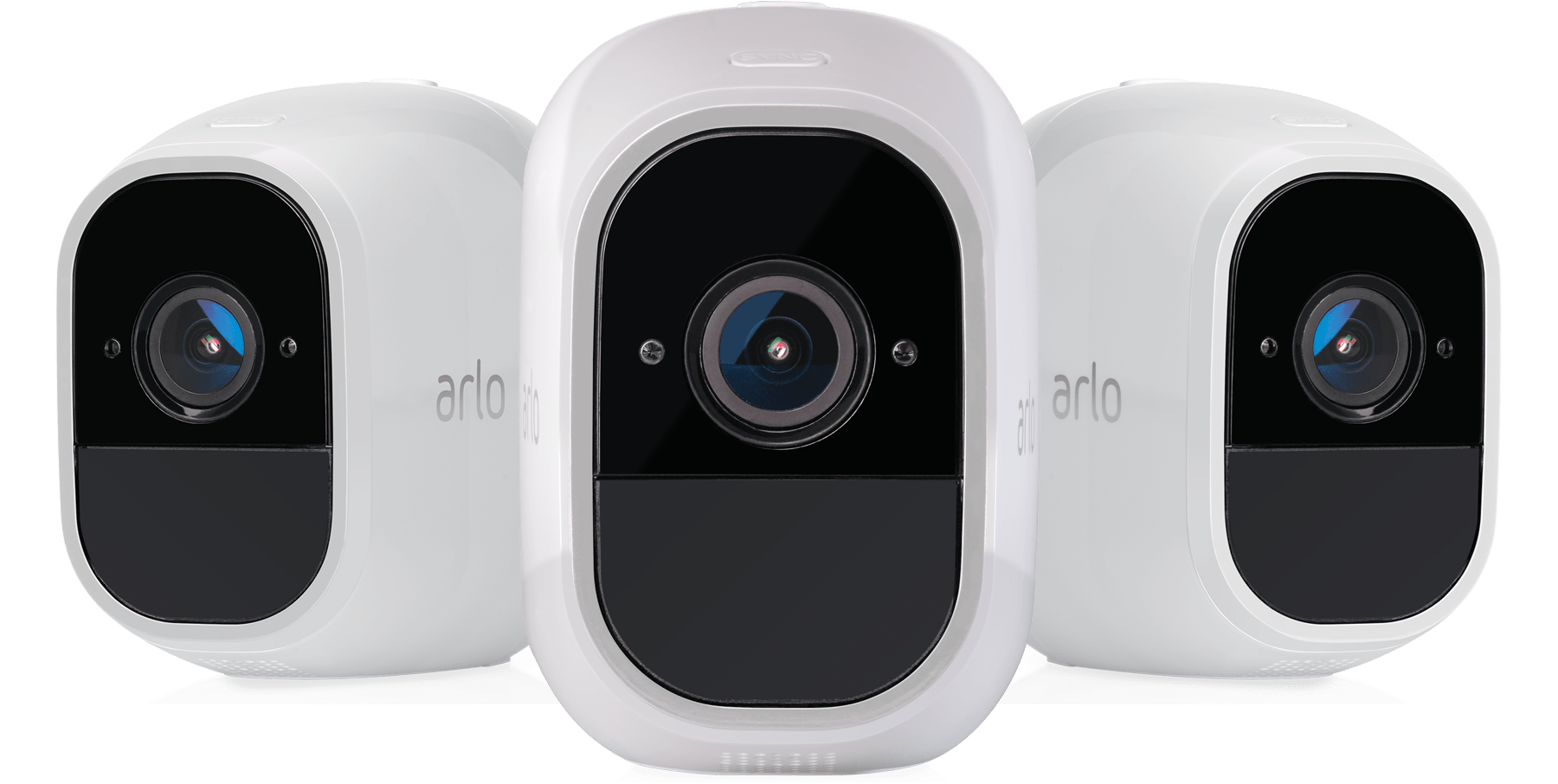
Arlo and Swann are two of the most recognizable names in home security cameras. Both offer a solid range of equipment — including 4K options — and neither requires a subscription to use the cameras at a basic level. That said, there are some meaningful differences worth knowing before you decide which brand fits your home best.
Swann, for instance, can integrate with its own security ecosystem including motion sensors and sirens, which is handy if you want an all-in-one wired setup. Arlo, on the other hand, delivers a wider field of view, stronger AI-powered detection, and deeper smart home compatibility. Our testing puts Arlo ahead overall — but let's walk through the details so you can see which one actually makes sense for you.
>> Find Out: The Best Home Security Camera Companies of 2026
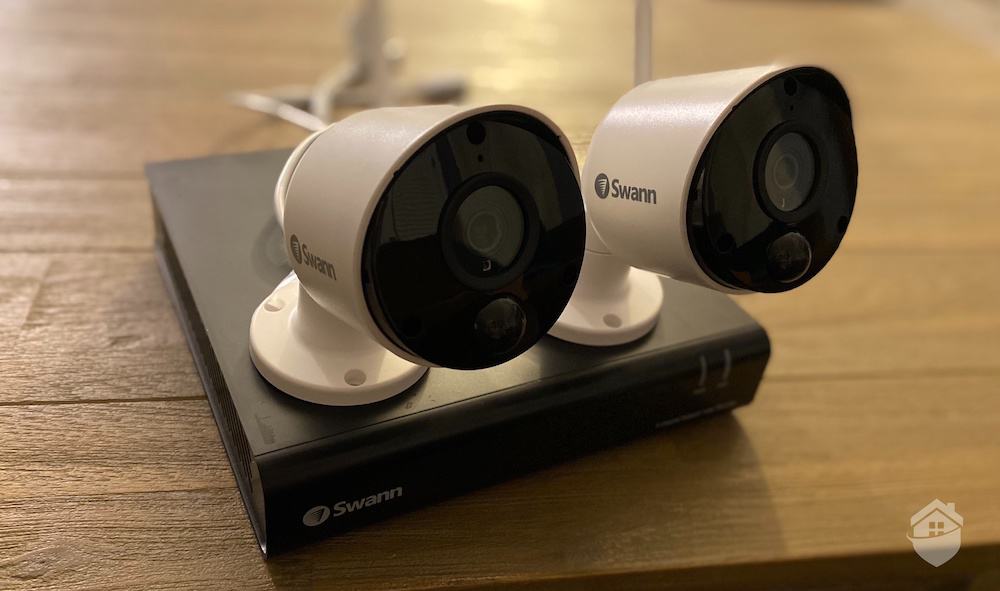
We bought two Swann Cameras to test and the NVR to store our footage.
Arlo vs. Swann – The Similarities
Even with all their differences, there are a considerable number of similarities between Arlo and Swann cameras. Listed below are some of the overlapping features and findings of the two brands.
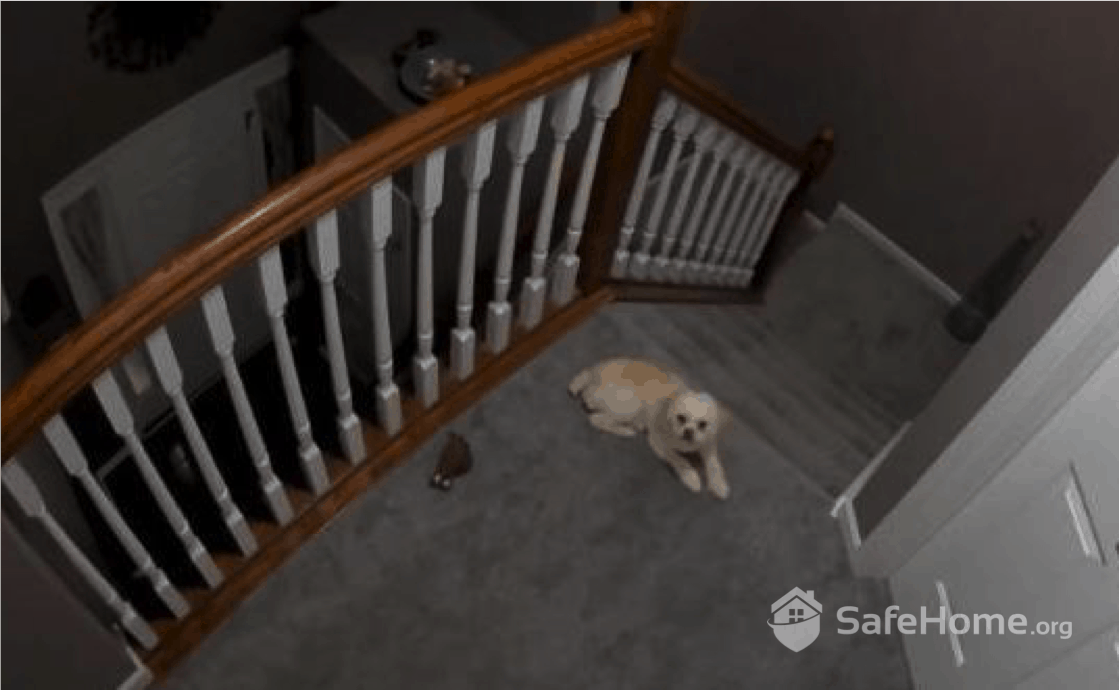
The view from our Arlo camera with all the lights inside the house turned off.
- Video Resolution – Both companies offer cameras that record high-resolution video images and have excellent night vision capabilities, two very important features. A fuzzy or grainy image will do you no good when it comes to recounting the events intended for capture by these devices. Quality images, day or night, is the name of the game. And both Arlo and Swann do well here.
- Indoor & Outdoor Cameras – You will also discover that both Arlo and Swann cameras can be used indoors or outdoors. That is, each brand offers indoor cameras as well as outdoor cameras that can withstand the elements. If you’re looking specifically to monitor the exterior of your home, we recommend checking out our roundup of the best outdoor cameras.
- Cloud-based Video Storage – Arlo and Swann both offer paid cloud-based video storage plans. This is important because videos can take up a lot of storage space, so internal storage does not always suffice.
- Multiple Camera Options – Keep in mind that some home security brands only sell a small handful of cameras. That’s not the case with these two popular security camera providers; each sell multiple options for both indoor and outdoor use. You can choose between wireless cameras, wired cameras, and you can really narrow your search by features and tech.
- Motion Detection – Depending on the camera model, you’ll get motion-based recording with Arlo and Swann. If a would-be intruder creeps within the camera’s field of view, the motion sensor trips and the camera immediately begins recording.
- Smartphone Controls – If you’re anything like us, you like to control your devices using your iPhone or Android smartphone. Thankfully, Swann and Arlo come with mobile apps that allow you to do just that. You can view live-stream footage and recordings, talk to visitors using two-way communication, and manage other features and functions remotely.
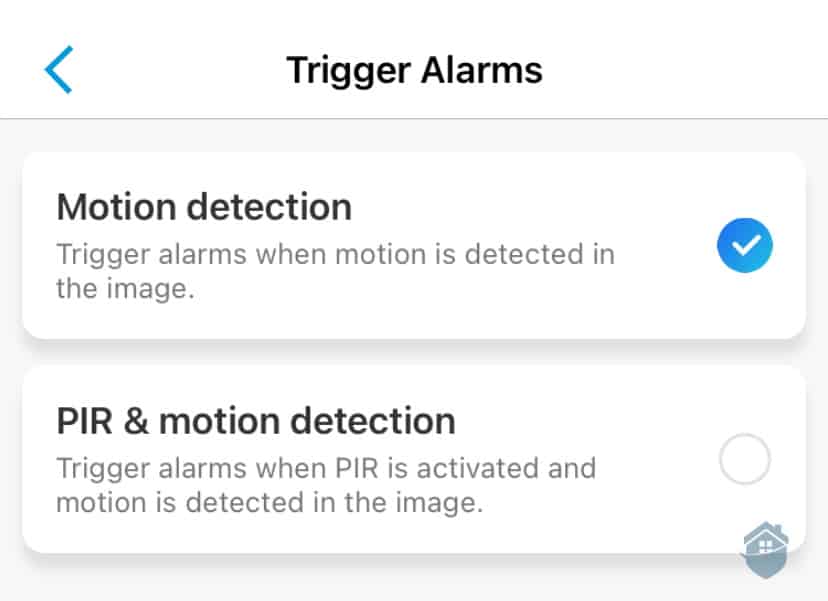
We can customize Swann’s motion detection to reduce false alerts.
So those are the main similarities we found when we put Arlo and Swann security cameras head-to-head. But we also found a number of differences that you should know about. Let’s cover those now.
FYI: Read our full Swann camera review to really get to know their products and video storage options. Just be warned — their camera lineup is quite extensive. Patience is a virtue with Swann.
Arlo vs. Swann – The Differences
The main differences between the two camera brands come down to equipment options and smart home integration. Swann brings some capabilities to the table that you simply won't find on the Arlo side of the fence.
- Whole Home Security – Swann provides the option to purchase an entire home security system, including door and window sensors, a remote-entry fob, an outdoor siren, and heat-sensing cameras. Arlo offers top-notch cameras, but they don’t offer a lot of other equipment to secure your home.
- Build Quality – After using both products, we have to say that Arlo cameras are built better. The materials are high-quality and the devices are built to last. Swann cameras aren’t built poorly, per se, but they just don’t inspire confidence the way Arlo cameras do.
- Camera Types – Swann takes the cake in this category. Arlo only has eight cameras to choose from (plus a couple of doorbell cameras), while Swann sells dozens, if not 100+, different cameras. You’ll have a wider selection with Swann compared to Arlo.
- DVRs and NVRs – Swann also offers lots of DVR and NVR options. So if you’re looking for a more professional-grade, multi-channel camera kit, then Swann has what you’re looking for. Arlo doesn’t have these types of setups.
- Video Quality – Arlo edges out Swann here. Now, Swann does have several cameras that offer 4K image quality, but we liked Arlo’s resolution better. It just came through more crisp and clear for us — and even Arlo’s 1080p HD cameras offer great video quality for our needs (and probably yours, too).
- Artificial Intelligence – Arlo delivers the goods when it comes to AI-based motion detection and object recognition. With an Arlo Secure subscription, you'll be able to enable smart detection for people, vehicles, animals, and packages — so you always know exactly what's happening around your home. Swann has made some strides here with its True Detect heat and motion sensing technology, but it still doesn't match Arlo's AI depth.
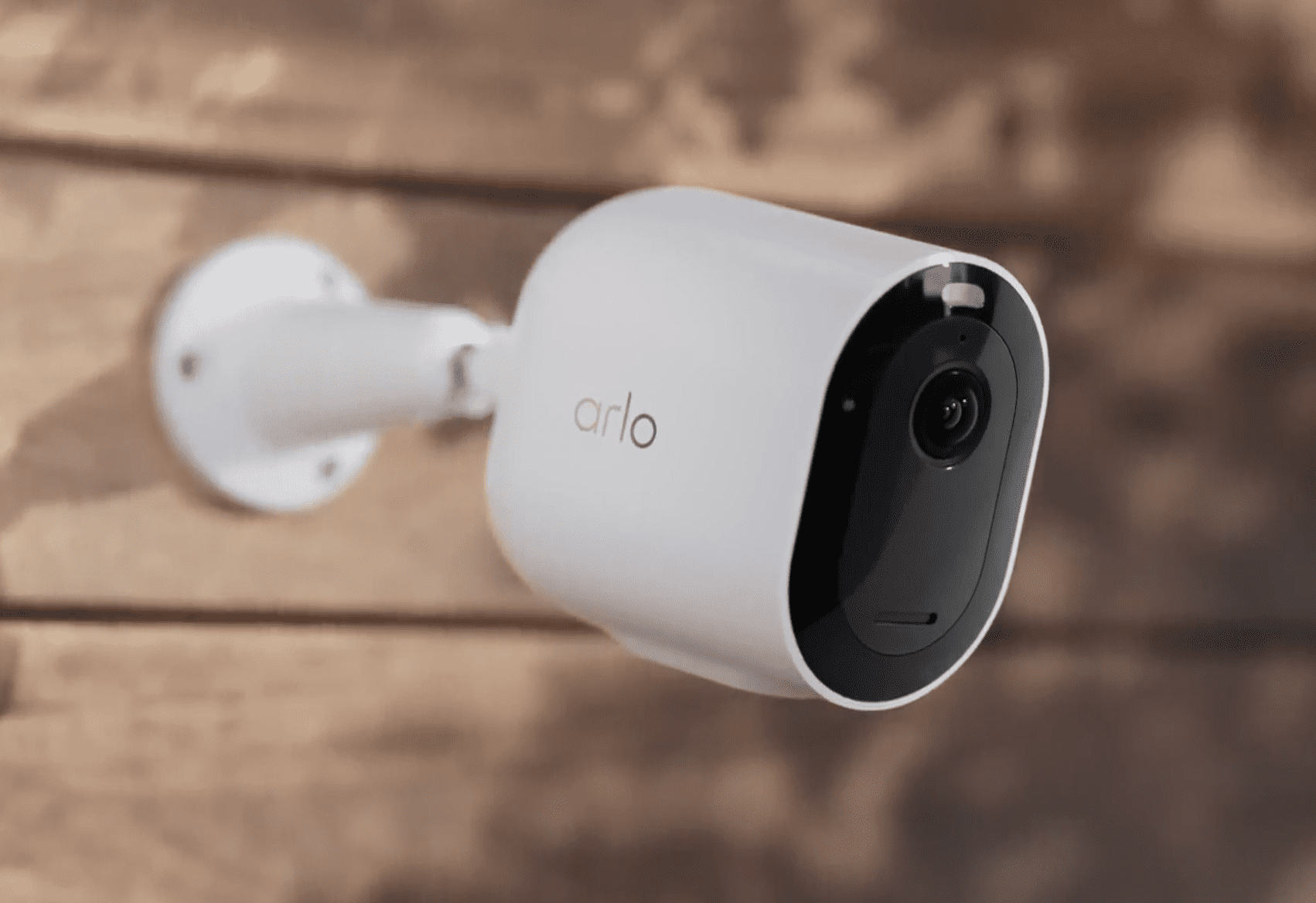
Our Arlo Pro 5S 2K is one of the easiest outdoor security cameras we’ve set up.
FYI: To read more about Arlo, check out our in-depth Arlo camera review. In the review, you’ll get a better sense of what it’s like living with these cameras on a day-to-day basis.
Features of Arlo and Swann
It can be a tedious task to sift through all the different features to find the best camera to fit your needs. To help, we’ve come up with a quick-reference list for each camera and the benefits they offer. Let’s start with Arlo:
Arlo Features and Tech
- Night Vision Technology: Arlo video surveillance cameras are equipped with night vision technology that allows the camera to record crisp images in the dark. After all, many burglaries happen after dark. Some models even have color night vision so you can make out every detail.
- Motion Sensing Technology: Arlo cameras are also equipped with built-in motion sensors. When the camera detects movement nearby, it will start recording. This will save on storage space, as it’s not recording every second of every day.
- Zone Targeting: This smart feature allows your camera to target the areas that matter most within your property line, so you’re not receiving alerts every time someone strolls past your house.
- Two-Way Voice Communication: This feature allows for the devices to be used much like a walkie-talkie. You can speak to visitors when you’re not home or try to scare off criminals who are trying to break in.
- iOS and Android Compatible Apps: It is important that the camera and its features can be operated from your mobile device. Since Arlo has an app that is compatible with both Android devices and iOS devices, compatibility will not be an issue. As mentioned, remote access and controls using your smartphone is important to look for.
Did You Know? Arlo packs some impressive AI features into their cameras — things like package detection, vehicle alerts, and facial recognition zones. The good news is that being feature-rich doesn't mean being complicated. Arlo's app walks you through how everything works, so you're up and running without a steep learning curve.
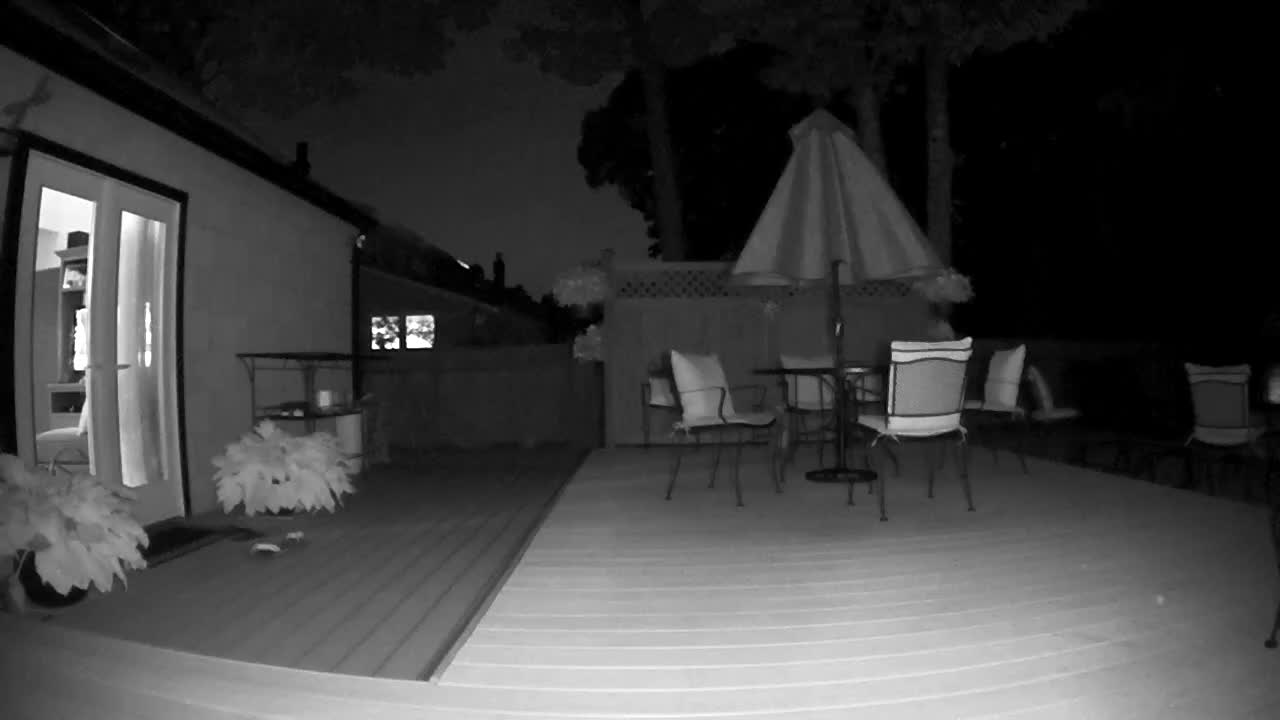
Arlo’s night video quality is just as clear as it is during the day.
Swann Features and Tech
- Zone Customization: Much like the Arlo video surveillance camera, the Swann camera will also let you customize your camera’s focus areas so your phone isn’t overloaded with motion alert notifications.
- Remote Fob: The remote fob allows for keyless entry and camera operation. This fob can fit onto your key ring and is easy to operate.
- Compatible Apps: Just like with the Arlo cameras, the Swann cameras can be monitored and operated from an app on your mobile device. The app is both iOS and Android-friendly so it will be compatible with your mobile device.
- Night Vision Technology: Swann cameras are also equipped with excellent night vision technology to record crisp and clear images after dark. Like Arlo, there are models with color night vision if you need it.
- Entry Sensors: Entry sensors will detect the breaching of doors or windows by an intruder. This is definitely an advantage that Swann has over Arlo.
- Motion Detection: As mentioned, motion detection is important because it allows for the conservation of storage space by only recording video when necessary. When motion is sensed, the camera will automatically point and record.
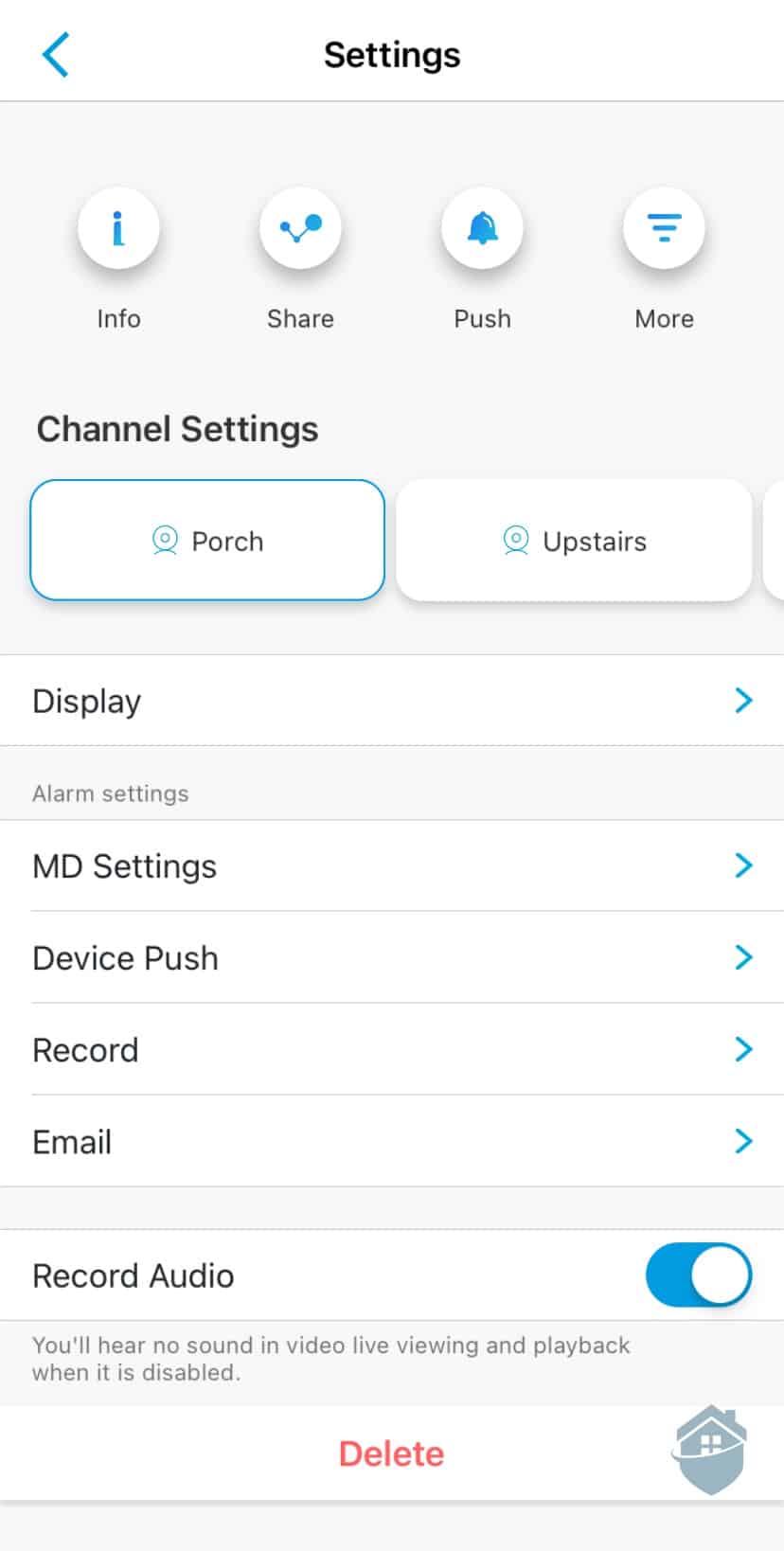
We configured the sensitivity of our Swann devices in the smartphone app.
Installation
Arlo's cameras are the easiest to install, and that's largely because most of them are completely wire-free. Even the flagship Pro 5S 2K runs on battery power. Setup is straightforward — mount the bracket, click the camera in, connect it to your Wi-Fi network, and you're done. The whole process took us under 15 minutes.
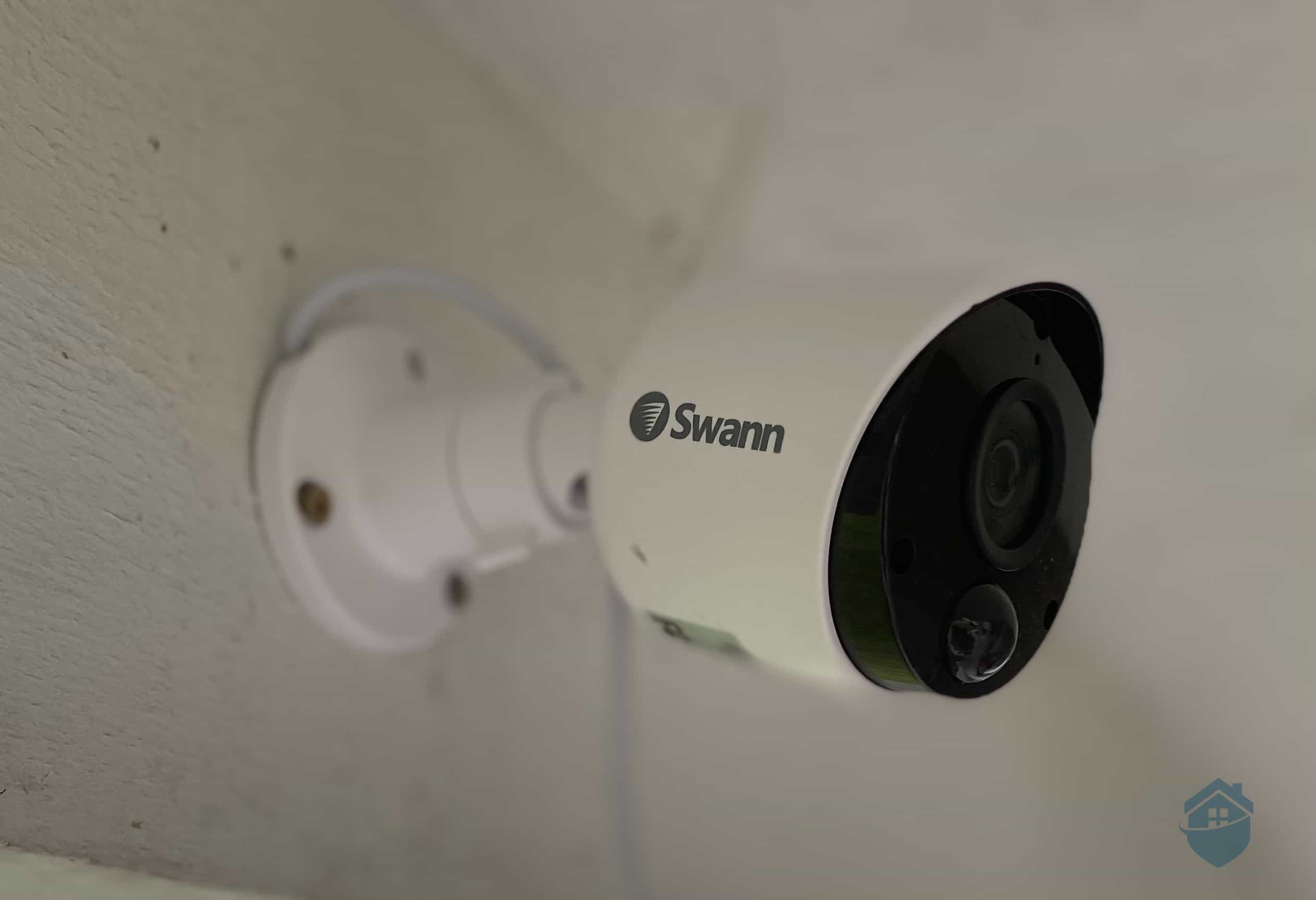
Our Swann camera needed to be connected to the internal wiring
Swann is a slightly different story. When you buy a kit, you get everything you need to do the installation yourself, which we really liked. Everything is color-coordinated to help you install the equipment properly. However it needs to connect to the internal wiring. So if you’re not comfortable around cables, we recommend hiring an electrician to set it up.
>> Learn More: Wireless Security Cameras and How They Work
For us, the fast and easy installation made Arlo’s products highly appealing and a clear choice when compared to the more traditional Swann system.
Arlo vs Swann – Camera Cost & Fees
The cost of the various cameras can also be tricky to sort through. To help clarify things a little, here is a look at how much the different cameras cost to help you with your decision:
Arlo Pricing
Arlo offers several models across a range of price points and kit configurations. From the Arlo Essential to the Arlo Ultra 2, you can spend anywhere between $50 and $300 on a single camera. Arlo certainly isn’t the cheapest camera option out there, but then again, you tend to get what you pay for when it comes to home security products.
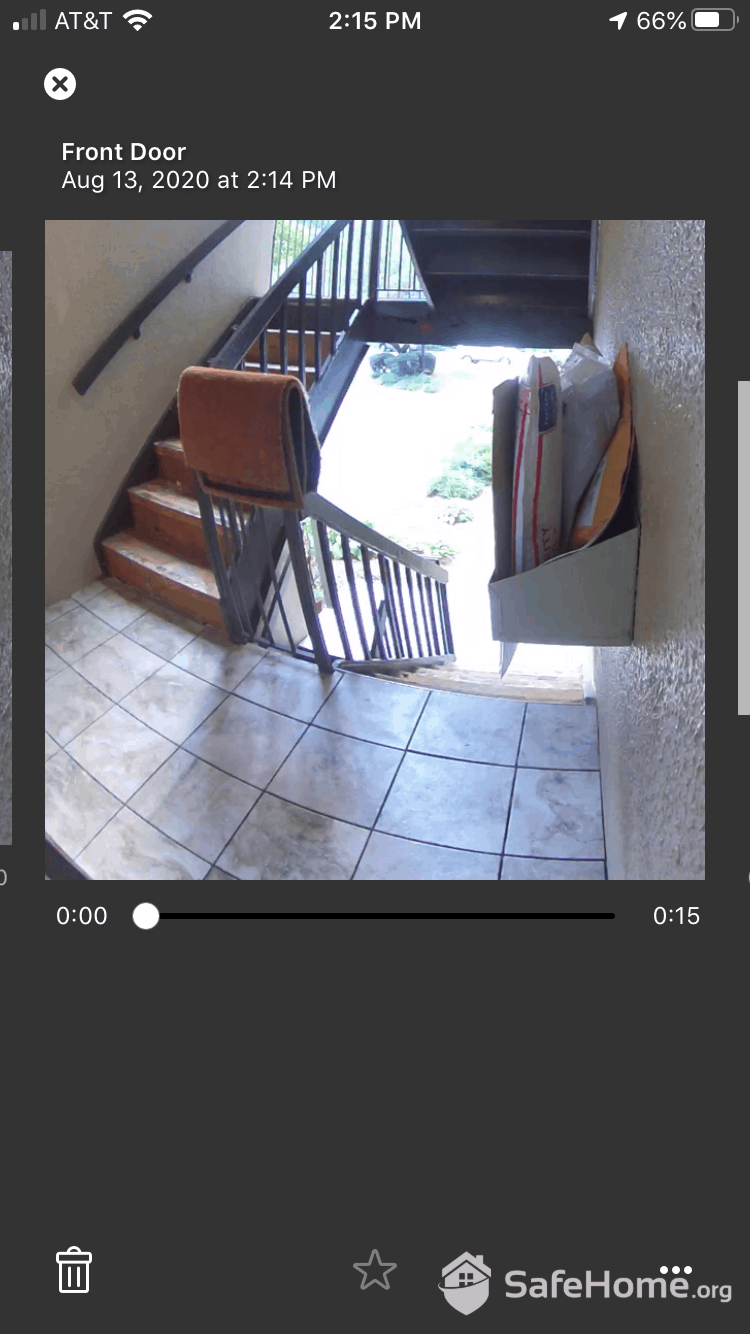
Arlo has a range of cameras suitable for apartments to houses.
If you can afford it, Arlo is one of the best home security cameras available. Arlo offers optional subscriptions starting at $7.99 per month for a single camera or $17.99 per month for unlimited cameras, unlocking 30-day video history and smart features like person, vehicle, and package detection. A premium plan with professional monitoring is available for $24.99 per month. Here’s a look at Arlo’s prices and fees.
Arlo Camera Options
| Arlo Model | Camera Type | Cost |
|---|---|---|
| Arlo Ultra | 4K wire-free | From $299.99 |
| Arlo Pro | 2K HDR wire-free | From $179.99 |
| Arlo Go | 4G LTE Connectivity | From $199.99 |
| Arlo Essential | 2K or HD wire-free | From $39.99 |
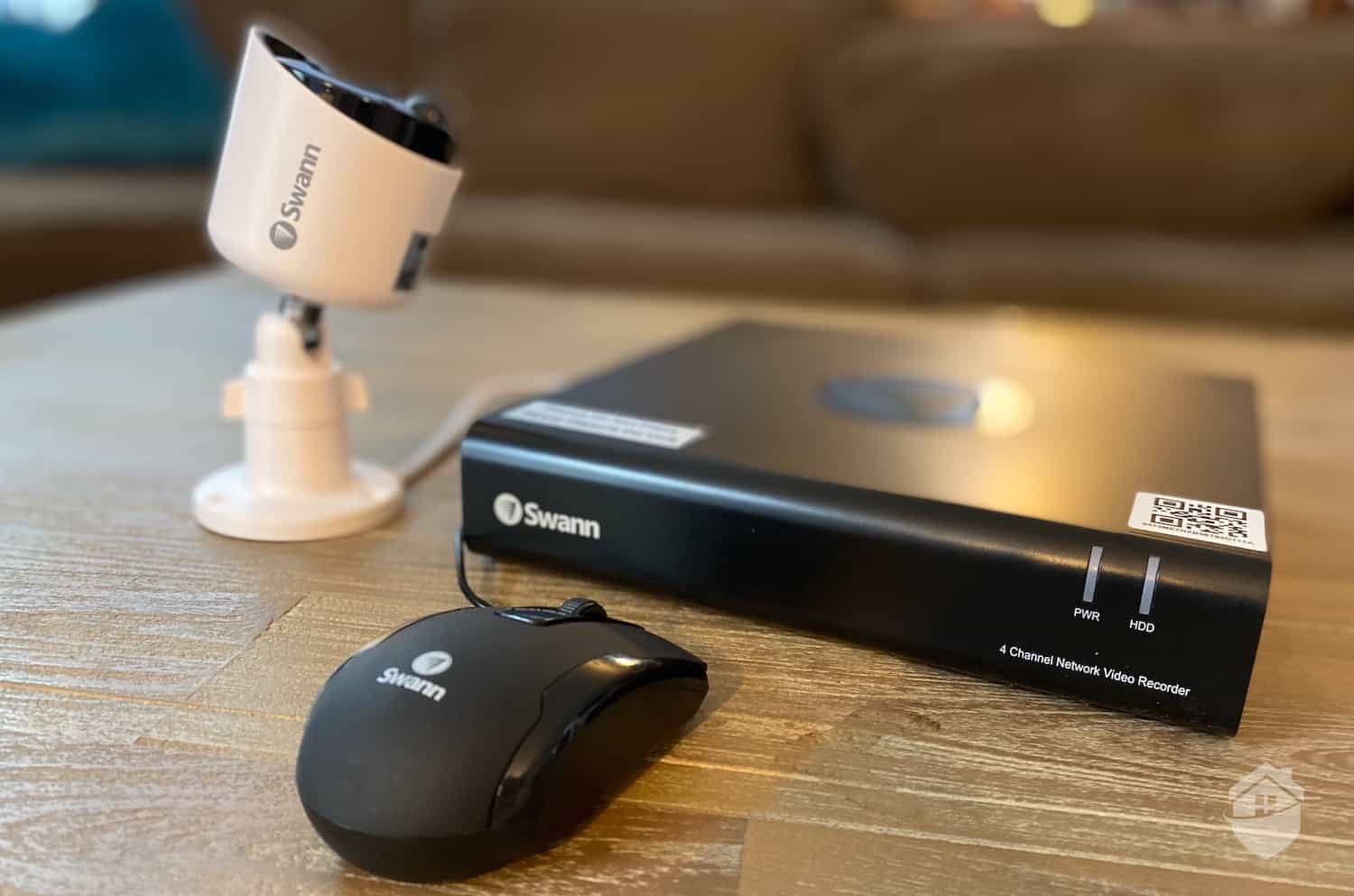
You can buy Swann cameras on their own, or in bundles with other equipment like we did.
Swann Pricing
Shopping for a Swann camera can feel overwhelming with the number of options available. Models range from wired HD cameras to 4K wireless options, with individual camera pricing typically running from around $60 to $250. You’ll also find multi-buy packages, bundles with storage devices, and home security systems. You can find out more in our breakdown of Swann camera prices.
Swann Camera Options
| Swann Model | Camera Type | Cost |
|---|---|---|
| Swann 1080p Wired Security Camera | 1080p HD hardwired | From $59.99 |
| Swann NHD-887MSB 4K Bullet Camera | 4K Power of Ethernet | From $149.99 |
| Swann Master Series 4K Dome Camera | 4K HDR hardwired | From $119.99 |
| Swann 4K Wire-Free Security Camera | 4K hardwired | From $249.99 |
No Contracts
One of the best things about these companies is that they do not require long-term contracts for equipment or monitoring. This means that you can avoid getting locked-in to a monthly payment, and you don’t need to show proof of good credit history to get started. However, it’s worth noting that most camera brands don’t require contracts these days. Pay up front and you’re good to go!
>> Check Out: Best Security Cameras with No Subscription in 2026
Customer Service
If something goes wrong or you have questions, both Arlo and Swann have solid support pages that are easy to navigate. With Arlo, you'll find hundreds of answers to common questions and a full knowledge base backed by a large community of users to help make sure your installation goes smoothly — a great resource when you're setting up your cameras for the first time.
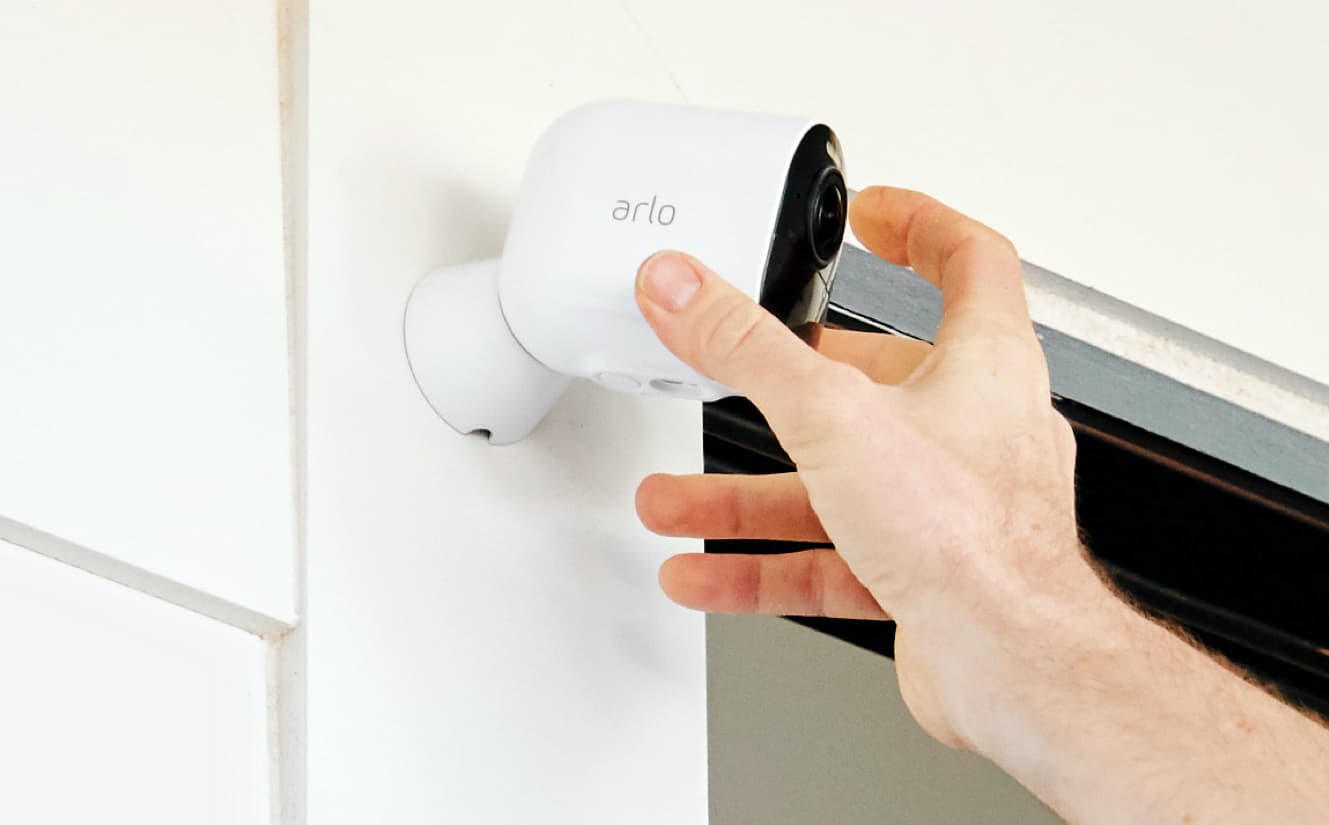
If you ever get stuck during the Arlo installation process you can consult the app or Arlo support page.
In addition to the Arlo community, you’ll find how-to and installation videos, articles, downloadable manuals, and frequently asked questions, as well as a live chat function and a direct customer support line, so you can learn the best ways to use your equipment. Got a defective or malfunctioning part? You can open a case with Arlo’s team as long as your product falls within the one-year warranty period.
>> Find Out: How to Set Up Arlo Security Cameras
With Swann, we found their customer service to be good, but not great. You do get 24/7 phone support, which is rare for the security industry. You can also get in touch with an agent via live chat or email if you prefer. Representatives were friendly and professional, but as with many large corporations (Swann Communications is huge), the experience felt corporate and impersonal.
When Should You Get Surveillance Cameras?
If you do not already have security cameras installed, you should consider going with either Swann or Arlo. And another top-rated camera company is Ring. We did a deep-dive review of Ring Cameras, and we think they offer a whole lot of bang for your buck. Whichever camera system you choose, just remember that criminal activity like burglaries, break-ins, and package theft can happen in any neighborhood, at any time. That’s why it’s never a bad idea to protect yourself and your home with video surveillance.
>> Learn More: Everything to Know About Security Cameras
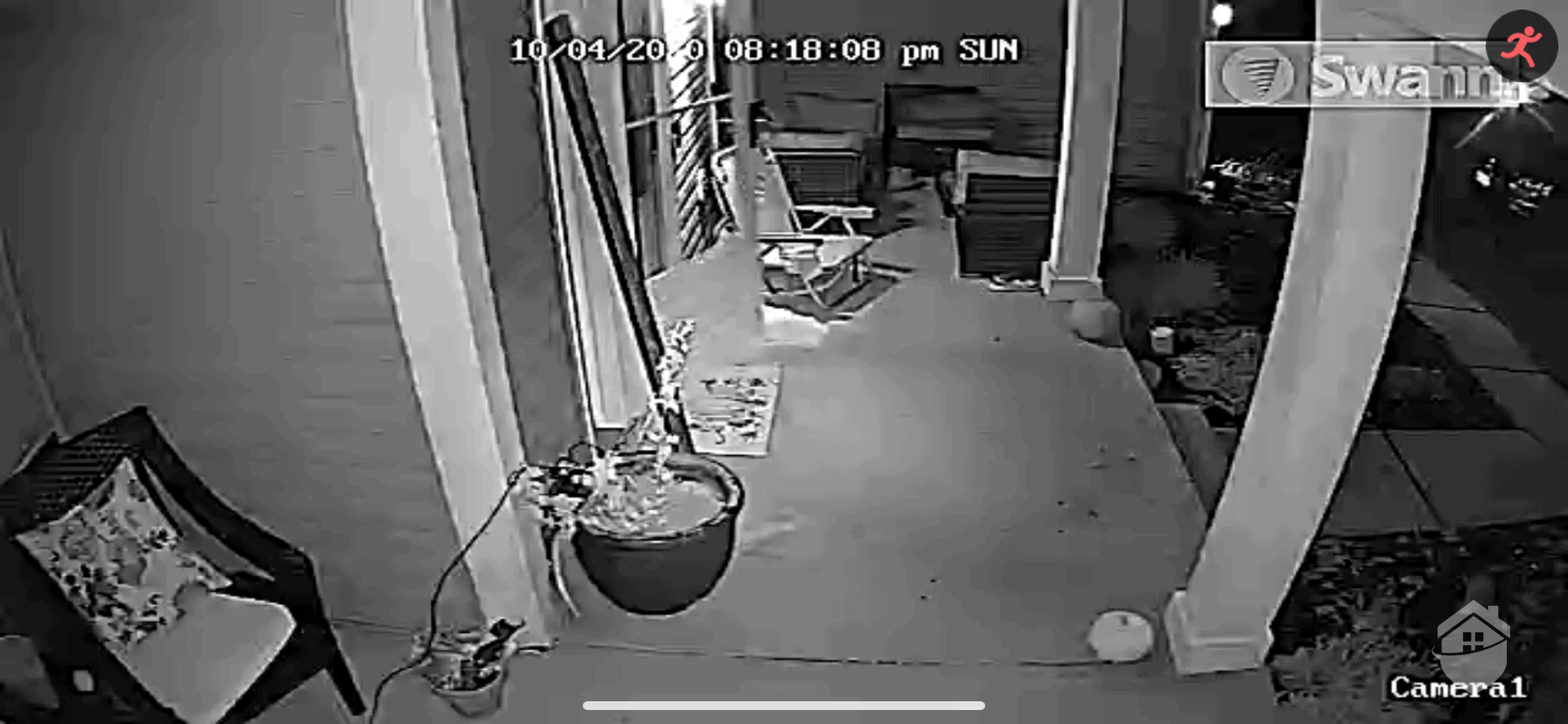
We found Swann’s night vision quality wasn’t as crisp as Arlo
Swann vs Arlo – Our Final Thoughts
After spending real time with both systems, your decision should be a little clearer. As long as you've thought through your specific needs and done your homework, finding the right cameras doesn't have to feel overwhelming.
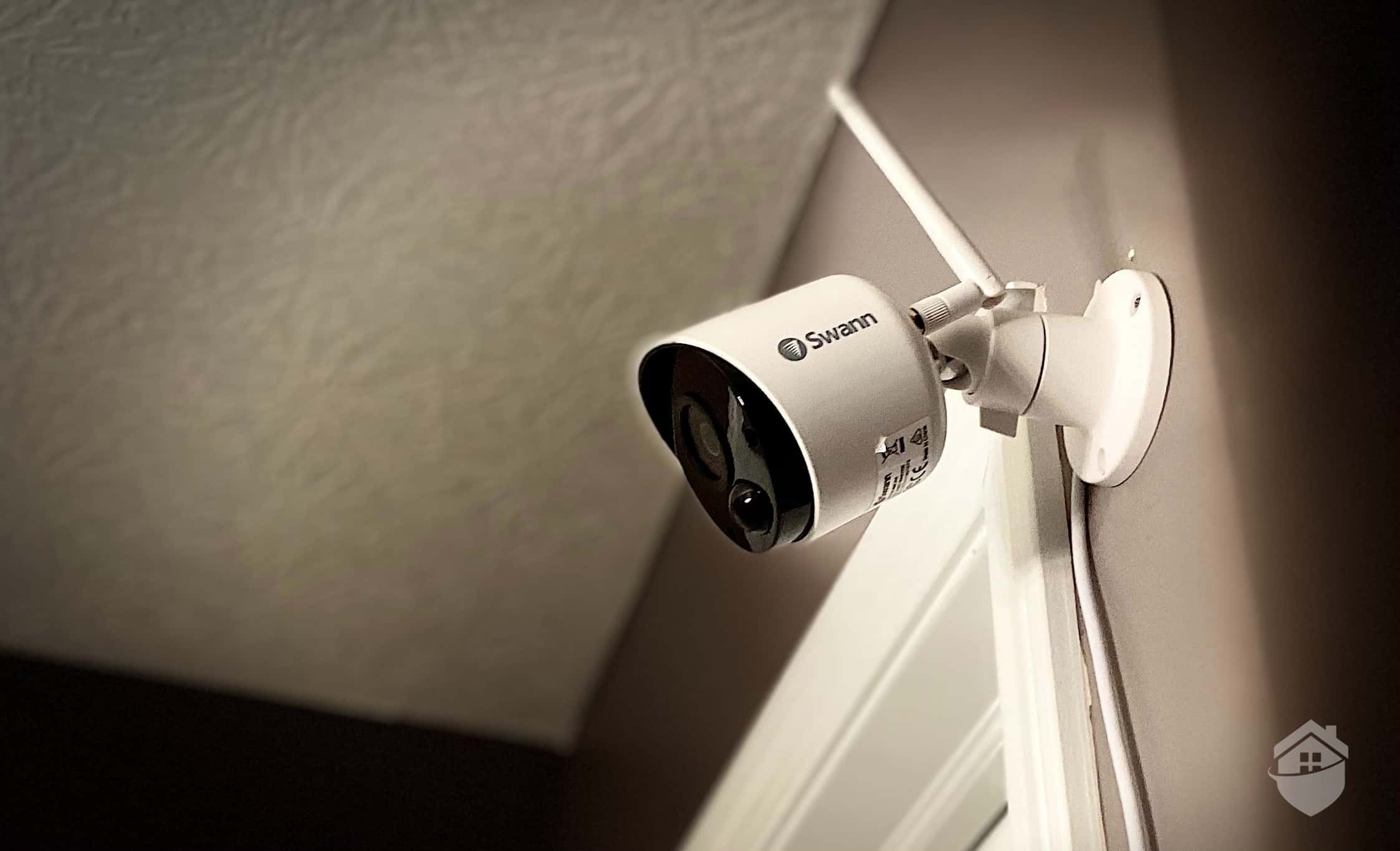
One of our Swann indoor cameras watching over our living room.
While keeping in mind that you really can’t go wrong with Swann or Arlo, we give the edge to Arlo. Our experience using Arlo’s cameras was thoroughly enjoyable, and we like their advanced features like AI-powered person detection. Also, if we’re being honest, their cameras look better than Swann cameras; of course, looks aren’t everything, but when you combine form with function, you have a winning combination. And that’s exactly what we found in Arlo.
FAQs
- Are all Arlo cameras wireless?
Most of Arlo’s security cameras are wireless. However, they do have some wired options, like the Wired Floodlight model.
- Can Swann cameras be used without the internet?
Some wired Swann cameras can record locally to DVRs and don’t require internet access. However, this means you won’t be able to view camera feeds remotely.
- Do Swann and Arlo support smart home integration?
Both brands support smart home integration. Arlo offers a better range of services, including Alexa, Google Assistant, Apple HomeKit, and IFTTT. Swann is limited to Alexa and Google Assistant.
- Which brand has better video quality?
Both brands have models that support 4K resolution. We think Arlo offers better quality images, especially in low-lit areas.
- Do Arlo or Swann require a subscription?
Neither brand requires a paid subscription to use their cameras. That said, if you want access to advanced features like people detection, activity zones, or cloud video storage, you'll need to sign up for one of their plans.