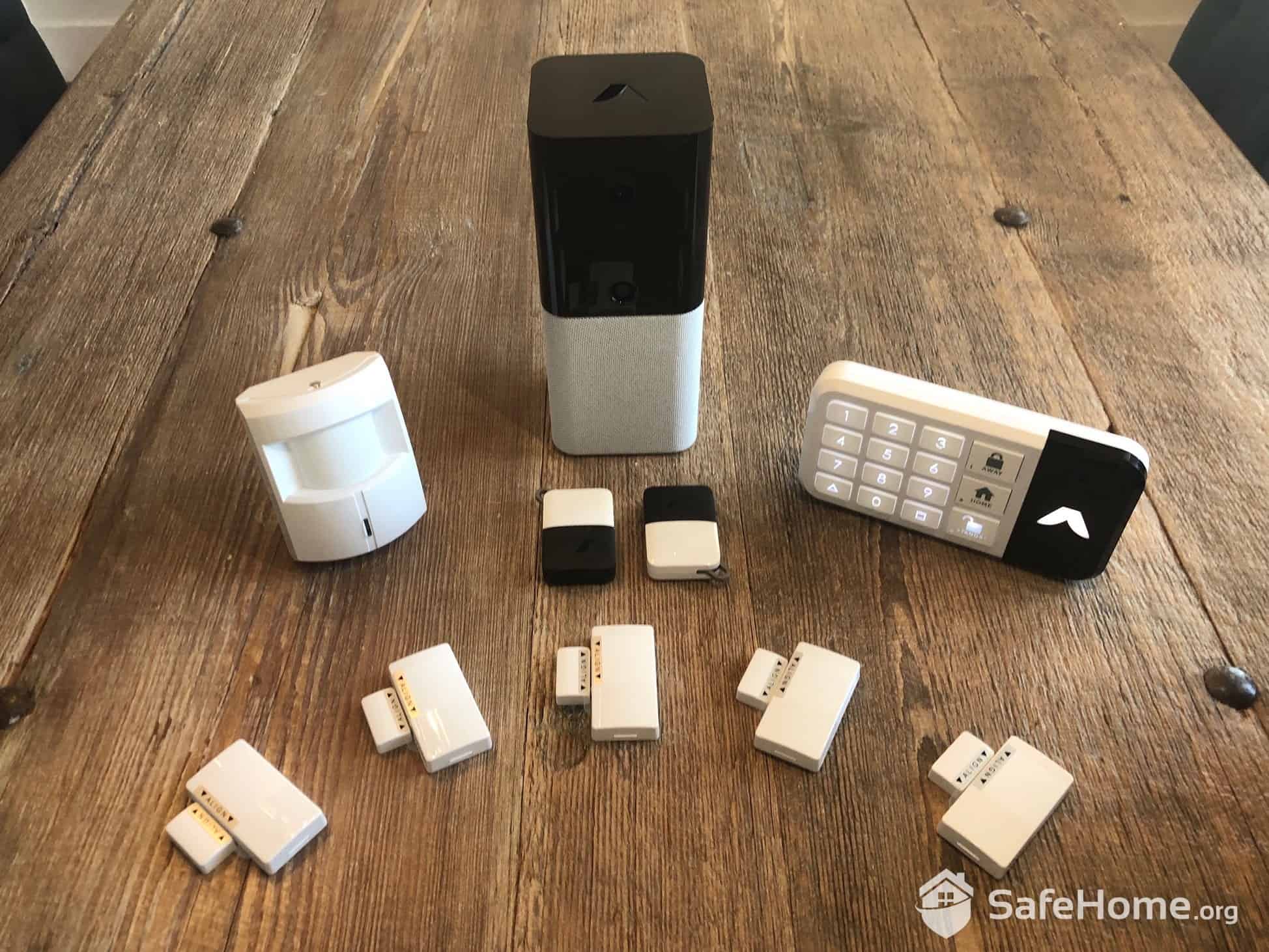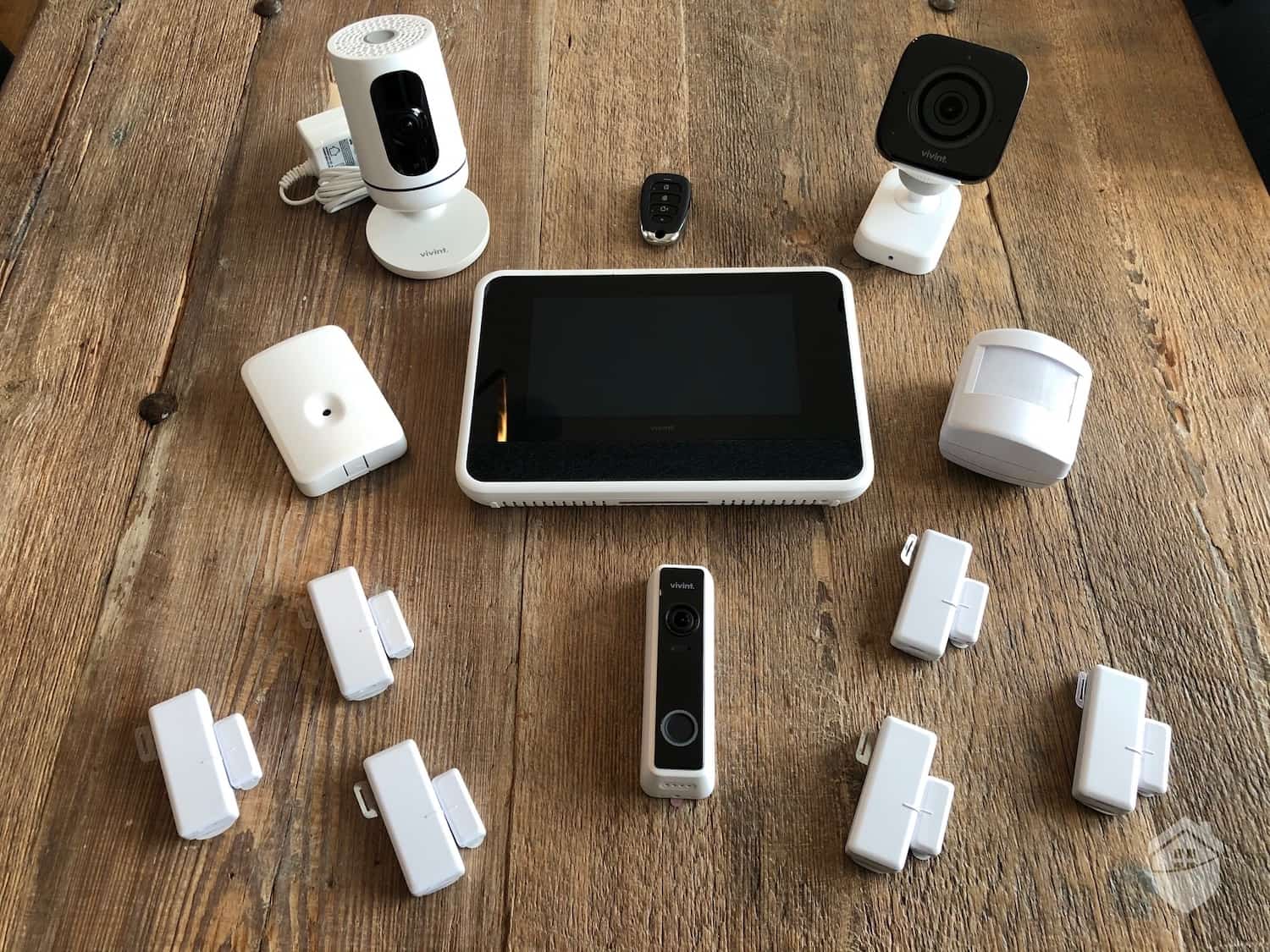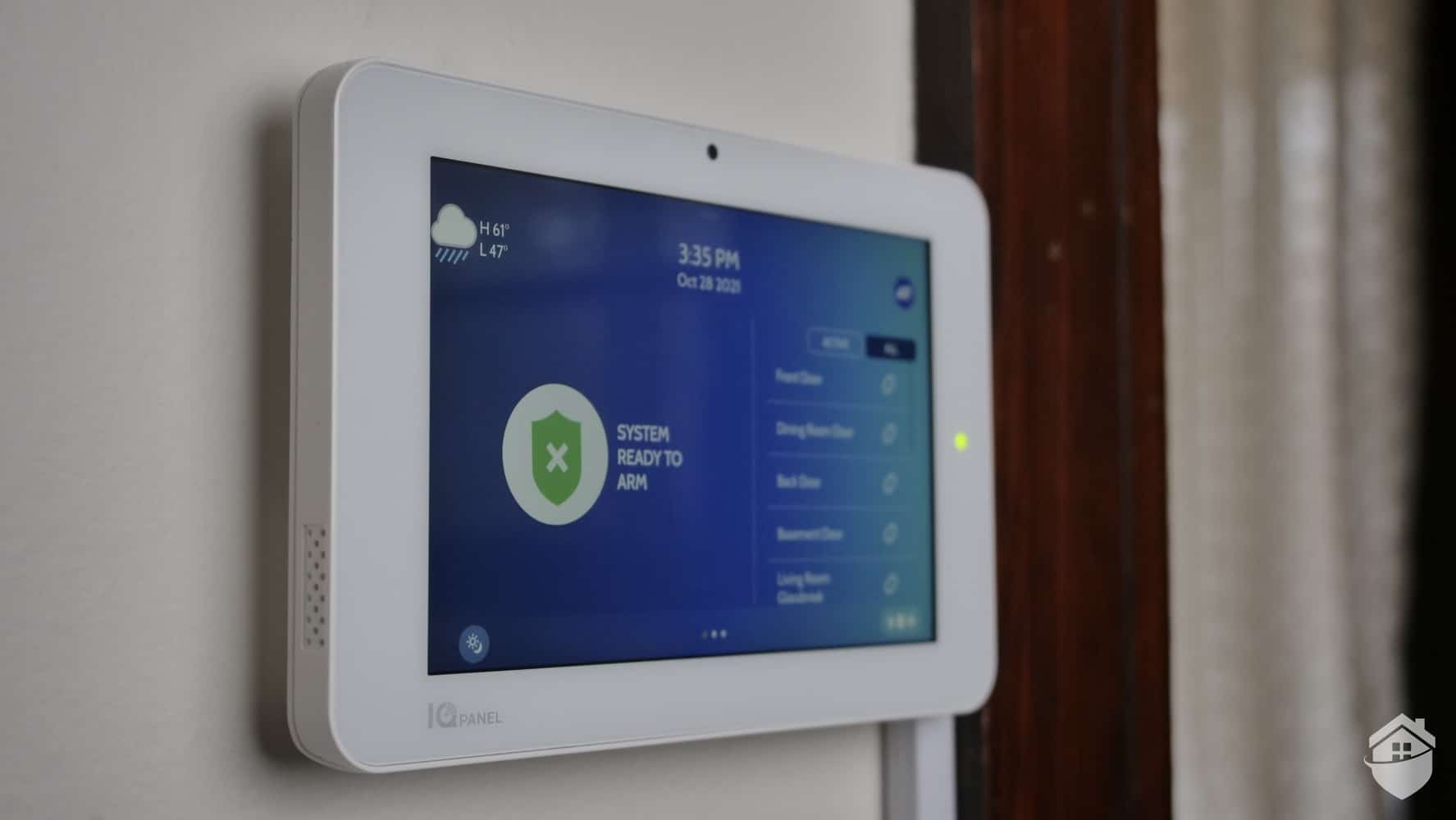



No one wants to be the house on the block with the rogue burglar alarm. We’ve all seen it: a security system that seems to have a mind of its own, blaring at all hours and testing the patience of homeowners and neighbors alike.
From our experience testing and troubleshooting home security systems, a malfunctioning siren is incredibly frustrating — frustrating enough to make some people consider disabling their system just to restore the peace. We don’t recommend that. Reliable home security systems are proven to deter would-be intruders, and false alarms are rarely random. Studies consistently show that the overwhelming majority of security system activations are false alarms, accounting for as much as 98 percent of all alarm activations.1 Nearly all of them can be prevented by identifying and fixing a specific technical issue.
To get you started, here’s a troubleshooting checklist us home security experts put together for households dealing with misbehaving alarms. Below, you’ll also find:
- An overview of the main reasons security alarms go off by themselves
- A breakdown of causes and fixes for randomly firing sirens
Pro Tip: Thieves hate bright lights, so investing in a top outdoor security camera like the Ring Spotlight is a good place to start.

Reasons Your Burglar Alarm Is Going Off Randomly
Home security systems have a thousand moving parts, so rooting out the glitch that’s driving your alarm bonkers can feel a little like finding a needle in a haystack. But it’s rarely a lost cause as most issues can be resolved without professional help. This is especially good news for anybody that’s installed a DIY home security system like SimpliSafe.
Here are the six most common reasons burglar alarms go off randomly:
- You’ve had networking or electrical work done recently
- You’ve got pets (or pests) that are triggering sensors
- One of your sensors is damaged or needs cleaning
- There’s a power issue (batteries included)
- Your windows or doors aren’t shut tight (for window and door sensors)
- Bad installation
That’s obviously a pretty wide range of issues, with fixes of varying degrees of difficulty. If your home security equipment was professionally installed, for instance, you probably don’t want to do too much monkeying under the hood, especially if you’ve got a warranty. However, new equipment isn’t cheap. Neither are visits from technicians. So as long as you don’t go investigating with a sledgehammer, a little DIY diagnosis usually won’t hurt.
FYI: If you have a hardwired home security system, and your siren is going haywire, your alarm may have gotten separated from its power source and drained your auxiliary battery. To stop the alarm from firing until help comes, you may need to deactivate your system entirely.

How does your home measure up when it comes to security? Take this quiz to see how you score, and get recommendations to protect your home.
How to Stop Your Alarm from Firing Randomly
The following checklist will help you identify and resolve the kinds of alarm issues you can handle on your own. If you reach the end of the list and you’re still no closer to identifying the culprit behind your misfiring siren, it’s probably time to replace your equipment or call an expert.
1. Check the Error Message on Your Hub
Whenever your alarm sounds, your security system logs the event. Based on our hands-on testing, you’ll usually find these records either on the control hub or in the mobile app. Start there by reviewing any error messages, since the issue is often something simple, like a low or dead battery in a sensor, which can trigger both burglar and smoke alarms.
Pets are another common culprit. If you never calibrated your motion sensors after installation, or your sensors lack a pet-friendly setting altogether, that’s likely the source. We see this come up regularly during our system testing, which is exactly why we highlight pet-friendly security systems built specifically to cut down on false alarms.
If the alert in question isn’t recent, you may need to dig into the system’s alarm memory instead. The instructions are usually in the user manual or available on the manufacturer’s website. From there, the event log should point you to the affected zone along with the specific sensor responsible.
Did You Know? Window sensors and door sensors that aren’t aligned properly can also trigger burglar alarms. The same goes for doors and windows that don’t close snugly.
2. Inspect Motion Sensors for Visible Damage
If you’re lucky, the issue is something as simple as interference at the sensor itself. In our experience, built-up dust, dirt, or even cobwebs can be enough to trigger a false alarm, and a quick wipe with a damp cloth followed by a light dusting often resolves it.
If that doesn’t do it, the sensor lens itself may be the problem. A cracked or damaged lens usually means replacement is the only reliable fix. Until a replacement is in hand, we’d recommend temporarily deactivating the affected sensor so the rest of your system can stay armed without repeated false triggers.
3. Check for Insects
You’d think the inside of a PIR motion sensor would be the last place a bug would choose to hide, but certain insects do like burrowing into and behind sensors and smoke alarms. Most motion sensors don’t reciprocate those feelings. They hate bugs, especially when they crawl all over their lenses, and respond by sounding the alarm.
There are two kinds of insect infestations: inside and outside. To dislodge creepy crawlies behind or next to your sensor, grab a duster and whisk them out. If they’ve infested the sensor itself, read on.
Pro Tip: If you’ve been plagued by false alarms, you’re not alone. Studies show that the vast majority of burglar alarm activations are false alarms — some estimates range from 94 to 98 percent. This puts a significant strain on emergency responders and can result in fines in many municipalities.2
4. Open the Sensor Housing and Look for Damage
Be careful here. Follow the instructions for opening your sensor housing, and use a light touch.
Inside, you’re going to be looking for the same kinds of gunk you looked for outside — dust, debris, cobwebs, etc. If dirt is your problem, you’re in luck. If the wires are fried, on the other hand, or if your sensor lens is damaged, you’ll want to proceed to Step 5.
Warning: Unless you’re an alarm specialist, we don’t recommend trying to repair damaged or burnt-out sensors or wires. A peek behind the housing is better as a diagnosis only. Chances are, if you discover a damaged part, you’ll need to replace the sensor. Fortunately, replacement sensors typically cost between $15 and $50 depending on the type and brand.
5. Replace Damaged Equipment and/or Call a Professional
This may not be the news you wanted to hear, but if those wires are kaput, you’re going to need a new sensor. We’d also venture that if you’ve checked your batteries, cleaned your sensor inside and out, and your alarm is still hitting the high notes like Barry Gibb of the Bee Gees, it’s time for new equipment. Check out our motion sensor buyer’s guide for some pointers. Most cost less than $75 each, though prices vary by brand and feature set.
FYI: Most motion sensors use passive infrared (PIR) detection. When a person or pet walks by, the PIR sensor detects a rapid change in infrared heat, triggering an alert or alarm.
A Roundup of Common Alarm Issues and Their Fixes
Read our troubleshooting guide up top for a deeper look at the following issues. Our general rule of thumb for DIY repairs is: If it’s cosmetic, go for it. If it’s a hardware issue, you’re probably better off biting the bullet and replacing the part or calling in a technician to diagnose.
| Issue | Fix |
|---|---|
| Your batteries are low | Install new batteries |
| Your pet sensors are triggering the alarm | Recalibrate or reposition |
| Your hardwired alarm started misfiring after a recent visit from the electrician | Call an alarm specialist |
| Your sensors are dirty outside | Clean the sensor housing and around the housing |
| Your sensors are dirty inside | Remove the housing and clean inside |
| You see insects in or around your sensors | Use a duster or cloth to remove bugs |
| Your doors or windows move when shut | Tighten hinges and re-check sensor alignment |
Did You Know? According to SimpliSafe, positioning your motion sensor upside down and mounting it at least four feet off the ground can help reduce false alarms triggered by pets. You may need to experiment with placement to find the optimal position for your home.
Pet-Friendly Home Security Systems
As any homeowner with a labradoodle knows, our frisky four-legged protectors are great to have around. However, they can pose a problem for security systems that can’t tell the difference between a dog and a thief and trigger a barrage of false alarms. With a little advanced pet detection tech under the hood, however, that problem goes away. These three systems earn top marks in pet recognition, and in plenty of other aspects of home safety.
#1 SimpliSafe
SimpliSafe remains our top choice for DIY home security in 2026. With no mandatory contracts and affordable equipment pricing, it’s an accessible system for anyone. Entry sensors cost $15.99 and motion sensors cost $34.99, keeping them well below industry averages. Plus, their motion sensors are pet-friendly for animals up to 60 pounds. Read more about our experience with SimpliSafe in our complete SimpliSafe home security review.
#2 Vivint
Vivint hardwired home security systems feature AI-powered pet detection to cut down on false alarms. Vivint is also fully smart home compatible, with optional environmental sensors. Keep in mind, this isn’t a budget DIY system. Vivint equipment packages typically start around $199 and can exceed $2,000 for more fully loaded smart home setups. Plus, it requires professional installation. While that may seem steep, it’s a worthwhile investment for comprehensive smart home security. Here’s our full Vivint review.
#3 Frontpoint
Frontpoint is another affordable security system that’s easy to set up, integrates with smart homes, and features pet detection. Even the motion sensors can be set to ignore pets of up to 85 pounds. Smoke, heat, and flood sensors are available with some plans as well.
Here’s a breakdown of Frontpoint’s pricing. Or, for our experience testing Frontpoint systems, read our hands-on Frontpoint Security review.
| Frontpoint | SimpliSafe | Vivint | |
|---|---|---|---|
| Price | Starting at $69 | Starting at $250.96 | Starts at $199 |
| Monthly fees | $4.99+ | Optional | $24.99+ |
| Smart home integration | Yes | Yes | Yes |
| DIY | Yes | Yes | No |
| Environmental sensors (CO, smoke, and water leak) | Yes | Yes | Yes |
FYI: In a 2016 interview from behind bars, notorious career burglar Michael Durden admitted to his police interviewer that he didn’t like wireless home security systems like these because there were no visible wires to cut.
The Takeaway
We rely on our burglar alarms to sound when our home security systems detect danger — and the louder, the better. But when they go off for no reason, it’s both exhausting and unnerving. Is that an intruder at the door, or just my siren telling me the batteries are running low? If our alarms cry wolf too often, we lose the ability to distinguish real threats from false ones.
Alarms don’t go off completely at random. There’s always a reason behind that ear-splitting noise. Most of the time, it comes back to a sensor issue that you can fix yourself with a little patience.
For homeowners with DIY security systems, our advice is to hold off on calling a technician right away. Start by reading the error message on your hub or app to locate the misbehaving equipment. Then, check for any visible damage. If something’s scratched, fried, or missing entirely, you’ll likely spend less money replacing the equipment than paying for a professional service call.
FYI: SafeHome is now livestreaming! Got questions about home security? Email us at info@safehome.org, and we’ll answer your questions live on our next stream—personalized advice, straight from the experts. Find us on YouTube @safehome_org. Don’t miss out!
FAQs
- Why is my burglar alarm going off randomly?
Burglar alarms can act up for several reasons. Besides hardware problems like fried wiring, damaged sensor lenses, or dead batteries, something is likely interfering with one of your sensors. Use our checklist above to troubleshoot the issue.
- How can I stop my security alarm from going off?
Start by checking the error message on your hub or app. If it points to a sensor issue, locate the problematic sensor and investigate further. For hardwired systems that have gone haywire, you may need to deactivate the system temporarily until a technician can inspect it.
- Can I fix my home security sensors myself?
You might be able to. See our checklist up top for some tips on how to investigate properly.
- Should I call an alarm specialist to fix my sensors?
Not always. For DIY systems, if cleaning and realigning your door and window sensors doesn’t resolve the problem, replacing the sensor is usually your best bet — and it’s typically cheaper than hiring a professional to diagnose the issue.
- How much do new motion sensors cost?
Motion sensors typically range from $30 to $100 each, depending on the brand, detection range, and features like pet immunity or smart home integration.