SafeHome.org may receive compensation from some providers listed on this page. Learn More
We may receive compensation from some providers listed on this page. Learn More
SafeHome.org may receive compensation from some providers listed on this page. Learn More
We may receive compensation from some providers listed on this page. Learn More
Blink offers affordable HD security cameras with basic features, perfect for small spaces and small budgets.
 Updated December 12, 2025
copied!
Updated December 12, 2025
copied!

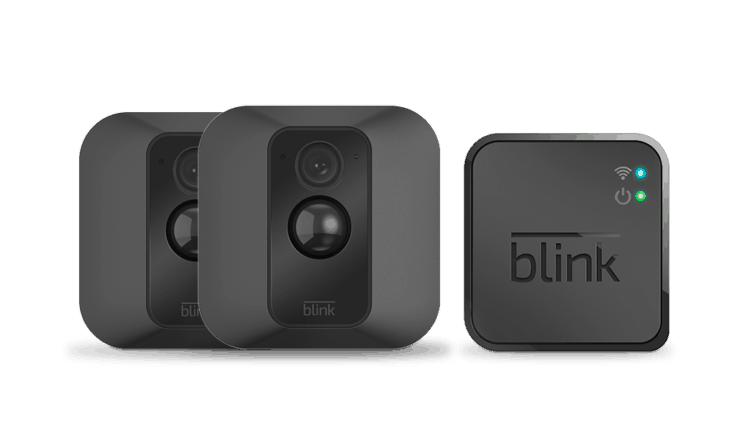
Editor’s Note: Blink is a good entry-level choice for security cameras. But if you want to level up your security game, we recommend ADT Self Setup. Read our ADT Self Setup review to see why they have one of the highest-rated security systems and security cameras.
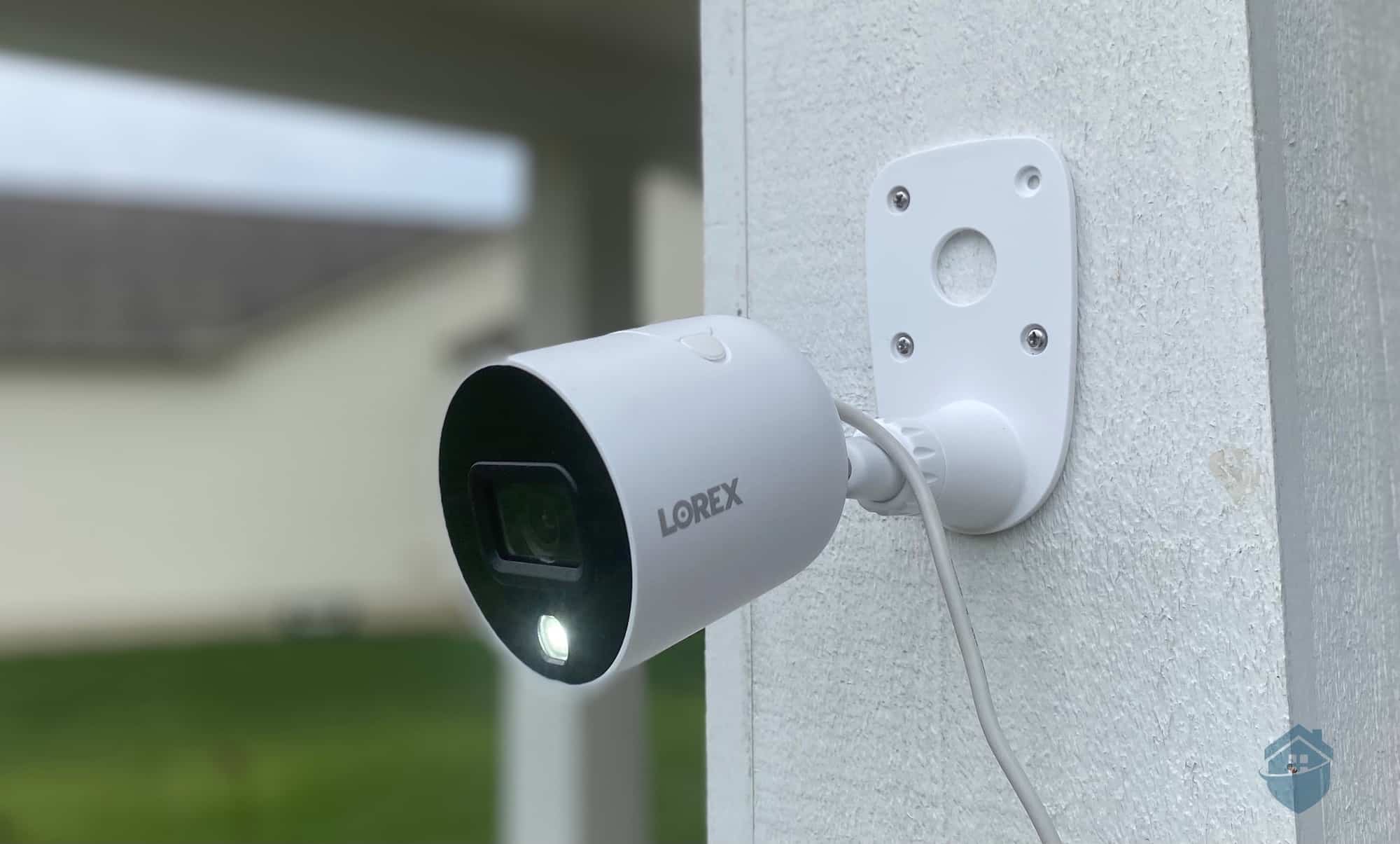
Blink keeps things simple with a small lineup of cameras: the plug-in Mini models for indoors, the battery-powered Outdoor cameras, a video doorbell, and a wired floodlight. It’s fewer choices than brands like Lorex, but honestly, we found that the streamlined lineup makes shopping easier.
In testing, we found Blink’s budget-friendly cameras offer solid value. We reviewed two bestsellers—the Mini 2 and Outdoor 4—using the standard 1080p versions, though 2K upgrades are now available if you want sharper footage.
Before diving into the full breakdown, here are the quick pros and cons of both cameras.
FYI: Blink is one of the most affordable security camera brands, but they can go even cheaper during sales. Check out our page covering Blink security camera deals and time your purchase to enjoy the biggest savings.
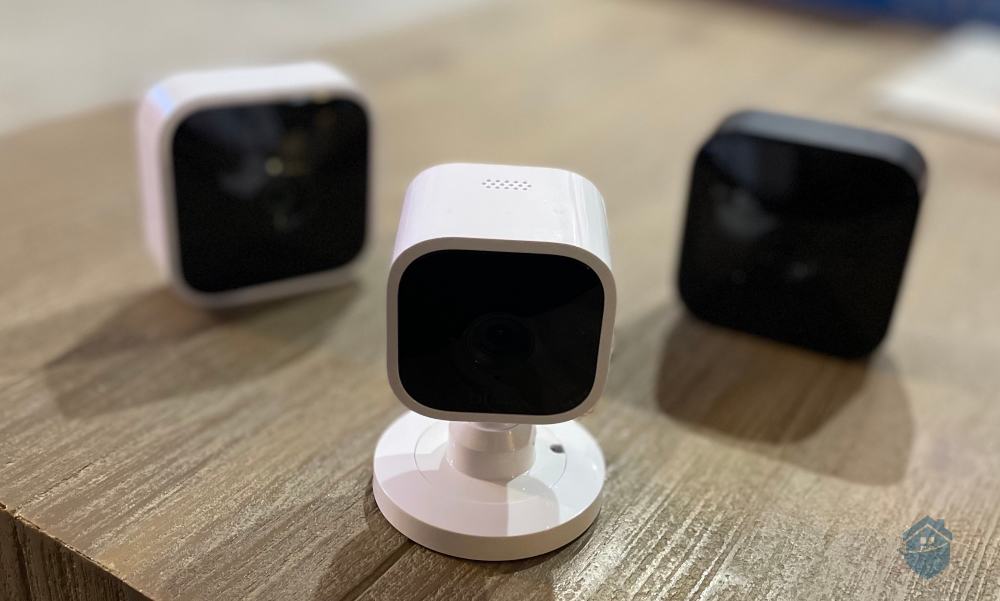
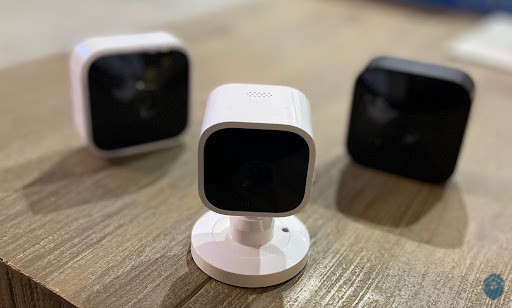
From left: Blink Indoor, Blink Mini, Blink Outdoor

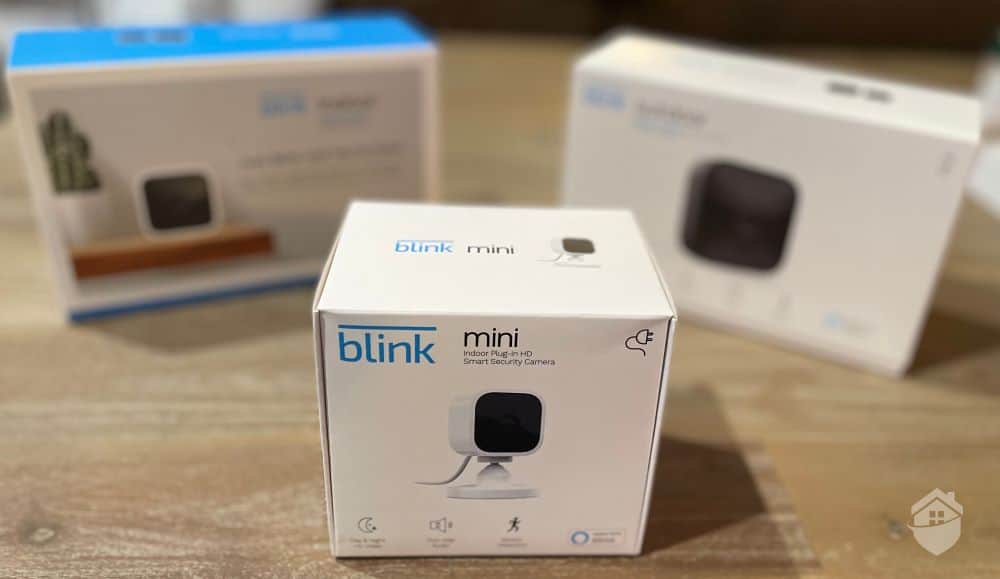
Blink Packaging
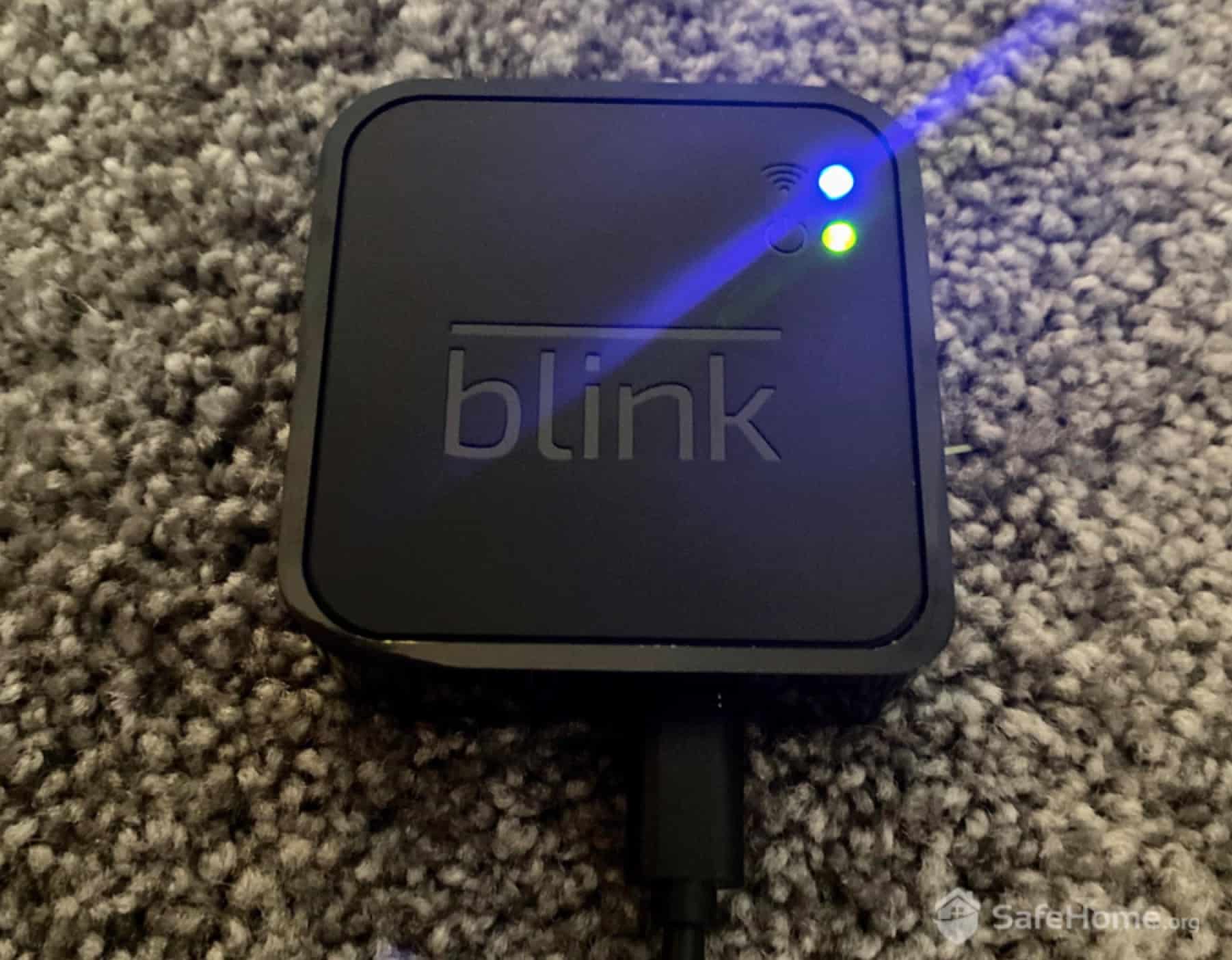
We ordered two cameras but received three boxes—and that actually saves you money. The Outdoor 4 needs a Sync Module to connect your cameras to Wi-Fi and manage everything behind the scenes. The bonus: one Sync Module supports up to 10 cameras, so adding more cameras later costs even less.
Setup does add one extra step. We plugged the Sync Module into our router with an ethernet cable, then paired each camera in the app. The whole process took about 10 minutes. Blink claims a 100-foot range, but with walls and obstacles, we consistently got a strong connection only within about 70–80 feet.
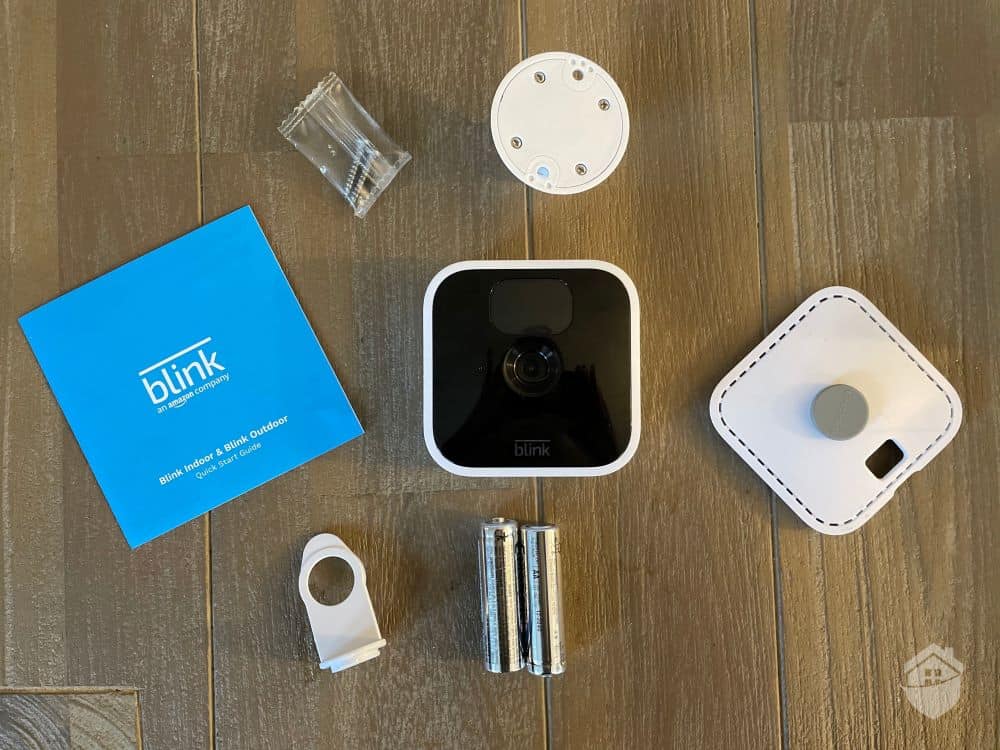
Blink Indoor Equipment
The installation actually got easier from there. After scanning the QR codes on the boxes, step-by-step instructions appeared in the app. We named each device, and then the app handled the syncing automatically.
What makes Blink’s hub system smart is how it shifts the heavy processing to the Sync Module. That reduces each camera’s power demands, which is why the Blink Outdoor 4 can run for up to two years on just two AA lithium batteries—about four times longer than many competitors. During our testing, the battery levels barely budged, which backed up Blink’s claims.
The only cameras we can recall that had an easier setup were from Wyze Cams. In fact, there’s a lot of commonality between these two brands. As a starting point, if you’re into simple wireless tech, you’ll appreciate both Blink and Wyze. Not only do they resemble each other somewhat in appearance, the cameras also cost less than much of the competition. We’re going back to talking about Blink now, but if you’re interested, you can find more on Wyze in our hands-on Wyze Cam review.
What really impressed us about Blink? You’d practically have to go out of your way to mess up the installation. The Blink Home Monitor app (available for iOS and Android) handles all the technical configuration automatically. Just follow the prompts and you’ll be recording within 15 minutes.
>>Dig Deeper: Guide to choosing home security cameras
Pro Tip: Need more than just security cameras? Blink may not be the best choice. Head over to our SimpliSafe review to see how integrating security cameras with a security system increases your protection — without breaking the bank.
Setup was the easy part. Fine-tuning the cameras to fit our specific needs took more effort. They work reasonably well out of the box, but you’ll get noticeably better performance by customizing the settings.
The more control you have over your equipment, the more confidence you can have that it will protect your home the way you expect. Blink gives you plenty of that control with a wide range of useful features. Mastering those options takes some time, but once you do, your system becomes far more reliable—and your home far more secure.
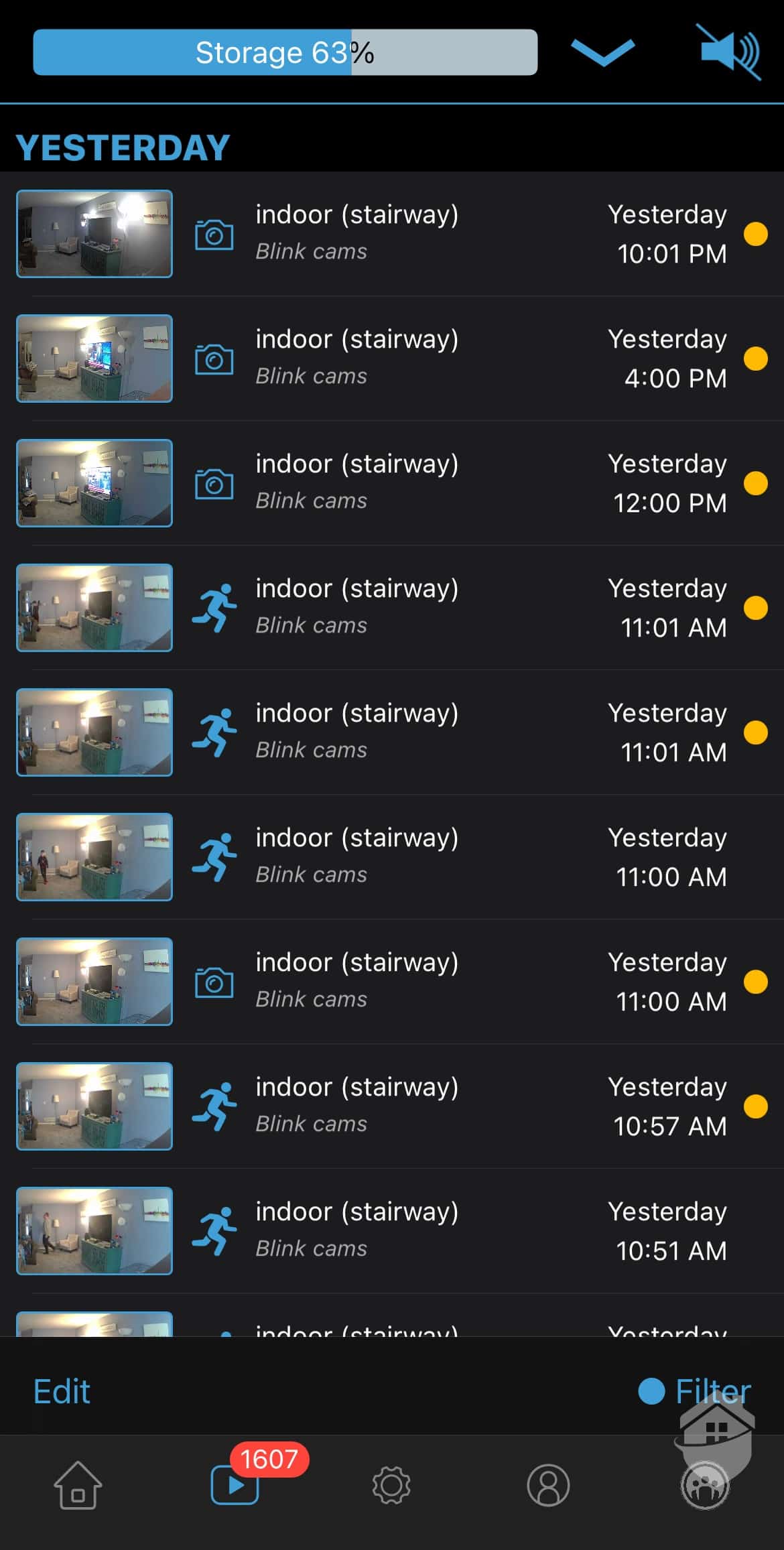
Blink App – Video History
First challenge: dialing in motion sensitivity to that sweet spot between catching real threats and avoiding false alerts. For context, our neighbor’s cat treats our front porch like her personal afternoon lounge. With default settings, we received constant “motion detected” alerts during work meetings. But drop the sensitivity too low, and you risk missing actual security events.
We also spent time tweaking our Outdoor 4’s night vision settings to work with our existing porch lights. Plus, we had to decide between cloud storage and local storage via USB drive connected to the Sync Module. Yes, it took patience to get everything just right. Now these cameras work exactly how we need them to, and we understand every setting inside and out.
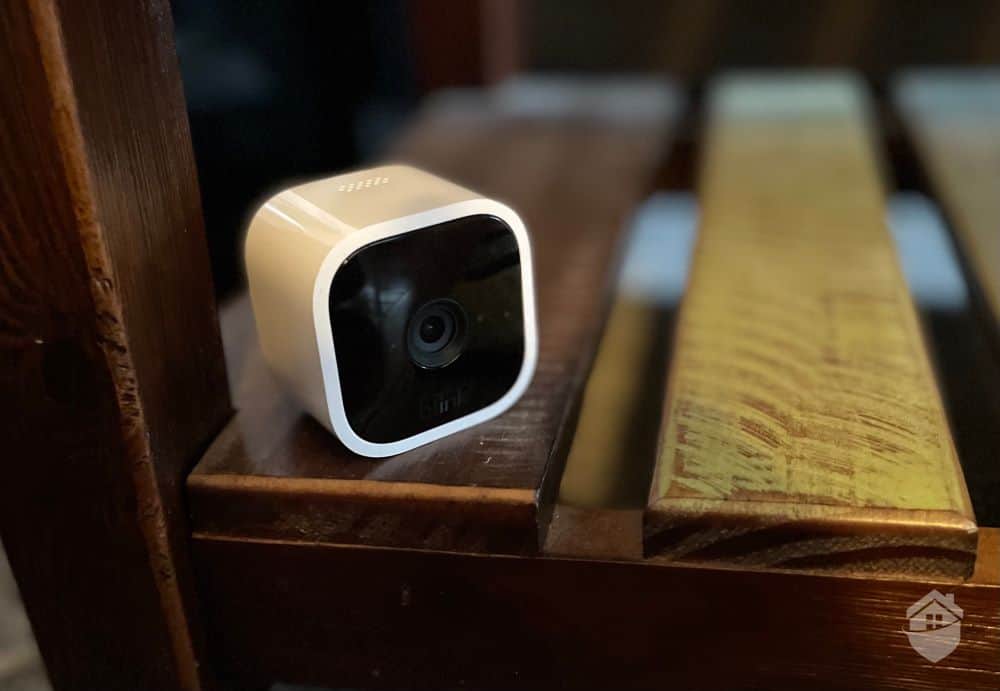
Blink Mini – No Stand
Pro Tip: If you’re looking for home security with a lot of customization, Blink might not be the best fit. Instead, Vivint, a professionally monitored system, might suit you better. Check out our hands-on Vivint system review.
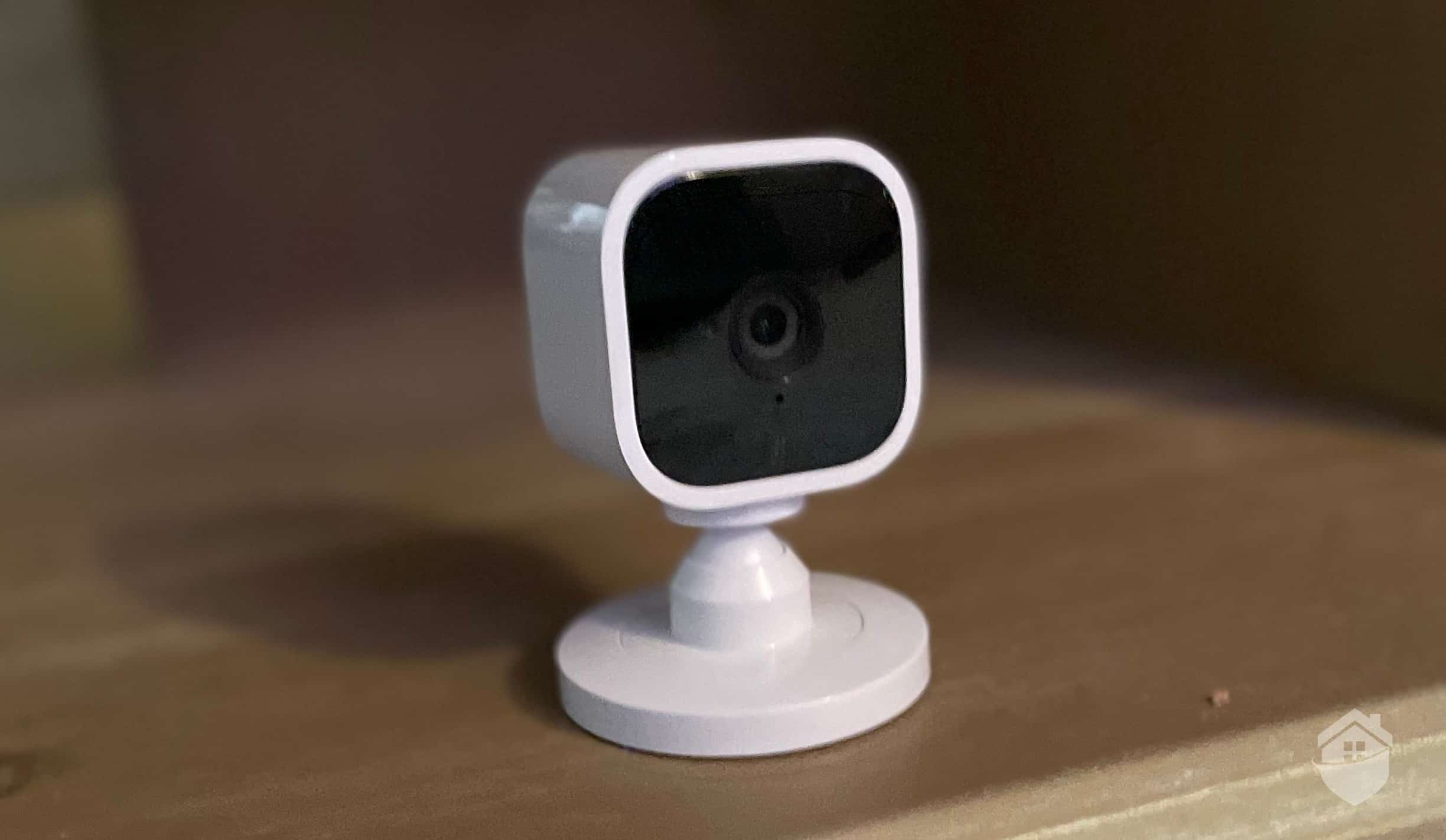
Blink Mini on Table
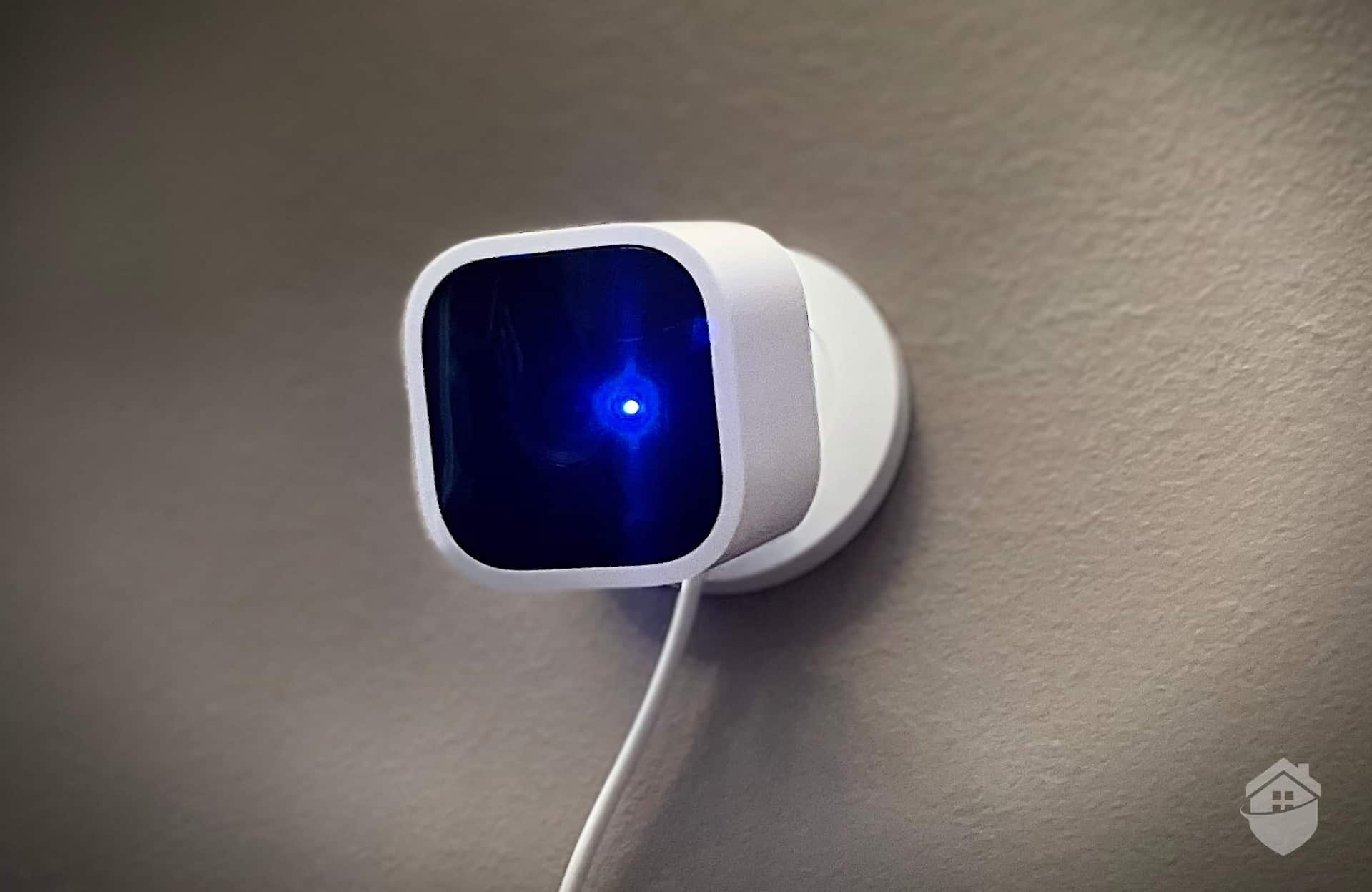
The Blink Mini 2 is compact enough to disappear virtually anywhere – from end tables to bookshelves to kitchen counters. We tucked ours behind a decorative plant near the TV, making it practically invisible to visitors. We tested the 1080p HD version, though there’s now a 2K Mini available for $10 more if you want crisper video.
Don’t let its compact size fool you. The Mini 2 packs all the essential security features you need. At $40 (often on sale for less), it’s genuinely accessible to almost any budget. That’s a refreshing change in an industry where many “budget” cameras still cost $100+.
The Mini 2 delivers crisp 1080p HD video that exceeded our expectations at this price point. We could easily identify delivery drivers, recognize neighbors stopping by, and yes, even count the boxes of cookies when the Girl Scouts came calling. The 143-degree field of view is wider than many competitors, capturing more of the room in a single frame.
It’s worth pointing out that the Mini’s resolution fluctuates depending on the strength of the Wi-Fi signal. It can also be lower than 1080p HD. That’s by design, though. This “fluid video,” as Blink calls it helps to keep playback smooth and glitch-free.
Here’s where the Mini 2 shows its budget roots. The default sensitivity caught everything – leaves blowing, shadows shifting, even our curtains moving from the AC. After tweaking the settings, we found the adjustment options surprisingly limited. While testing the Blink Mini camera, we eventually settled on a medium-high sensitivity that caught important events but still triggered occasional false positives.
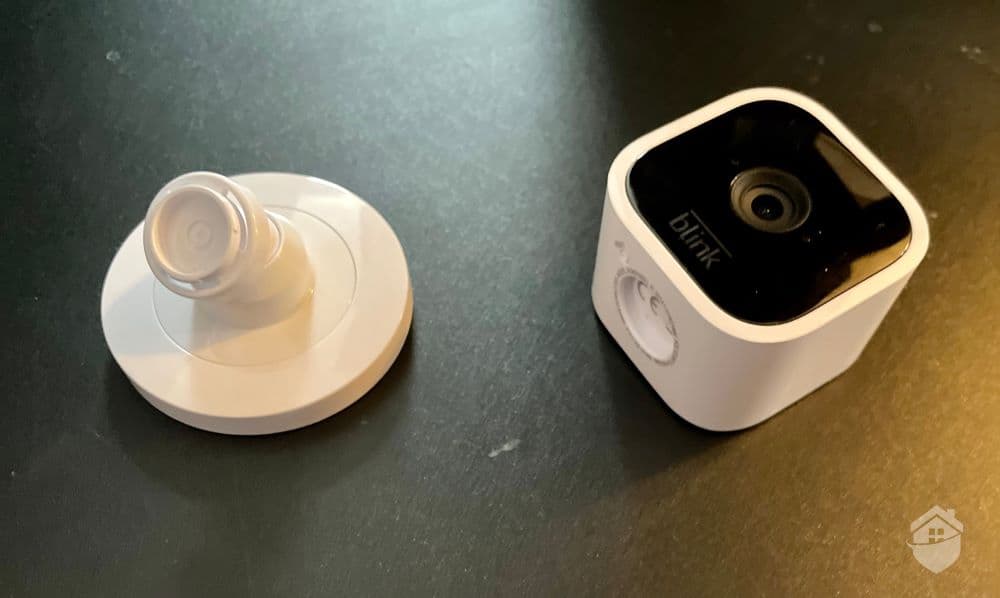
Blink Mini and Stand
Let’s be realistic – the Blink Mini 2 is a $40 camera. You’re not getting the same AI-powered detection features you’d find in a $99 Nest Cam. However, the fact that it offers any motion sensitivity adjustment at all is impressive at this price. Where it matters most – ensuring we received alerts when the camera detected motion – this little camera never let us down.
Blink doesn’t offer any type of professional monitoring, so when it came to responding to alerts from our Blink Mini, we were strictly on our own. To its credit, Blink provided us with everything we needed to monitor our own system. That includes real-time alerts and access to both live and recorded footage any time.
FYI: Recordings are saved in the cloud, but you’ll need a subscription for cloud storage starting at $3 per month. More on this later.
The Mini 2’s power cord does limit placement flexibility compared to battery-powered alternatives. Finding that perfect angle near an outlet takes some creativity – we ended up running the white cable along our baseboards where it practically disappears against the paint. However, this keeps the camera smaller and significantly cheaper. For indoor use where outlets are readily available, we think the trade-off is absolutely worth it.
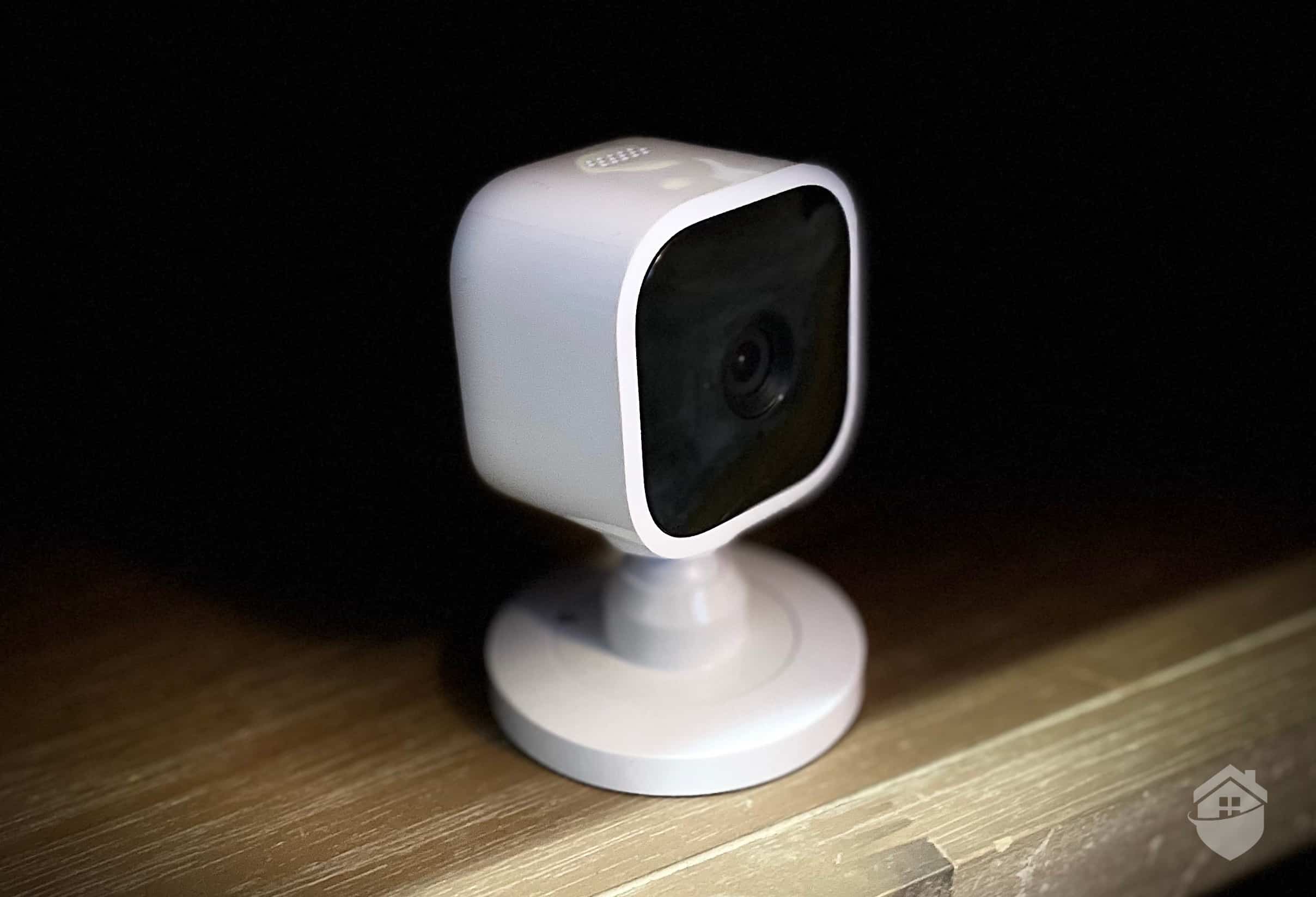
Blink Mini with Stand
The bottom line with the Blink Mini is that it doesn’t include all the features of Blink’s other models, but it packs a powerful punch and, thanks to an intuitive app, it’s every bit as convenient as those other models. We think it can make an excellent addition to any system. In fact, it’s cheap enough that you can add multiple minis to your system. After all, the more areas you have eyes on, the safer you’re going to be.
That said, if you’re looking for advanced features like customizable activity zones, person detection on all models, and facial recognition, our Google Nest Cam review is worth reading. Sure, the cheapest Nest Cam costs $99 – more than twice the Blink Mini’s price – but you’ll get Google’s AI-powered features that can distinguish between people, packages, and pets.
To put the Mini 2’s value in perspective, let’s compare it to its closest rival – the Wyze Cam v3. Both target the ultra-budget segment, but each makes different compromises to hit that price point.
| Features | Blink Mini | Wyze Cam v3 |
|---|---|---|
| Resolution | 1080p | 1080p |
| Viewing angle | 143 degrees | 130 degrees |
| Person detection | Yes | Yes |
| Night vision | Color night vision | Color night vision |
| Usage | Indoor or outdoor | Indoor or outdoor (IP 67 weatherproof) |
| Local storage | None | MicroSD card |
| Camera price | $39.99 | $35.98 |
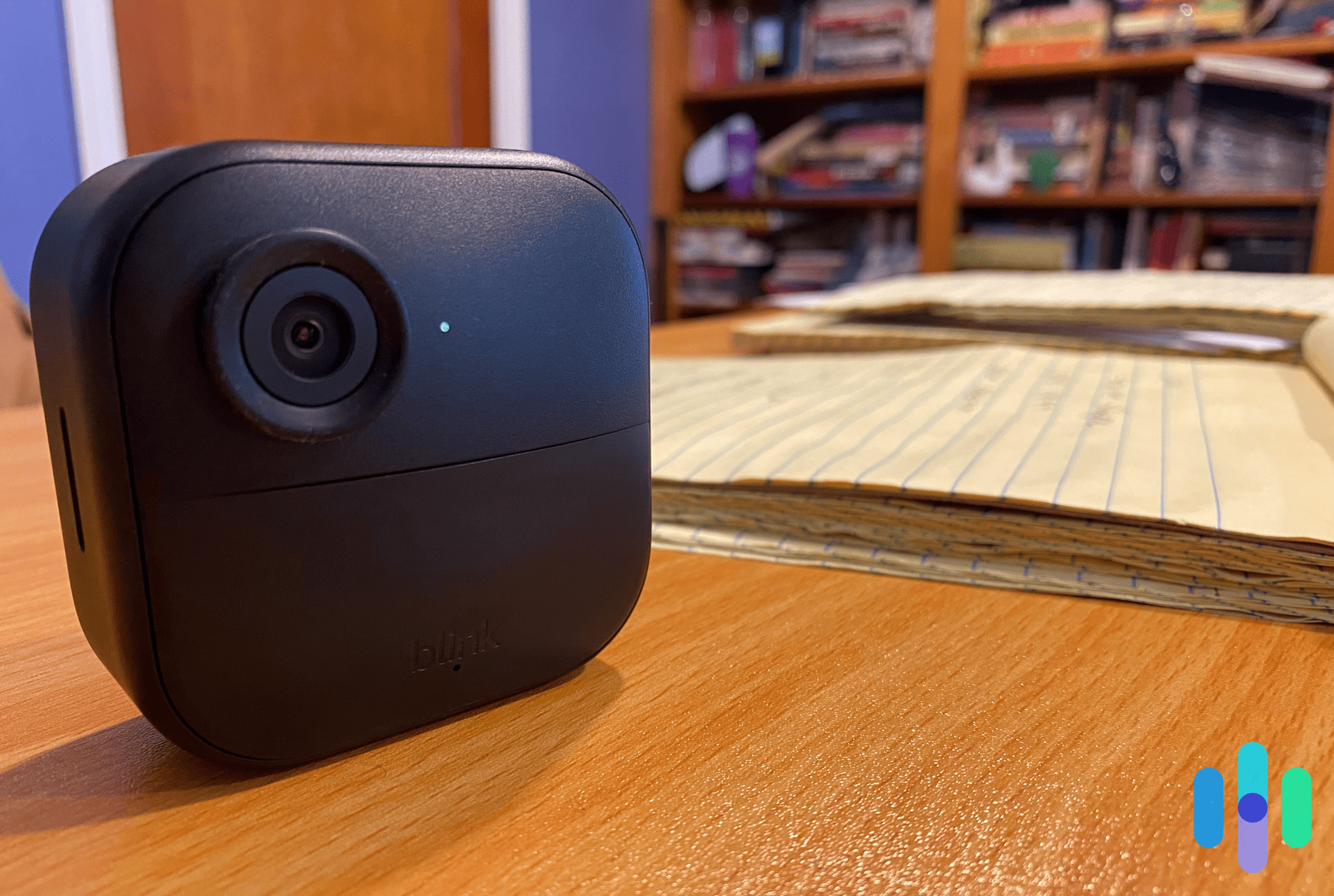
Here’s a close up look of our Blink Outdoor 4
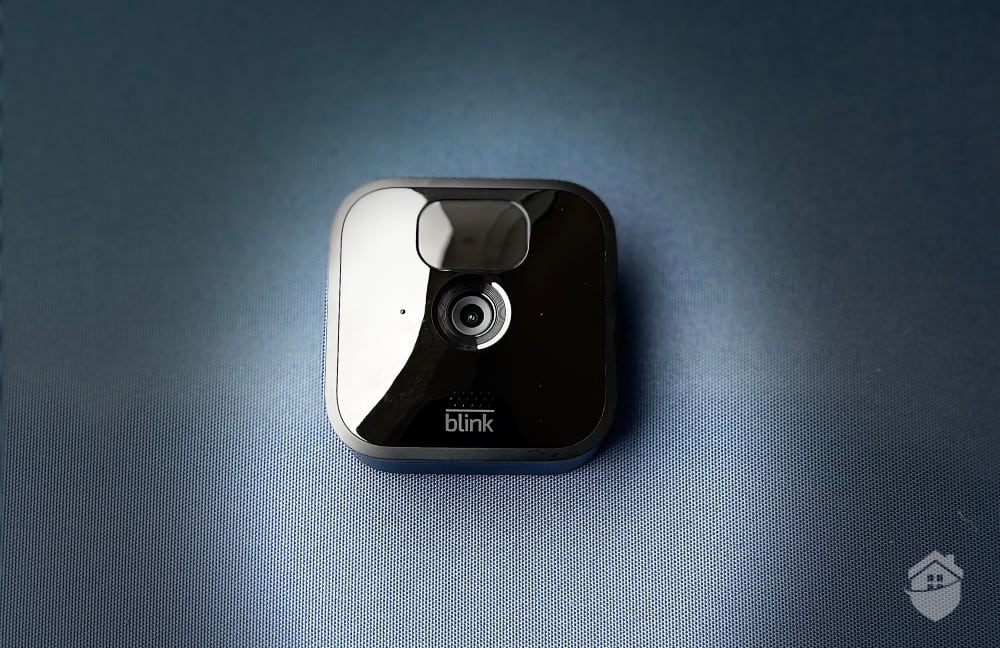
The Outdoor 4 takes everything we appreciated about the Mini and weatherproofs it for outdoor use (IP65 rating). There’s even a 2K model available now for sharper video. Its matte black finish blends seamlessly into most exteriors, and the minimalist design doesn’t scream “security camera” to potential intruders. Think of it as the Mini’s tougher sibling – same DNA, just built to withstand rain, snow, and extreme temperatures.
At the risk of rehashing old grievances, night vision was pretty weak in our hands-on Blink Outdoor camera experience. In an outdoor camera, this is a bit of a letdown.
The infrared night vision works adequately for basic detection. We could tell when someone approached our door or when that persistent neighborhood cat made its nightly rounds. However, facial details beyond 20 feet proved challenging to make out clearly. The image gets grainy and washed out, especially compared to Ring’s superior low-light performance.
You’ll find better night vision in one of the Ezviz cameras we reviewed recently, but generally, a camera with exceptional night vision needs some integrated lighting feature to do its best work. (Visit our Reolink Argus 3 Pro review for a really stellar night vision experience.)
Good news – Blink now offers solutions. Their LED floodlight mount ($40) transforms the Outdoor 4’s night footage from murky black-and-white to surprisingly clear color video. There’s also the hardwired Floodlight Cam at $100 if you don’t mind some electrical work. We tested the floodlight mount and the difference was dramatic.
Blink also offers a solar panel mount, but it’s only for the 3rd Gen Outdoor camera. That said, there are plenty of third-party solar panels that support the Outdoor 4. The one we tested kept our camera fully charged, even in partly cloudy conditions.
As an Amazon brand, Blink doesn’t work with Google Home or Apple HomeKit, but its integration with Alexa is solid.
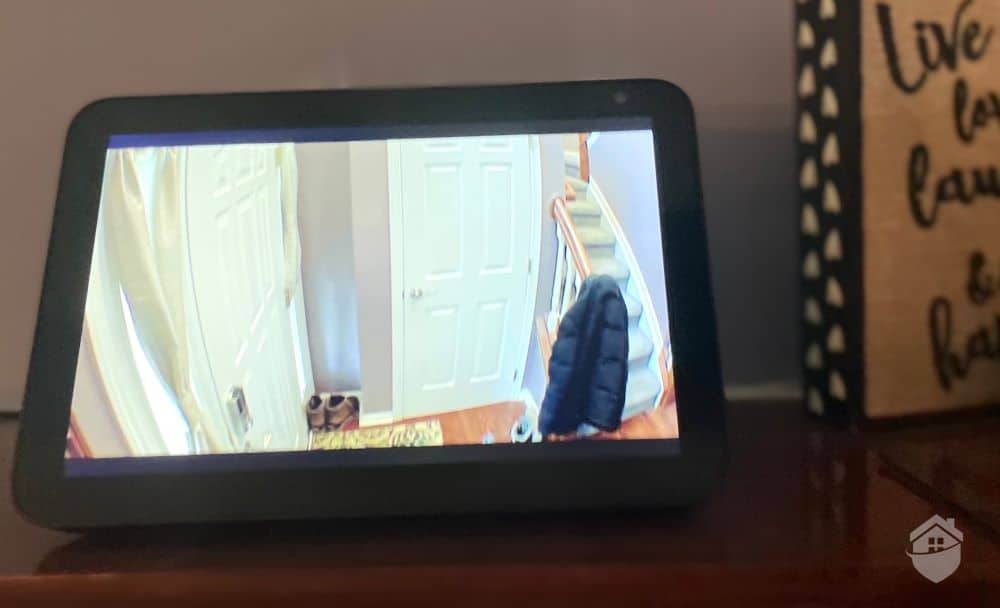
We streamed footage from all of our Blink cameras on our Alexa devices
The Alexa integration genuinely impressed us. Simple voice commands like “Alexa, show me the front door” instantly pulled up our Outdoor 4’s feed on our Echo Show 8. We even created routines that automatically displayed camera feeds when motion was detected. This was super convenient when cooking dinner and someone approached the door.
If you need a camera with broader integration with platforms like Google Home, IFTTT, and Samsung SmartThings, check out our review of Reolink’s cameras. They made a dedicated smart home tab in their mobile app making it easy to connect their cameras to your smart home ecosystem.
FYI: Affordable and simple as they may be, Blink cameras are pretty weak when it comes to automating with non-Amazon devices. Some brands don’t always play nice with each other; read our comprehensive home automation guide to learn more.
Smart home limitations aside, the Outdoor 4 redeems itself in other areas. It showcases the same strengths that made us fans of the brand: Adaptive video resolution up to 1080p HD (or 2K on newer models), seamless two-way talk with noise cancellation, customizable motion detection zones, and that famously simple installation Blink is known for.
Blink upgraded the field of view from 110 degrees on older models to an expansive 143 degrees. That extra coverage makes a huge difference in practice.
Here’s a real example: our driveway and front walkway form an L-shape. With the old Outdoor 3’s narrower 110-degree view, we needed two cameras to cover both areas properly. The Outdoor 4’s wider 143-degree lens captures everything from a single mounting point – our entire front yard, driveway, and walkway. That means one less camera to buy, install, and maintain.
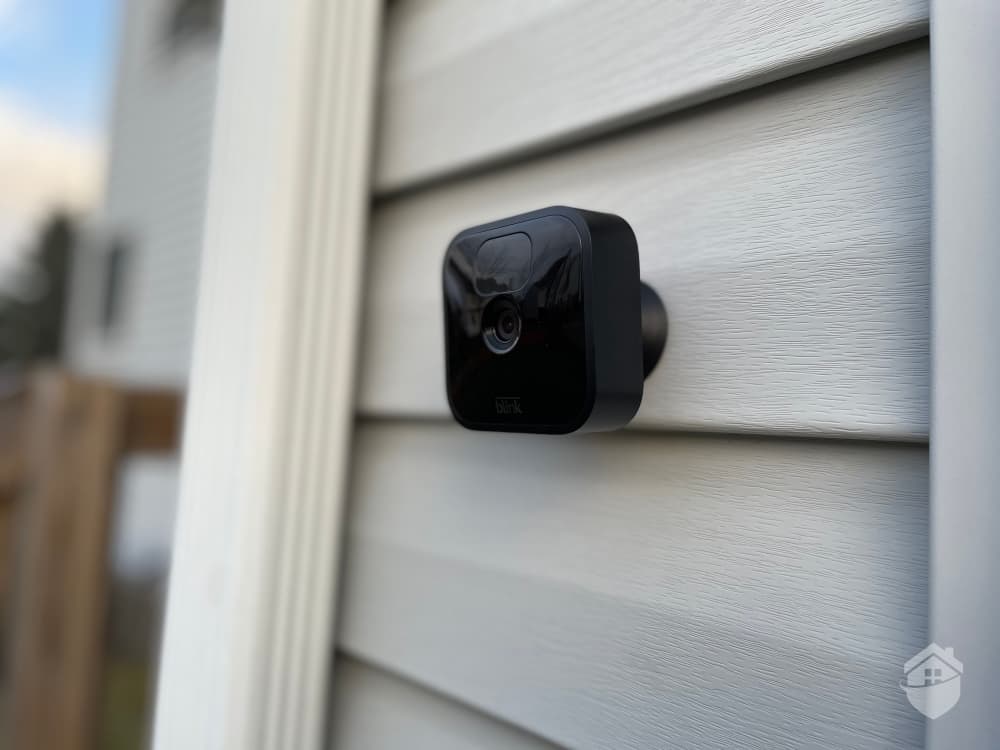
Here’s one of the two Blink Outdoor 3’s we needed to cover our frontyard and driveway
The Outdoor 4 finally brings AI-powered person detection to Blink’s lineup. However, you’ll need the Blink Plus subscription at $11.99/month for unlimited cameras (or $3.99/month for one camera). In our testing, person detection accurately filtered out 90 percent of false alerts from cars, animals, and wind-blown branches. Worth every penny if you ask us.
Pro Tip: Even if you want alerts from all motion, person detection is still a useful feature. It makes your alerts more descriptive by telling you when your camera sees a person and when it sees other motion. Then, you can turn on alert filtering if needed, too.
We think it’s worth pointing out that these cameras are not ideal as pet monitors. While they’re sensitive to most types of motion out of the box, none of the Blink cameras were triggered by our family dog, as wiggly and rambunctious as he is. It’s not the camera’s intended use, but we still wanted to point it out.
Fortunately, there’s a camera or two out there that handles this much better. As noted when we tested and reviewed YI’s Home 3 camera, the camera seemed to enjoy sending entertaining recordings of said pup in all sorts of precarious positions – no app tinkering needed. Keep in mind, too, this camera costs $20, so there isn’t much tinkering to be done, anyway.
Who knows, maybe the dog ate jumping beans that day. But it’s just something you might pick up from time to time when comparing home security companies. Motion sensors sometimes work in mysterious ways.
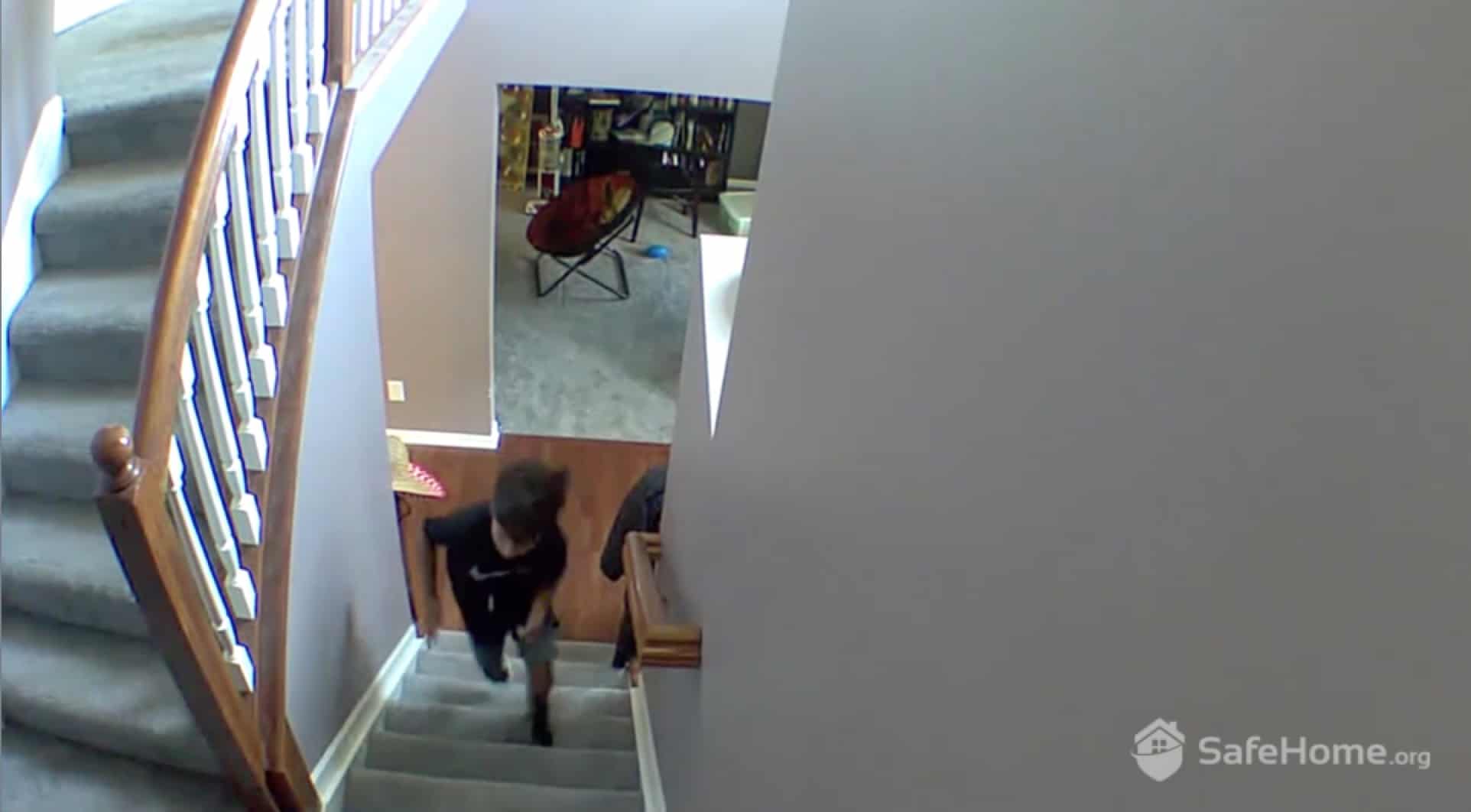
The Blink Mini 2, which has the same video quality as the Outdoor 4, gave us clear daytime footage
Yes, Wyze undercuts Blink on price with $36 outdoor cameras. That extra money with Blink gets you rock-solid reliability, better app stability, and an incredible two-year battery life. After testing both extensively, Wyze wins on price alone while Blink delivers better overall value.
Blink also sweetens the deal with multi-camera bundles. A three-camera system with one Sync Module costs less than $200. That’s roughly $63 per camera instead of $80. Amazon Prime Day and Black Friday bring even steeper discounts, sometimes 40 percent off or more. For all the details, check out our Blink Camera pricing page or head over to the latest rundown of Blink Prime Day deals and discounts.
| Blink Model | Price | Features |
|---|---|---|
| Blink Outdoor 4 | $79.99 |
|
| Blink Mini 2 | $39.99 |
|
| Blink Video Doorbell | $69.99 |
|
| Blink Wired Floodlight Camera | $99.99 |
|
| Blink Outdoor 4 Floodlight Cam | $129.98 |
|
| Blink Mini Pan-Tilt | $39.99 |
|
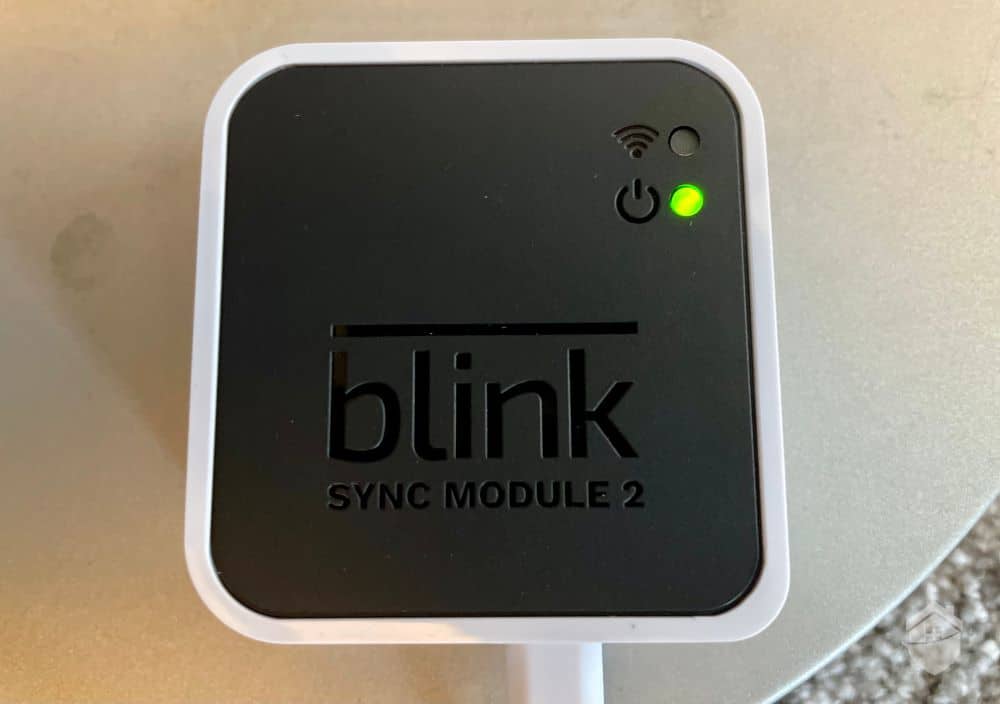
Blink Sync Module
Blink used to offer free cloud storage, but those days are gone. Still, their paid plans are some of the most affordable in the industry. At $3.99/month for one camera or $11.99/month for unlimited cameras, Blink undercuts most competitors by up to 50 percent. Annual plans save even more – just $39.99/year for single camera coverage.
Here’s something many people don’t realize: cloud storage is completely optional with Blink. You can connect a USB drive (up to 256GB) to your Sync Module 2 for free local storage. We tested this with a spare 128GB thumb drive and it worked flawlessly. It stored about two months of motion clips from three cameras before automatically overwriting the oldest footage.
Here’s a full breakdown of your options.
| Blink Plans | Basic | Plus |
|---|---|---|
| Motion-Activated Alerts | Yes | Yes |
| Live Streaming | Yes | Yes |
| Video History | 60 Days | 60 Days |
| Two-Way Talk | Yes | Yes |
| 10% off Blink Products | No | Yes |
| Warranty | 1 year | As long as subscription is active |
| Number of Cameras | 1 | Unlimited |
| Price | $3.99 per month (or $39.99 per year) | $11.99 per month (or $119.99 per year) |
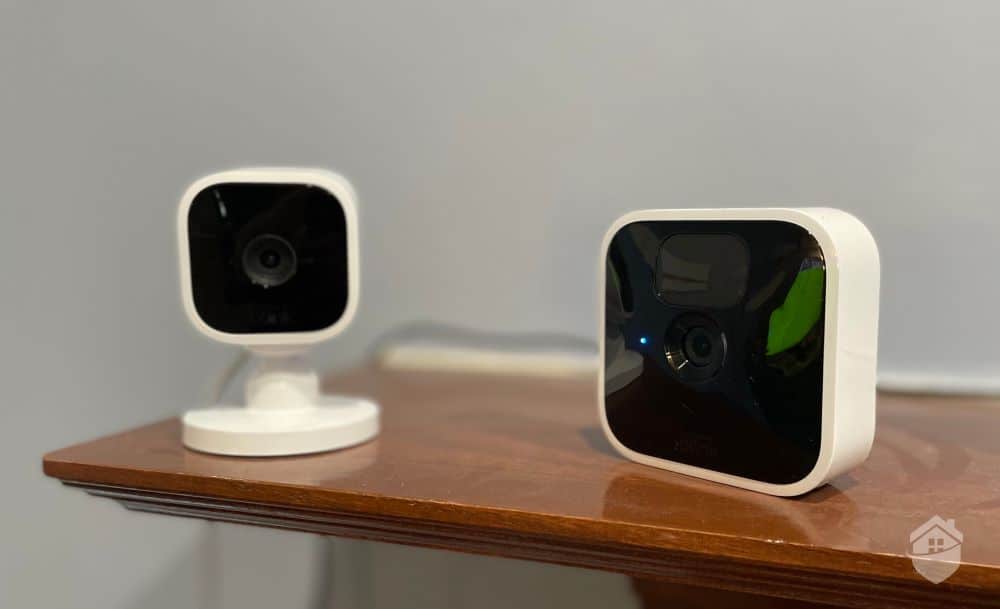
Blink Mini (left) and Blink Indoor (right) Cameras
After extensive testing, we can confidently say Blink delivers solid fundamentals for home security without the premium price tag. These aren’t the most advanced cameras on the market – you won’t find AI facial recognition, for instance. However, for reliable security monitoring that won’t drain your bank account, Blink absolutely gets the job done.
Of course, if you’re hunting for high-tech features, you’ll need to look elsewhere. But ultimately, Blink cameras are dependable workhorses that make home security accessible to virtually everyone. In today’s economy, that’s exactly what many people need.
To summarize, here’s what we think Blink’s strengths and weaknesses are.
Strengths:
Weaknesses:
Now it’s your turn to decide. Do the pros outweigh the cons? Will Blink work in your home setup?
With the extended-life batteries included in every Blink camera (except Blink Mini), you’ll get about two years of battery life with typical use. From what we’ve seen, that’s a whole lot of battery life in one charge.
Since they’re owned by the same company, Blink and Alexa play well together. You can set up your Blink cameras to use voice commands through an Amazon Echo. It does not work as smoothly with Google Assistant, though.
You can add a floodlight to the Outdoor 4 or opt for the Wired Floodlight Camera to get clear color night vision. However, standard Blink cameras use infrared night vision that produces black and white footage. The quality is adequate for basic detection but lacks the clarity of competitors like Ring or Arlo.
Yes. The Outdoor 4 and other battery-powered models include USB-C ports with weatherproof power adapters available for purchase. This lets you run them continuously without worrying about battery life – particularly useful for high-traffic areas.
While not the absolute cheapest cameras available, Blink offers exceptional value in the budget category. Their most expensive camera is $130, which is quite reasonable for a battery-powered camera with an attached floodlight. Most individual cameras cost between $40 and $100.
The Sync Module is a small, shallow box that comes with the Blink Indoor and Blink Outdoor cameras. The module receives information from Blink servers through your home Wi-Fi, and sends notifications to our phone. Cameras receive information from the Sync Module, then send images and notifications through your Wi-Fi. You can also use the Sync Module to attach an external hard drive via USB.
IFSEC Insider. (2017 Jan 4). CES 2017 sneak peak: Blink set to unveil home security system with moisture sensors for leak detection
https://www.ifsecglobal.com/global/ces-2017-blink-home-security-system-leak-detection/
Lorex Technology. (2021). Guide to Field of View & Lens Types.
https://www.lorextechnology.com/self-serve/guide-to-field-of-view-lens-types/R-sc2900041