SafeHome.org may receive compensation from some providers listed on this page. Learn More
We may receive compensation from some providers listed on this page. Learn More
SafeHome.org may receive compensation from some providers listed on this page. Learn More
We may receive compensation from some providers listed on this page. Learn More
Learn about Comcast Xfinity Security System Packages and Monitoring Plans
 Updated August 18, 2026
copied!
Updated August 18, 2026
copied!
You probably know Comcast for internet, phone, and cable, but the company also offers home security through Xfinity Home. Based on our testing, it delivers solid protection and smart home automation at a competitive price, with professional monitoring starting at $55 per month for new customers, making it competitive with other professionally monitored systems.
That price gets more attractive if you’re already a Comcast customer, since bundling Xfinity Home with other Comcast services can bring monthly costs down noticeably. The tradeoff is commitment. Most packages require a minimum two-year contract, and the equipment options and service area are narrower than what some competitors offer. If versatility matters more to you than bundling savings, our ADT review is worth a look, it’s one of our favorite security systems for a reason.
In this guide, we break down Xfinity Home’s plans, packages, and current pricing against other top security brands so you can decide if it’s the right fit for your home.
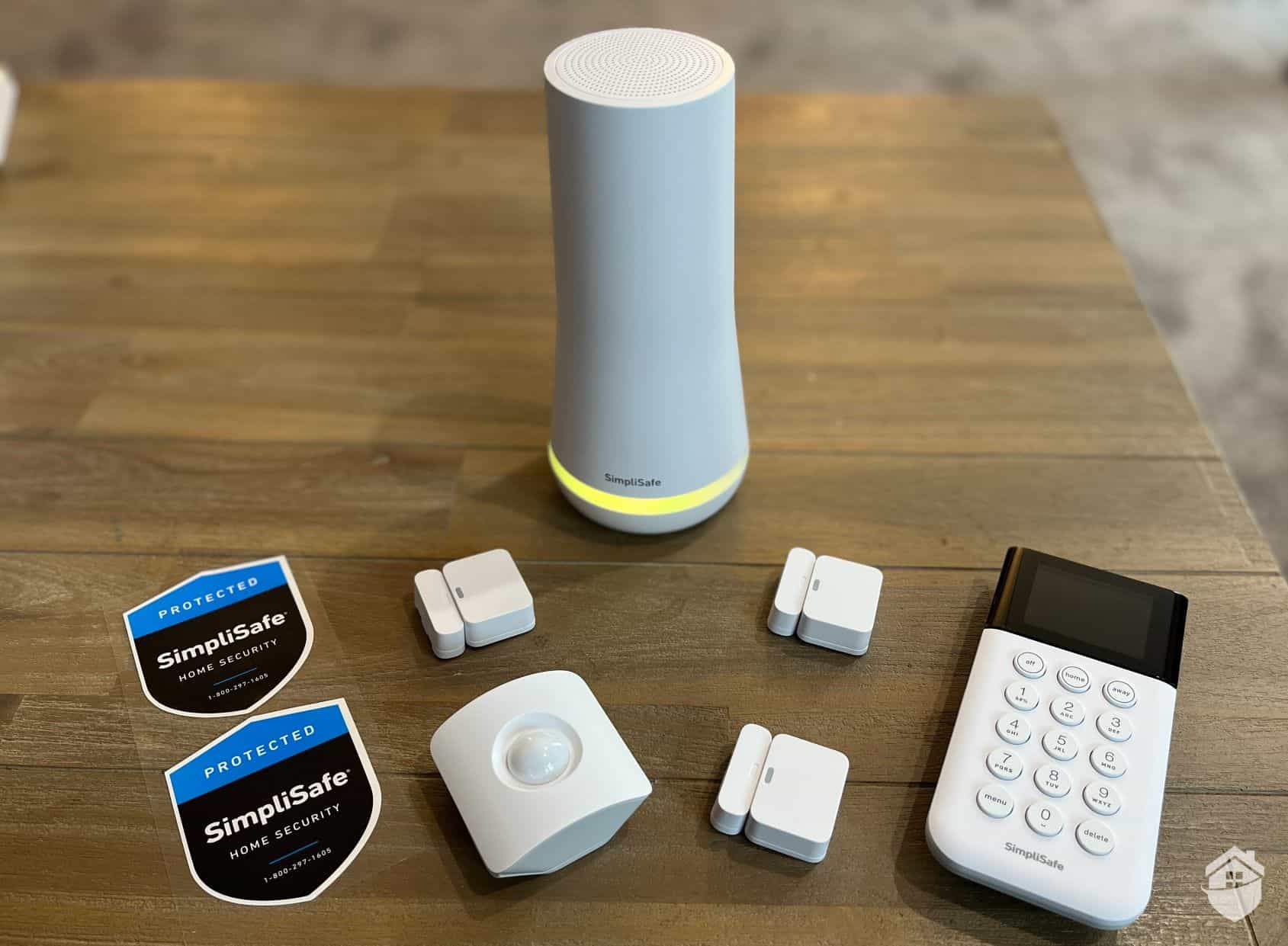
Pro Tip: Not a Comcast internet user? Try SimpliSafe instead. It works with any internet provider, and with a monitoring plan, you’ll get alerts even when your Wi-Fi is down. Read our SimpliSafe review and find out why this simple but powerful system is the best DIY option.
Check out more recommendations from the SafeHome team:
Xfinity Home offers professional monitoring starting at $55 per month. Equipment can be paid upfront or spread across monthly installments with a 24-month contract. Here’s a breakdown of each equipment package along with its upfront and monthly pricing:
| Xfinity Home Security Equipment | Price |
|---|---|
| Base Home System | $15 per month or $360 upfront |
| Complete Home System | $20 per month or $480 upfront |
| Ultimate Home System | $25 per month or $600 upfront |
We’ll dive into what each Xfinity Home package includes shortly, but first, it’s worth noting that pricing tracks closely with the industry average. That lined up with our expectations, given that Xfinity brings modern features like touchscreen control panels and advanced smart home automation to the table.
The main catch is the two-year service agreement required for professional monitoring. Pricing starts at $55 per month with autopay enrollment if you also subscribe to Xfinity Internet. Otherwise, it costs $65 and rates can increase after the first year, so it’s worth factoring that into your long-term budget before signing up.
| Xfinity Monitoring Plans | Price |
|---|---|
| Home Security Plan (with Xfinity Internet) | $55 per month (promotional) |
| Home Security Plan (without Xfinity Internet) | $65 per month |
If your budget allows, buying Xfinity’s equipment outright is the smarter move. You’ll keep your monthly costs lower, while still getting full access to smart home controls, instant alerts, and live HD video streaming. Xfinity cable subscribers also receive Xfinity X1 integration.
Overall, Xfinity’s monitoring costs are competitive, though slightly higher than some competitors. Keep in mind the required two-year contract, and customer feedback indicates that response times and technical support could be improved. You can find more details in our full Xfinity review.
Pro Tip: If you purchase Xfinity equipment upfront, you own the equipment, allowing you to switch monitoring services when your two-year agreement ends.
Here are a few other Xfinity features to consider:
| Fully Monitored? | Yes |
|---|---|
| Contract Required? | Yes |
| Monthly Cost | $65+ |
| Best For | Bundling |
Xfinity has streamlined its lineup into three core equipment bundles: Xfinity Base Home, Xfinity Complete Home, and Xfinity Ultimate Home. We recommend starting with one of these packages and adding devices when your needs change. For the price point, these bundles offer solid value.
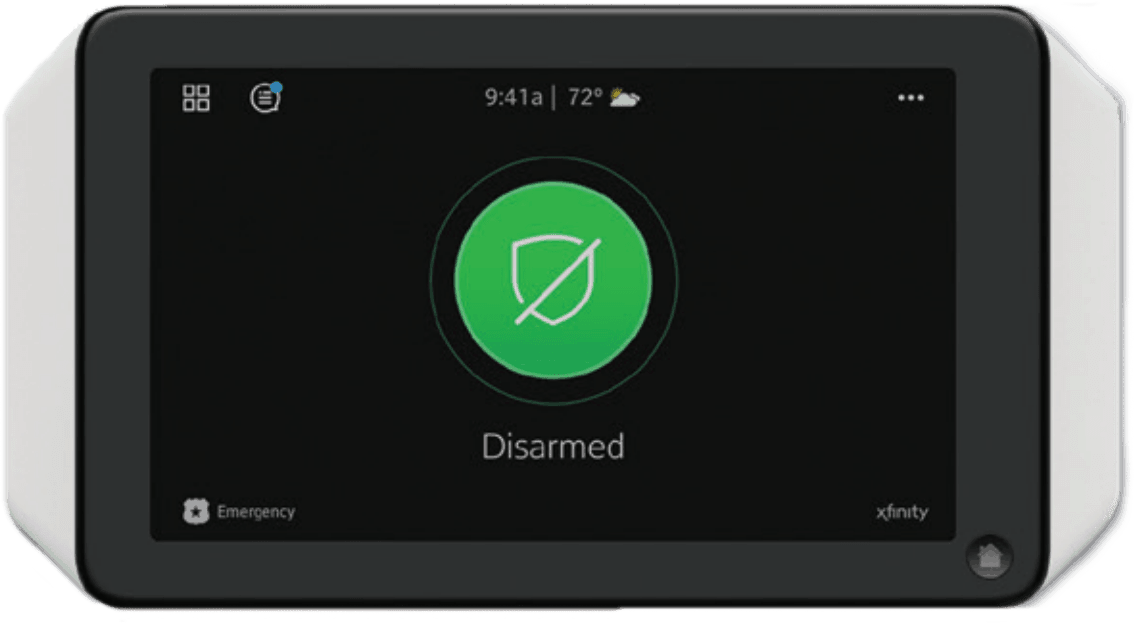
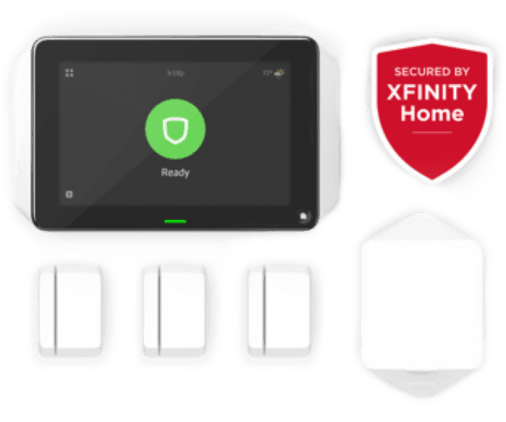
The Xfinity Comcast Touchscreen Controller
Their user-friendly touchscreen control panel looks and feels much better than the plastic panels many other brands offer. Even their base package comes with a small handful of entry sensors, while most companies only include one sensor in their base kit. Another thing to consider is that Xfinity requires professional installation, meaning a technician must visit your home to install the system.
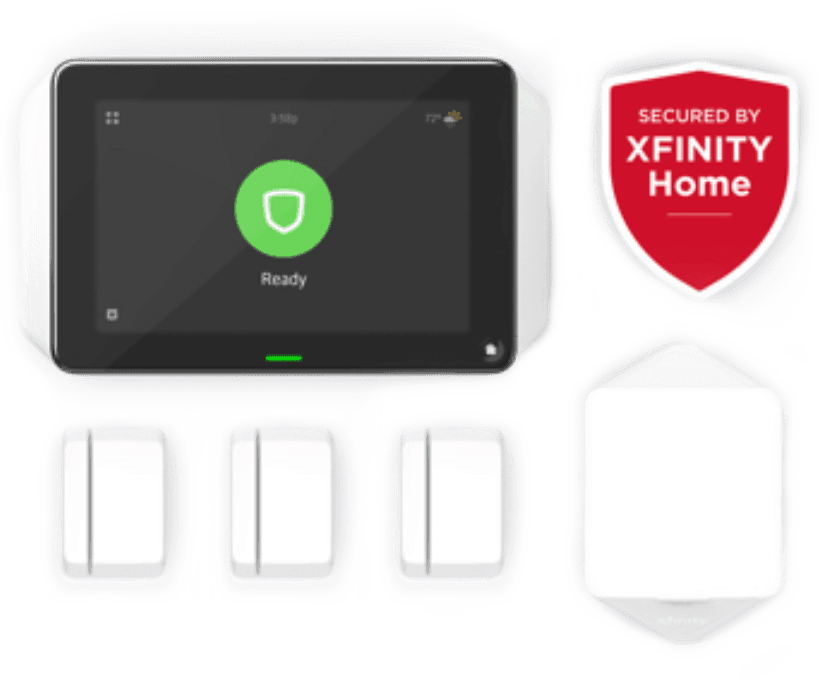
The Xfinity Base Home System includes everything you need to secure a small home. It’s battery-powered with a cellular backup feature. It also allows you to access and control your system using the Xfinity mobile app on your smartphone. However, if you have more than three entryways into your home via windows or doors, you’ll need to purchase extra sensors, which can get expensive with Xfinity. The Xfinity Base Home System includes:
When it comes to equipment quality, Xfinity lands solidly in the middle of the pack. There’s nothing that’ll wow you in terms of design or build, but it gets the job done. During testing, we put each device through its paces and found they all felt decent. It’s a slight step up from budget-friendly options like Ring or SimpliSafe, but not quite in the same league as premium brands like Vivint or ADT when it comes to overall construction quality.
Did You Know? Pet-friendly motion sensors can typically ignore animals weighing up to 40 to 80 pounds, depending on the model. This minimizes false alarms from household pets while still catching intruders.
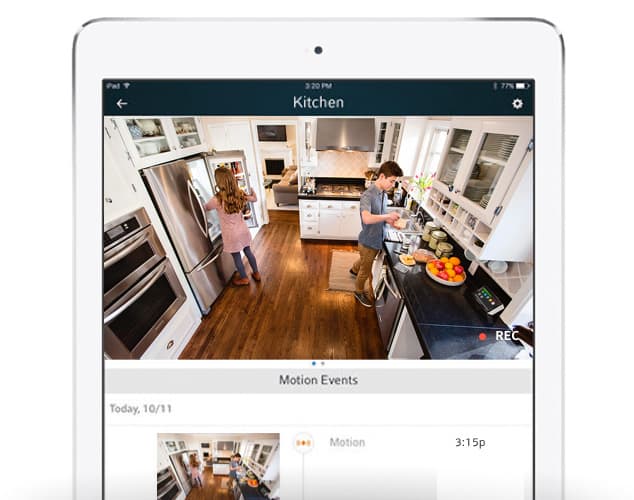
The premium equipment package offers everything in the Base package, plus two additional door and window sensors, a wireless keypad, and an HD indoor and outdoor Xfinity camera. If you can swing it, we recommend this package over the Base package. The price difference is $120, but you get an additional $200 worth of devices. In our experience, installing a security camera takes home protection to another level. The Xfinity Complete Home System includes:
The Ultimate package includes everything in the Complete package as well as extra door and window sensors and another Xfinity camera. For most homes, the amount of entry sensors will not be necessary unless you have a lot of first floor windows or doors. However, it’s still good value as it’s a lot of equipment for just $600. Here’s everything included in Xfinity’s Ultimate Home System:
As far as equipment quality goes, Xfinity just makes the grade. There’s nothing really special about their equipment design or build. During testing, we examined the products from every angle. The devices felt decent in our hands, but only slightly better than more affordable systems like Ring or SimpliSafe. And they didn’t quite compare to the likes of Vivint or ADT when it came to quality of construction.
FYI: You really don’t need equipment that lasts a lifetime, especially if most of the equipment is installed indoors, as is the case with Xfinity Home.
Once you choose your equipment, you’ll pick a monitoring plan. For professional monitoring, there’s just one option. They also offer a self-monitoring plan for $10 per month that includes smart home features and cloud storage for camera recordings.
Xfinity’s professional monitoring keeps you connected to their central station around the clock. If something trips your system, agents will reach out to you first and call in emergency responders if needed. The self-monitoring plan gives you more hands-on control at a lower cost, though the support is more limited. Here’s a breakdown of what each tier covers:
The standard monitoring plan provides comprehensive protection with these features:
Getting AI-powered person detection and cloud storage bundled into the base monitoring plan is a genuine perk — those features normally cost extra. However, at $65 per month if you’re not an Xfinity internet customer, it costs more than premium providers like ADT and Vivint. Even with the $10 discount for Xfinity Internet customers, it still costs more than DIY options like SimpliSafe and Ring Alarm.
If you just want the basics and don’t need professional monitoring — although we always recommend it — you can save some money with Xfinity’s Smart Home plan. It includes cloud storage for camera recordings and access to your camera’s AI-powered features. Note that this plan does not include 24/7 professional monitoring or emergency dispatch services. It also only works with Xfinity cameras, video doorbells, and smart home equipment.
Keep in Mind: Although Xfinity offers Live HD video monitoring in their base plan, accessing this feature requires the purchase of their camera(s).
Xfinity Home Security gives you solid flexibility when it comes to building out your system. You can add smart smoke detectors, thermostats, cameras, keypads, and more to tailor your setup to your home’s needs. The one area we’d still love to see improved is their camera lineup — a floodlight camera option would go a long way for outdoor coverage.
| Xfinity Equipment | Add-On Equipment Type | Cost |
|---|---|---|
| Indoor and Outdoor Cameras | Camera | $120 |
| Video Doorbell | Camera | $120 |
| Indoor Camera | Camera | $60 |
| ecobee Smart Thermostat Essential | Thermostat | $139.99 |
| Smoke Detector | Smoke Alarm | Unavailable |
| Outlet Controller | Automation | $50 |
| Door and Window Sensor | Sensor | $20 |
| Motion Sensor | Sensor | $40 |
| Wireless Keypad | Controller | $50 |
Smart home enthusiasts will find solid value in Xfinity Home Security. Much like more premium systems such as Vivint, you get remote access and full control through Xfinity’s intuitive mobile app, and the system plays nicely with a range of third-party home automation devices, so you can build out your smart home setup however you like.
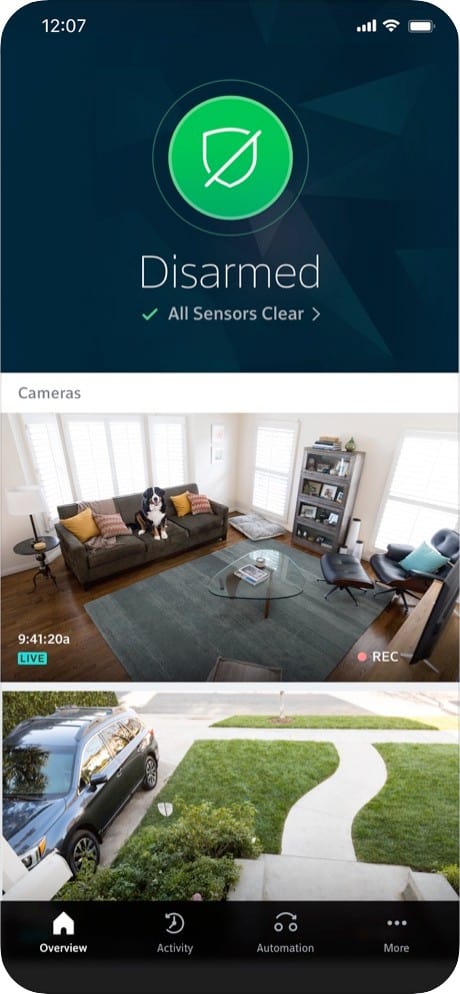
If you’re already a Comcast customer, you can manage your entire security setup through the Xfinity app or through voice commands via your cable remote, which is a genuinely nice touch based on our experience. It’s more convenient than pulling out your phone and opening a companion app every time you want to arm or disarm the system or run another command. That said, we’d like to see a broader range of security camera options, since the current feature set is strong but somewhat narrow on that front. A DIY installation option would also be a welcome addition.

MOBILE ALERTS |
With Xfinity Home, you can set up real-time alerts for instant notifications of things happening in your home. You can customize these alerts to your needs. |

SURVEILLANCE CAMERAS |
Xfinity offers indoor and outdoor camera options with 1080p HD resolution, night vision, and person detection. You can monitor your home from anywhere using Xfinity's live video feature, with the ability to record, rewind, and review footage with 24/7 recording. |

REMOTE CONTROL |
You can control your Xfinity security system using voice commands through the Xfinity app, compatible smart speakers, or your cable remote. The remote responds to voice commands, as well. |

PROFESSIONAL INSTALLATION |
Xfinity Home security systems are installed by trained technicians. A Comcast technician will visit your home, conduct a personalized security assessment, provide a customized equipment recommendation, and walk you through how to use your new system. |

24-7 MONITORING |
Professional monitoring is included with every Xfinity Home security system. The response time is quick and reliable. |

POWER OUTAGE PROTECTION |
Battery and cellular backup are included at no extra charge with this system. |

DISASTER PROTECTION |
Environmental hazard monitoring is available as an add-on with Xfinity Home. With optional equipment, your system can monitor for smoke, fire, and carbon monoxide — giving you an extra layer of protection beyond just intruders. |

SMART HOME OPTIONS |
Xfinity integrates with Amazon Alexa, Philips Hue lighting, and select smart locks and thermostats to create a comprehensive smart home experience. |

REMOTE GARAGE CONTROL |
Xfinity Home is compatible with the myQ Garage remote controls by Chamberlain. Connect your Chamberlain garage door opener to your Xfinity Home system to control it from afar. Using the Xfinity app, you can see if you have left your garage door open, or you can open it for your kids when they come home from school. |
Xfinity Home Security periodically runs promotional rates for new customers, so it’s worth checking the website directly for the latest deals. The offers rotate too, sometimes discounted monitoring rates, other times free equipment bundles or reduced pricing on cameras. Checking back periodically can help you catch the best window to sign up.
Based on our experience, Comcast Xfinity Home has the equipment and monitoring plans needed to secure a home from top to bottom, and the value comes through, especially with home automation and video monitoring bundled in.
It also helps that Xfinity is the largest cable company in the nation. That scale translates into reliability, so connection issues are unlikely.
The equipment isn’t the most affordable, though Xfinity offers interest-free financing to soften the cost. The bigger drawbacks are the contract requirement and availability tied to Xfinity’s existing service footprint. The camera lineup is also limited compared to dedicated security companies, covering just one indoor camera, one outdoor camera, and a video doorbell.
That said, if you’re already an Xfinity internet or cable customer looking for a simple, integrated security setup, Xfinity Home is worth a serious look.
Professional monitoring starts at $55 per month if you’re an Xfinity Internet customer. Otherwise, it costs $65 per month. Financing equipment also adds to that monthly fee. You can opt for self-monitoring for $10 per month. Full systems start at $360 while individual cameras start at $60. Xfinity also regularly runs promotions for new customers, so always check for deals before signing up.
The standard Xfinity Home package includes professional monitoring, a touchscreen control panel, three to four door/window sensors, a motion sensor, and a wireless keypad. Additional equipment like cameras and smart home devices can be added to customize your system.
Yes, all Xfinity security systems support 24/7 professional monitoring. When an alarm is triggered, the monitoring center will verify the event and contact emergency services if needed. Monitoring is included as part of your monthly plan cost.
Xfinity provides an app that allows users to monitor their system from a distance.
Yes, depending on the system you select, you can purchase environmental controls for Xfinity. This includes control over your home’s temperature with a smart thermostat from Ecobee.
Yes, Xfinity offers outdoor home security cameras.
Yes, all Xfinity security cameras feature infrared night vision, allowing you to monitor your property 24/7 in both light and dark conditions.
Comcast. (Retrieved 2025). Xfinity Mobile. Apple.
https://apps.apple.com/us/app/xfinity-home/id418965252
Broadbandnow.com. (Retrieved 2025). Xfinity Internet Availability.
https://broadbandnow.com/XFINITY