SafeHome.org may receive compensation from some providers listed on this page. Learn More
We may receive compensation from some providers listed on this page. Learn More
Here’s exactly how much money Cove will cost you, along with all the Cove plans and packages available.

Cove is one of the best affordable security systems we’ve tested. The equipment delivers solid build quality at a budget-friendly price point, and the professional monitoring service offers excellent bang for your buck. Plus, Cove operates on a no-contract model, meaning you can cancel anytime without worrying about hefty termination fees.
Sounds appealing? The next step is figuring out your total cost. Since Cove allows you to build a system from scratch, your final price depends entirely on the equipment you choose. We’ve compiled all the pricing details you need to make an informed decision. But first, let’s explain how we put this guide together.
>> Read More: The Best Home Security Systems of 2026

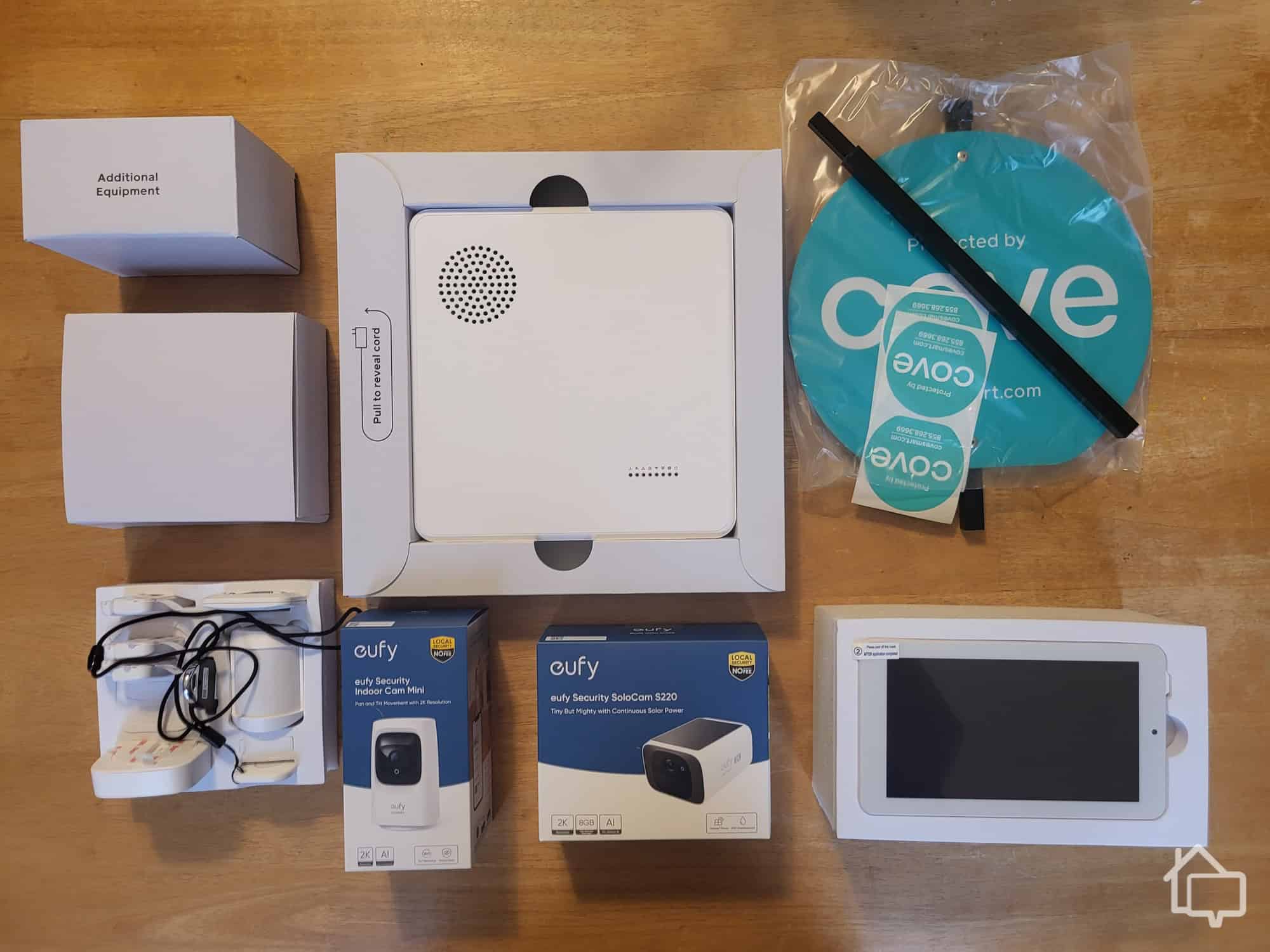
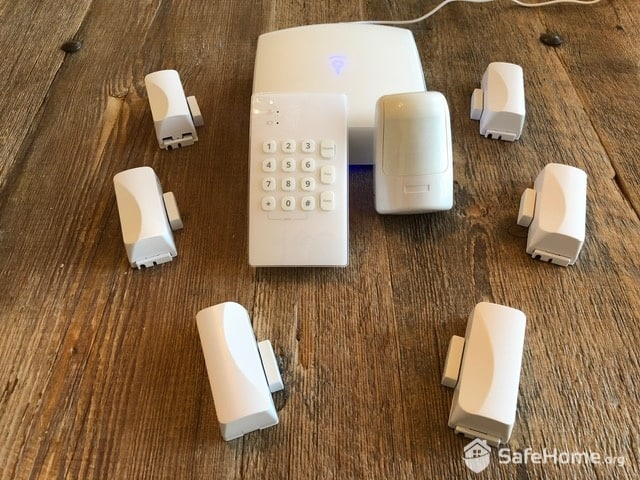
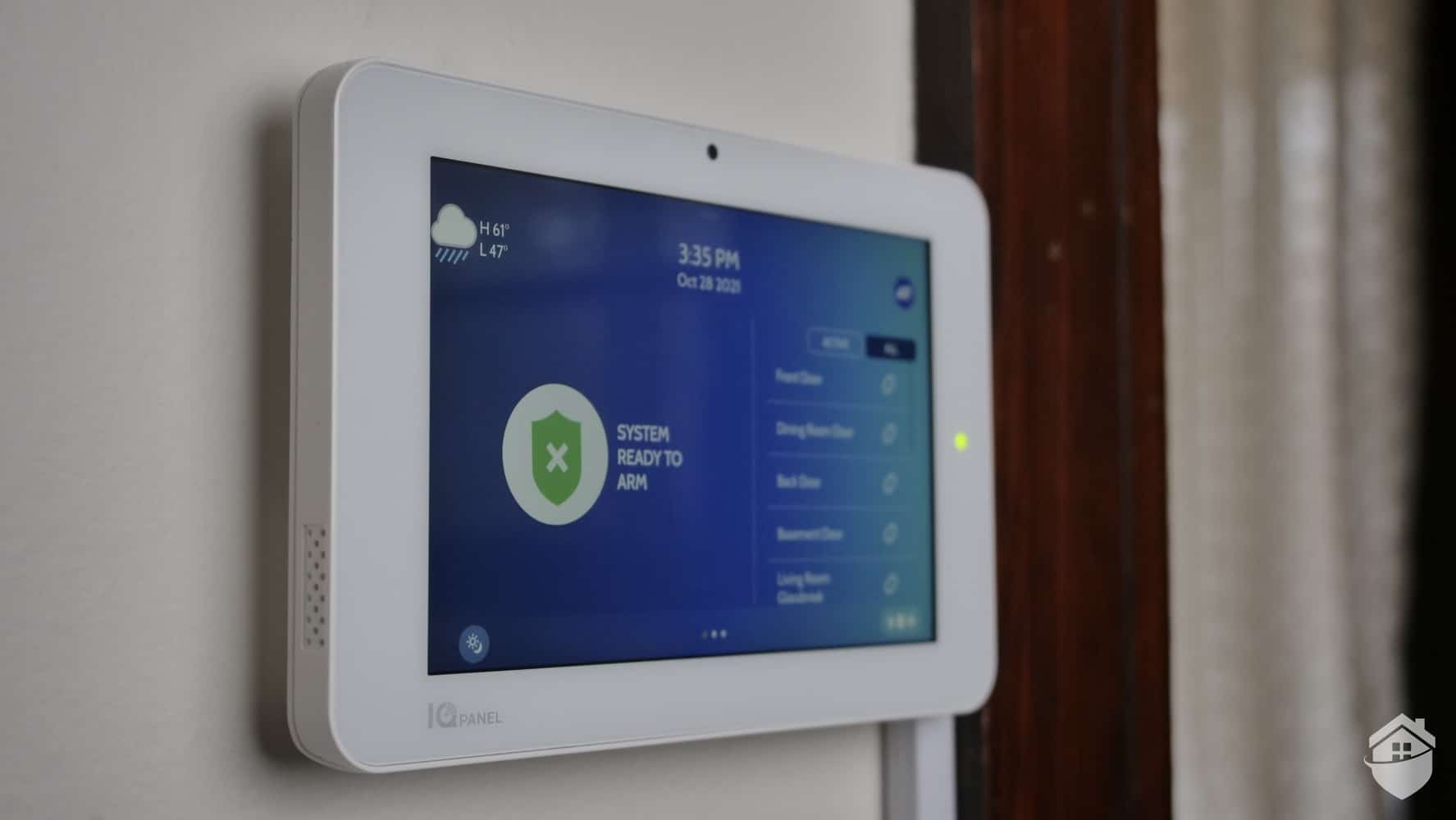
We handpicked this equipment for our Cove home security system.
We spend a lot of time testing and reviewing security equipment, but for articles about costs, we focus specifically on value. We consider how functional a security company’s equipment is, how well it stands up to daily wear and tear, and whether the features work as promised. We also take an in-depth look at the monitoring offerings, installation fees, and other fees.
Factoring in all of those elements, we arrive at an overall value assessment for each system. This isn’t simply about whether a system is cheap or expensive — it’s about whether what you’re paying actually matches what you’re getting.
Let’s get started with Cove’s equipment costs.
Some of the best DIY security companies offer equipment packages, but Cove forgoes that option, opting instead for an a la carte equipment menu. Here’s a breakdown:
| Hub | $150 |
|---|---|
| Touch-screen panel | $150 |
| Door sensor | $15 |
|---|---|
| Window sensor | $15 |
| Motion sensor | $50 |
| Acoustic glass-break sensor | $50 |
| Smoke detector | $95 |
|---|---|
| Carbon monoxide detector | $125 |
| Flood sensor | $125 |
| Key fob | $30 |
|---|---|
| Panic button | $30 |
| Cove Indoor Cam | $59.99 |
|---|---|
| Cove Doorbell Cam | $99.99 |
| Cove Solar Cam | $159.99 |
You can learn more about these products in our Cove review, but the long and short of it is that this equipment list isn’t extensive, but it’s not lacking anything either. When we put the system to the test, we didn’t find a lot of bells and whistles, but there weren’t any glaring gaps in our home security setup. Overall, we’d rank the equipment 9.2 out of 10.
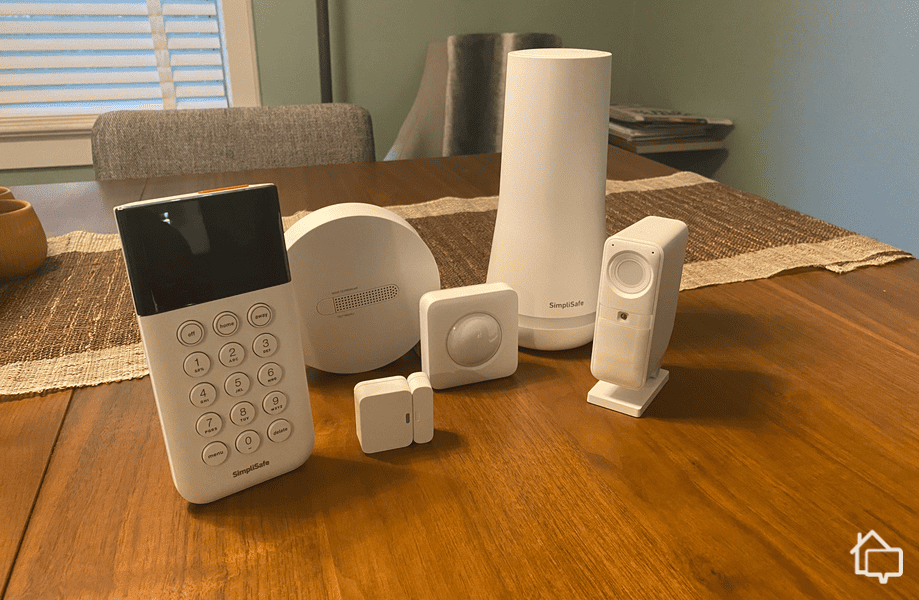
Pro Tip: Cove’s equipment offerings and prices are pretty similar to what we saw when reviewing SimpliSafe. For another great DIY security option, check them out as well.
A hub and touchscreen panel are required for every setup. You’ll also need at least one entryway sensor for a true security system. That bare-bones setup brings the starting price to $315. Realistically, though, one sensor on one door isn’t going to cut it for most homes. Most people end up spending $400 to $500 for a more well-rounded setup. Fortunately, Cove almost always has a sale running that can knock those costs down significantly.
Cove is one of our favorite professionally monitored systems, but it’s important to point out that the company’s monitoring isn’t optional, it’s required. Cove now offers three packages instead of two, so let’s break those down.
| Features | Cove Basic | Cove Plus | Cove Premium |
|---|---|---|---|
| 24/7 monitoring | Yes | Yes | Yes |
| Environmental monitoring | Yes | Yes | Yes |
| Alarm verification | Yes | Yes | Yes |
| Text-based alerts | Yes | Yes | Yes |
| Cellular backup | Yes | Yes | Yes |
| Smartphone control | Yes | Yes | Yes |
| 24/7 customer support | Yes | Yes | Yes |
| Alexa and Google Home control | No | Yes | Yes |
| Camera support | No | Yes | Yes |
| AI-powered alerts | No | No | Yes |
| Cloud storage | No | 7 days | 30 days |
| Equipment warranty | 1 year | 1 year | Lifetime |
| Price | $22.99 per month | $32.99 per month | $42.99 per month |
The main difference between Basic and the two higher tiers comes down to smart home integrations and camera functionality. If you want to control your system with Alexa or Google Home voice commands, you’ll need at least Cove Plus, and the same goes for adding security cameras to your setup. Premium goes a step further by adding AI-powered alerts, longer cloud storage, and a lifetime equipment warranty for buyers who want the full feature set. If you prefer a straightforward system without those extras, Basic has you covered.
Another tick mark in Cove’s pro column is that it’s one of the best systems that doesn’t require a monthly contract. Unlike Vivint or ADT, Cove doesn’t lock you into a long-term contract. You can cancel your service at any time with no fee. We definitely appreciate that flexibility, but you’re out of luck with Cove if you’re looking for a good self-monitored system.
One call we received was at the home of a professional sports player. The owner notified the home monitoring service that he was out of state, so any alarm trips would be automatically dispatched. Once an outdoor perimeter alarm was tripped, the monitoring service patched into the cameras and provided us with the suspect’s description and current location on the property. We surrounded the house covertly and after a few minutes, the suspect came out and walked right into our custody.”
Cove has an online quiz that helps you choose appropriate devices for your home, regardless of whether you live in a shoebox apartment or a luxurious mansion. Unfortunately, the company doesn’t have prebuilt packages like SimpliSafe and Ring.
A couple of important things to keep in mind while you’re shopping for Cove products:
You may be thinking that Cove is looking a little pricey. Here’s a secret though: All these calculations were made using Cove’s retail prices for equipment, and it’s unlikely you’ll have to pay that.
As we mentioned earlier, Cove runs sales throughout the year. Now that we think about it, we’ve never paid full price whenever we bought equipment to test Cove.
Similar to what we noted in our review of Frontpoint, Cove is always offering some sort of sale. Sure, it might be a marketing strategy to try and get us to buy now so we don’t miss out on the savings. But it works. We’re more than happy to avoid paying full price – especially when sales are generally between 30 and 60-percent off.

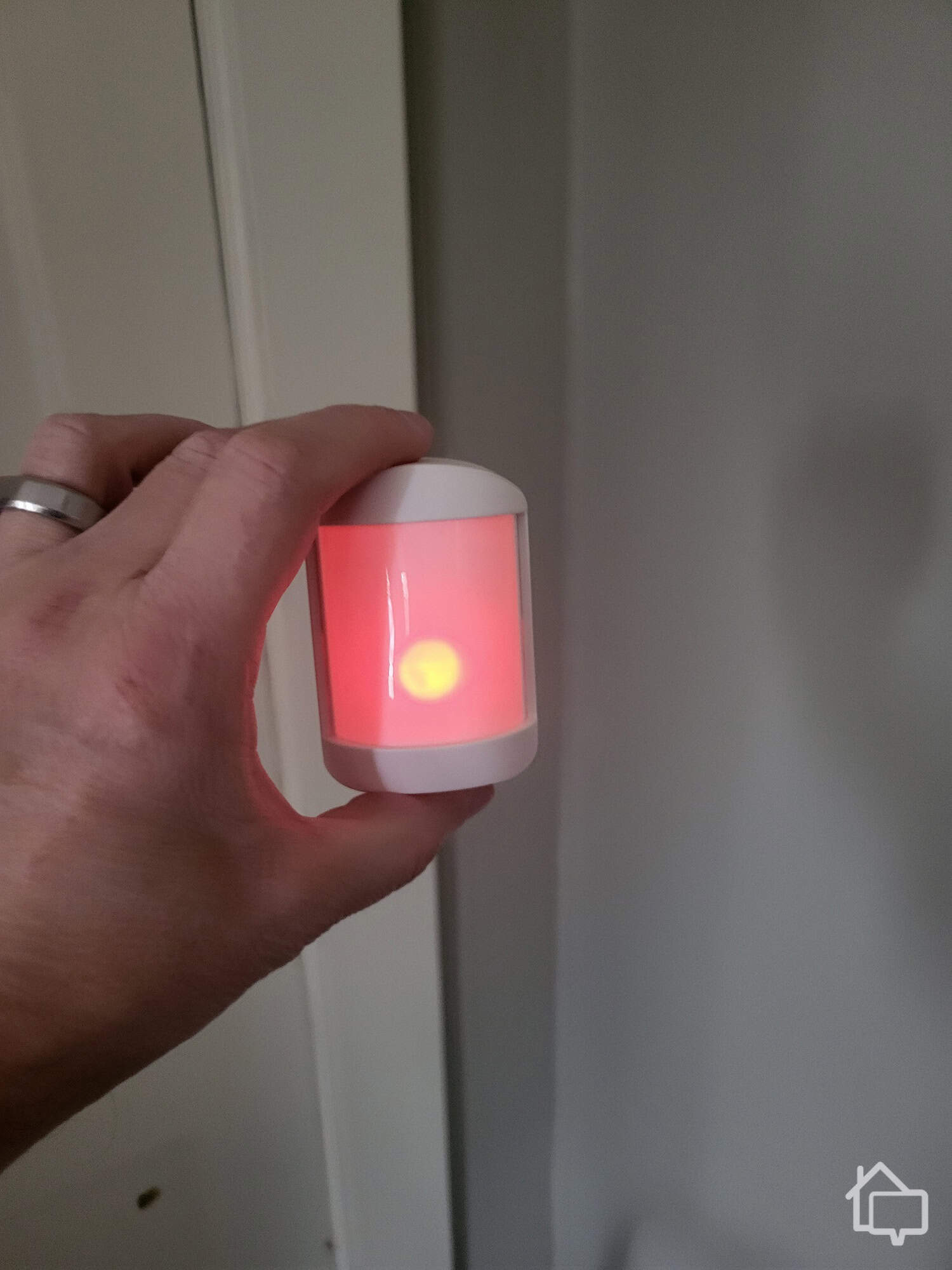
Cove motion sensor light up bright red the second it detects movement
Cove frequently runs discounts of up to 70 percent off new equipment. Sometimes, they even throw in a free camera. That said, Cove’s still a good deal even at retail prices, so we recommend getting a system when you need it. Odds are, Cove will be running a sale anyways.
A lot of security companies will try to nickel and dime you, especially on traditional systems with professionally installed equipment. Convenience fees, activation fees, early termination fees — they all add up. The good news is that the hidden costs are nonexistent with Cove. When we tested the system, everything was totally above board and transparent.
There is, however, one fee you may incur. If you’re interested in a Cove system but you’re not up to the task of installing it yourself, you can speak to the team for assistance or call in a professional. Cove partners with HelloTech for professional installation, with prices starting at $129.
Pro Tip: New to installing home security equipment? Read our how-to guide for setting up a DIY alarm system. It’s not as hard as you think. Really!
Professional installation has its perks. A technician can scope out your space and place everything strategically. We think setting up the Cove system yourself is the way to go, though. All devices come pre-synced to the hub, and the step-by-step instructions are easy to follow. For most components, installation is as simple as peeling off the adhesive backing and pressing it into place. We had our full system up and running in under an hour.
That’s about all there is to know about Cove’s costs. To round everything out, though, let’s run through our Cove experience.
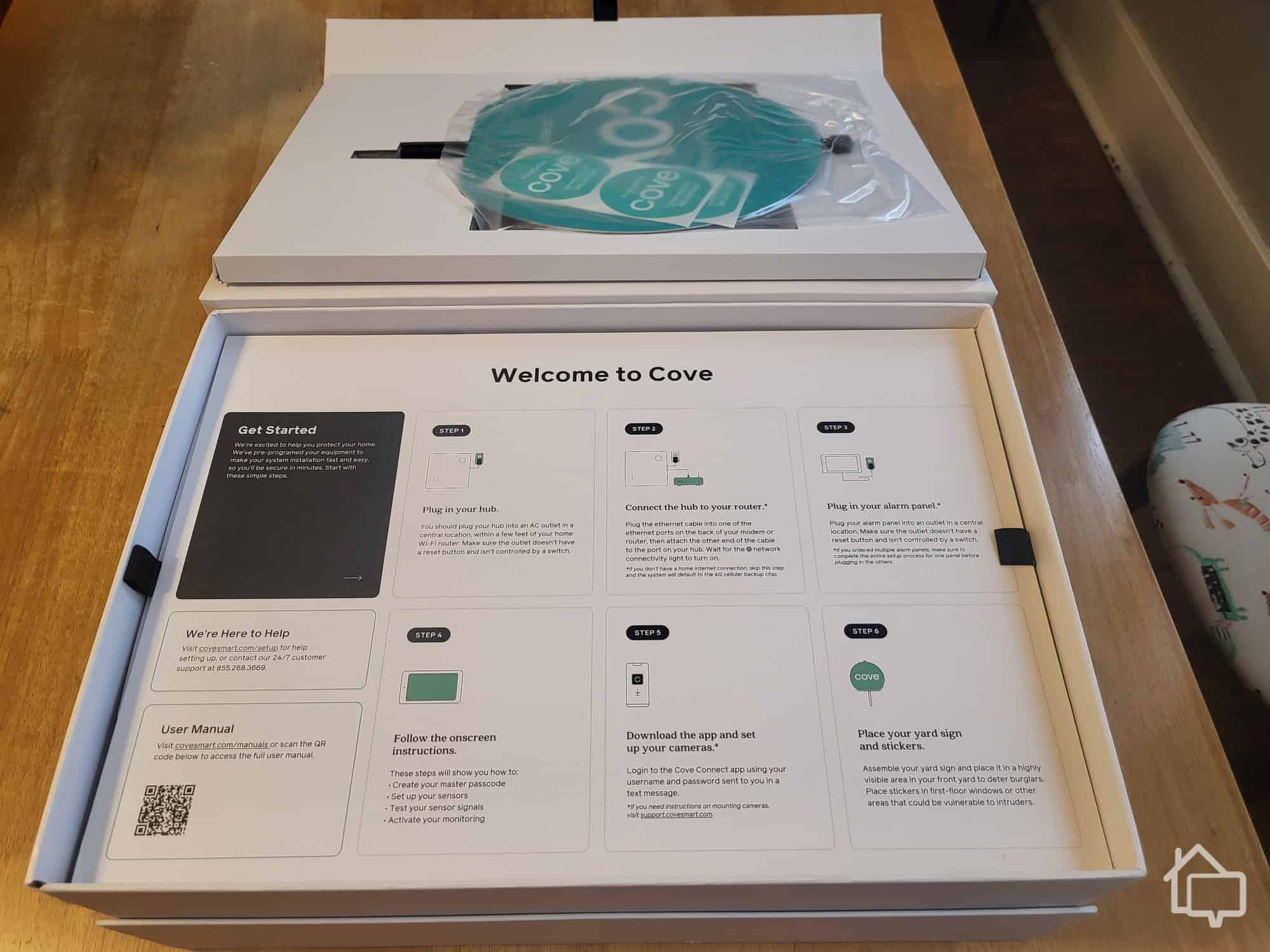
Installing Cove’s system was straightforward. The packaging is thoughtfully designed—everything is numbered—and the included booklet is simple and easy to follow. Everything arrived neatly organized, and the updated equipment looks much more subtle than older models. Entryway sensors are now sleek and modern, similar to what we saw when we reviewed Abode.
Our only hiccup was waiting for the monitoring center to call after setup. We didn’t hear from them, so we reached out ourselves, waited on hold for about 20 minutes, and then spoke with an agent who resolved everything.

Cove’s packaging comes with useful instructions to help us set up our security system.
Pro Tip: A Cove home security system keeps working even when the power goes out. The hub has a 24-hour backup battery, and since it uses the AT&T 4G LTE network to communicate with the monitoring center, it’s not reliant on your Wi-Fi network staying connected. That’s why it’s one of my favorite cellular network home security systems.
Cove uses RapidSOS technology to transmit critical data directly to 911 dispatchers, helping emergency services respond faster and more accurately. If a smoke detector goes off, for example, the fire department is alerted immediately. During our hands-on testing, we triggered an alarm without canceling it, resulting in a police officer arriving at our door in roughly 15 minutes.
Embarrassing as that was, it confirmed how well Cove’s monitoring works with RapidSOS. It’s reassuring to know someone is actively watching. Keep in mind, though, a security system’s response time measures how quickly the monitoring center contacts you—it doesn’t dictate how fast emergency responders arrive at your property.

The police officer showing up at my door.
Thinking about Cove for your home? Here’s what stood out during our testing. We also added a few things you should know before you buying. Let’s start with the good stuff.
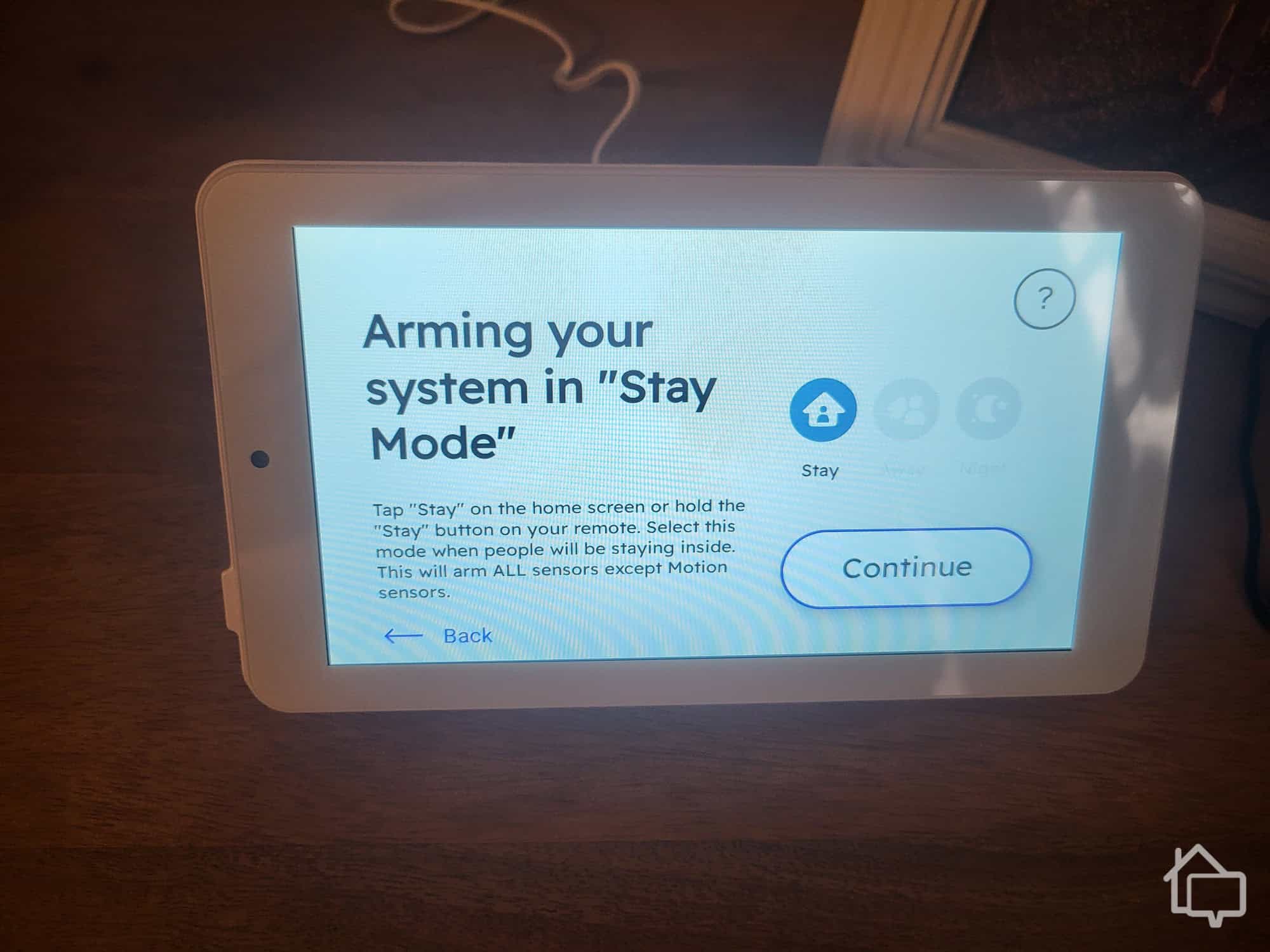
| DIY installation | The installation took us about 20 minutes, and we think most people can have it installed and ready to go in under half an hour. The Install Wizard walks you through the setup process step by step, and it couldn’t be easier. |
|---|---|
| Cellular monitoring | Cove systems connect via AT&T’s LTE cellular network. We consistently find it fast and reliable, although Cove can also use Wi-Fi if you live in an area outside of AT&T’s service area. Still, we prefer using Cove’s cellular connection, so our system stays up even when our home network goes down. |
| Mobile app | Cove includes a decent (but not great) mobile app that allows for remote arming and disarming, as well as a feature called Routines. With Routines, you can set custom automations that control your system without having to lift a finger. |
| Voice control | Cove plays well with both Amazon Alexa and Google Assistant, giving you hands-free control. “Alexa, tell Cove to arm my home.” |
| Touch-screen panel | The Cove touchscreen alarm panel is solidly built and offers a wide range of sensor customizations. It also includes an 85 dB siren — not the loudest on the market, but more than enough to startle an intruder and alert nearby neighbors. |
| RapidSOS ready | With RapidSOS Ready technology, the Cove monitoring center speeds up the dispatch process through a direct connection to 911 centers. Once an alarm is verified, Cove monitoring agents send alarm details straight to 911 — and during our testing, we saw response times averaging around 30 seconds. |
| Lifetime warranty option | With the Cove Premium plan, your equipment is backed by a lifetime warranty for as long as you remain a Cove customer. That’s a level of coverage you rarely see in this industry, especially at a monitoring rate of $42.99 per month. |
Now let’s weigh those benefits against Cove’s drawbacks.
| Limited smart-home automation | Beyond the ability to control your system with Alexa or Google Home, Cove does not offer much in the way of smart-home automation. More specifically, there isn’t a lot of equipment you can integrate into your system, such as smart thermostats and lighting. |
|---|---|
| No self-monitoring | Cove requires all of its systems to have a monitoring package in place. That means you can’t keep an eye on your system yourself to forgo the regular monthly cost. |
| Limited equipment options | Cove’s equipment list covers the essentials, but we wouldn’t say it’s expansive. Adding temperature sensors, garage door tilt detectors, and a broader selection of security cameras would make it a more well-rounded option. |
You should now have a pretty good picture of how Cove performs and what a system will cost, so let’s answer that all-important question: Is Cove worth it?
We wouldn’t recommend Cove for everyone, but it’s a strong contender for many homeowners. The main limitations are the lack of a self-monitoring option and limited smart home integrations—if those features are essential to you, Cove may not be the best choice.

Cove is a simple security system anyone can operate.
Cove works best for anyone looking for a straightforward, DIY security system that delivers solid protection at an affordable price. It doesn’t have a lot of extras, but if you’re not after frills, its combination of reliability and value makes it hard to beat.
When you look at retail prices, Cove is pretty middle-of-the-road. Take into account, though, that the company is almost always offering between 30 and 60 percent off, and the equipment becomes a lot more affordable — one of the cheapest in the industry.
Cove is billed as a DIY system, but don’t let that intimidate you. The system is extremely easy to install. It should take you only 15 to 30 minutes to have everything up and running, and no special tools or skills are required.
Cove systems are not reliant on an internet connection or Wi-Fi. Instead, Cove uses cellular connectivity to stay online. The system will even remain operational during a power outage thanks to its 24-hour backup battery.
In our tests, Cove’s response times were about 30 seconds on average. That’s a little faster than industry standard. Keep in mind, though, that the response time is how quickly your system communicates with the monitoring center and the center responds to you. It’s not how quickly police will arrive at your home.
Cove is one of the best DIY home security options available today. While its equipment lineup is a little lean, it still delivers affordable, comprehensive protection for a wide range of customers.