SafeHome.org may receive compensation from some providers listed on this page. Learn More
We may receive compensation from some providers listed on this page. Learn More
Full home security systems start at around $500, with monitoring fees ranging from $39.99 to $49.99 per month.

Brinks offers fully customizable security setups with professional monitoring, so their prices vary. While we found that they offer affordable DIY home security systems, they don’t publicly share their pricing. That’s why we got the inside scoop by testing a Brinks home security system. This way, you can know what to expect before speaking to their sales team.
Not only will we share their prices with you so you can go into the conversation with their sales department informed, but we’ll also talk about the overall value you can expect. We’ll highlight the plans that are worth the money as well as what you should probably steer clear of. We’re also going to share exactly what it costs to get set up with a system from Brinks Home Security paired with our experience using their security system in our home, so stay tuned.

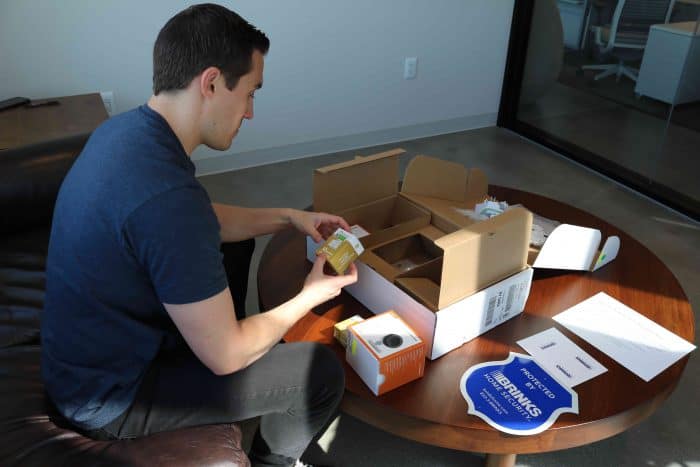
SafeHome.org Editor Andrew Garcia evaluating the Brinks wireless motion sensor.
Check out more recommendations from the SafeHome.org team:
Brinks used to offer preset packages with published prices, but that’s changed. Today, they focus on fully customizable systems, letting customers work with professionals to design security setups that fit their exact needs. That’s great if you want a tailored system—but less helpful if you were hoping for quick cost estimates. For easy online options, see our SimpliSafe review and Ring Alarm review for two top DIY alternatives.
Keep in mind that the prices we share here are examples. Your final quote will depend on the equipment you choose and your location—so even if you pick the same setup as us, your price may differ.
With that in mind, let’s talk equipment.
How does your home measure up when it comes to security? Take this quiz to see how you score, and get recommendations to protect your home.
We contacted Brinks’ sales team to get custom pricing and understand equipment costs—and from experience, that first call can feel pushy. Agents aim to close a sale immediately and mention deals only available during that initial conversation.
We navigated that process for you, so you can get a rough estimate of what a Brinks system might cost without going through the hassle yourself. Keep in mind that pricing varies by location and chosen package, so you won’t know your exact quote until you call.
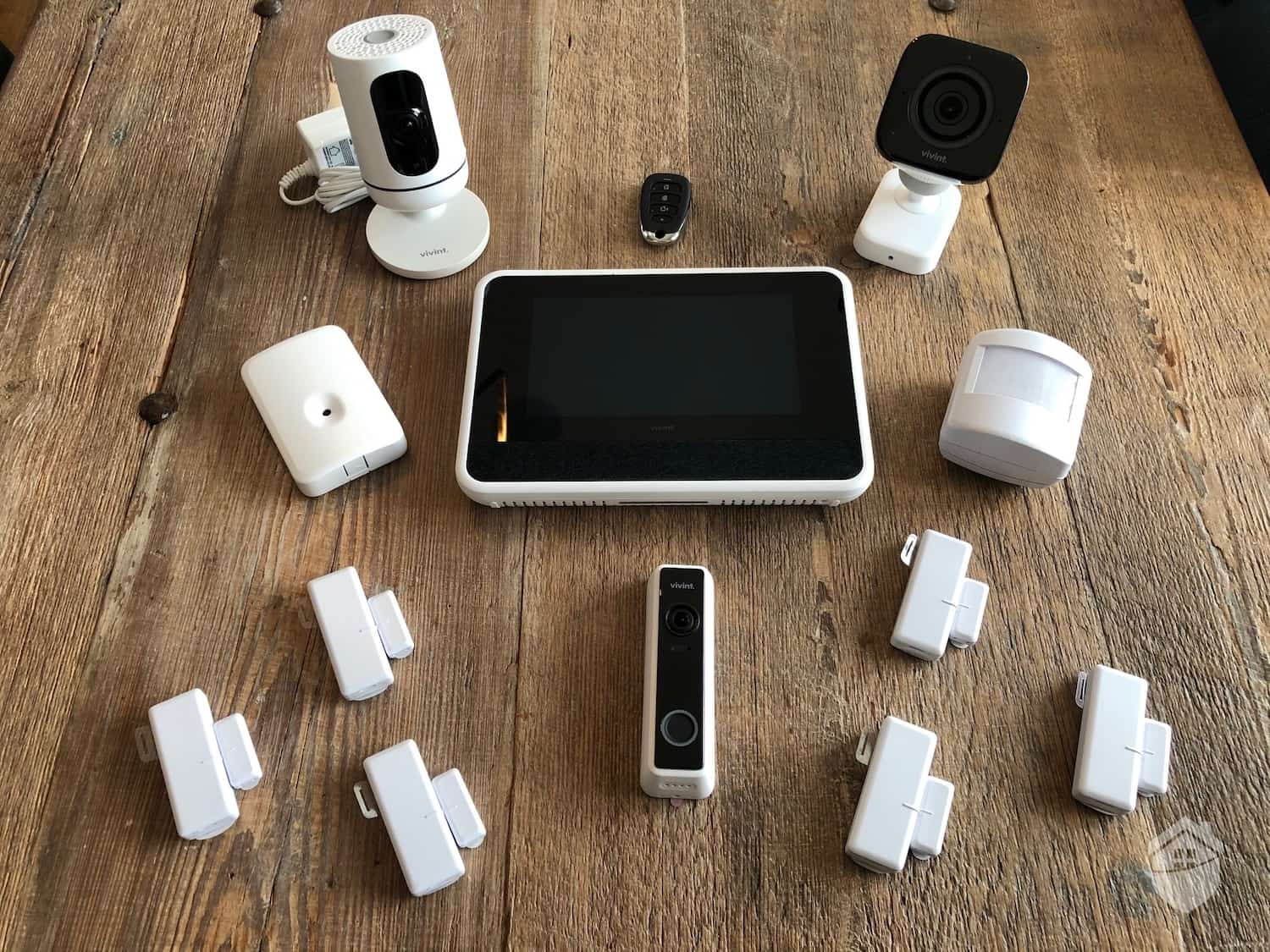
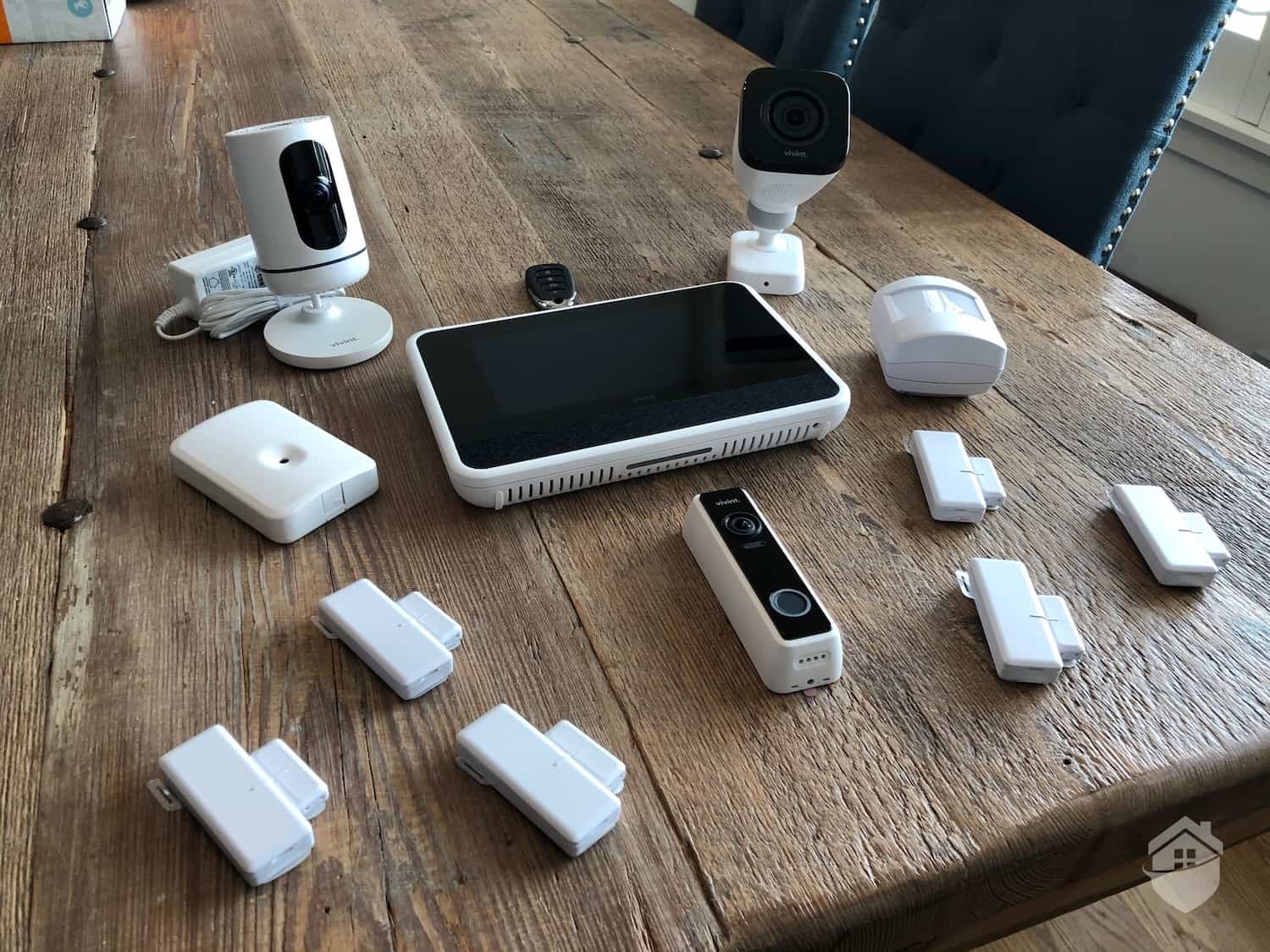
Here’s a breakdown on the price of each piece of Brinks equipment from when we called:
| Product | Price |
|---|---|
| Touch-screen control panel | $349 |
| Door/window sensor | $50 |
| Motion sensor | $80 |
| Glass break sensor | $125 |
| Video doorbell | $299 |
| Indoor security camera | $160 |
| Outdoor security camera | $240 |
| Smoke detector | $80 |
| Carbon monoxide detector | $80 |
| Water leak detector | $56 |
| Smart thermostat | $160 |
| Smart lock | $200 |
| Brink signs | Free |
During that first call, the Brinks agent offered a free video doorbell—a $299 value, which is hard to ignore. But if you’re like us, you don’t want to rush a purchase. We prefer comparing prices across providers, and signing up immediately wouldn’t allow that.
That’s why we’re breaking it all down here. You can review costs, compare options, and still take advantage of first-call discounts if you decide Brinks is the right fit.
Did You Know? Brinks works with other companies to manufacture their equipment. For instance, the video doorbell offered in Brinks packages is the SkyBell Slim Line.
Access to Brinks’ mobile app is included with every monitoring plan.
Brinks also offers a monitoring plan based on the equipment in your package. You pay for that monitoring plan on a month-to-month basis, which is typical of the home security industry. What stands out is that they don’t require a contract, so you can cancel any time. If you decide to cancel, all of Brinks equipment is unlocked, meaning you can pay a third-party monitoring service to monitor your Brinks equipment.
Here’s a comparison between Brinks monitoring plans:
| Brinks Monitoring Plan | Essential | Mobile | Mobile + Video |
|---|---|---|---|
| 24/7 professional monitoring | Yes | Yes | Yes |
| Cellular backup | Yes | Yes | Yes |
| Smartphone app access | Yes | Yes | Yes |
| Smart home integration | No | Yes | Yes |
| Video verified alarms | No | No | Yes |
| Cloud storage for video recordings | No | No | Yes |
| Price | $39.99 per month | $44.99 per month | $49.99 per month |
While Brinks offers multiple tiers of monitoring, you don’t get to choose which one you want. It’s based on the system your sales agent makes for you. To get the $39.99 per month plan, you need a system that only has sensors. Include any of their smart home products and that rate goes up to $44.99, which also unlocks integrations with smart home ecosystems like Google Home. For any systems with cameras, including a video doorbell, your monitoring rate will be $49.99 per month.
>> Learn About: Best Home Security Systems for Google Home in 2026
Monitoring isn’t the only monthly expense with a Brinks home security system. They also charge a monthly service plan for your warranty called the “Brinks Home Plus Extended Plan.” This plan covers all damage from normal wear and tear as well as manufacturing defects in your security system components. You’ll still need to pay for a technician to visit your home if needed for the repair, but they offer a discounted rate of $75 per visit.
We always recommend the service plan, as it doesn’t cost much compared to the cost of your system. Our plan only cost us $7.99 per month, and that’s to cover a system worth over $1,000. Expect your plan to vary based on the size of your system, but we always find that Brinks service plans provide good value.

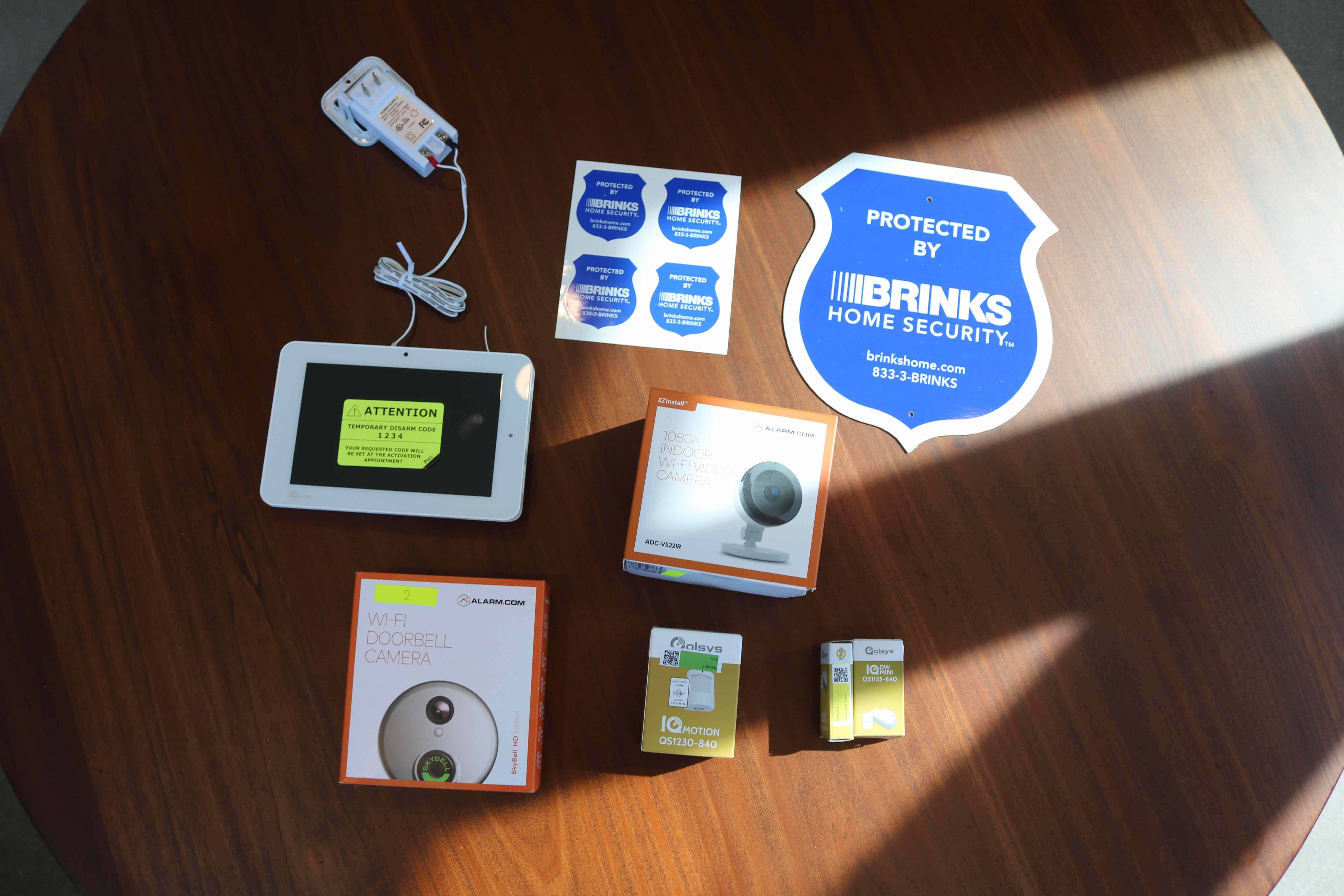
Our Brinks security system with the plug-in control panel and hardwired SkyBell doorbell.
Usually, you can get a Brinks system professionally installed for free. You’ll need to spend at least $500 on your system and sign a three-year contract, though. Hitting that $500 for your system is easy considering the touch-screen control panel alone costs $349. Add three entry sensors and you’re already at the $500 mark.
As for the three-year contract, that’s a bit harder to swallow. Their contract is difficult to get out of. Plus, if you decide you want to leave, you’ll need to pay for the remaining months of service and a cancellation fee. Since most of Brinks equipment comes from Alarms.com, we found a DIY installation is a solid choice to avoid that three-year contract. The only difficult piece of equipment to install is the video doorbell, as it needs to replace your existing doorbell. If you’re ready to commit to three years, though, the free professional installation is a nice bonus.

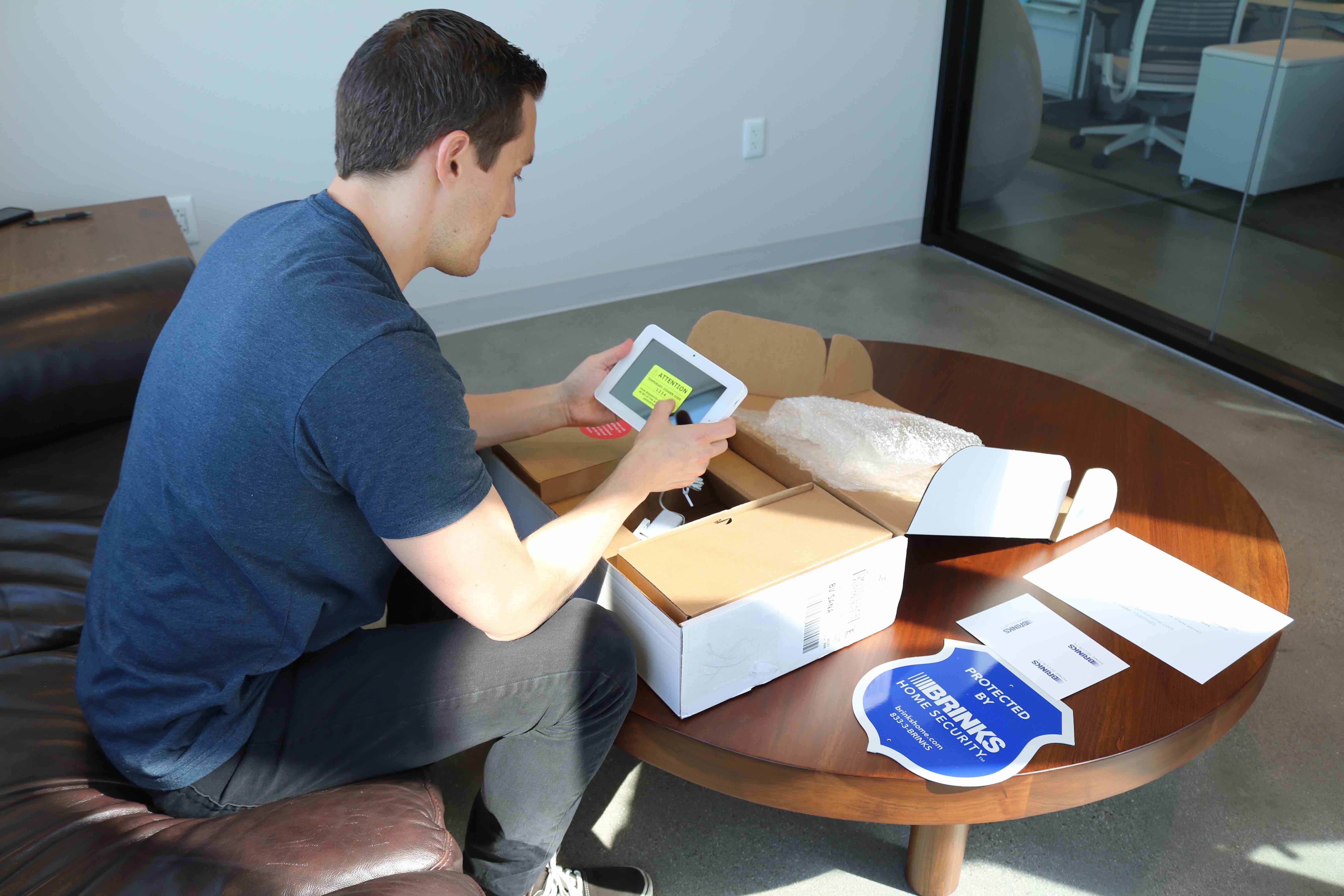
Unboxing the Brinks system.
Our experience talking to the Brinks sales team was a mixed bag. On the one hand, they provided some useful information about home security and how to keep our home safe. On the other hand, they also really wanted to make a sale on that first call.
That created a bit of a predicament. If we were new to home security, the information they provided would take some time to digest. For instance, they recommended glass break sensors instead of window sensors if we normally keep our doors locked. We know that makes sense because we already knew what a glass break sensor does. But, someone who’s only hearing about glass break sensors for the first time would need time to look into them before committing to a security system that only secures their windows with glass break sensors. So, there’s some good information, but it’s hard to confirm their opinions during the phone call.
Not all of their opinions were good either. While a glass break sensor to protect our locked windows makes sense, Brinks recommended we buy three glass break sensors to protect our three-bedroom house with an open floor plan. That’s overkill. Due to the open floor plan of our house, a single glass break sensor could protect all of our first floor windows.
FYI: During our call with Brinks, they asked us which other home security providers we were considering. After we told them we were considering Vivint, they warned us against it, which we felt was unprofessional. Although Vivint’s expensive, it’s still one of our favorite home security systems. So, it seemed like they were just trying to scare us away from their competition.
We’ve spent countless hours testing dozens of home security systems with hundreds of pieces of equipment, so we’ve pretty much seen it all. It’s rare that something surprises us, but the Brinks Touchscreen IQ Panel — certainly did.
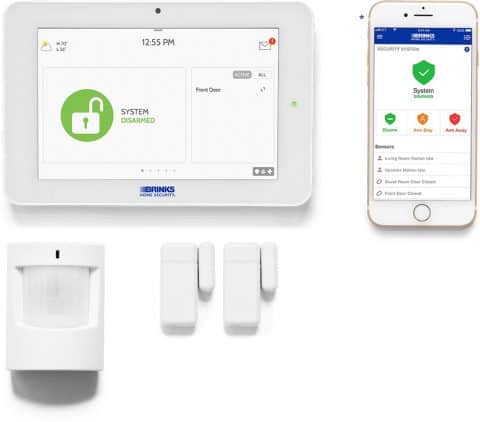
It’s an exceptionally designed LCD touch-screen platform. It provides way more control and visibility into our system than traditional keypads, and we were able to manage all of our connected devices from one place without lifting — just swiping — a finger.
The Touchscreen IQ Panel can integrate with smart platforms like Amazon’s Alexa and any product using Z-Wave, of which there are over 4,000.1 In fact, the system can support up to 119 smart home devices at once. And you can manage everything using voice controls through Google Home, Alexa, Apple TV, and others. It reminded us of Vivint’s control panel, and we mean that as a big compliment.
Pro Tip: Home automation devices can add up in cost. So be intentional when purchasing smart devices and only buy equipment that you intend on using.
MOBILE ALERTS |
The Brinks Home Security app lets you know as soon as it detects anything from your home security equipment. You’ll know if someone sets off a motion detector or if a contact sensor has been disturbed. |
24-7 MONITORING |
Brinks home security systems come with optional 24-7 monitoring. Home security professionals keep a close eye on your system status and can alert authorities if you’re unable to react to a notification. |
SURVEILLANCE CAMERAS |
The Brinks Smart Security Complete plan includes surveillance cameras that give you a live-streaming view of the immediate area. You can record clips and review the stream through the Brinks Home Security app. |
PROFESSIONAL INSTALLATION |
Professional installation of your Brinks home security system is available and free with a three-year contract. You can pay up front with a flat fee or in installments after completing a soft credit check. |
REMOTE CONTROL |
You have complete control over arming and disarming the system and checking the notifications through the application. |
Right now, you’re going to get a free video doorbell worth $299 when you sign up for 24/7 professional monitoring through Brinks. Keep in mind, though, that this only applies to new customers, and you’ll be required to sign up for a 36-month contract.
Our staff is great at researching and testing systems and comparing it to similar security options, but we wanted to see what Brinks customers have to say about the product and the service they receive over time. In May 2020, we’ve surveyed 31 Brinks customers and asked them to rate Brinks in 10 different areas, including an overall rating. Below is a summary of their ratings.
While we prefer home security systems that publish their pricing, Brinks offers high-quality home security at reasonable rates. Packages for small homes will start at around $500, which unlocks most of Brinks’ deals. That can get you free home security gear and free professional installation, which makes a $500 system competitive with the rest of the industry.
Brinks monitoring prices are on the high end, though, starting at $39.99 per month. That’s a lot compared to other providers. For instance, SimpliSafe offers standard monitoring for $21.99 per month, and you can get professional monitoring for Ring at $19.99 per month.
Still, Brinks is a safe choice for anyone who wants a bespoke home security system that won’t break the bank.
No, you do not need to sign a contract to buy a Brinks home security system. When talking to your sales agent, make sure you let them know you do not want to sign a contract. This way, they can build a system and quote you accordingly.
Since Brinks builds a bespoke system for every customer, we can’t tell you exactly how much your system will cost. That said, small packages start at around $500, and protecting a two- or three-bedroom home will cost about $1,000 to $1,500.
Yes, you can finance a Brinks home security system when you sign up for a three-year contract. Before you can get financing, you’ll need to go through a soft credit check.
While Brinks says they offer a 30-day money-back guarantee, it’s only for unused equipment. If you’ve installed your equipment, you only qualify for the mandatory three-day return period.
Brinks charges between $39.99 and $49.99 per month for professional monitoring. If your system has cameras, you’ll need the $49.99 per month plan. Basic systems with only sensors can use the $39.99 per month plan.
National Electronic Security Alliance (NESA). (2018, July 6). MONI and LiveWatch complete rebrand as Brinks Home Security.
https://nesaus.org/moni-and-livewatch-complete-rebrand-as-brinks-home-security/
Brinks Home Security. (2019, July 30). Brinks Home Security. Google.
https://play.google.com/store/apps/details?id=com.alarm.alarmmobile.android.moni&hl=en_US
Brinks Home Security. (2020). Terms and Conditions.
https://brinkshome.com/terms-conditions
Rouse, M. (2018, August 29). What is Z-Wave? IoTAgenda.
https://internetofthingsagenda.techtarget.com/definition/Z-Wave