You may not consider your home’s locks to be a weak point in your security posture. After all, a deadbolt is a deadbolt, right? Well, not quite.
They may make us feel safer, but traditional keys and locks are surprisingly vulnerable to modern bypass techniques. That's why savvy homeowners who take their physical security seriously turn to smart locks for their entryways.
What exactly qualifies as a smart lock, though? How much do they cost, and how difficult are they to install? We’ll answer all those questions and more, starting with the most basic.
Did You Know? Contrary to popular belief (and movies), most burglars enter through the front door. That’s why we recommend installing a smart lock and a high-quality home security system like ADT or SimpliSafe.
What Is a Smart Lock?
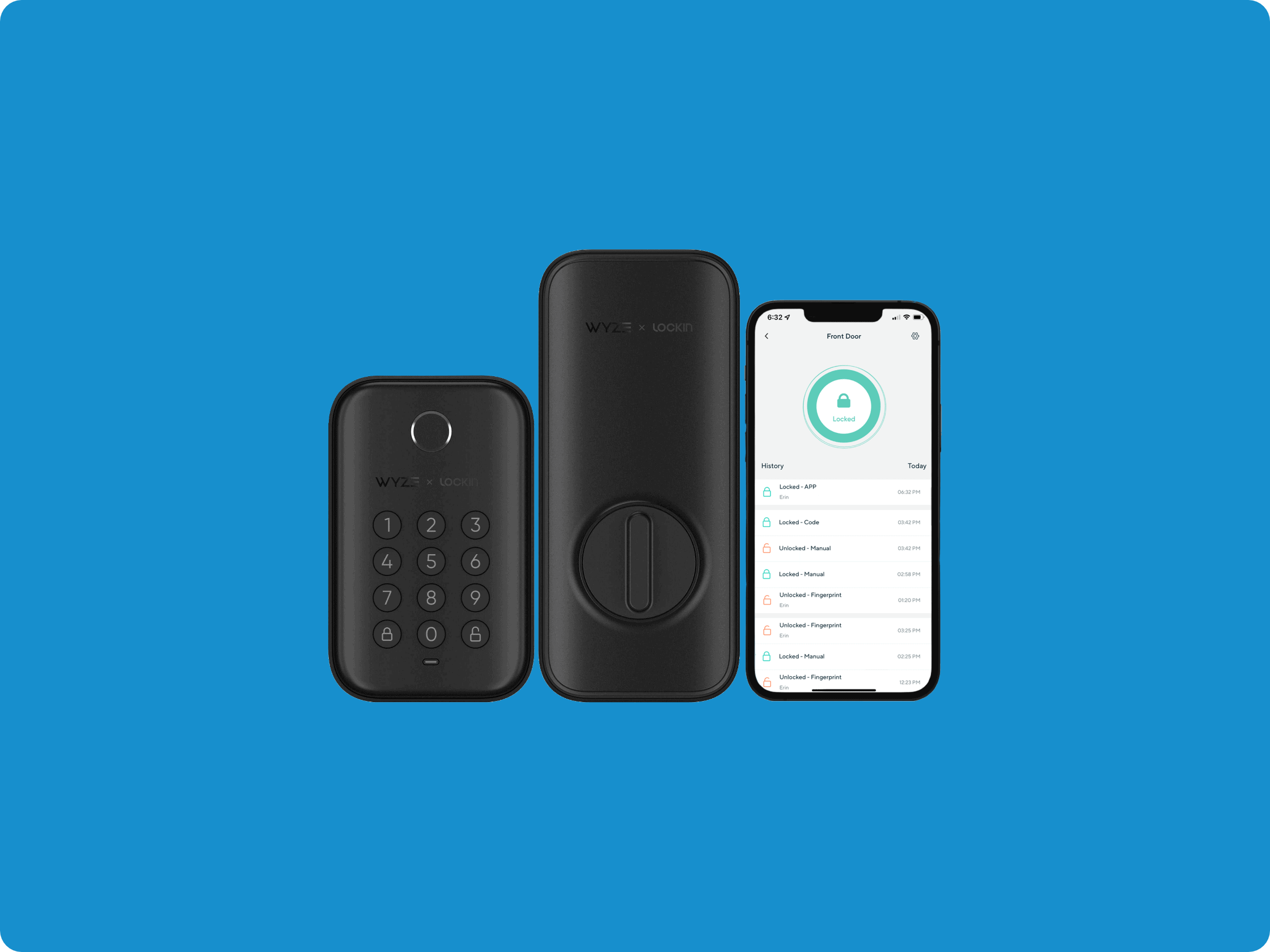
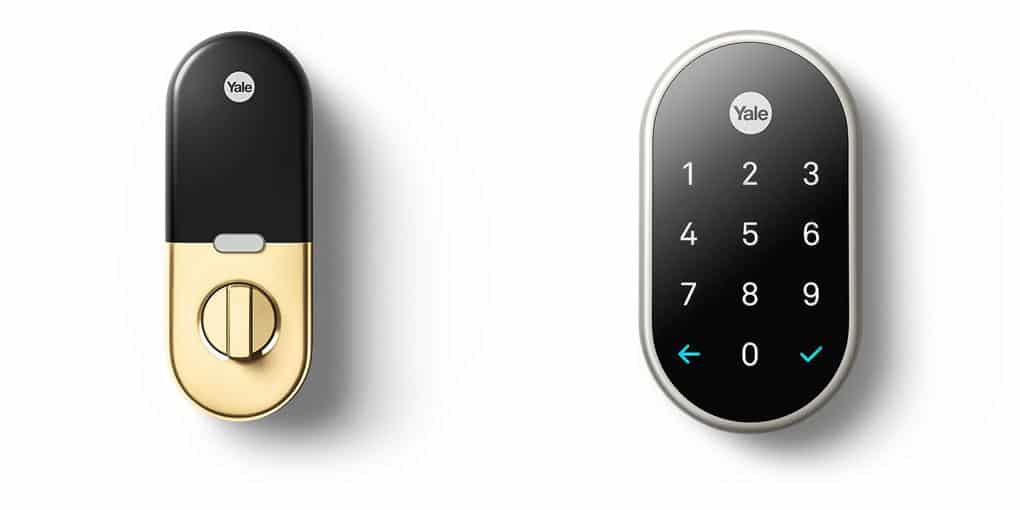
Simply put, a smart lock is a connected device that replaces or augments your door’s traditional lock, adding an additional layer of security to your home. The devices can provide keyless entry and they are controlled in a number of ways, from your smartphone to your fingerprint.
Generally, though, the devices help secure your home and make things a little easier on you, the homeowner. Not only will they help thwart would-be intruders, but they’ll also make it easier to get in the back door while you’re carrying groceries.
And they're becoming mainstream. The global smart lock market was valued at roughly $21.2 billion in 2025 and is projected to grow significantly through the decade.1 Chances are you've already used one — hotels, office buildings, and most modern rental properties rely on smart lock technology. Now that same convenience and security is readily available for your home.
Pro Tip: Do you often forget your keys? A smart lock can make it so you don’t even need them anymore.
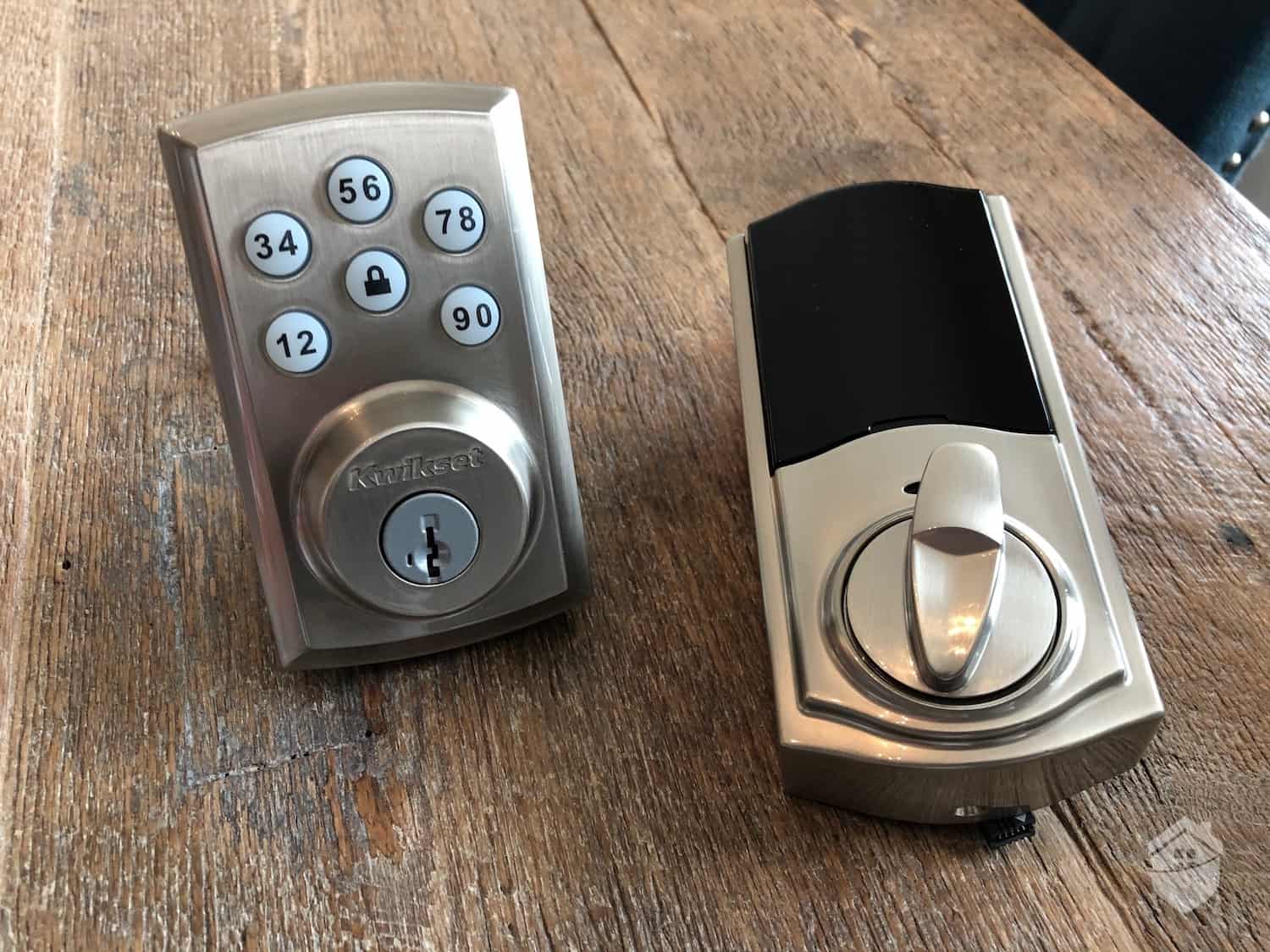
Vivint Smart Lock Options
What Are the Different Kinds of Smart Locks?
Different families have different needs, and there’s probably a lock on the market tailor made to all those needs. Let’s take a look at some of the most popular types of smart locks.
Bluetooth
These versatile smart locks automatically detect when your registered smartphone or device is nearby, unlocking as you approach. You can register multiple devices and set specific permissions for different family members — like restricting access during certain hours for teenagers or housekeepers.
Biometric
Biometric smart locks scan unique physical characteristics to grant access. Fingerprint readers are most common and can store 50 to 100 different prints on average. However, newer models feature facial recognition or even palm vein scanning for enhanced security.
RFID
Similar to Bluetooth smart locks, RFID locks use radio frequencies to identify cards or fobs that are authorized to pass through a door. If you’ve ever worked in an office building, you’re probably familiar with this technology.
Wi-Fi
Wi-Fi-enabled locks connect directly to your home network, allowing remote control from anywhere in the world. They integrate seamlessly with smart home ecosystems and typically offer features like activity logs, temporary guest codes, and real-time notifications when someone enters your home.
Z-Wave
The main difference between Z-Wave connectivity and Wi-Fi is that it doesn’t connect directly to your mobile device. A Z-Wave connection uses a compatible smart home hub to communicate with a smart device’s signal, then turns the signal into a readable command your router understands. Once connected, you can access, monitor, and control your smart locks remotely from anywhere in the world. Z-Wave locks add a layer of security against hacking.
Keypad
Digital keypad locks require a specific numeric code for entry. Modern versions can store dozens of unique codes — great for Airbnb hosts, vacation rentals, or large families. For added security, some also feature touchscreens that randomize number positions each time. That way, wear patterns on the keypad won't give your code away.
Now that you have a good idea of what smart locks are, let’s discuss how they’re used.
What Are the Uses of Smart Locks?
Smart locks are really good at two things: beefing up your security and making everyday life a little easier. The security side is obvious — keeping unwanted visitors out. As for convenience, not having to use a key is an obvious perk, but there are also less obvious benefits. Here's how smart locks can make your day-to-day easier:
- Letting in the cleaners or babysitter remotely.
- Keeping kids out of areas of the house they shouldn’t be.
- Making sure everyone is at home when they said they would be.
- Opening the lock as you approach with heavy bags.
- Making sure the home is secure from your bed.
- Being able to lock the door you forgot about while you’re out to dinner.
- Letting guests in while you’re not there.
- Creating temporary access codes for deliveries or contractors.
- Receiving instant alerts when specific people arrive home.
That all sounds pretty neat, but we understand why some people may think smart locks are unnecessary. Let’s move on to a question that may be coming to mind right about now.
Do I Really Need a Smart Lock?
Short answer? No. You don’t need a smart lock. But no one needs a security system either. You want a security system to help protect your family and property from threats, and you want that security system to be comprehensive. That means considering how to strengthen it from all angles. One area that is often overlooked is entryways.
Pro Tip: Looking for a home security system that won’t break the bank? Check out our guide to the best affordable home security systems. You’ll find something for every need on a budget.
You might think remembering to lock your doors is enough, but consider this. Lock bumping remains a serious vulnerability. Using specialized “bump keys,” intruders can defeat most traditional pin-tumbler locks in under 30 seconds. In fact, over 90 percent of residential deadbolts remain vulnerable to this technique.2 Smart locks eliminate this vulnerability entirely by removing or augmenting the traditional pin-tumbler mechanism.
For every piece of security equipment — even technologically advanced pieces like smart locks — there is a method by which to defeat it. Let’s discuss some of the dangers of having a smart lock.
What Are the Dangers of Smart Locks?
While smart locks offer enhanced security over traditional locks, they're not impenetrable. Like any connected device, they can potentially be compromised — though doing so requires significantly more skill than picking a traditional lock. The key is understanding these vulnerabilities and choosing locks with robust security features.
When shopping for a smart lock, pay close attention to its connectivity and encryption standards. Look for locks that use AES-128 or AES-256 encryption — the same standards trusted by banks and government agencies. Reputable manufacturers also push regular firmware updates to patch newly discovered vulnerabilities. That’s why a proven track record of long-term product support is so important for smart locks.
Did You Know? Data leaks like the ones affecting smart lock security are a major concern for corporations and consumers alike, but they’re actually one of the largest vectors for identity theft. Security goes beyond just your home. If you’re interested in protecting your identity, too, check out our identity theft protection buyers guide.
Another danger of installing smart locks is that they may provide an overinflated sense of confidence. Most smart locks will do little to improve the physical security of the door you’re attaching it to. Even if you have a smart lock installed, a particularly brazen criminal may decide to kick in your door or pry it open with a crowbar.
We share this not to alarm you, but to emphasize that effective home security is layered. No single device — whether it's a smart lock, camera, or alarm — provides complete protection. Think of smart locks as one essential component in your broader security ecosystem, working alongside other measures to create comprehensive protection.
Now allow us to step down from our soap box to discuss something more concrete. How hard are these things to install and work with?
Are Smart Locks Difficult to Install?
When considering installation, you'll encounter two main categories. There are retrofit smart locks that work with your existing deadbolt, and complete replacement locks that require installing entirely new hardware. Your choice affects both installation complexity and final appearance.
Pro Tip: Back in the day, most security systems had to be professionally installed. Now there are tons of companies that offer simple, DIY solutions to protect your family and home. Check out our roundup of the best DIY security systems to learn more.
Retrofit models are perfect for DIY enthusiasts. Most install in 15 to 30 minutes using just a screwdriver. Complete replacements offer a more polished, integrated look but may require drilling new holes or adjusting the door frame. If you need help with the install, most manufacturers guide you through the process step-by-step through the app or over a live video call.
If you’re working with a DIY brand that’s going to smarten up your existing hardware, you should probably set aside half an hour to an hour for installation. You may need a screwdriver or power drill, but not much beyond that. If you’re going for a native install, you may need a router, planer, and level — or just your checkbook.
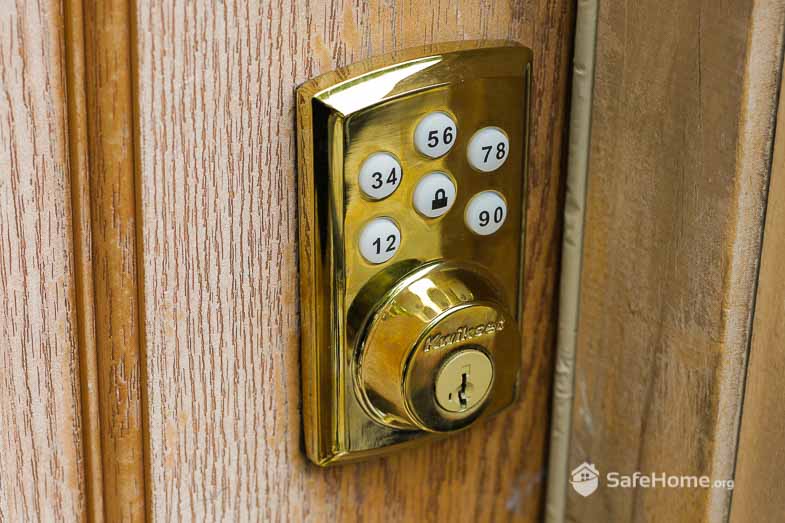
Vivint – Smart Door Lock
Where Can You Install Smart Locks?
Smart locks are, obviously, built for entryways. There are tons of different types of doors, however, and different locks are made for different applications.
Front and Back Doors
These remain the most popular locations for smart locks. When shopping, verify the lock's weather resistance rating (look for IP65 or higher for outdoor use) and check whether you need a left-hand or right-hand configuration. The good news is that most smart locks sold today are reversible. That means they'll fit either door orientation — but it's still worth double-checking the product specs to confirm before you buy.
Garage Doors
Smart garage door controllers have come a long way. Models like the Chamberlain myQ use geofencing to automatically open your garage as you pull into the driveway — no button pressing needed. Most of these controllers can be retrofitted to existing garage door openers as long as it was manufactured after 1993. That makes them a low-effort upgrade for most homeowners.
Interior Doors
Most people think about putting smart locks on their exterior doors or maybe their shed, but not a lot of folks know smart lock technology has come inside too. There are plenty of manufacturers that provide smart locks for indoor use only. They’re great for keeping your bedroom safe and secure at night or keeping your teenagers out of your man cave.
Sliding Doors
Previously a security weak point, sliding doors now have dedicated smart lock options. Products like the Lockly Guardian and Array By Hampton connect sliding door locks offer app control, auto-locking, and tamper alerts specifically designed for patio doors. This addresses what security experts consider one of the most vulnerable entry points in homes.
Another thing to consider before buying a smart lock is the type of property you live in.
Smart Locks for Renters vs. Owners
If you’re a homeowner, there aren’t many considerations to take when installing a security system — particularly if it’s not going to be recording audio. You can run into trouble depending on your state’s consent laws, but that’s a discussion for another time. What we really want to talk about is installing a smart lock as a renter.
Pro Tip: If your landlord agrees to let you install anything significant — security equipment included — make sure you get it in writing. You don’t want to lose your security deposit!
You'll need your landlord's permission before installing any smart lock. Many property managers are now open to the idea, especially with retrofit models that don't alter the existing hardware. Consider offering to provide them with admin access or a master code. Products like the August Smart Lock or Level Lock are particularly renter-friendly since they work with existing deadbolts and can be removed without leaving any trace.
If their answer is “no,” that’s OK. There are still plenty of security systems for renters that you won’t need permission to install yourself.
Now that you have a grasp of all things smart lock, let’s talk about a pretty important consideration: the price.
How Much Are Smart Locks?
First, let's talk budget. Entry-level smart locks typically cost around $50 to $100. Premium models with advanced features like facial recognition or multiple access methods can climb to over $300. Most homeowners find their sweet spot in the $150 to $250 range. That’ll get you solid connectivity, good build quality, and all the essentials like guest codes and activity logs.
That’s a little pricey when you consider your doors probably already have deadbolts, but it makes more sense when you start thinking about your overall security posture.
Pro Tip: Make sure you assess your needs before you go shopping for home security equipment. It’s easy to get overwhelmed and buy equipment you don’t need.
When you’re taking a DIY approach to home security, it’s rare that you’ll purchase everything you need to make your home 100 percent safe and secure in one go. Consider your biggest needs first, and think about how you’ll get the biggest bang for your buck. Maybe smart locks are lower on the list than an alarm system or security cameras.
If you’re ready to buy, we should talk about some of the brand names you’ll see and some of their best features.
Who Makes Great Smart Locks?
We have more on this in our roundup of the best smart locks of 2023, but some of the most common brands you’ll find include:
- August
- Danalock
- Friday
- Igloohome
- Kwikset
- Lockitron
- Sesame
- Schlage
- Ultraloq
- Yale
All these brands have pros and cons. Some are great for outdoor use, while some are better for people on a budget. It will take some shopping around to find exactly what you need. We’ve compiled an at-a-glance chart of some of the most popular models from some of these brands to give you an idea where to start.
| Brand | Yale Assure | Wyze Lock Bolt | August Smart Lock | Lockly Secure Pro | Schlage Encode Plus | Level Lock | Kwikset Halo Touch |
|---|---|---|---|---|---|---|---|
| Price | $189.99 and up | $79.98 | $199.99 | $259.99 | $329 | $249 | $149 and up |
| Method of entry | Keypad, app, voice, Apple Home Key, physical key | Fingerprint, app, physical key | Smartphone, proximity, key | 3D fingerprint, keypad, app, physical key | Keypad, app, Apple Home Key, physical key | Apple Home Key, app, NFC card, physical key | Fingerprint, app, physical key |
| App support | Yes | Yes | Yes | Yes | Yes | Yes | Yes |
| Pros | Works with all major smart home platforms (Alexa, Google, Apple HomeKit). Multiple connectivity options available. Up to 250 unique codes. Auto-lock and DoorSense technology knows when door is actually closed. | Exceptional value for the price. Bluetooth connectivity with optional Wi-Fi gateway. Fingerprint recognition stores up to 50 prints. Works without subscription. IPX5 weather resistance. | Built-in Wi-Fi (no hub required). Works with existing deadbolt. Auto-unlock/lock based on location. 24/7 activity feed. Guest access management through app. | TrademarkedPIN Genie keypad prevents code detection. 3D biometric fingerprint reader. Offline access codes work without internet. Built-in Wi-Fi. BHMA Grade 2 certified. | Native Apple Home Key support. Built-in Wi-Fi. Highest ANSI/BHMA Grade 1 security rating. Built-in alarm technology. Works with Ring and other systems. | Invisible design maintains traditional lock appearance. Apple Home Key and NFC support. Works with most existing deadbolts. 6-month battery life. | Wi-Fi enabled without hub. Fingerprint stores 100 users. SecureScreen technology prevents smudge attacks. Lifetime mechanical and finish warranty. |
| Cons | Wi-Fi module sold separately for some models. Premium pricing. | Limited smart home integrations. Basic app features. Fingerprint reader can be slow in cold weather. | Retrofit design may not suit all aesthetics. Some users report connectivity issues. Battery life shorter than competitors (3-6 months). | Higher price point. Bulky design. Learning curve for PIN Genie feature. | Expensive. Limited to Apple ecosystem for some features. Keypad can be loud. | Very expensive. Requires specific door thickness. Limited to Apple HomeKit for full features. | Mixed reviews on fingerprint reliability. App can be slow. Customer service complaints. |
| Best for | Smart home enthusiasts wanting maximum compatibility | Budget-conscious buyers wanting biometric security | Renters and those wanting minimal installation | Security-focused users wanting multiple access methods | Apple users wanting premium security | Design-conscious Apple HomeKit users | Families wanting fingerprint access with Wi-Fi control |
The chart should get you well on your way when you consider the features you're looking for and the price you want to pay.
By now you should have a pretty good idea of what you’re looking for in a smart lock. Let’s bring it home.
Are Smart Locks Worth It?
You’re the only one who will be able to answer that question. Some people feel safe and secure in a home with the doors unlocked all day. Other people want a perimeter of high-tech security cameras and motion sensors to ensure nothing suspicious is happening on their property 24 hours a day, seven days a week. Most people, though, are somewhere in between.
Pro Tip: Home security is an important preventive measure against intruders, but make sure you’re protected from disaster as well.
That’s likely where you’ll find yourself, so take a hard look at your home — where you live, the crime rates, how the property is set up, what the likely entry points are, and how secure you feel given your current setup. If someone wanted to break in, would they feel emboldened or would they reconsider? If someone did break in, is there anything in place to stop them?
Overall, smart locks are a good investment for people interested in adding a little extra security and convenience to their homes. They certainly add to the “wow” factor of your property if you can tell your Alexa to unlock the front door when guests show up, but they also add a very meaningful layer of functional protection.